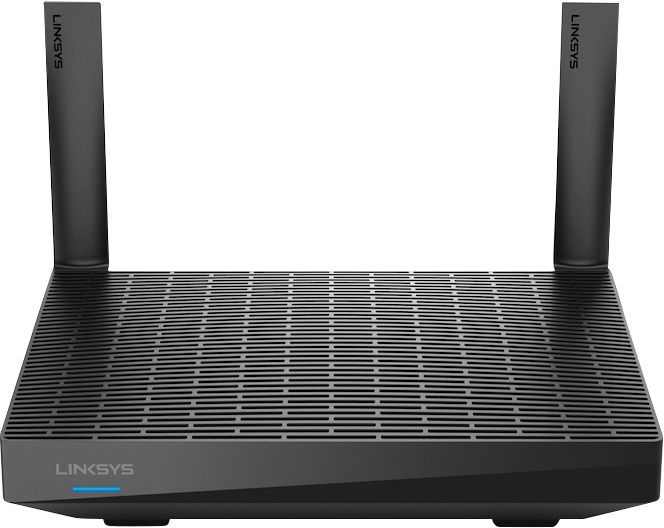
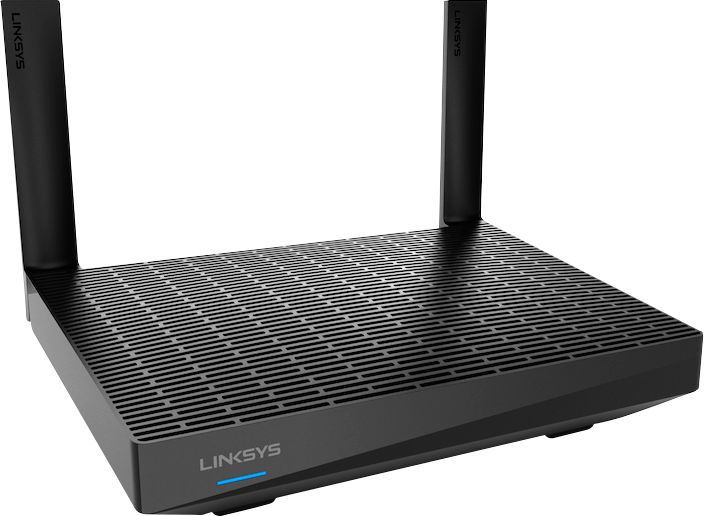
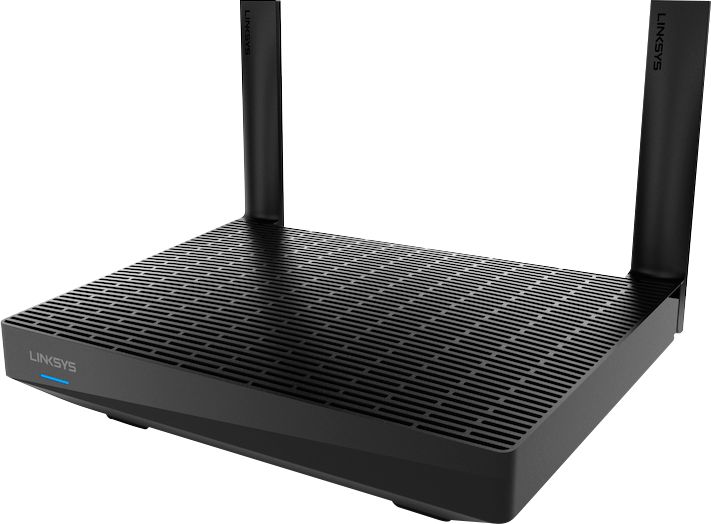
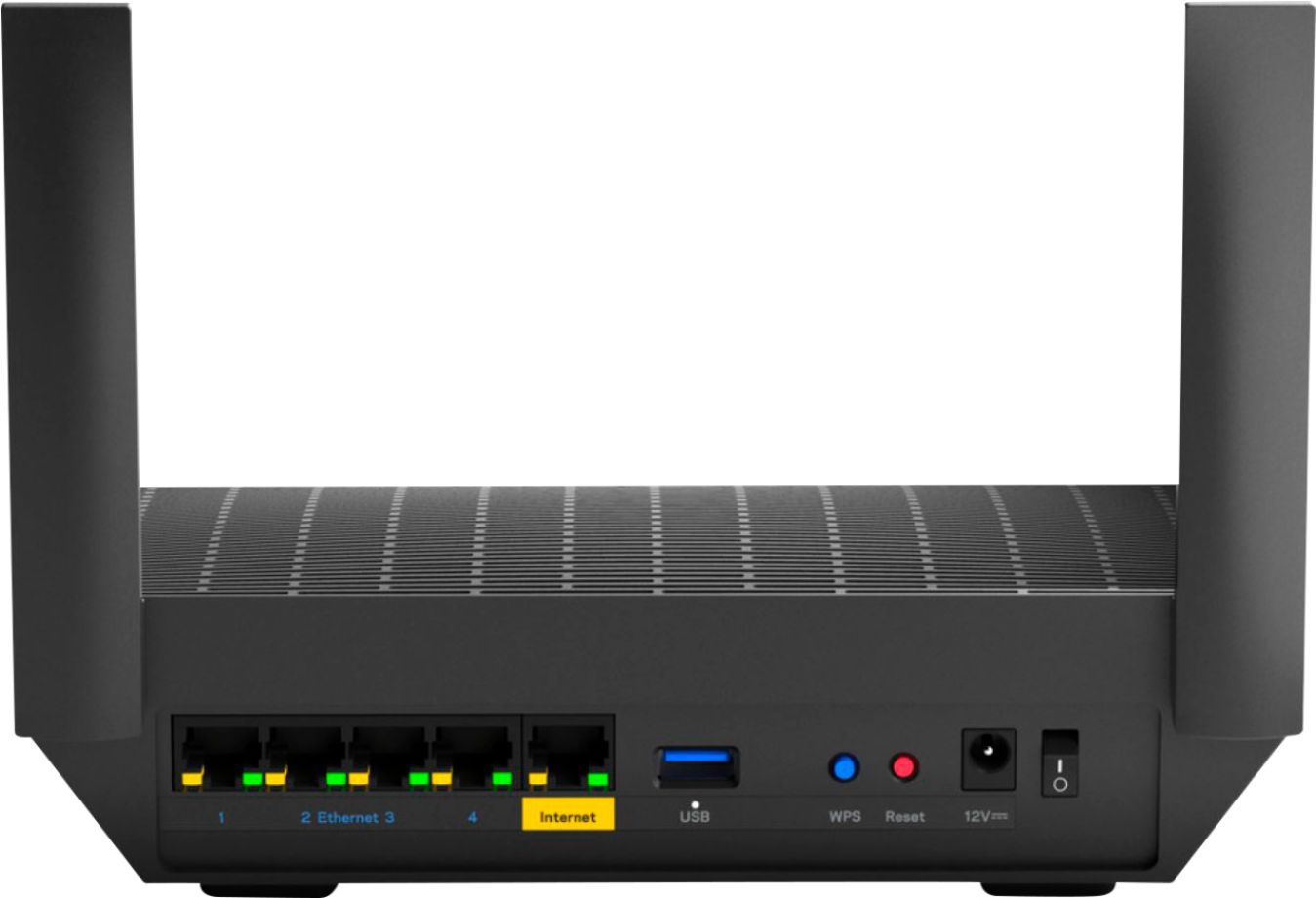
A:AnswerI'd be inclined to get a higher-end router. But that depends on your house. If it's old and funky, then get a Google Mesh WiFi, or something similar. If you're technically inclined, get something you could install OpenWRT on. If it's a new(ish) house with no lath&plaster walls, get the same kind you had before. Or if that's not made anymore, get a big beefy TP-Link from Costco. (We'll see if they let that through.)
A:AnswerThe app is not complicated. This way you do not have to have this connected to the main router to do set up. Simply place it in the area you want to set it up in and the app will take care of everything else for you.
A:AnswerYes, Requiem. For better assistance forward, please drop us an email at LinksysCares@linksys.com with your contact details and link to this post for reference.
A:AnswerYou cannot do either because the linksys router wifi performance is so bad as to render the wifi useless. Wifi is down most of the time and resetting rarely helps. Tech support is hard to reach, overseas, and they just go through a script designed to blame other components of your system such as the internet provider, pc, etc. instead of their linksys router. Oddly, the linksys velop units work well with an amped router. I recommend getting an amped router and the older, smaller velop units.
A:AnswerYes. What may not be obvious is when you see the "Download the mobile app..." page in your browser, you need (javascript enabled) to click the blue WiFi button to continue with setup.