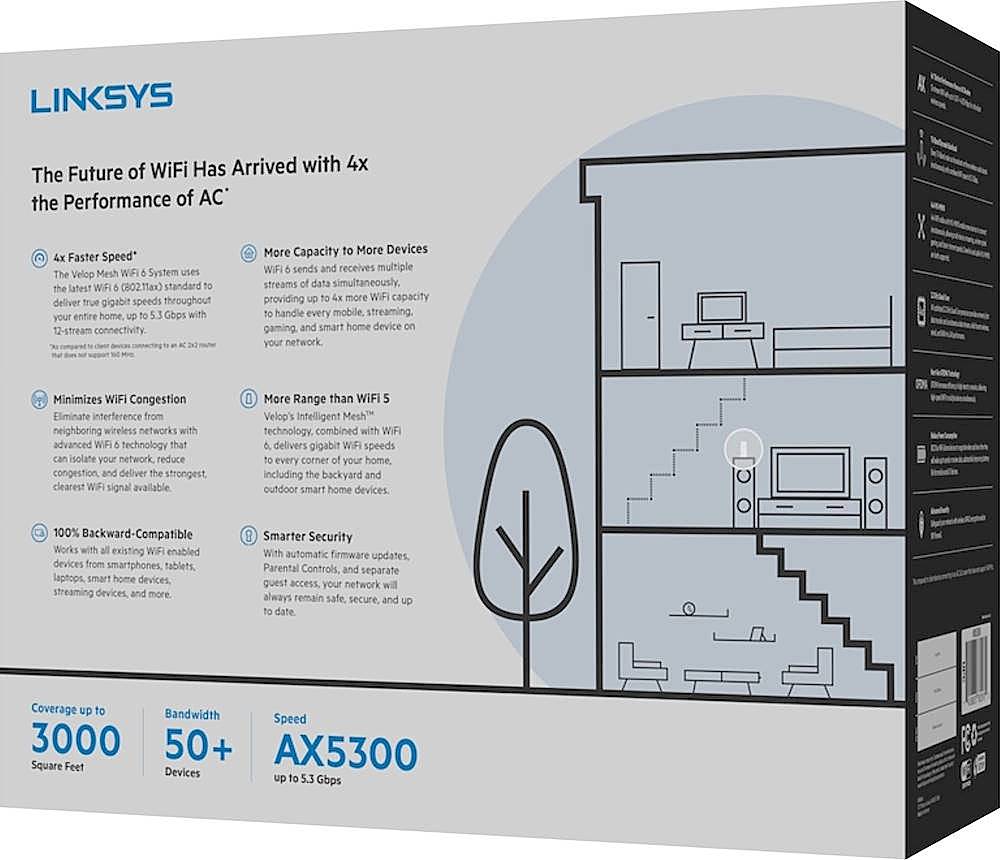
A:AnswerHi, rob. If you’re referring to the Velop tri-band node, then yes, the MX10 works fine with it and any other Velop nodes. For setup, we recommend to set the MX10 as the parent node to fully utilize its functionality.
A:AnswerI have a two story house about half the size of yours. I have 900 mbs coming in downstairs and upstairs siting on my bed I get 550 . Also you can use the older version with it. Which you can use for a cheaper option. So I would get the package with 2 and place one upstairs and one downstairs then decide if you need any more.
A:AnswerI use the Arris T25 modem, but you could use any other router, but make sure it can use BRIDGE MODE. If if in ROUTED MODE it would double NAT, Avoid double NAT.
A:AnswerDefinitely, make your WiFi 6 The main home node. The other WiFi 5 nodes are great satellites. My WiFi speed and range are great after I completed the job.
Good Luck
A:AnswerHi, Bubba. We have a very limited info on a third-party device. You may need to ask for a recommendation from your internet service provider instead.
A:AnswerHi, rob. Yes, the Velop nodes can be connected with ethernet cables. Wiring nodes together can increase the range and speed of your Velop system and reduce the risk of wireless interference.
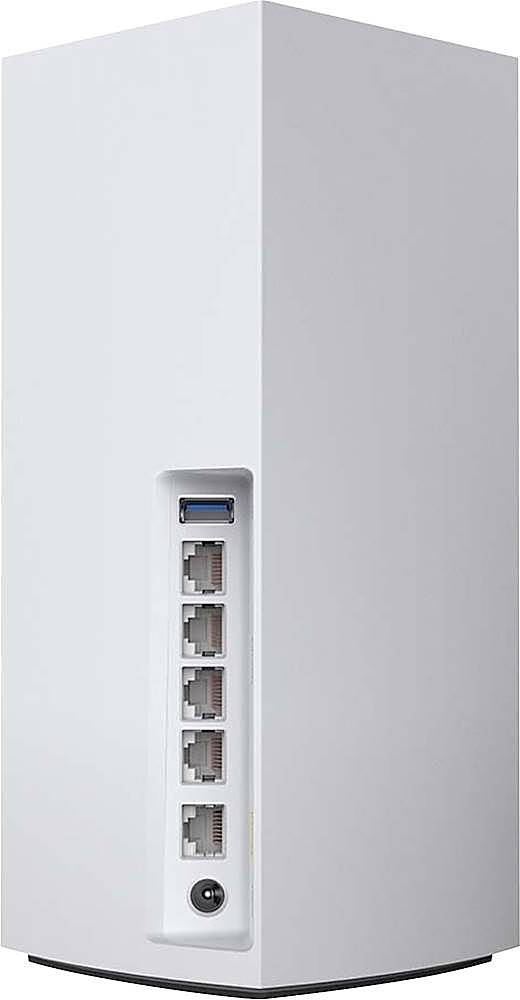
A:AnswerHi, etp7. If you're referring to a wired/LAN adapter then, you can use an adapter with a link speed of 1 Gbps as the 4 LAN ports on the MX10600 are on 1 Gbps link speed. But, if you're referring to a wireless PCIE card then, you can install a wireless PCIE card that has a wireless standard of 802.11ac and 802.11ax.
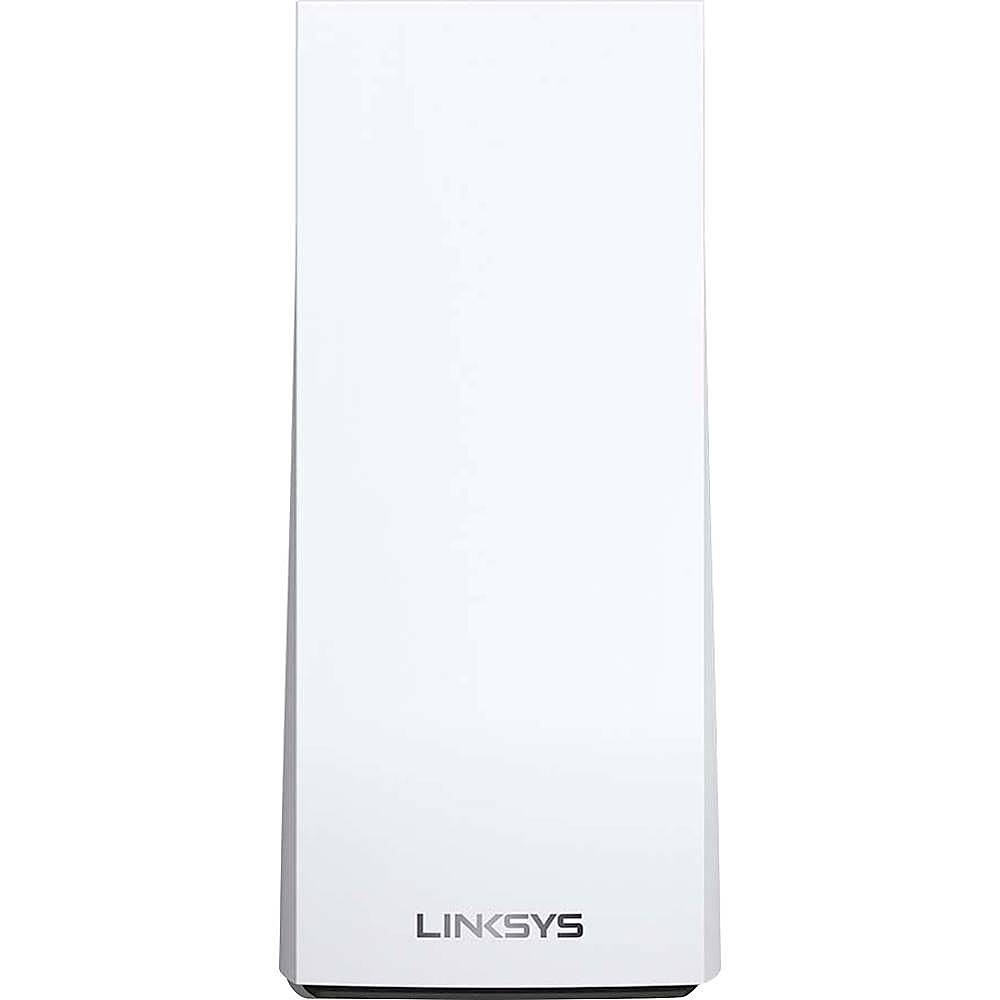
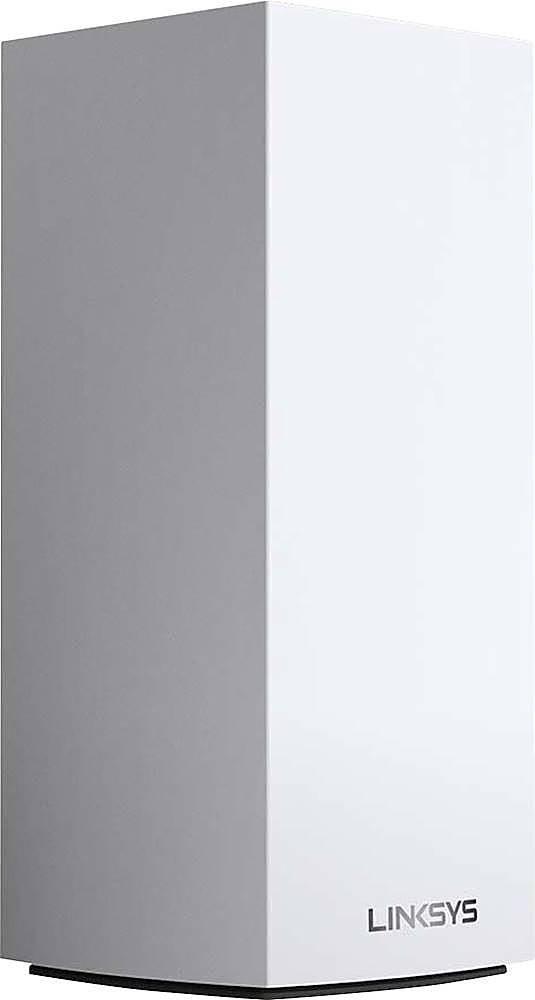
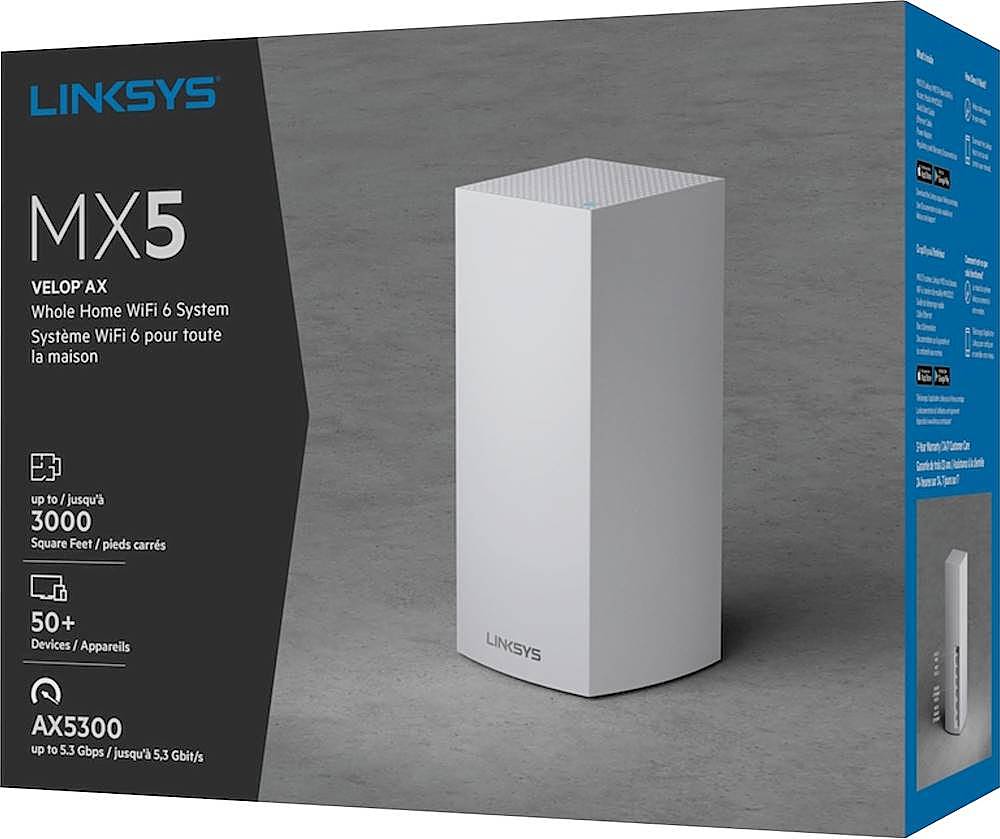
A:AnswerHi, DaveKStl. This Linksys MX5 Velop AX Whole Home WiFi 6 System, MX5300 supports WiFi 6 (802.11ax) network standard. Please reach out to us at LinksysCares@linksys.com for more details.
A:AnswerThat should work fine. If you can centrally locate the device on both floors that would be ideal, but even if you can’t you might still be fine. (Note that centrally locating the devices has more to do with reducing the distance between them, and thereby strengthening their inter-device connection, than it does ensuring an ability for other devices to connect to the router.)
A:AnswerHello, Dannyboyrod. If you wish to extend your current network, then we recommend you to check the Linksys MX10600 as it each can cover up to 3,000 sq ft. You may use it as a parent node so you can optimize its features too.
A:AnswerHi, Stpjason. Apple HomeKit integration works with the following Velop Tri-band nodes only:
A03x
WHW0301
WHW0301B
WHW0302
WHW0302B
WHW0303
WHW0303B
Here's a link for more info: (https://www.linksys.com/us/support-article?articleNum=316766).
A:AnswerYou can assign custom names to any connected device on wi-fi or Ethernet. It will tell which node it is using, weather it is on wi-fi which band or Ethernet. Not sure if that answers your question. Each node has 4 Ethernet jacks you can add switches if you want.
A:AnswerI plugged in a 4TB HDD to mine and have Apple Time Machine running on all my MacBooks. I am an Alexa home so I do not use the Apple HomeKit but was shocked to see Apple Time Machine work.