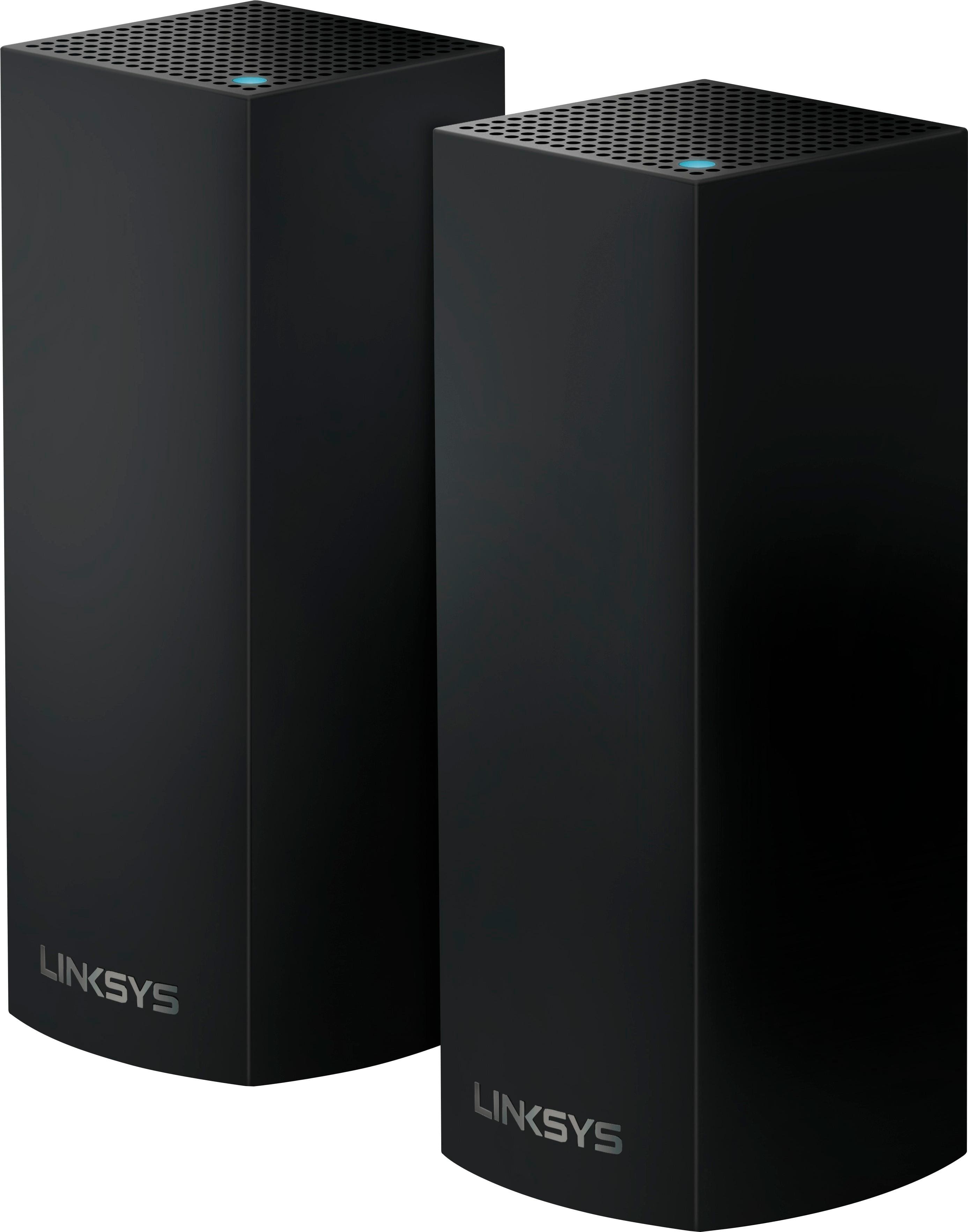
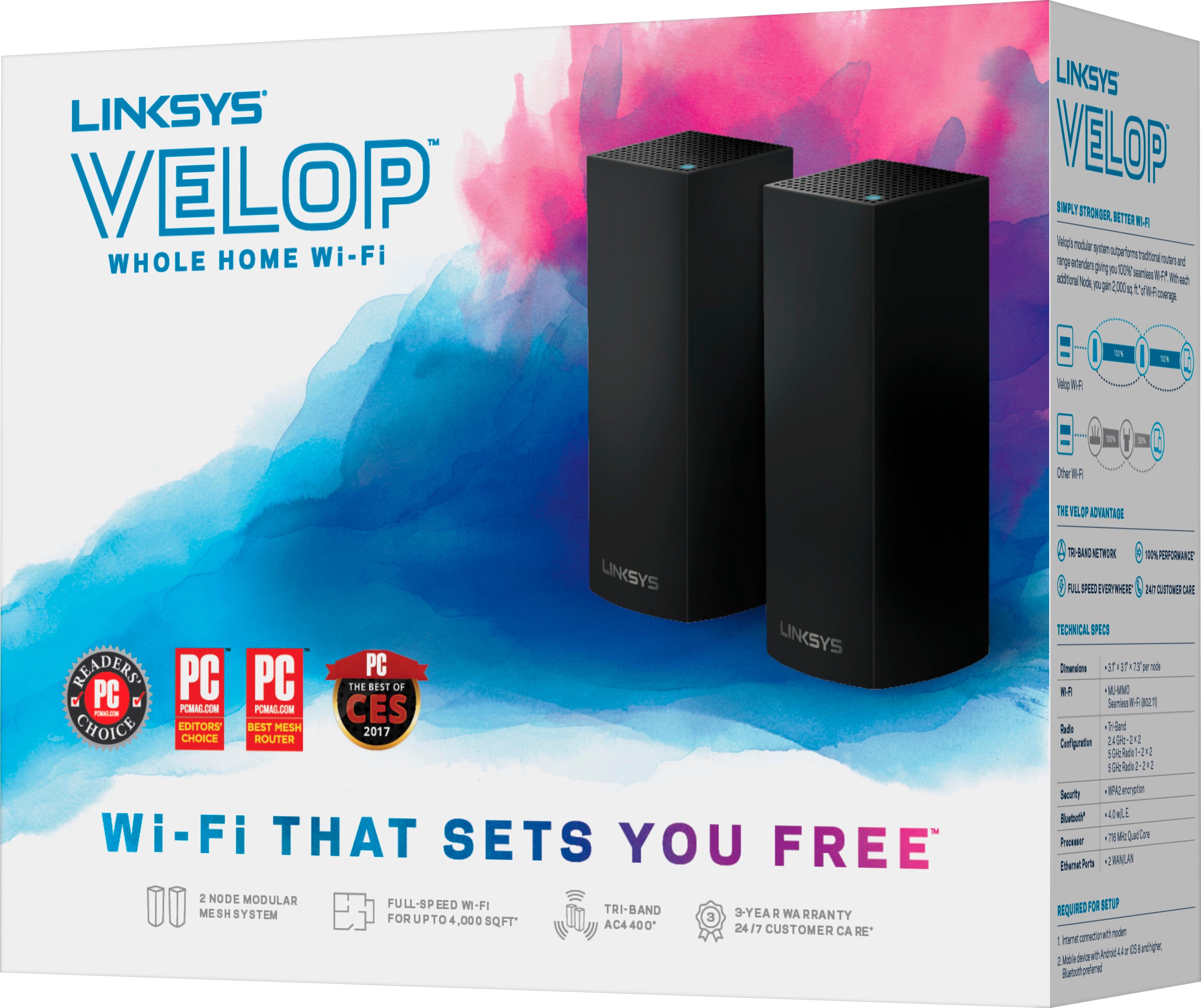
A:AnswerI don't know about the per unit costs but make sure you are comparing tri band to tri band and not to the dual band model. You can use up to 5 nodes with a single SSID.
A:AnswerYou will need a modem to make it work with this system. Velop nodes are routers and need to plug into a modem (your own or your service provider). If your modem is a combo modem/wireless router (Google Fiber, Time Warner, and ATT Uverse do that) then you just add this mesh system to your network. There are some complications if you have a combo unit though. For ex. Google Fiber (I have that) is a combo and you cant set up the GF router in bridge mode. So I had a couple of options. Set up double NAT (which is ok generally if you dont have an IP forwarding) or set up the Velop as Bridge Mode which essentially allows your provider router to manage the network (DHCP, port forwarding etc). I have a lot of IP forwarding so went with the latter. But if you don't is super easy to just add it to an existing modem/router combo box. It creates a new wifi (SSID) network.
A:AnswerNot knowing what AT&T modem you have, it is hard to answer. This device is most likely better than the AT&T modem. AT&T is not known for sending out top of the line hardware (IMO).
A:AnswerThis would replace the need for an extender. This is mess network technology and I do not think it will mix well with other WIFI routers. I would suggest just using this to replace the network you have currently. I use to have an extender and this eliminated all the problems that I was having.
A:AnswerI have a combo unit (Google Fiber) and I didn't have to disable anything. When you plug it in, you will be creating a new network and SSID for that network. So in the end you will have two SSID available (that's what i have). I kept the original for my home devices that I didn't feel like having to reconfigure and the mesh network for everything else. So you really don't need to disable it, but if you don't need it, its better to disable it as the less wifi noise/signals you have the better.
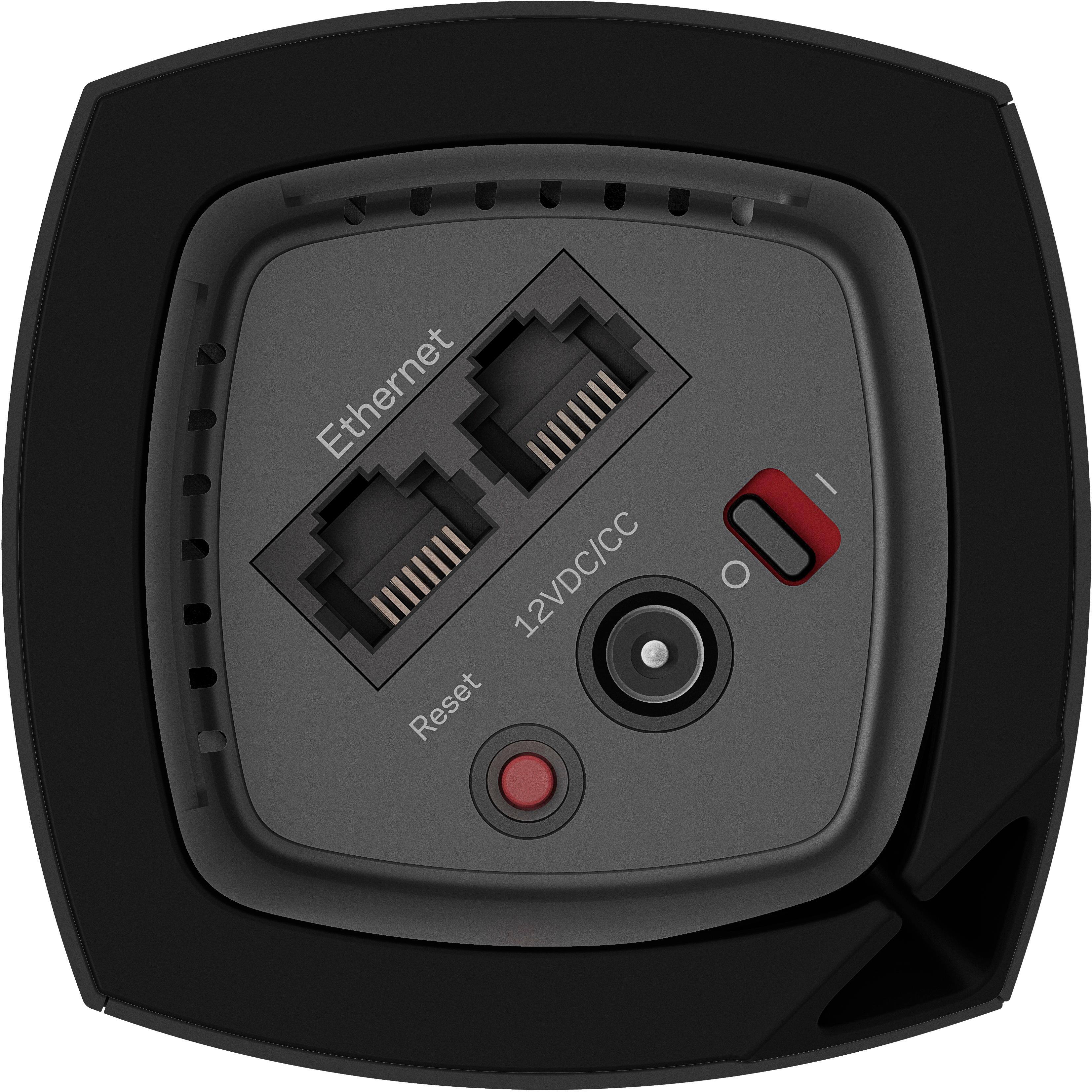
A:AnswerI don't think what you are asking is possible. The Velop Tri-Band Mesh Wi-Fi system takes the place of a standard router. You must connect one of the nodes via a cat 5 or cat 6 cable to your modem (cable, u-verse, etc ) then it distributes wi-fi throughout your home depending on how many nodes you have.
Unfortunately the Velop system is not set up to extend a wi-fi signal created by your mobile hot spot. It would be cool if it could though.
A:AnswerOne of the nodes will replace your current router. The other nodes will be placed within range of the first node or the 3rd node to the second node. This system is great. I needed to get out to my shed to control a wifi light switch and got tired of dropping when using an extender. This product killed it! Not clear on your incoming speed, but if you have enough, these nodes will more than likely cover your home (unless it is built of steel, hahaha)
A:AnswerIf there is an available Ethernet port on your optima device to can connect it to the linksys. The linksys requires 1 velop to be connected with an Ethernet cable. You will then have 2 wireless networks which will compete with each other. I would recommend working with your provider to turn off their WiFi once you have the linksys up and running.
A:AnswerNo it will not speed up as far as your internet speed. This will only have an effect on your local devices talking to each other. If your bottleneck is your internet speed. This will not help.