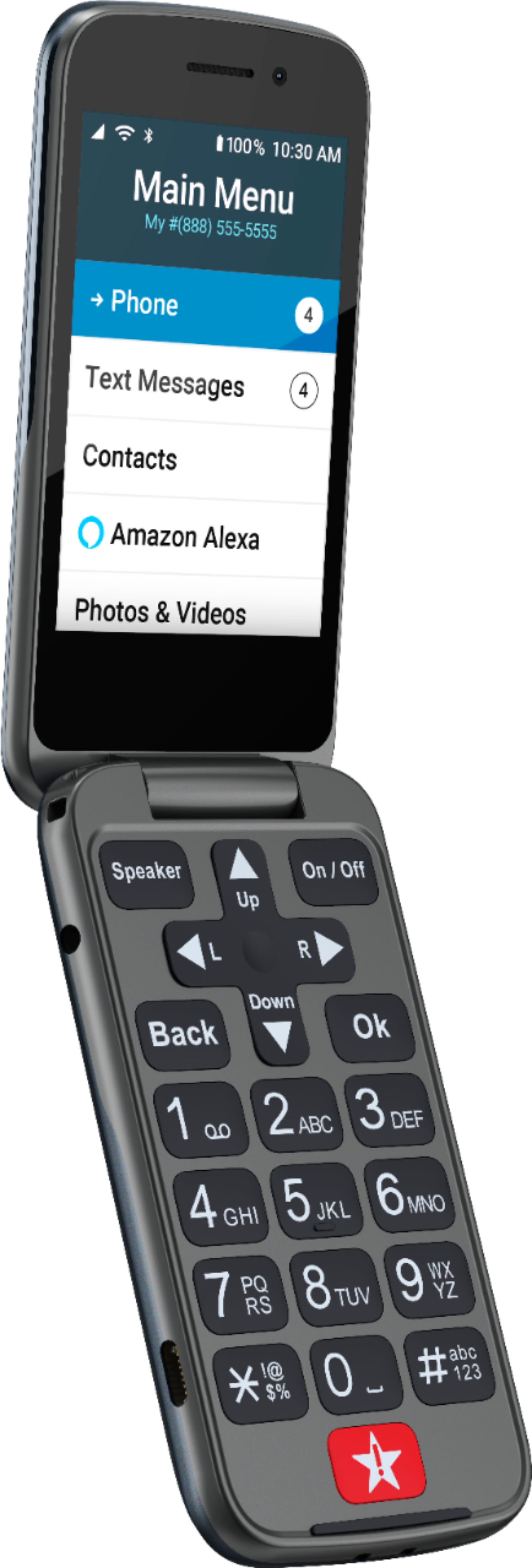
A:AnswerHello Walt! Thank you for your interest in our products and services. Your local Best Buy store should have the Jitterbug Flip2 Cell Phone in stock. I would recommend calling them ahead of time to confirm!
A:AnswerHello Jody! Thank you for your interest in our products and services. Please contact our Customer Service team at (800) 733-6632 to assist in finding the best product for your loved one.
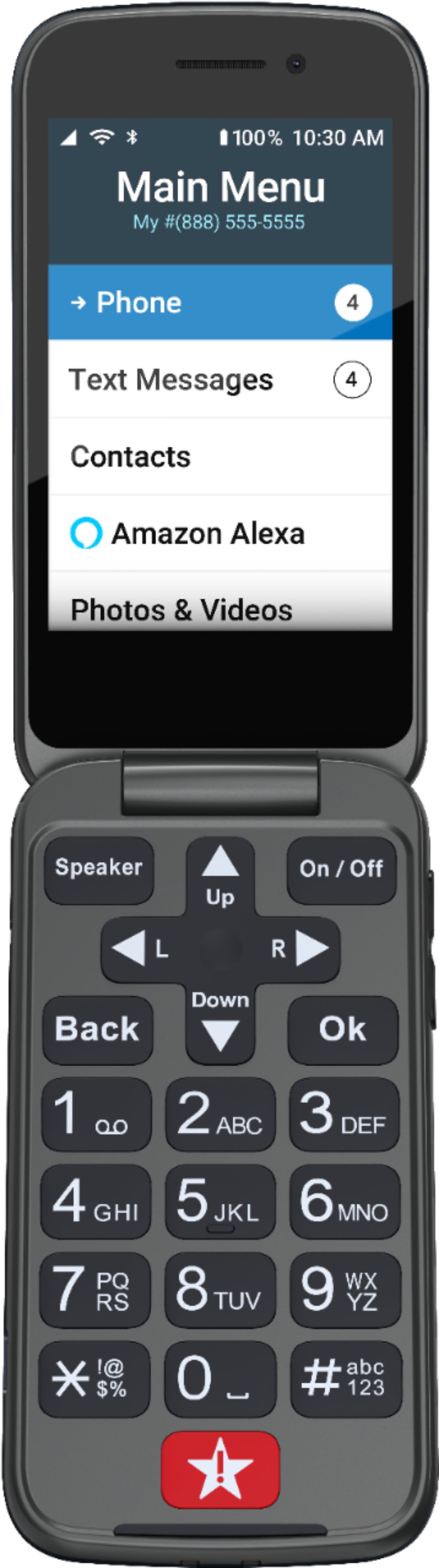
A:AnswerHello! To delete a contact, navigate to the contact via the menu and select OK. The arrows will help you to scroll to the "Edit Contact" option. Select OK, and locate the option that is titled "Delete This Contact". The phone will then prompt you to confirm deletion. Please follow those prompts. If further assistance is needed, please contact our Customer Service team.
A:AnswerHello! Thank you for your interest in our products and services! Once the phone arrives, please contact our Customer Service team to assist with complete activation.
A:AnswerHello Bob, we are sorry to hear you encountered a problem with your Jitterbug Flip2. We suggest that you power your phone off for 30 seconds and then back on as this will refresh the phone and resolves most issues. If the issue is not resolved, please give us a call for more in-depth troubleshooting.
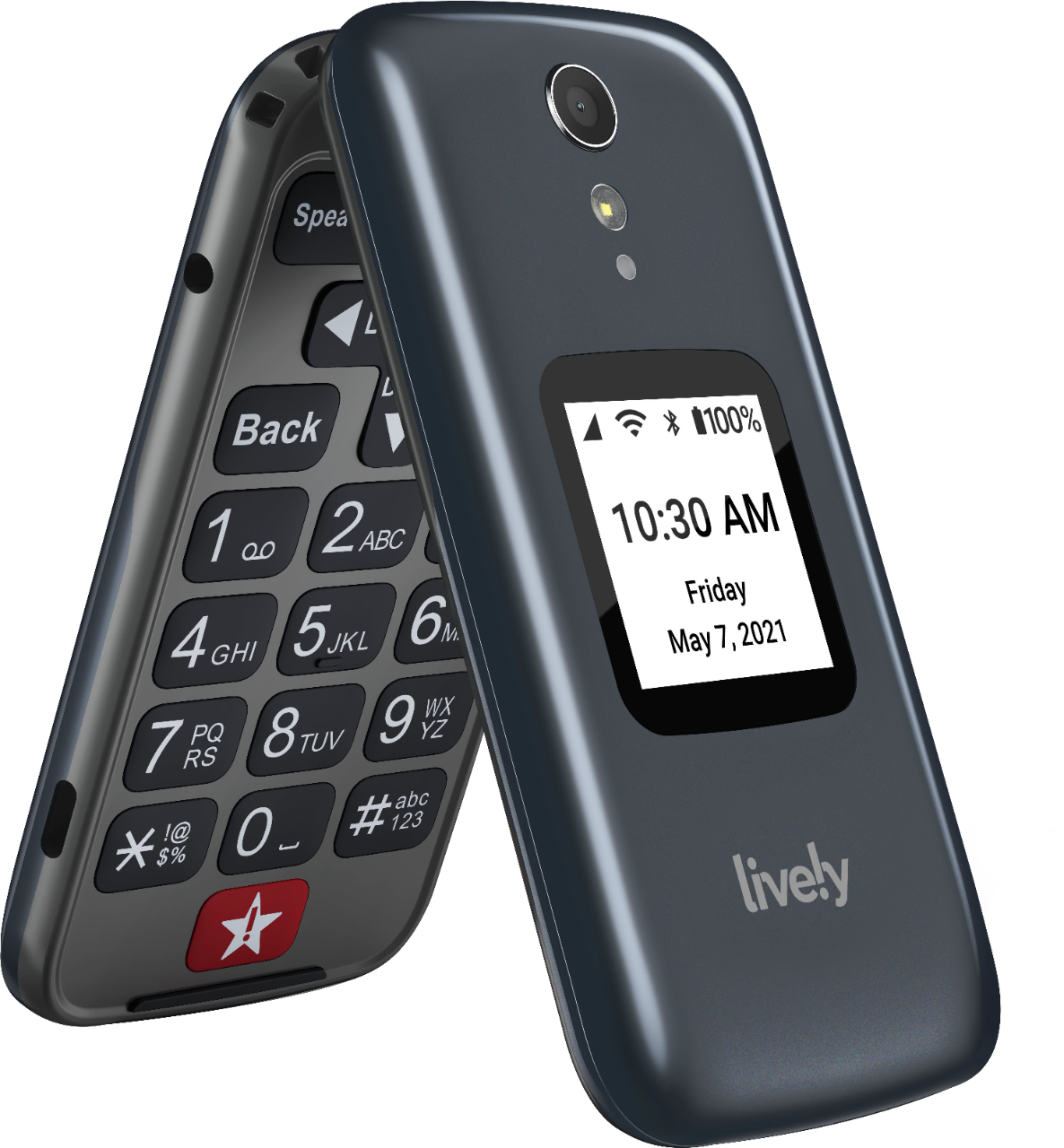
A:AnswerGreat question. If you do not chose a plan with the Health and Safety service when the button is pressed it will direct you to call 9-1-1. You can add a Health and Safety service at anytime and when included you will get a lower cost on your minutes plan. You can view all of our plans and services on our web page.
A:AnswerGreat question! Yes our Jitterbug Flip2 phone does have a contacts list option. To end the contact press OK and it will allow you to add a contact. For further assistance, please contact our friendly Customer Service.
A:AnswerI had the same desire but couldn't make it work. I suggest calling Lively support. If they can't help at least they will record the request for future development. I set up speed dial for my number which works well. If your mother can determine the correct button on the keypad she will only have to hold the number for 2 seconds to initiate the call.