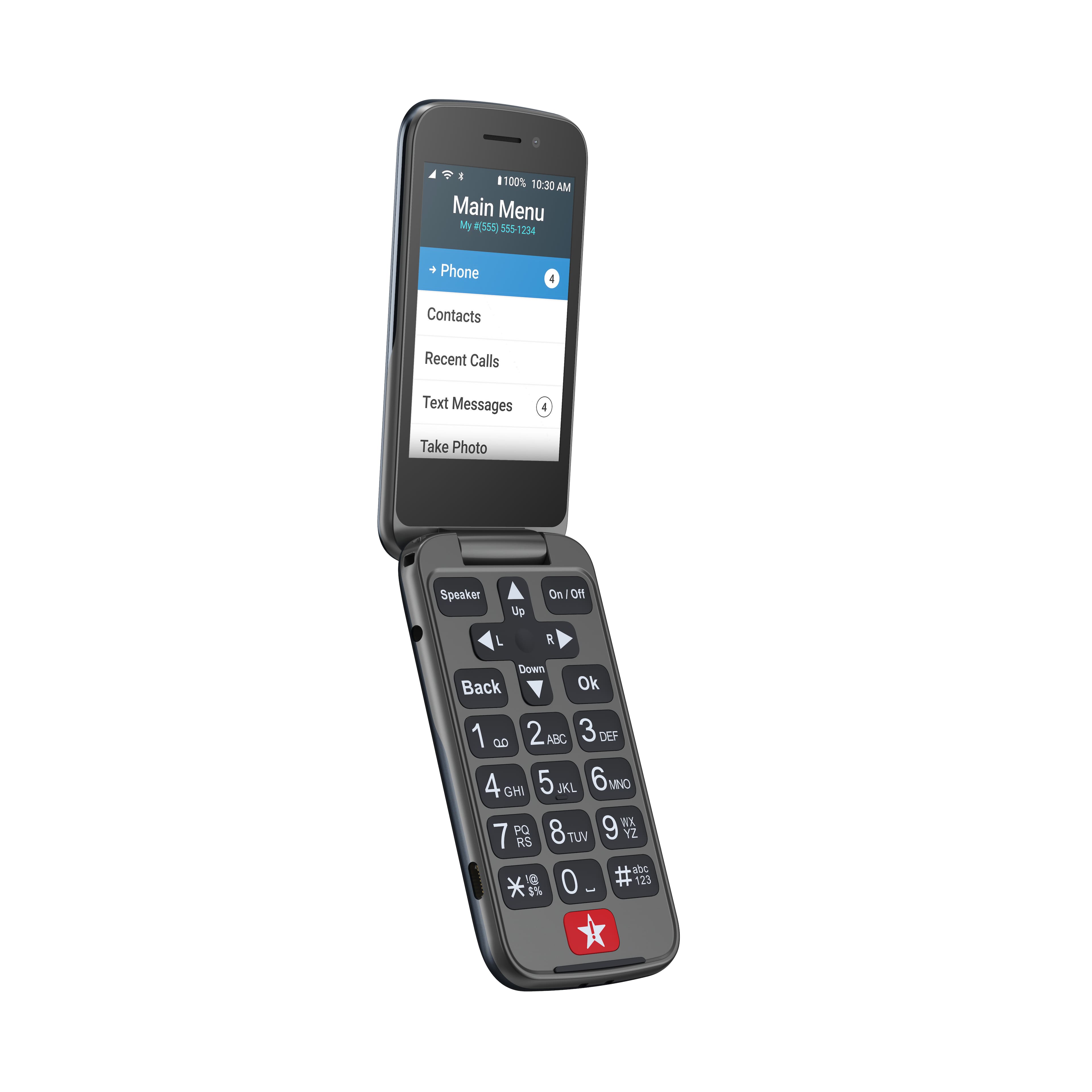
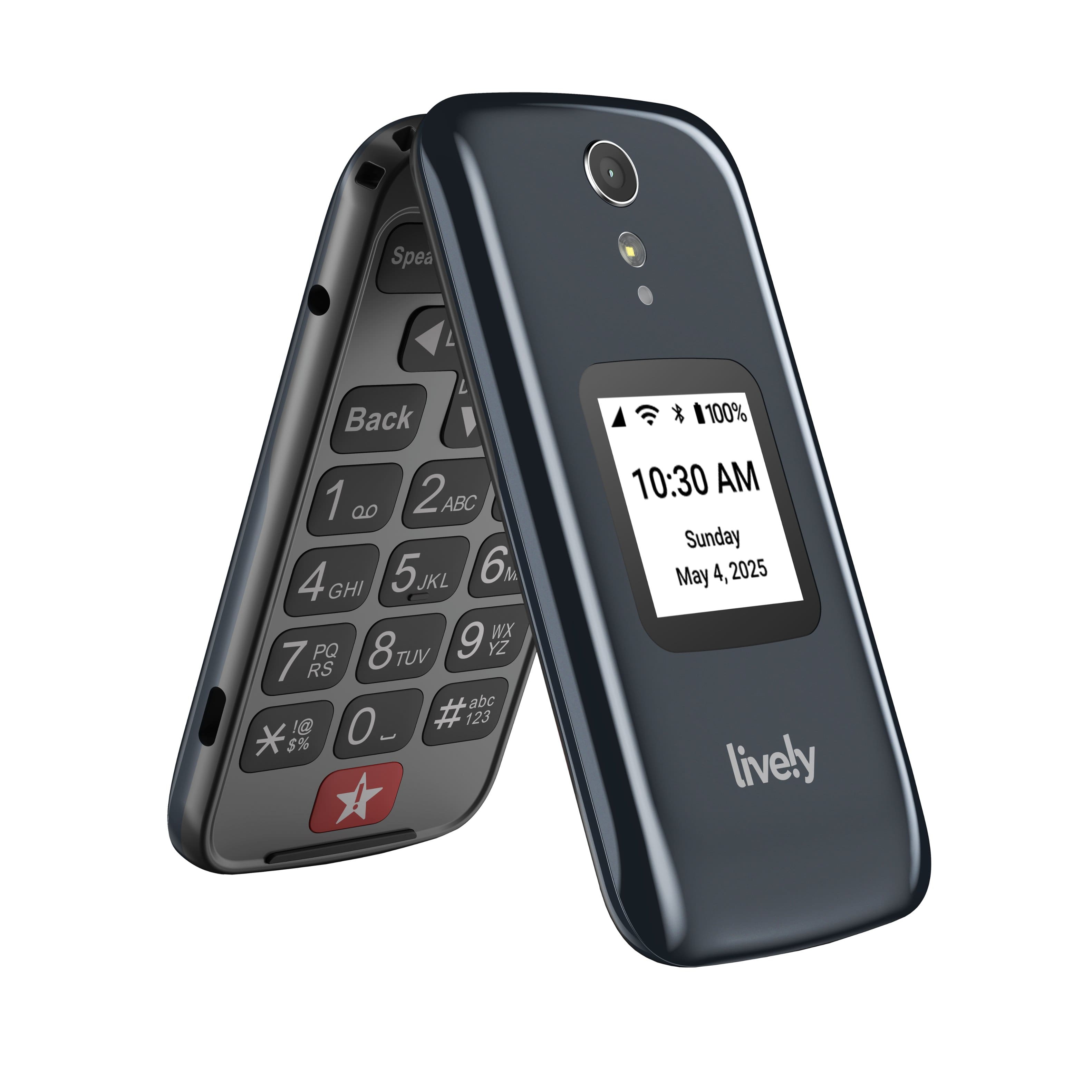
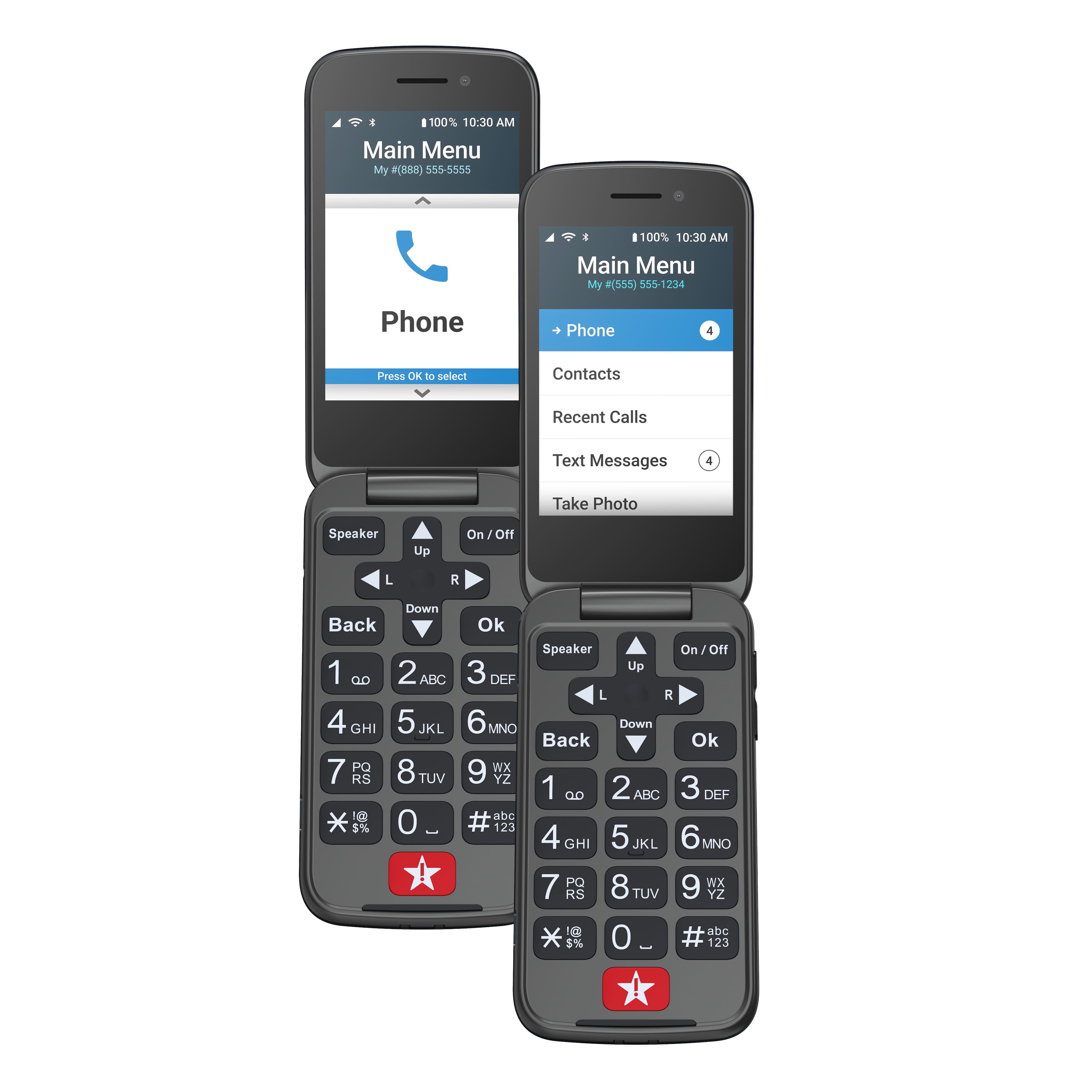
A:AnswerSo sorry. Good question. I did see the camera in one of the many convoluted menus, but I can't remember which one. The phone is just too complicated to use all of its many features.
A:AnswerHello, we are unable to transfer pictures to this phone, however if you have phone numbers in the phonebook and activate a new phone in place of the current one the numbers will transfer over.
A:AnswerYou need to look for the root cause. It might be weak signal. To confirm this, have somebody else use an Android phone with cellmapper app.
If this is the problem, the best solution I have found for the lively flip is to buy a signal booster (Amazon $300). It's a good investment because keeping communication is the only way he can live independently.
A:AnswerHello! Thank you for your interest in our Jitterbug Flip2. Unfortunately there is no way to transfer data with our Flip2, however, our Smart3 does allow data transfer with Google.
A:Answercall customer service. You can get the unlimited plan vs. the 300 minutes per month plan. I had to do that for my family member, as he talked more then 300 minutes one month and the bill was high$$$. Customer service helped me and waived most of the extra charges, which I appreciated.
A:AnswerGreat question! Lively allows you the option to transfer your cell or home phone number, as long as your number is still available. There are instructions on how to do so included with the box -- just make sure you do not cancel your previous service until the transfer is complete.