A:AnswerHello, thank you for your interest in our products and services. Uber features are available through specific plans! Please contact our Customer Service team for additional assistance.
A:AnswerI don’t think so….I bought this for my husband he is not well and when I leave town, this phone is used through Lively and has a emergency button and they know where to help no matter where he is.
A:AnswerHello Walt! Thank you for your interest in our products and services. Your local Best Buy store should have the Jitterbug Flip2 Cell Phone in stock. I would recommend calling them ahead of time to confirm!
A:AnswerHello Jody! Thank you for your interest in our products and services. Please contact our Customer Service team at (800) 733-6632 to assist in finding the best product for your loved one.
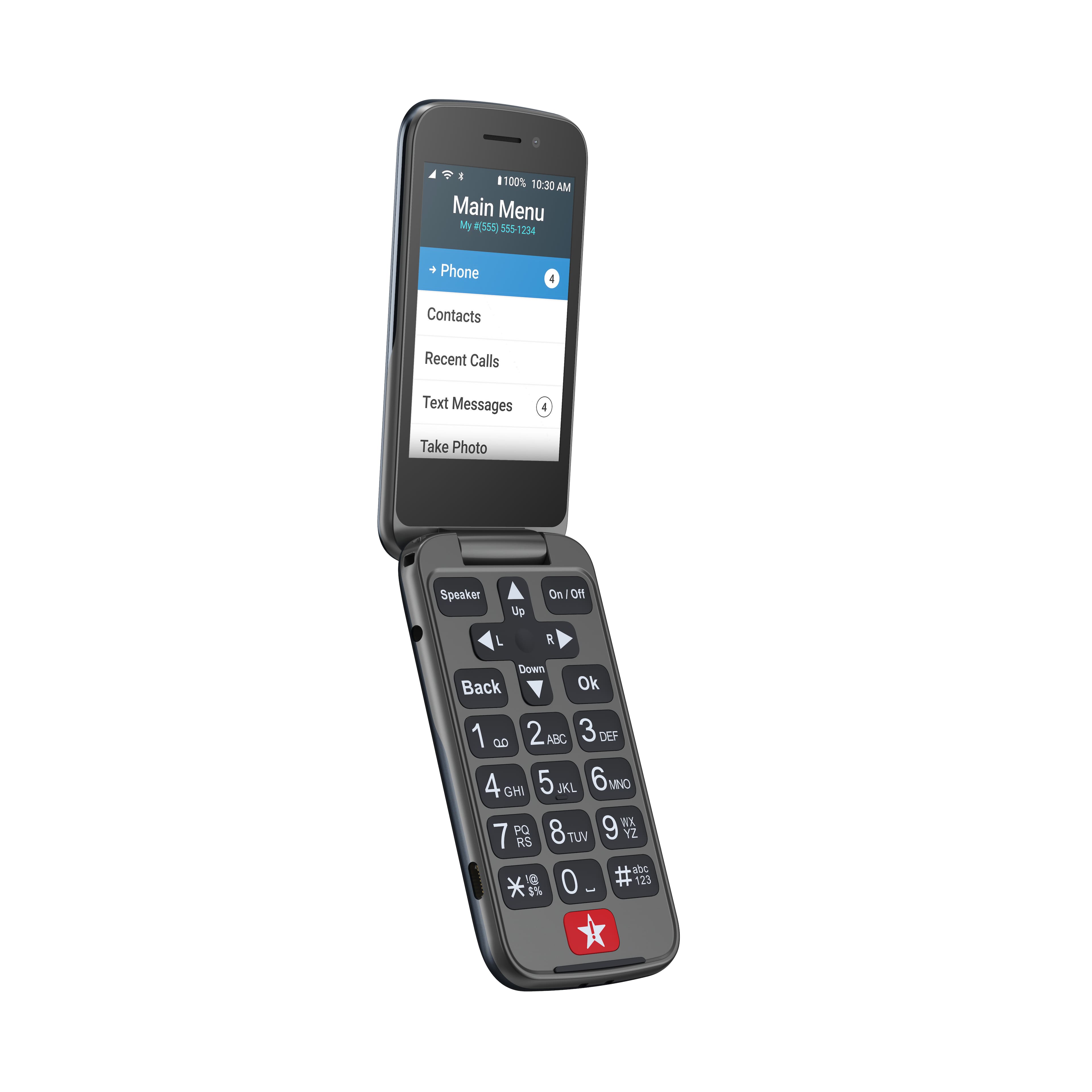
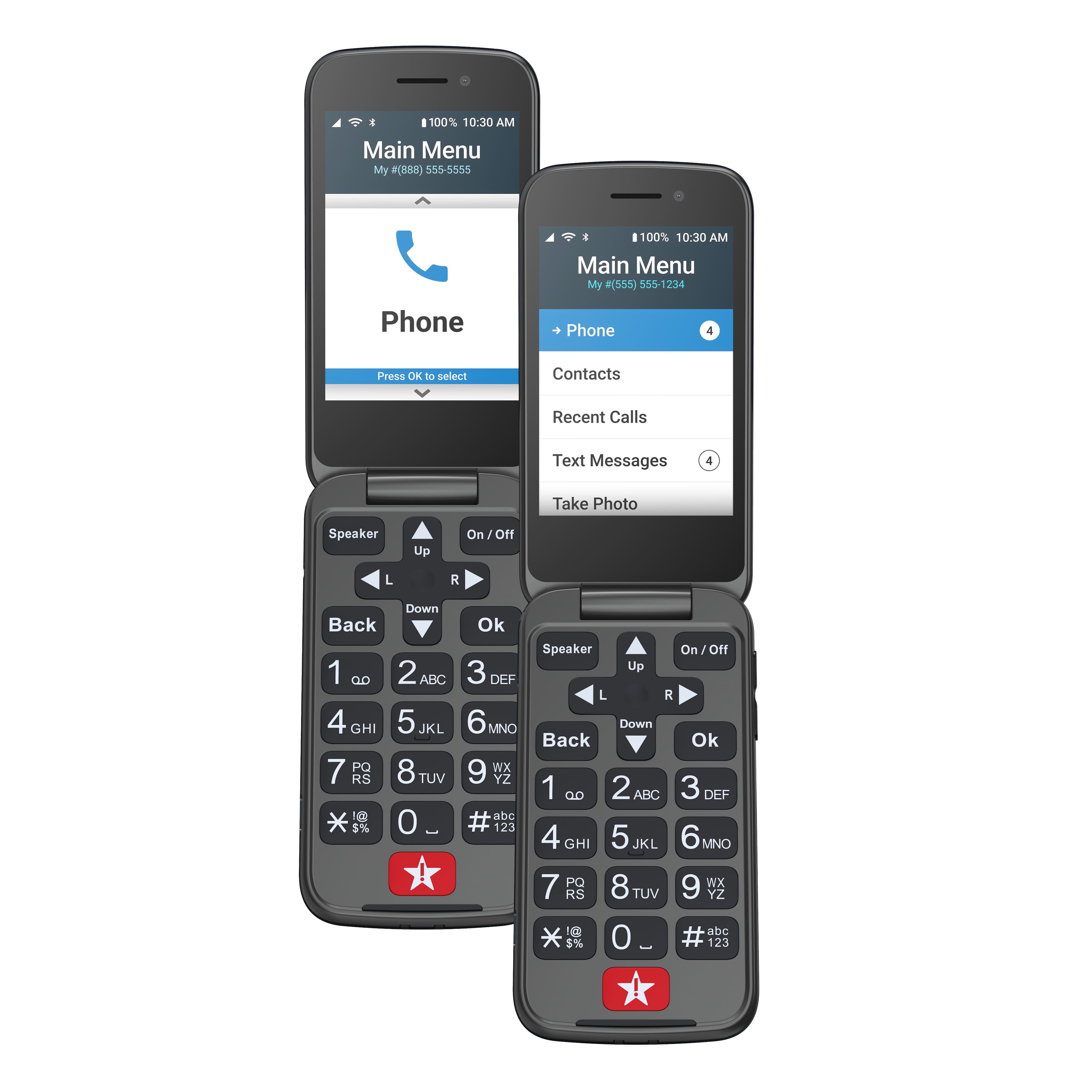
A:AnswerHello! To delete a contact, navigate to the contact via the menu and select OK. The arrows will help you to scroll to the "Edit Contact" option. Select OK, and locate the option that is titled "Delete This Contact". The phone will then prompt you to confirm deletion. Please follow those prompts. If further assistance is needed, please contact our Customer Service team.
A:AnswerHello! Thank you for your interest in our products and services! Once the phone arrives, please contact our Customer Service team to assist with complete activation.
A:AnswerHello Bob, we are sorry to hear you encountered a problem with your Jitterbug Flip2. We suggest that you power your phone off for 30 seconds and then back on as this will refresh the phone and resolves most issues. If the issue is not resolved, please give us a call for more in-depth troubleshooting.