A:AnswerThis is due to how some items are installed on the computer in Windows Device Manager.
I have a similar problem if I connect two Diamond multimedia USB audio/video inputs on a Windows computer - they both show as installed, but using the same name without a number, and any program will only connect to the first one installed.
A:Answerhonestly, I'd skip the Logitech software if you're using it as a security camera. check out yawcam or Google for open source webcam security camera. lots of other software options that will suit your needs better. more directly to your question, it sounds like it's recording only when it detects motion. so I suspect the one minute is where it would break clips into pieces if it detects motion for more than one minute.
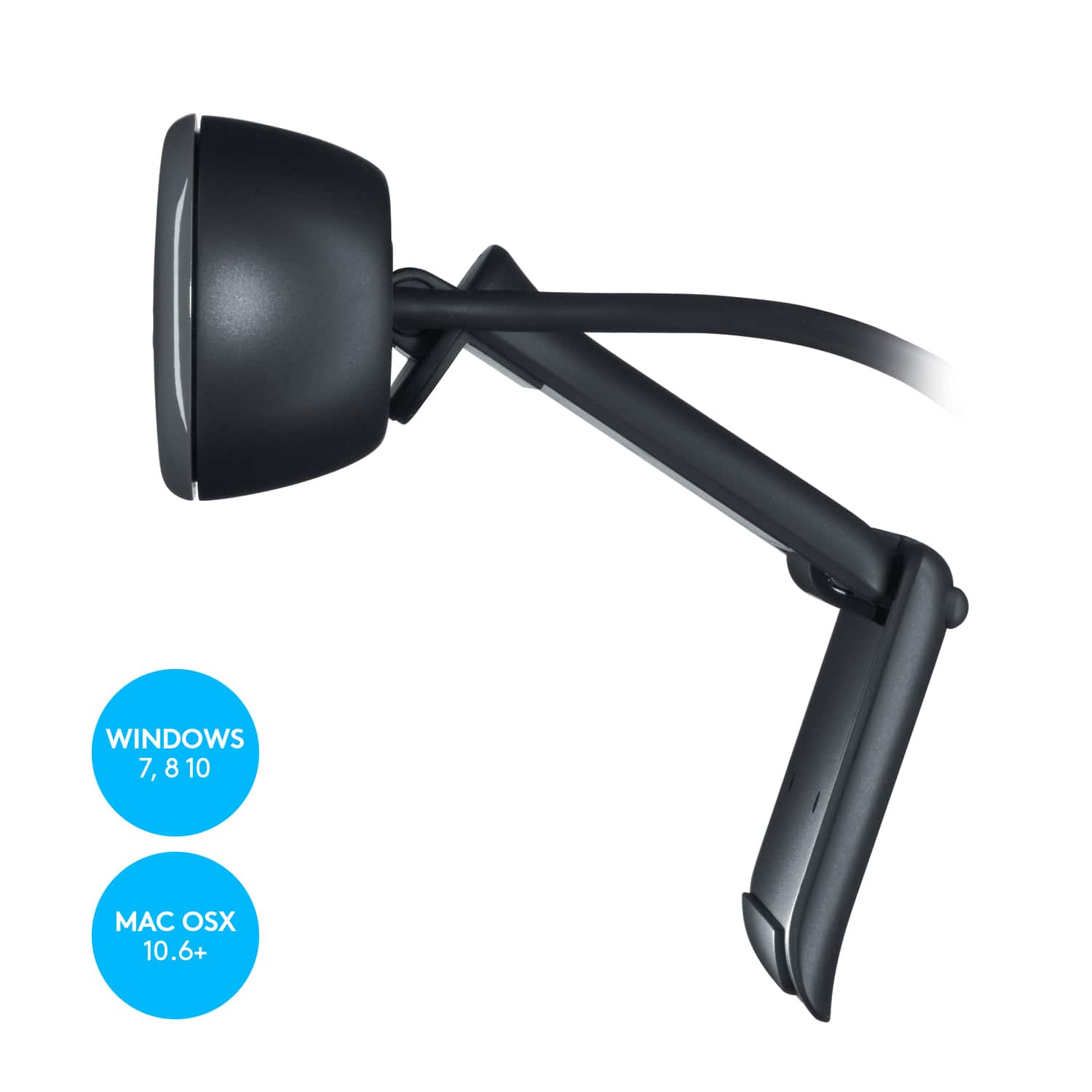
A:AnswerYes. I have an iMac and MBP laptop, both running OS X Sierra, and both see the cam immediately in Photobooth without any problems.
This was a surprise as some had reported (on other sites) that it didn't work - but it does.
A:AnswerYes you can upload to Utube. That being said, first I went to Logitech and downloaded lws251 software that I used to create a video, that has a link on it for u tube facebook and twitter but they didn't work, but once you have the video created, you can upload to FB or Utube. U Tube you only need to have an account, once signed in you can upload,