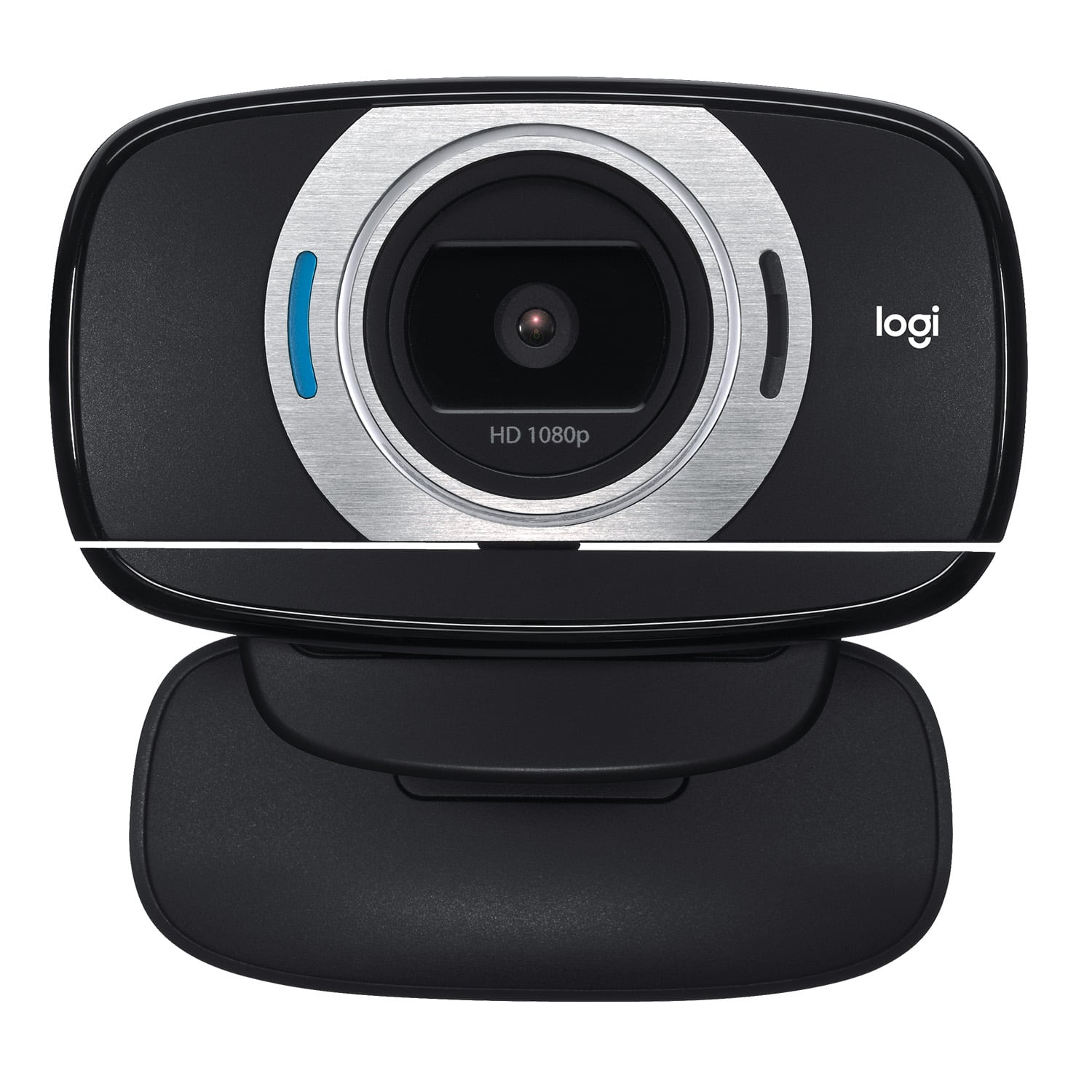
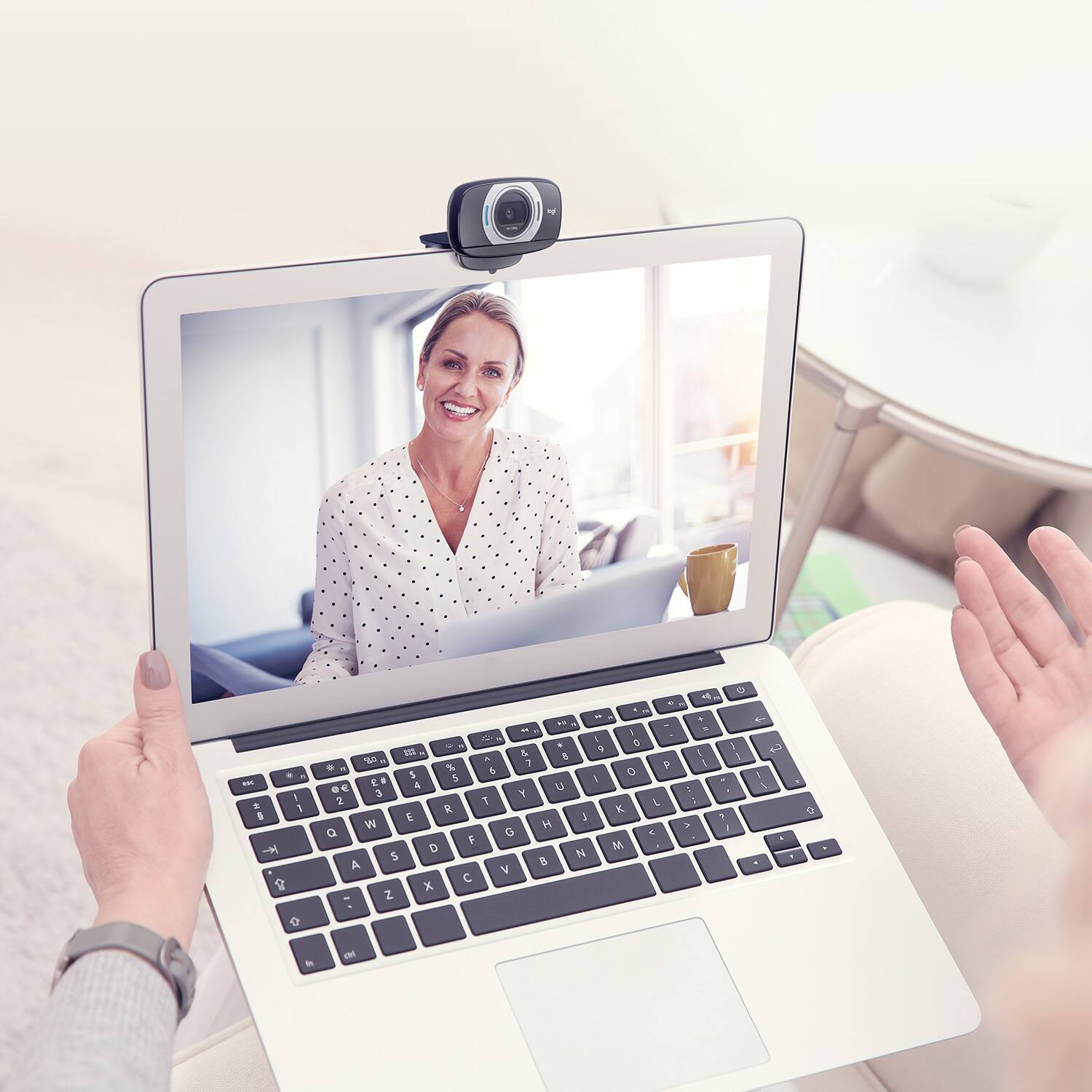
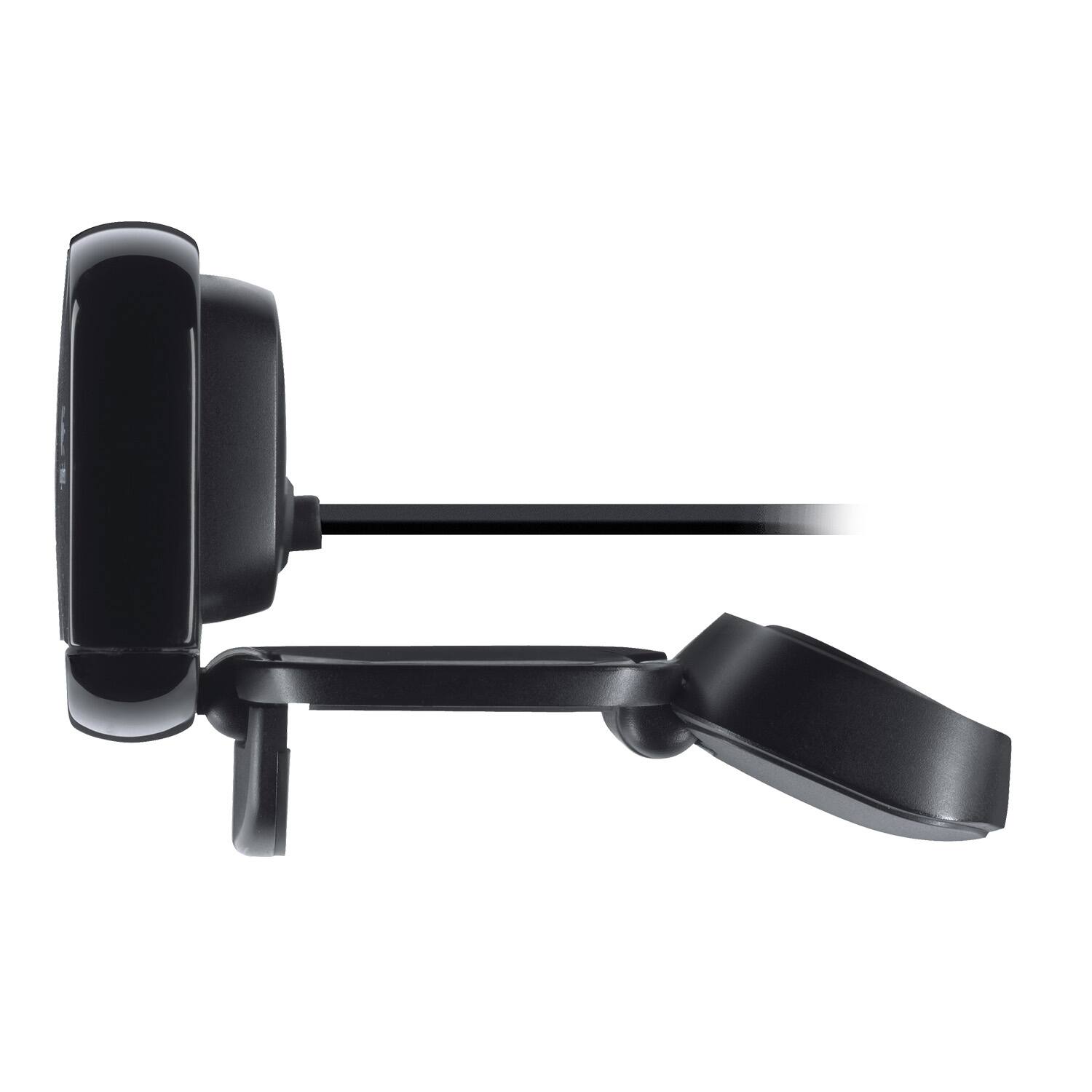
A:AnswerYes, it will mount to a normal size flat screen monitor. I have one on a flat screen TV. The TV monitor is too large for the clip so I secured it with two-sided tape. It works fine and does not fall off.
A:Answeryou wont be able to utilize it features i use it for streaming on xbox currently if you would like to sample some stream footage with this cam you can check out my past streams at https://mixer.com/beastlife1599 and if you like then drop me a follow lol
A:AnswerYes. It plugs directly into the USB port of the TV. However, the Vizio TV itself does not support Skype, so I instead plugged the camera into our Xbox One and was able to "TV Skype" that way. Contrary to what Best Buy chat had told me, you do NOT need to buy a separate microphone, because this camera has one built in and I was able to verify that it works fine with Skyping. Also contrary to what they told me, you do NOT have to buy a $30 USB extension, because the camera cable is already 2.5 feet long and can easily reach its port.... unless you plan on putting the camera a substantial distance away from your screen or Xbox.
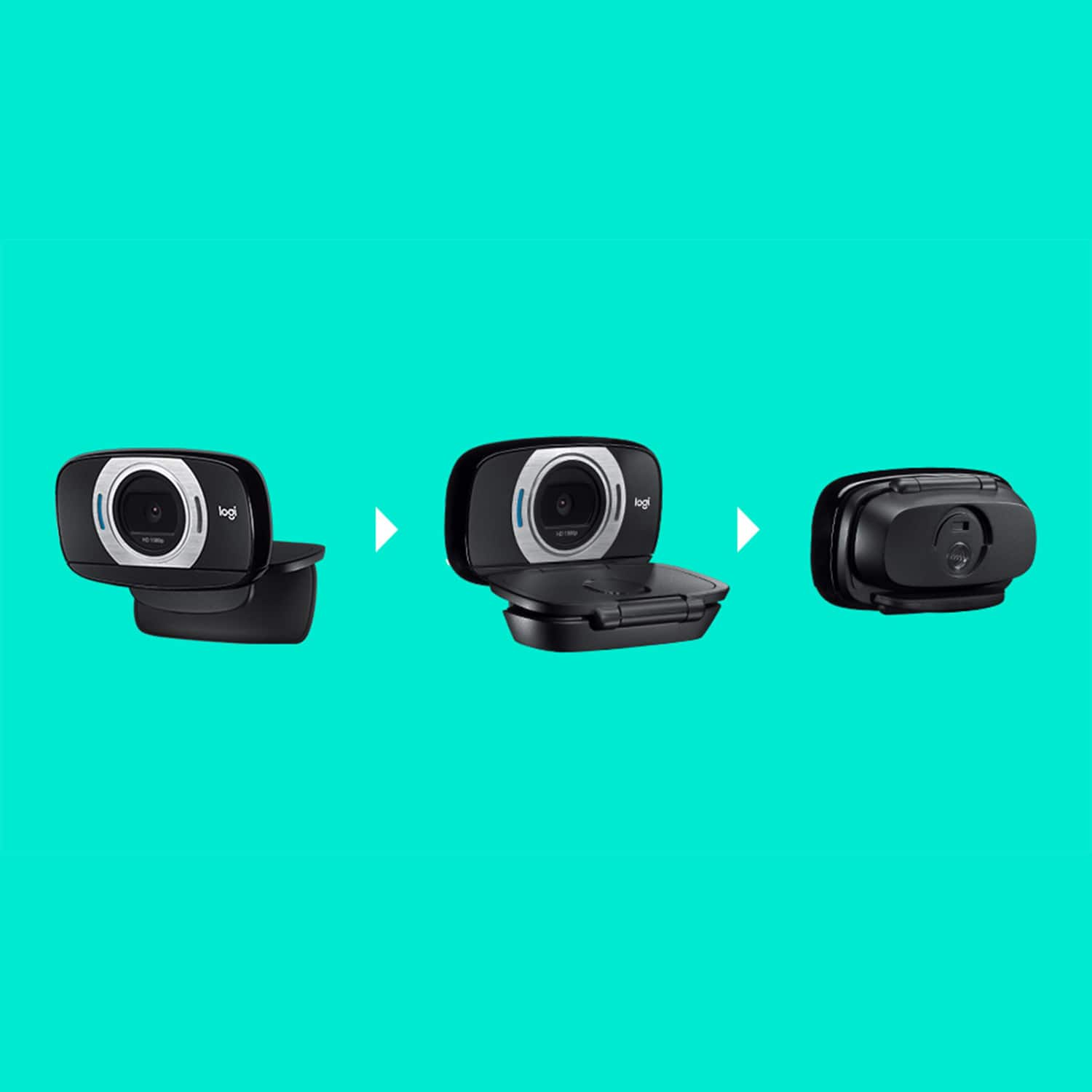
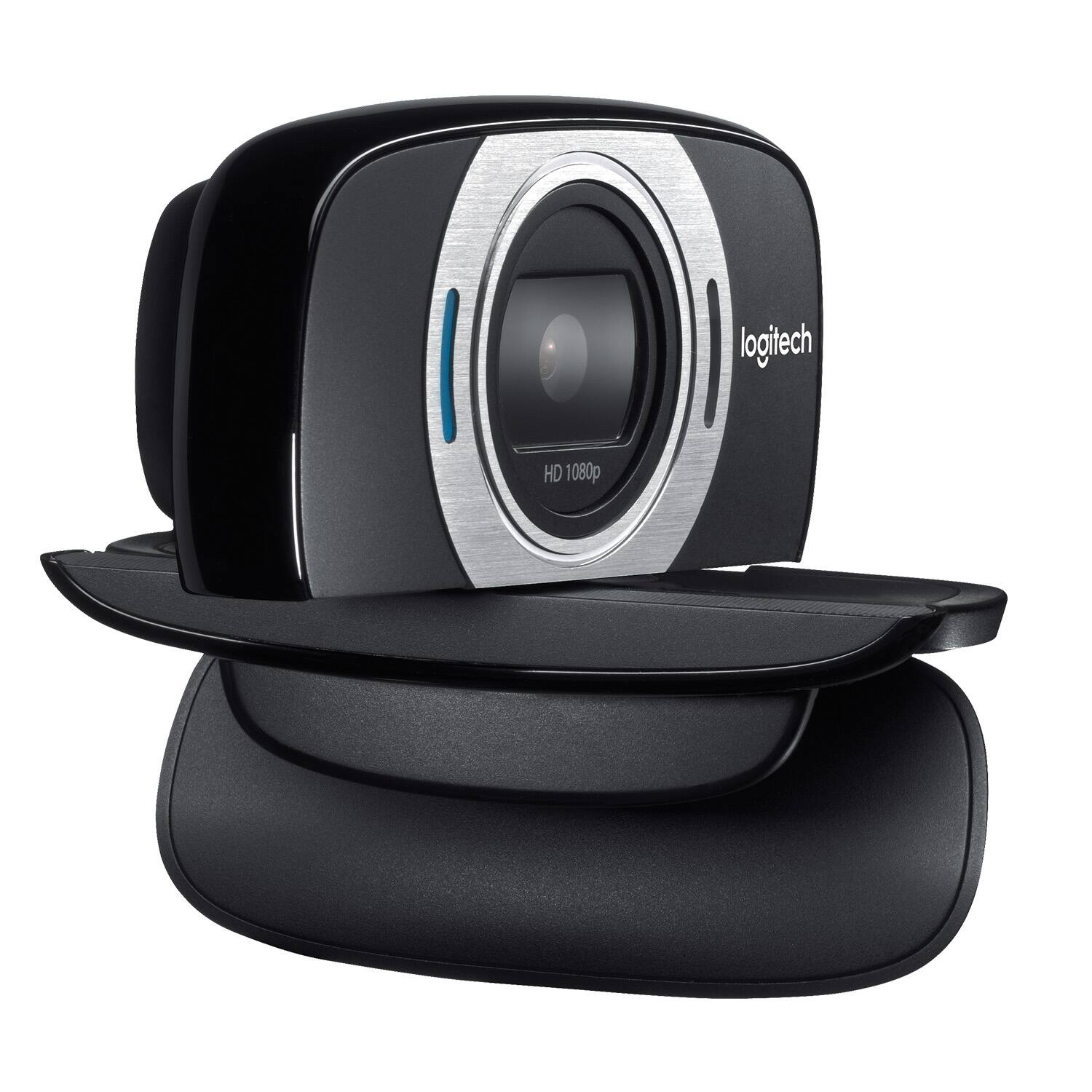
A:AnswerYes, the Logitech webcam can be screwed on a camera stand. There is a rubber cover on the bottom of the stand you remove to expose the screw in location.
A:AnswerAbsolutely. The video quality is not bad and it has a microphone which isn't too bad either. If you just want to make some basic video content, this is a good place to start.