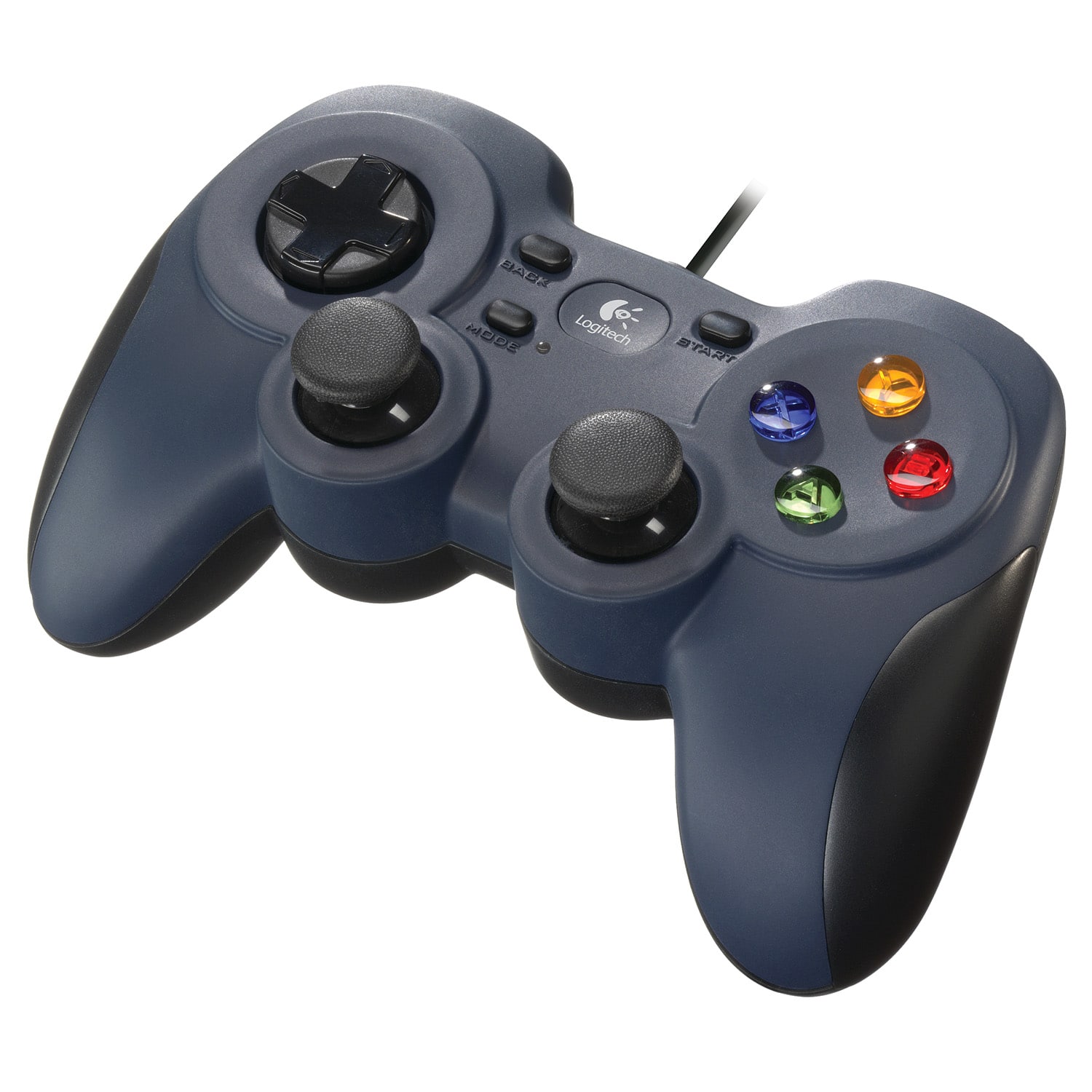
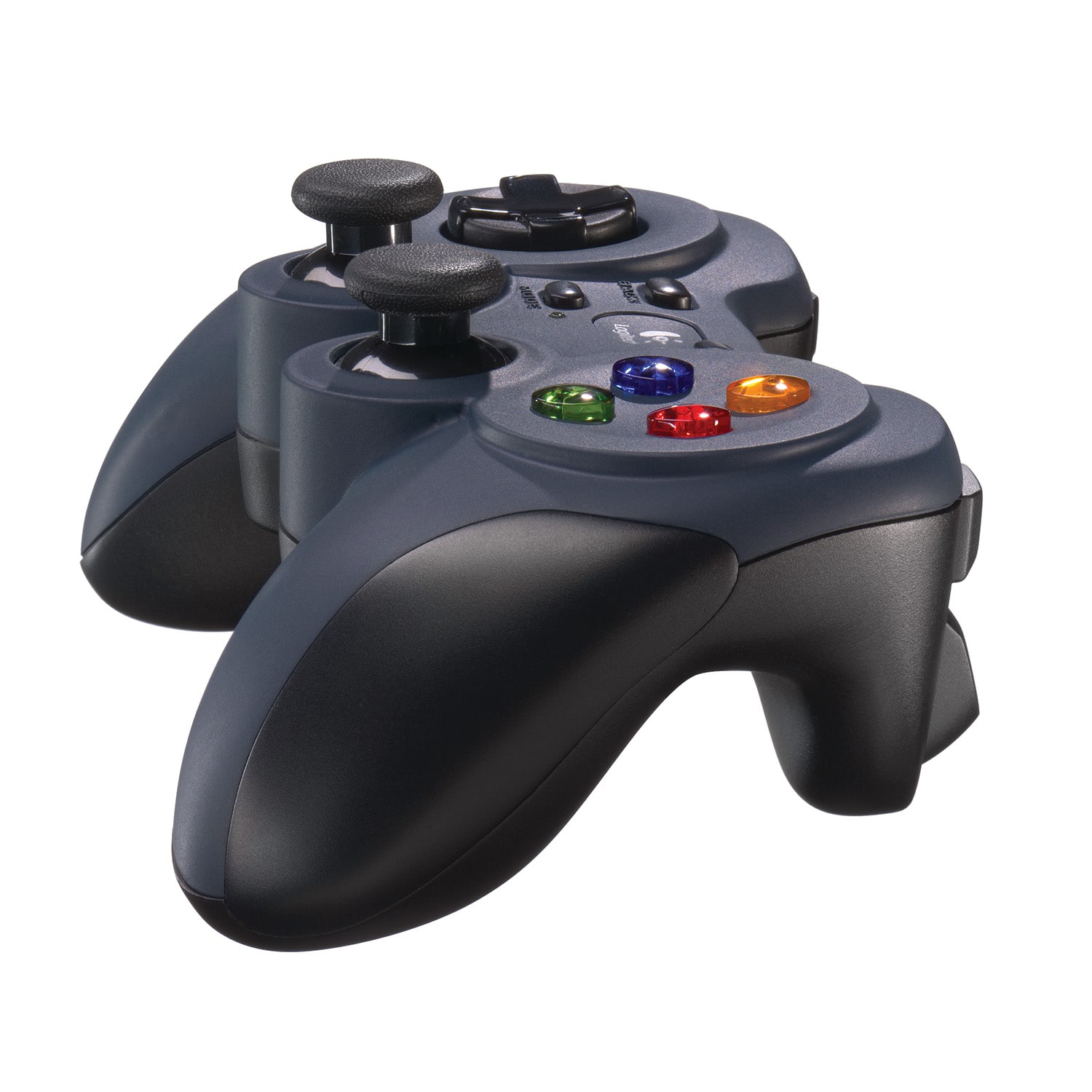
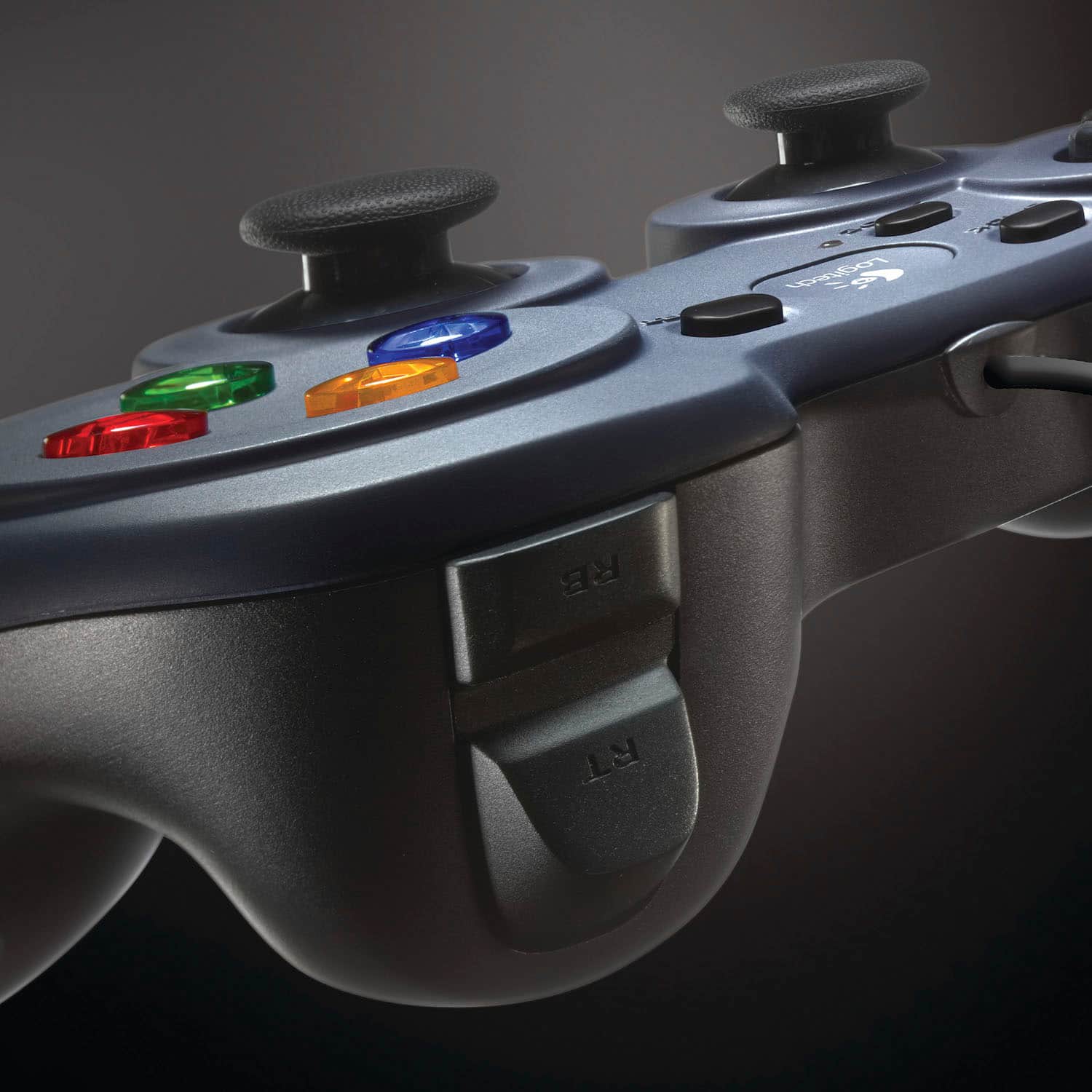
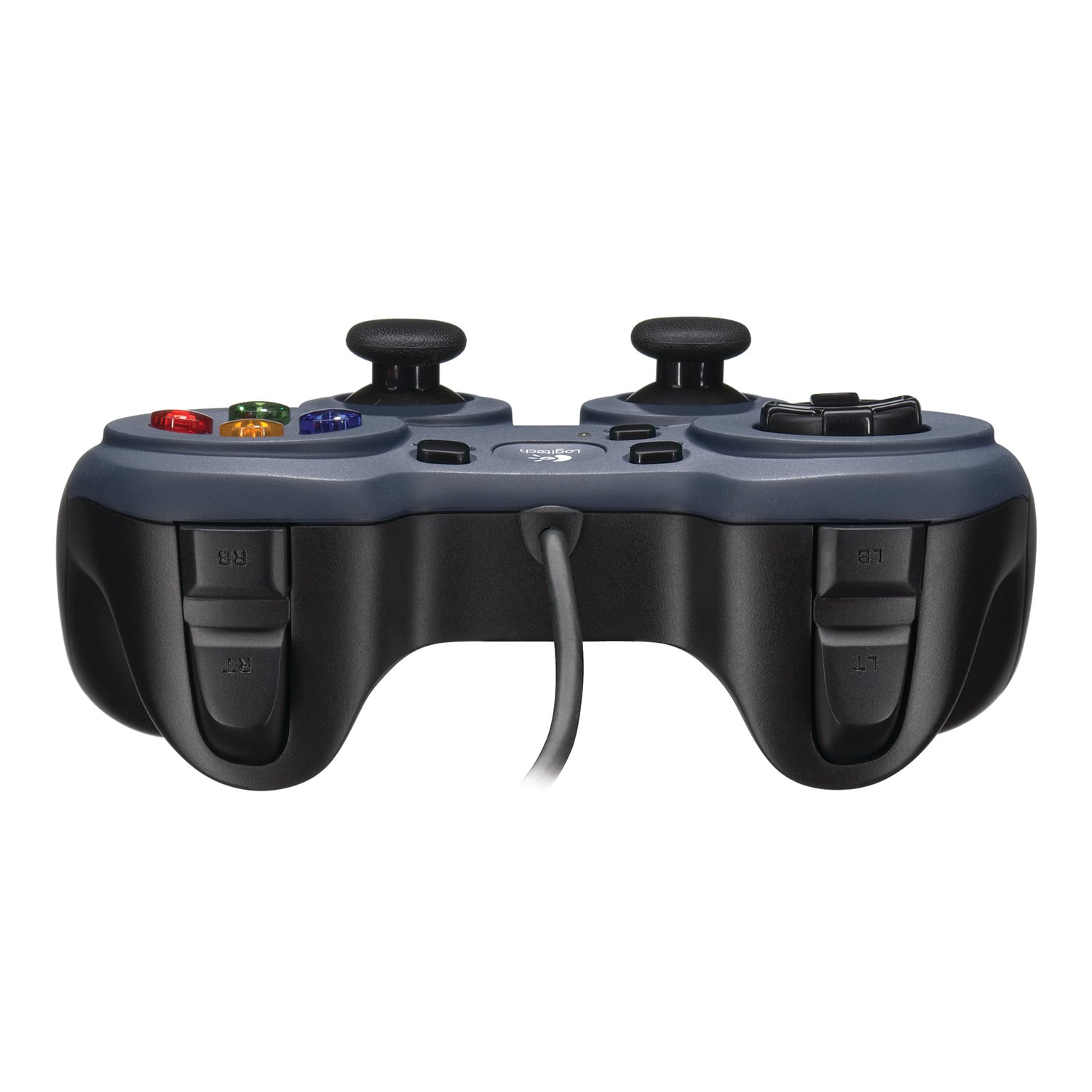
A:AnswerHello! Both the F310 Gamepad and F710 Wireless Gamepad will work with Sony BRAVIA Android TVs. Here's a link to the buttons layout on your controller: https://www.logitech.com/assets/53442/androidtvcontrollerflyer.pdf.
A:AnswerNo, the Logitech F310 Gaming Pad is not compatible with the iPad. The system requirement for this product are Windows® 11, Windows 10, Windows 8, Windows 7, or Windows Vista, ChromeOS™.
A:AnswerHey! The device works with Windows® 11, Windows 10, Windows 8, Windows 7, or Windows Vista, ChromeOS™. While the F310 can technically work with some PS4 games on PC through workarounds, it's not the ideal solution.
A:AnswerHello there! The F310 is officially only compatible with the following: Windows 11, Windows 10, Windows 8, Windows 7, or Windows Vista and ChromeOS.
A:AnswerHey there! Please note that the F310 connects through USB-A 2.0 cable. if the interface has an available port, it should work with it. However, the F310 is officially only compatible with Windows 11, Windows 10, Windows 8, Windows 7, or Windows Vista and ChromeOS™.
A:AnswerHey! The F310 is a plug-and-play device which is officially compatible with Windows 11, Windows 10, Windows 8, Windows 7, or Windows Vista, ChromeOS.
A:AnswerI just go into my MS Windows 10, install it in control panel, under "Printers & Devices", controller Logictech F310 shows up in there after only installing a driver I dwnld off Logiteach website.