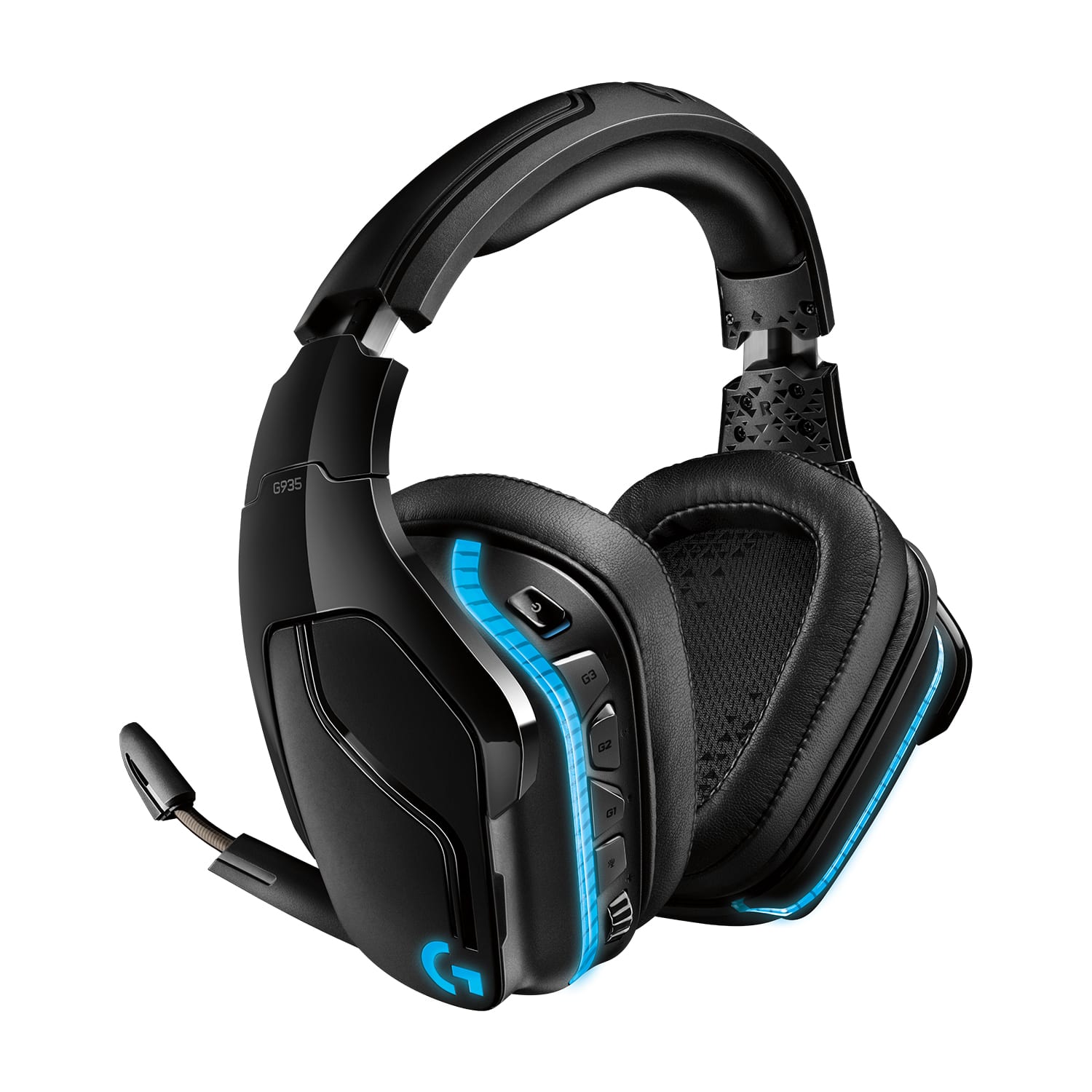
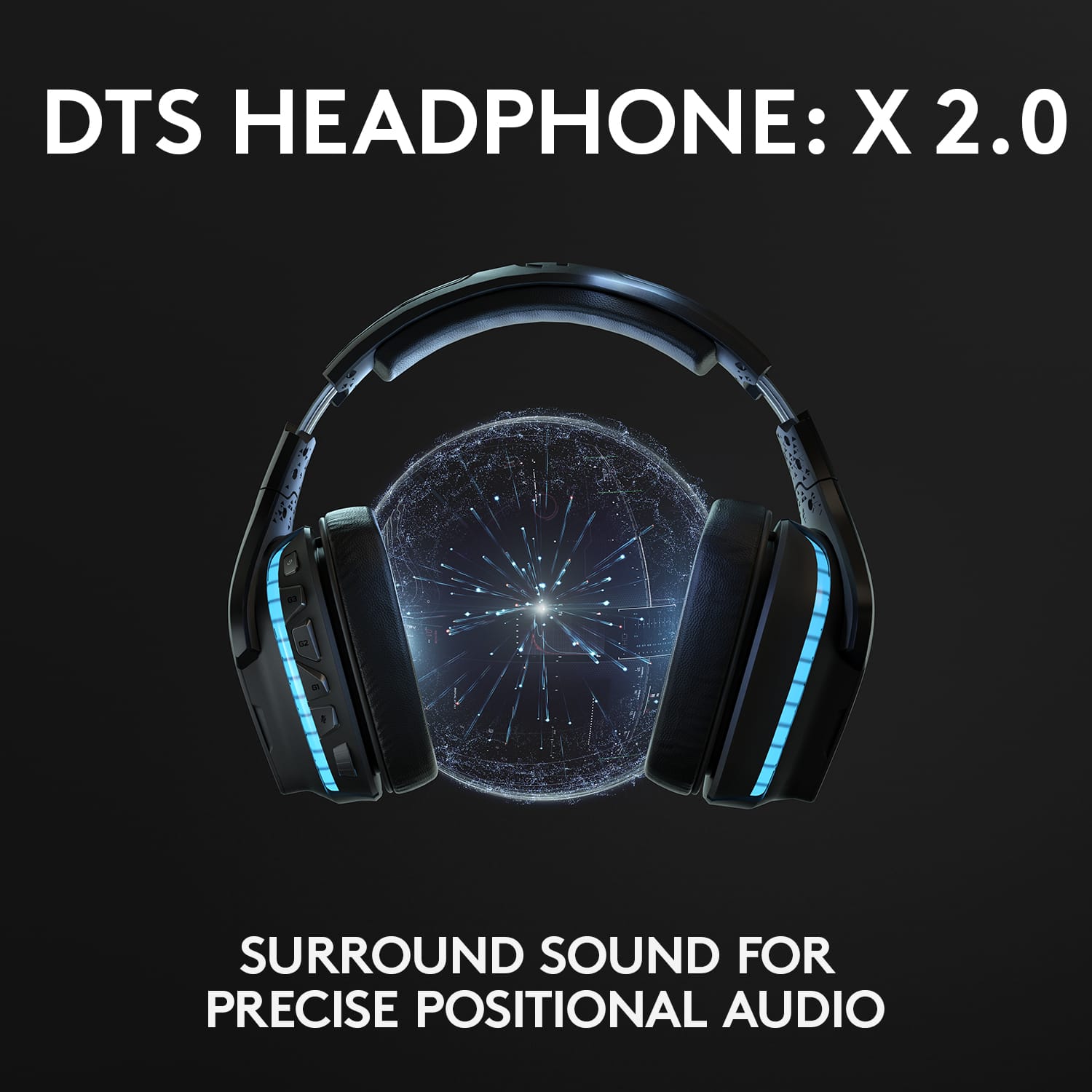
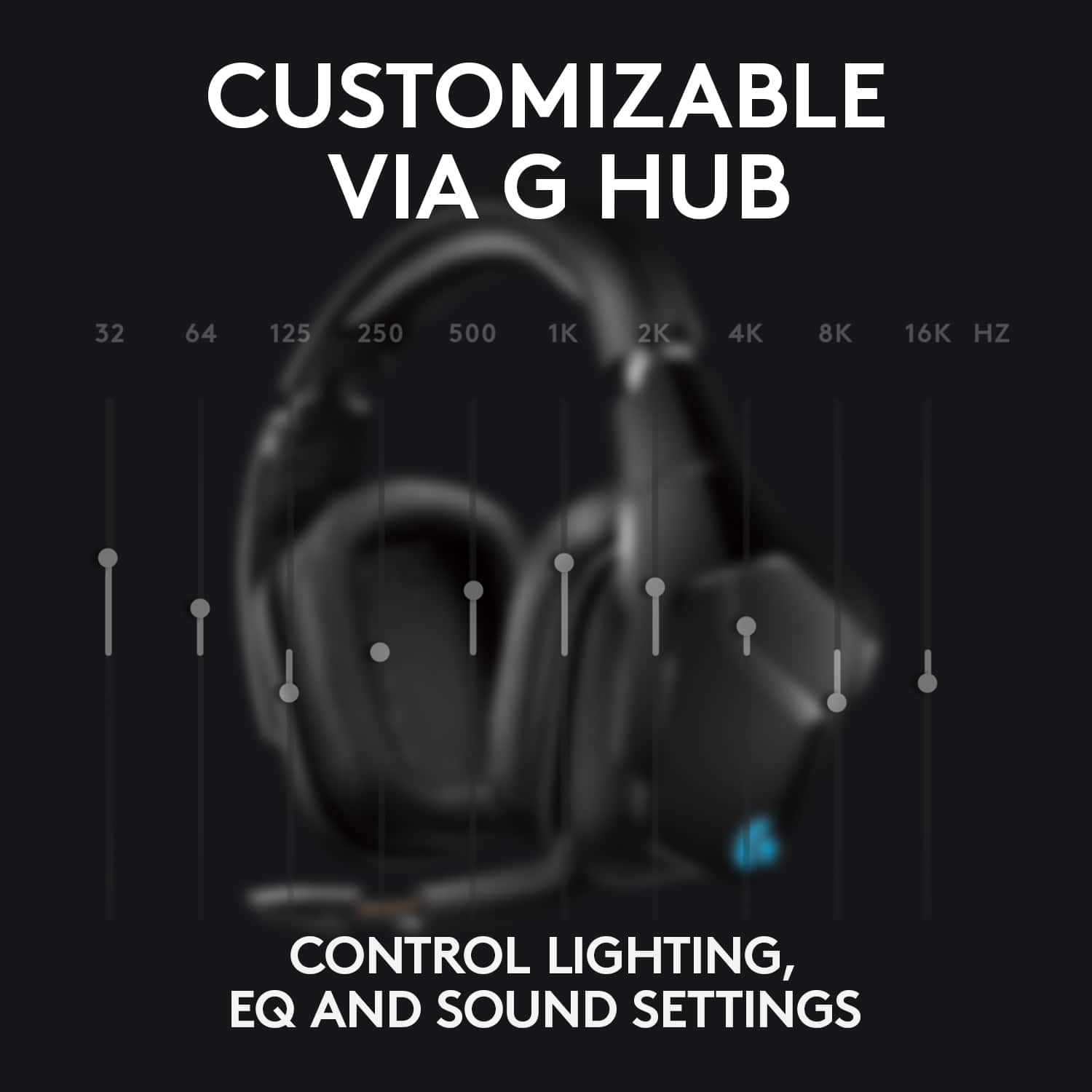
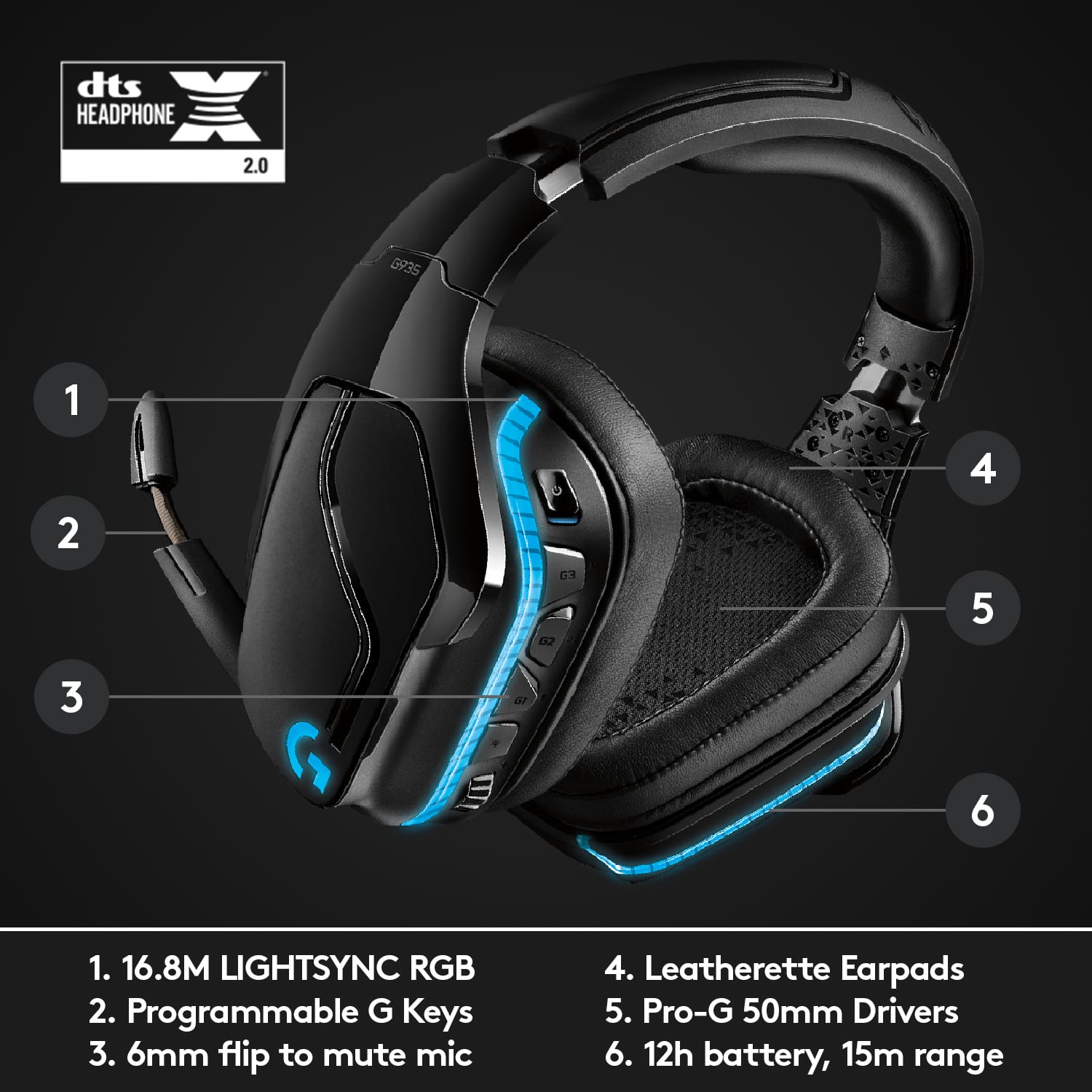
A:AnswerYes, you can do both actually. The headset comes with a wireless usb plug in and two cords, one to plug into a headphone jack and the other to connect to usb. The headset has ports for both cords on the left side just under the buttons. Also, if you want to check the battery percentage or customize any acoustics or surround sound for the headset, youll need to download Logitech G HUB software from the logitech website
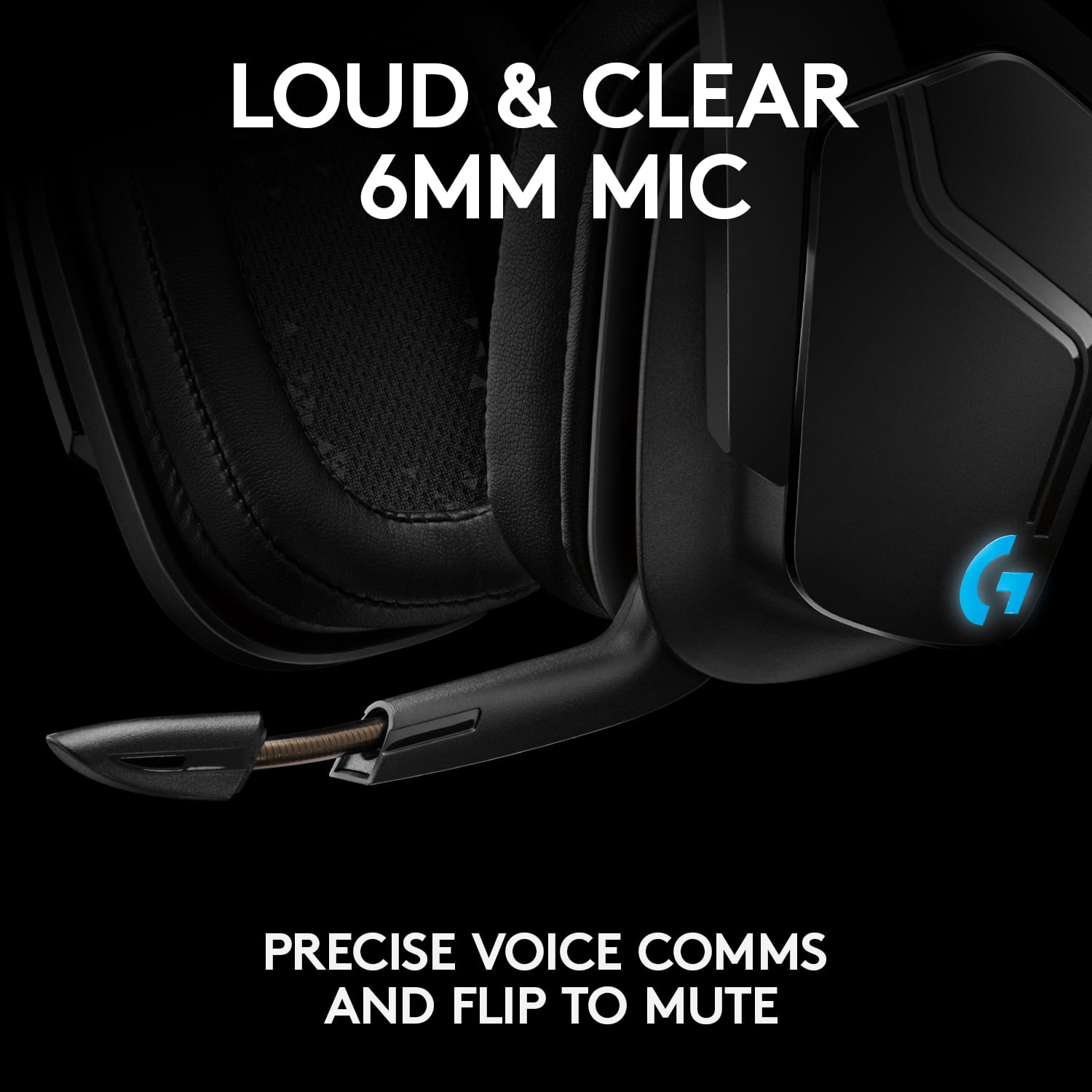
A:AnswerYes! You just have to go into settings and change the microphone input to the seperate microphone instead of the headset! It's really simple and works quite well!
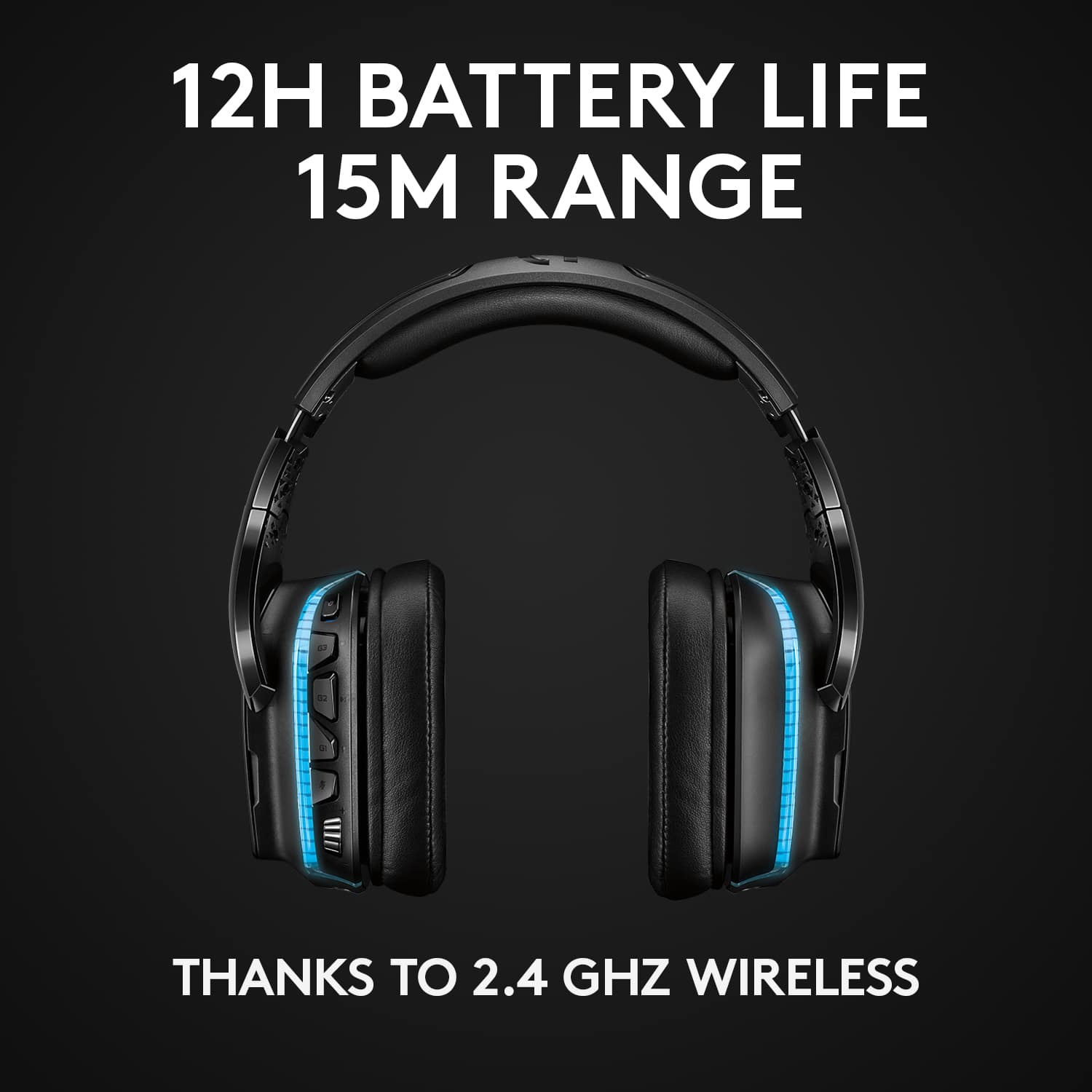
A:AnswerIt has a USB receiver that you can plug in and use it wirelessly with, you do have to charge the batteries, which you can use the included charger for
A:AnswerHello Ghostie,
The Logitech G935 gaming headset can connect to a mobile device with the included 3.5 mm cable. G935 is optimized through GHub, the Optimum Gear Ecosystem software available for Mac and PC. If you have any other questions, are looking for software downloads or need any other Logitech support, please visit the Logitech website.
Best regards,
John
A:AnswerMake sure the Logitech Gaming software is installed as this software allows you to customize operation. Normal operation has the device turn off after no audio has been detected for a set amount of time. Additionally, with the software installed, connect the headset to the PC with the micro USB and the 3.5mm to the USB dongle at the same time and the software will check for updates to the headset and USB dongle firmware.
A:AnswerI would imagine this would be comfortable for you. My son is about 4 foot 10 inches tall and they fit him perfectly. They are extra comfy muffs that comfortably fit over his glasses
A:Answeryes my son has an Xbox one and these are his favorite headset he ever use. We went through several before we finally found this great pair that he loves to use everyday