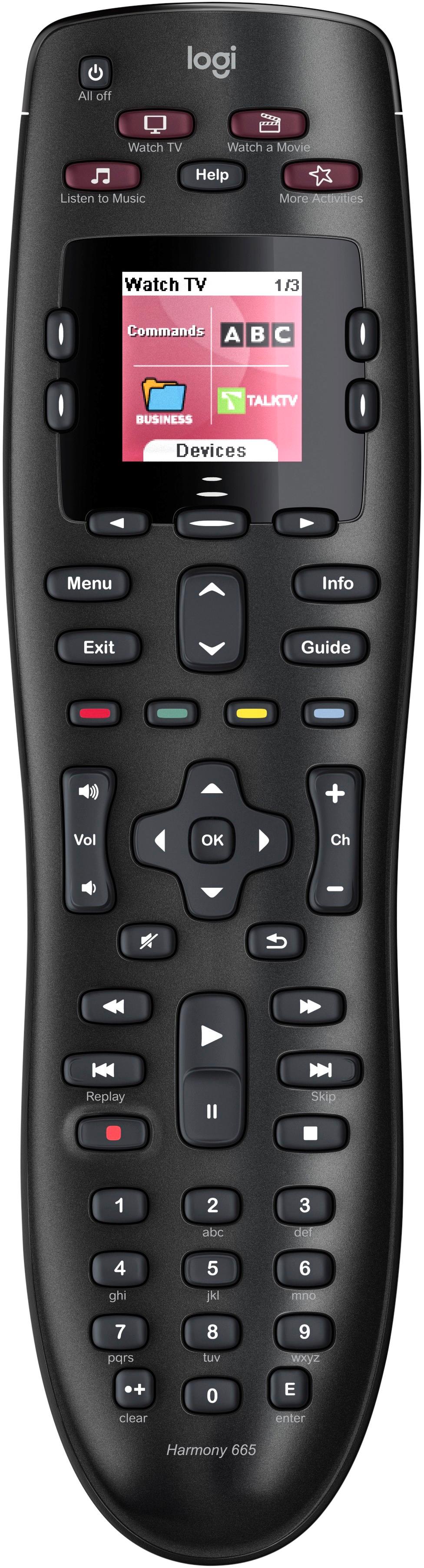
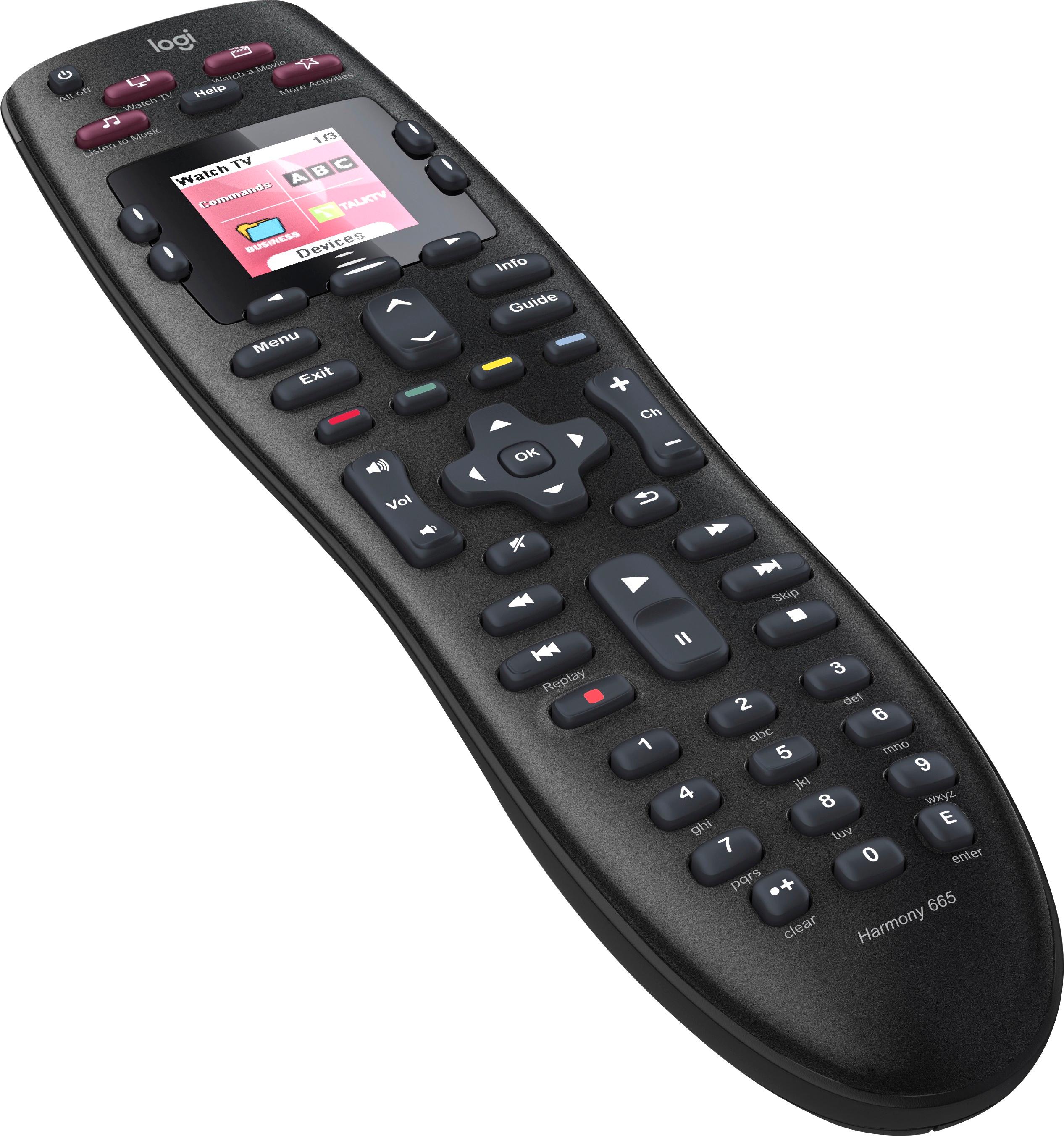
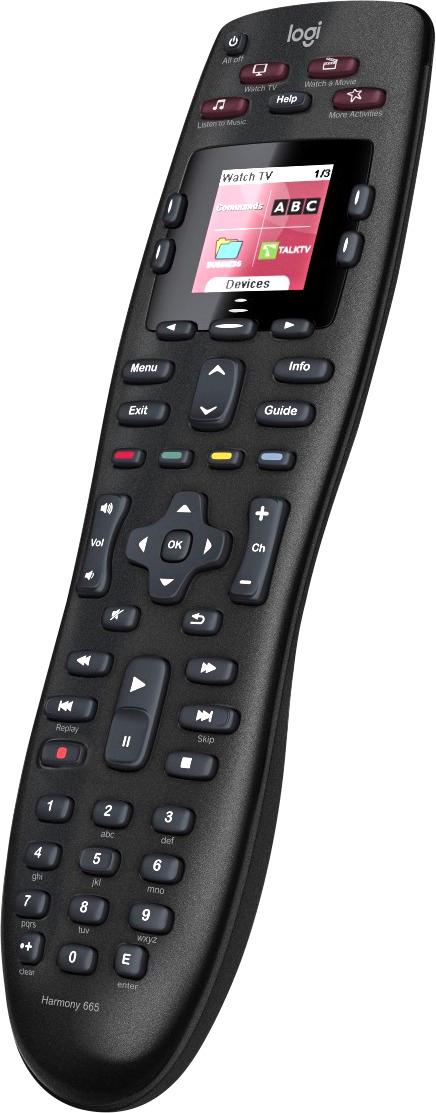
A:AnswerIt will work with almost any TV as long as you have the model number that’s usually located on the back. As far as air conditioners if you have the original remote and it’s Infra Red you can program the buttons and name the function on the screen.
A:AnswerI don't see why it should not work. I use it with a motorola QIP7100/6386/010 VERIZON box, a Samsung 4k tv, and a jbl cinema sb400 soundbar. On the soundbar, the harmony gave me a bluetooth button, while the original jbl remote did not. Watch the ARC and Anynet settings. You may need to turn them off since they will also try to turn you devices off/on. To listen to soundbar music without the tv, i had to run an optical cable from cable box to soundbar.
A:AnswerThe remote / Harmony does support TiVo, however when adding the device they ask for a specific Model Number or Product Name, so if you want to be positive before you buy the remote, you can check the link below with your info.
https://support.myharmony.com/en-us/compatibility
A:AnswerGo to Logitech website lookup the LG. I would be surprised to learn that it was not covered - they seem to go all out to include devices in there database.
A:AnswerWorks perfectly with Spectrum and the Roku. Use the number pad to get to whatever channel you want. Or scroll the old fashioned way. Works better then the piece of crap you get from Spectrum.
A:AnswerAs long as it is an IR remote that comes with the Roku Tv it will work.
I have programmed Harmony remotes for clients that have purchased Roku Tvs.
Mark @ Addison AV
A:AnswerLook for the serial number on the device you wish to control. When you plug the 665 into your computer, and go to the Logitech site, it should allow you to enter the serial number of the device. You will need to do this with every device (i.e. TV's, Control Boxes, game controllers, etc.).
Hope this works for you.
A:AnswerI opened my app for programming the remote. Entered Android and used "mxq" and it gave me 4 devices that might be what I was asking to add. You might want to get the actual model number and have a Best Buy agent do the same thing with the specific device. There are many Android box type of devices. So, an minimum, it may be able to control yours, but I can't say for sure without knowing which device, specifically it is.
good luck