A:AnswerIs your lenovo laptop running Windows*?
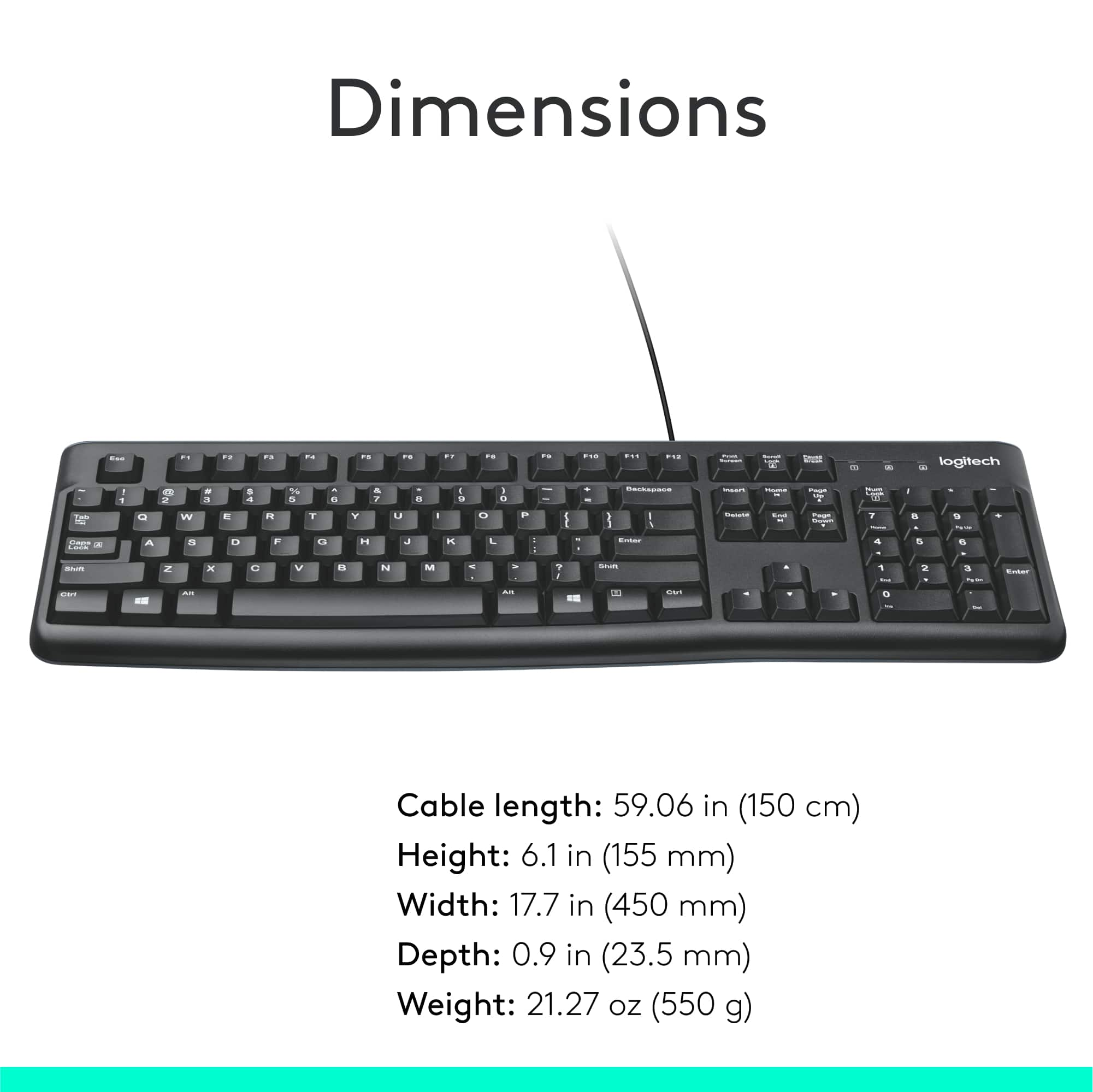
(Also, doesn't a laptop generally come with a keyboard? If not, or you want to add a keyboard, I don't know how to do that. But this keyboard has just one wire that exits the back, which is 4.9 feet long and has a USB plug at the end. If you can plug another keyboard into your laptop on a USB port on your laptop, it may work if the USB port is the same size on your laptop as on a desktop computer.)
What you need to know is what Operating System is on your computer.
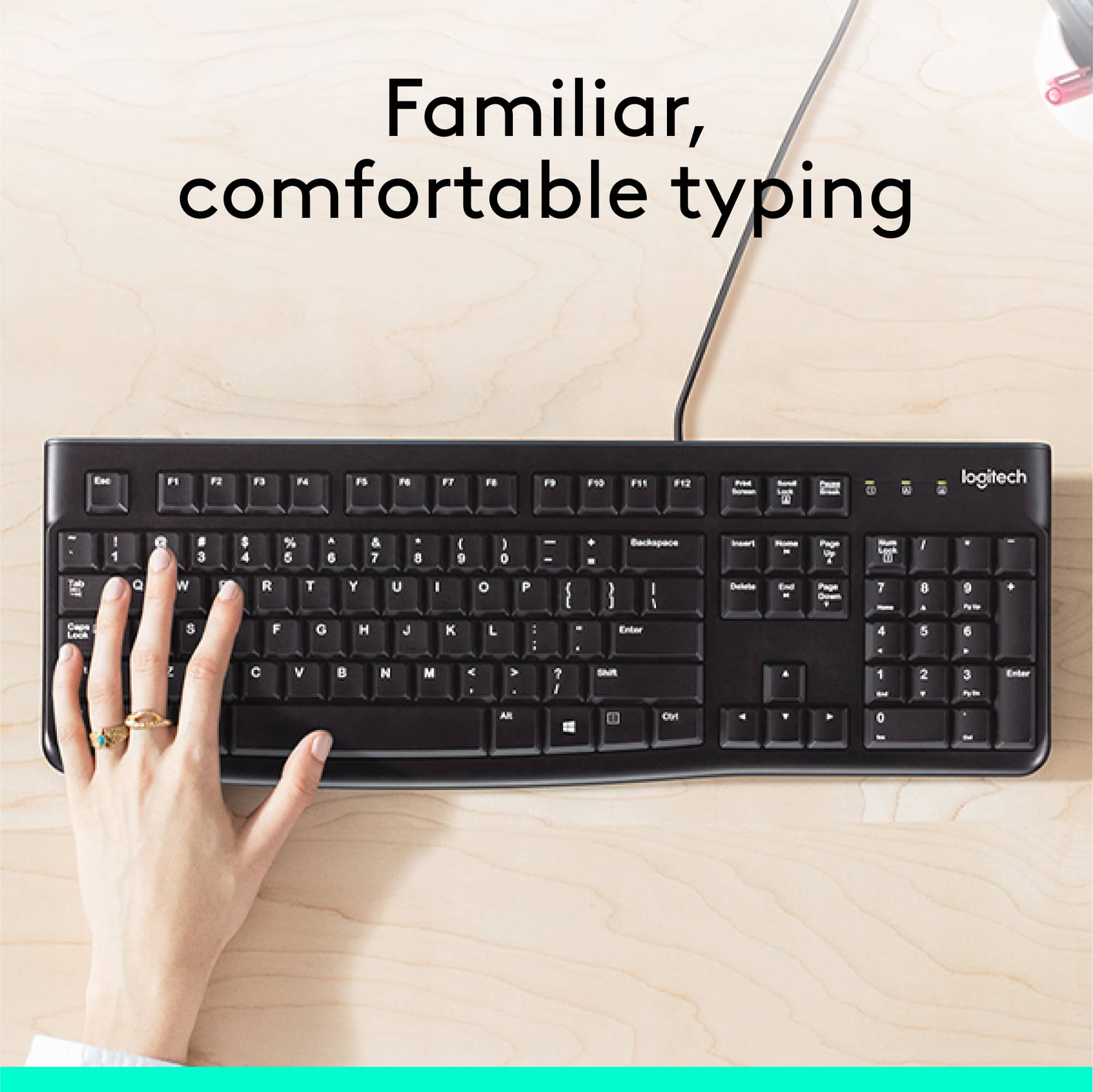
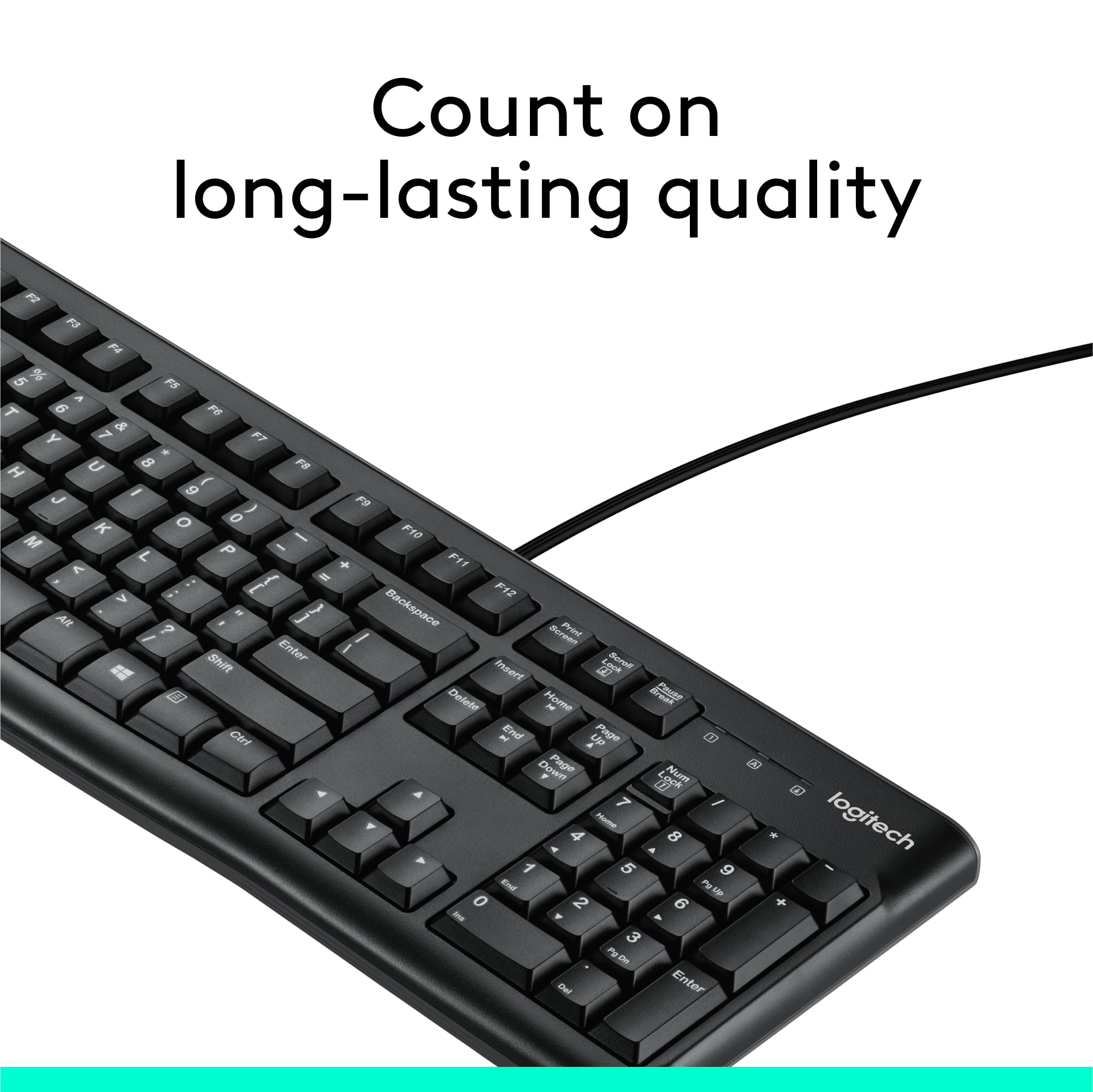
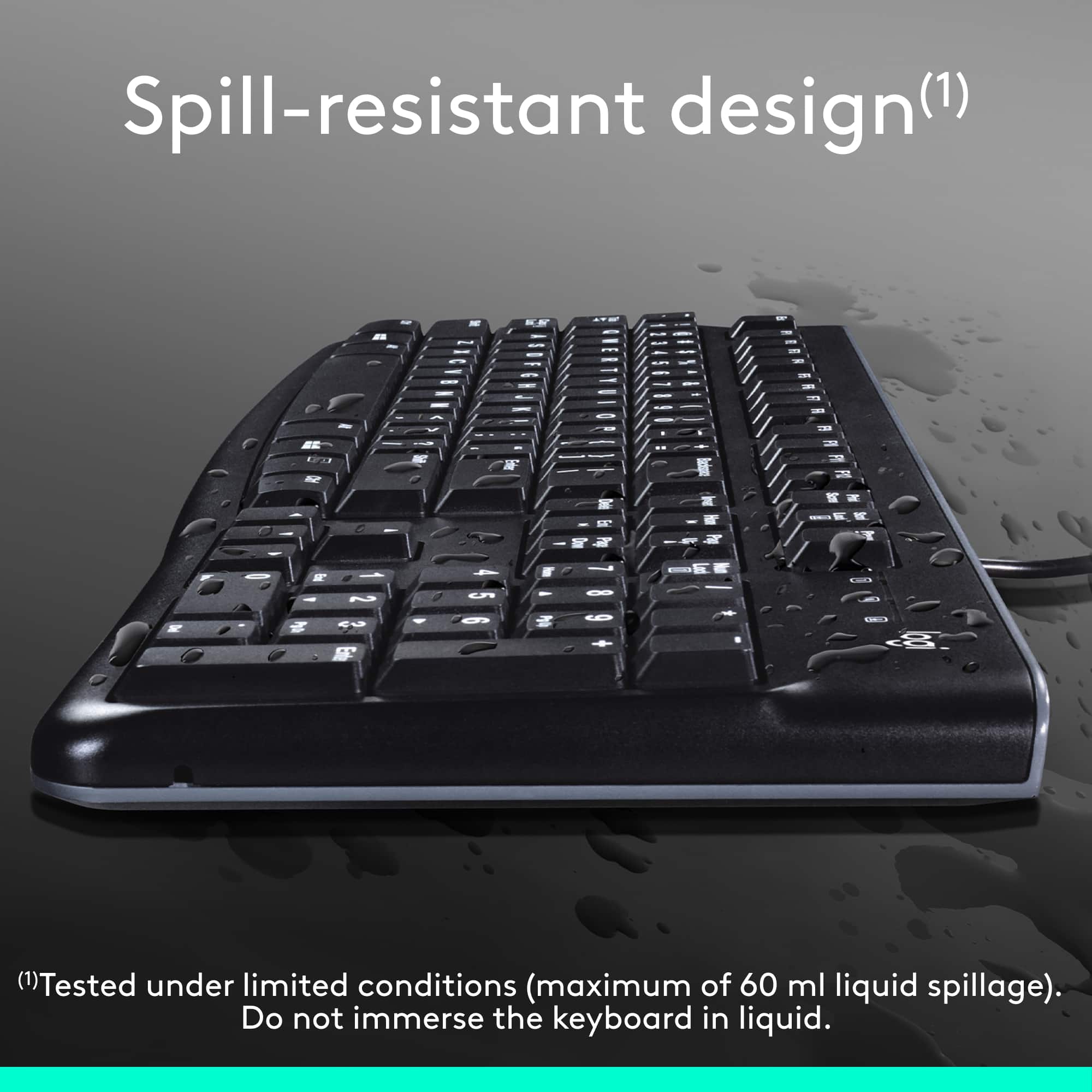
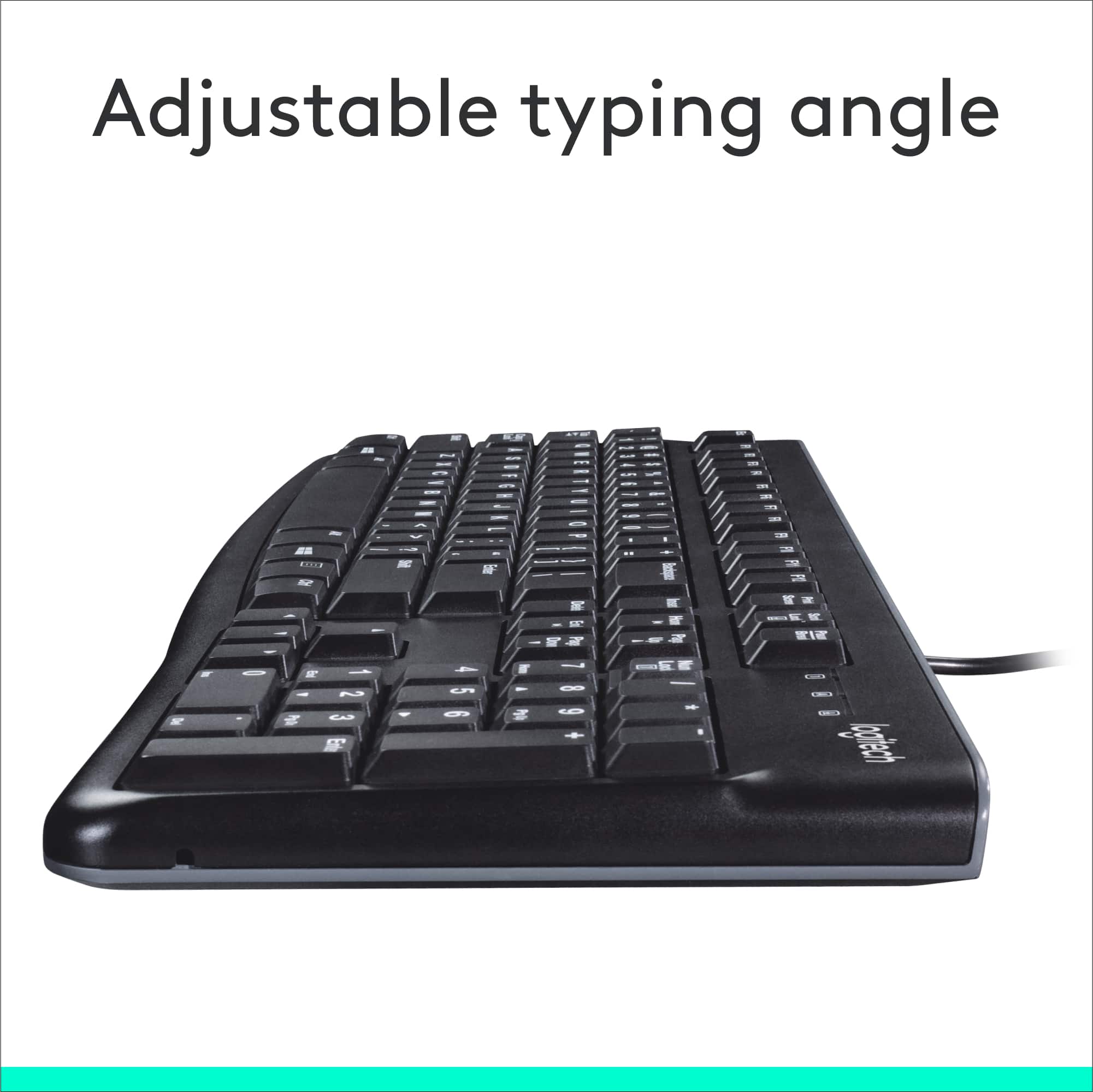
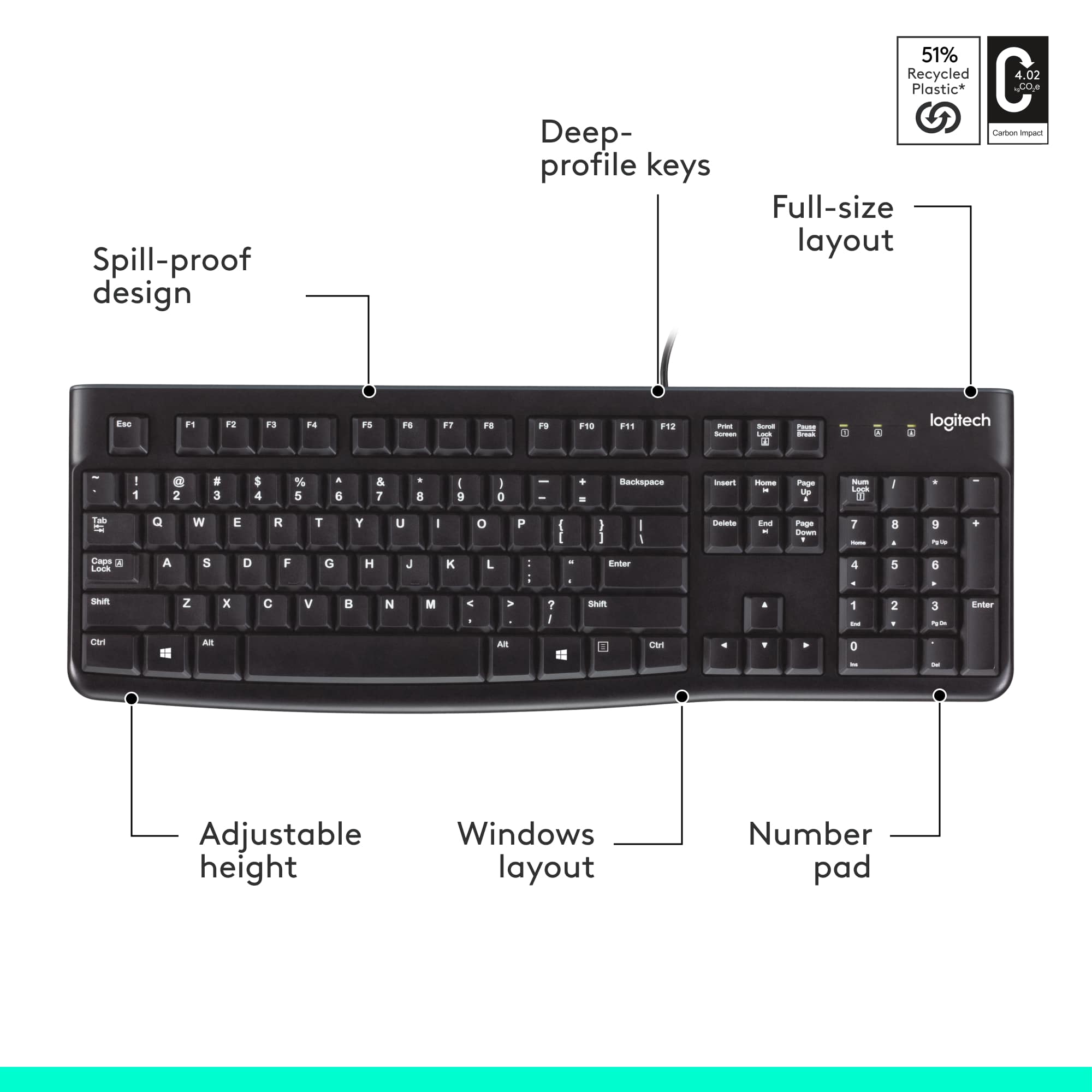
The name of this keyboard is:
"Logitech - K120 Full-size Wired Membrane Keyboard for Windows with Spill-Resistant Design - Black".
That means this is for Windows Operating Systems only.
A:AnswerI've used a Mac keyboard with my Windows computer. I'm guessing that you could use a Windows keyboard with a Mac computer. However, some of the keys will be labeled differently or won't exist. For instance, a Windows keyboard has no Open Apple key (and I'm not sure what the Windows equivalent would be).
A:AnswerYes, but you have to know the equivalent keys. For example, the Windows key = Command, Alt = Option, and the key positions are different. If you can remember that (or paste labels on the keys) it works just fine.
![Esc F1 F2 F3 F4 F5 F6 F7 F8 F9 F10 F11 F12 Print Screen Scroll Lock Pause Break 1 2 3 4 5 6 7 8 9 0 - + = Backspace Insert Home H Page Up A Num Look 1 I Tab Q W E R T Y U I o P { [ } ] I I Delete End IN Page Down 7 Home 8 9 Pg Up Caps A Lock A S D F G H J K L ; : DE g Enter 4 5 6 Shift Z X C V N M < > ? I Shift 1 End 2 3 Pp Dn Enter Ctrl Alt Alt Ctrl 0 Ins Del](https://pisces.bbystatic.com/image2/BestBuy_US/images/products/a588d446-5678-40ae-86b8-1f15e0026e66.jpg)