A:AnswerWe have 2 of these and the kids steal them on occasion for their laptops. I haven't found anything, that they won't sync up with, they are great! In the past, if I had a problem with any logitech device, there is an app you can download on chrome that solves any problems (including using more than one device on a single logitech unification USB adapter - has the little orange symbol on it). With this one, we just plug and play, it self installs and both have been fantastic.
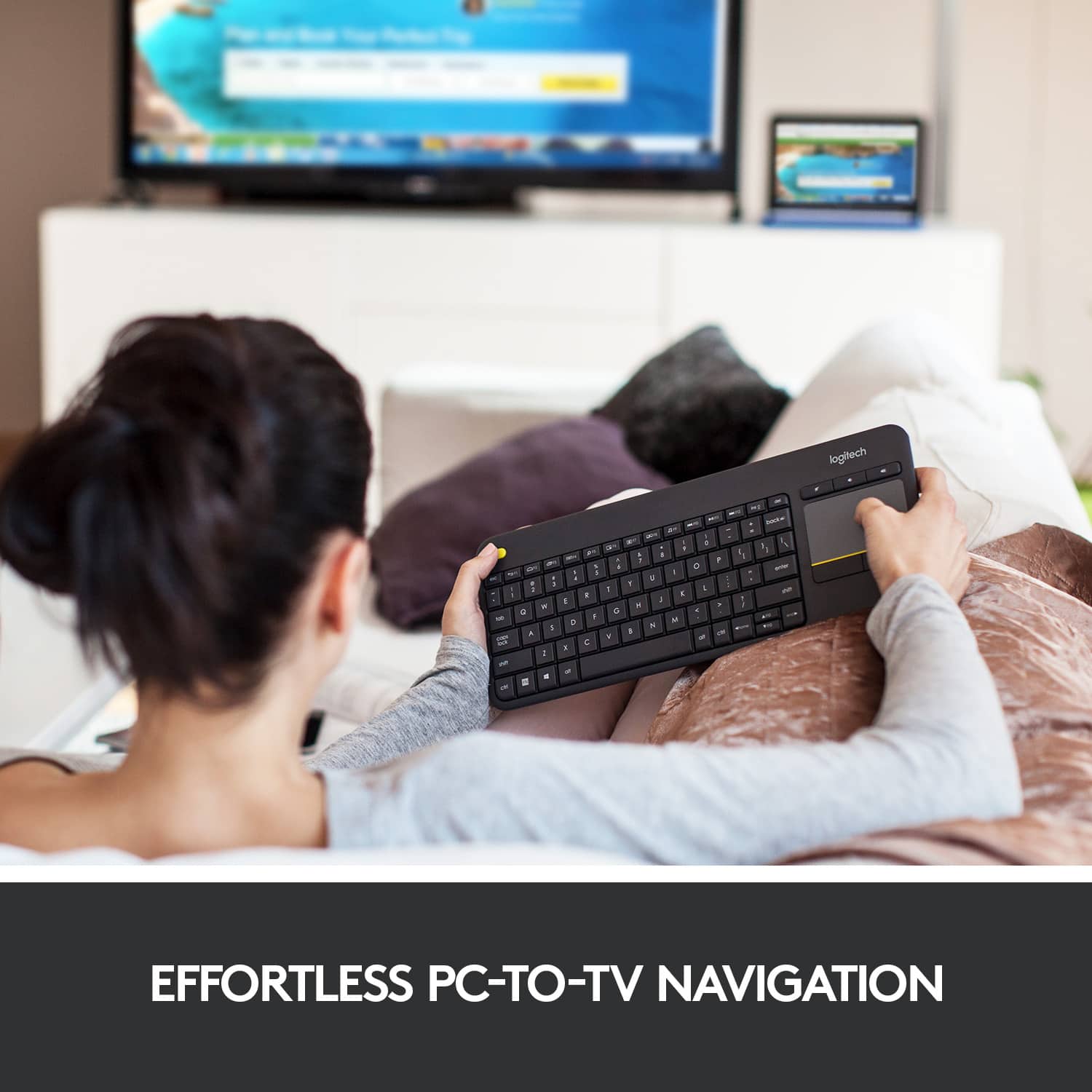
A:AnswerThe K400 will not connect directly to your TV. It will connect to your PC that is connected to your TV. It will control anything being displayed from your PC to your TV.
A:AnswerIn the past, this would not work. In the present this does work. You just need the appropriate adapters. Wether that is lightning to usb OR usbc to usbA. see it in action below
https://youtu.be/ydcYF3-U0e4
Personally, i have tested my ipad mini (5th gen) with a k780 keyboard and an m720 mouse via one unifying receiver and that also worked flawlessly. Actually even better than it does over bluetooth. (Less lag)
A:AnswerNo, it's not Bluetooth. So you must use the included USB dongle or use the dongle that you may already have from another logitech product, like a mouse. I am doing that on my MacBook so that only one USB port is being taken up.
A:AnswerThis is a 2.4ghz wireless device not Bluetooth. If your android device supports OTG you can plug the receiver into your USB port and it works flawlessly but don't expect it to be connected without an adapter.
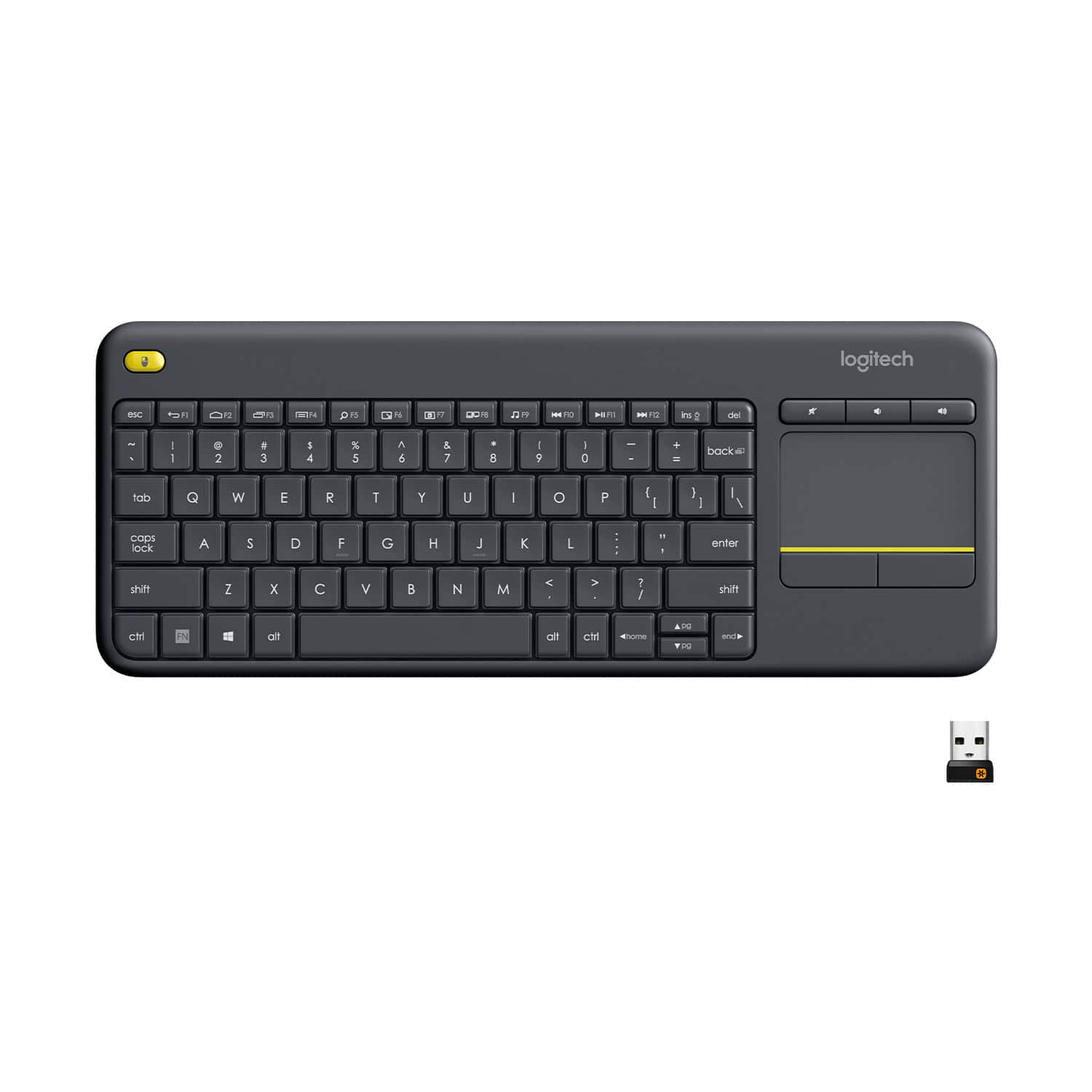
![Built-in touchpad logitech ins PC del + = back } ] I / POINT SCROLL enter shift](https://pisces.bbystatic.com/image2/BestBuy_US/images/products/9b5a0d6f-631a-4c6c-a7bf-e65b20135ee8.jpg)