A:AnswerHi Stefan,
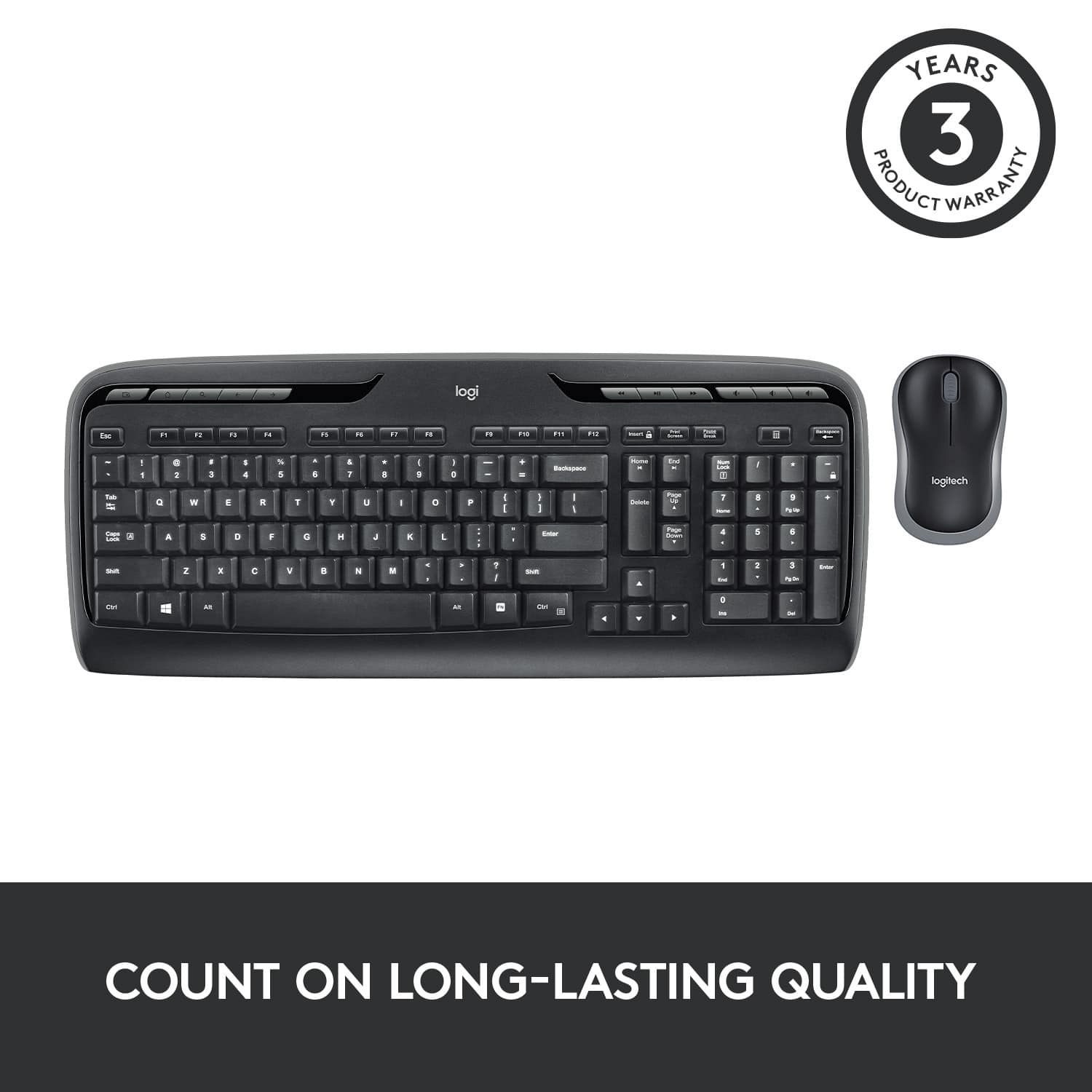
Yes! this keyboard and mouse is compatible with PS4, however it may not be as simple as plug-and-play. You'll need to research how to properly set this up with your PS4
-Logitech
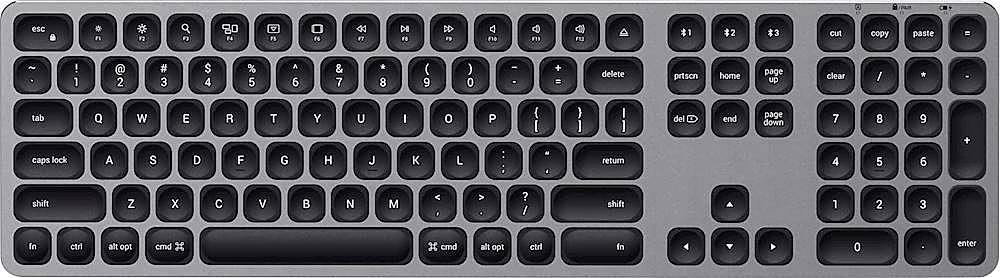
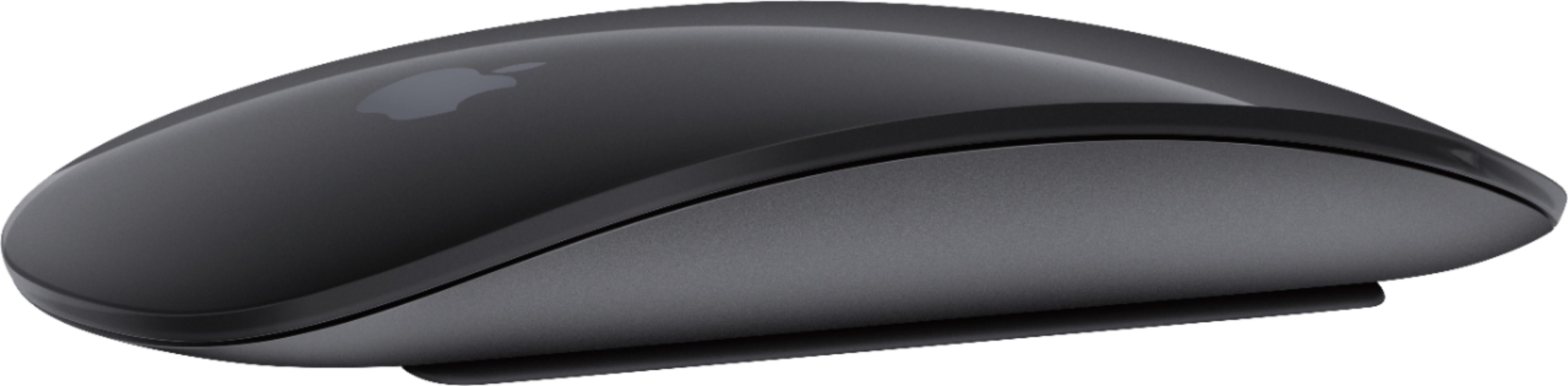
A:AnswerYes. Does not do the Ctrl + Shift + what ever functions but the mouse will get you around. The number keypad is a great feature unlike apple. The mouse can right click unlike the apple mouse.
A:AnswerIf your Lenovo laptop is on, and has a USB port, it will work. But, make sure to put batteries in the keyboard and mouse. Otherwise it won't work.
A:AnswerThe keyboard and mouse work independently, so not having one should not affect the other. Make sure your device recognizes the receiver, then manually reconnect the keyboard using the button on the bottom. Another step would be to connect the receiver to another device to try to isolate the problem.. I could always start with the obvious to make sure the batteries in the keyboard are fully charged, but I'll take for granted you've already done that.. Hope this helps. Rick
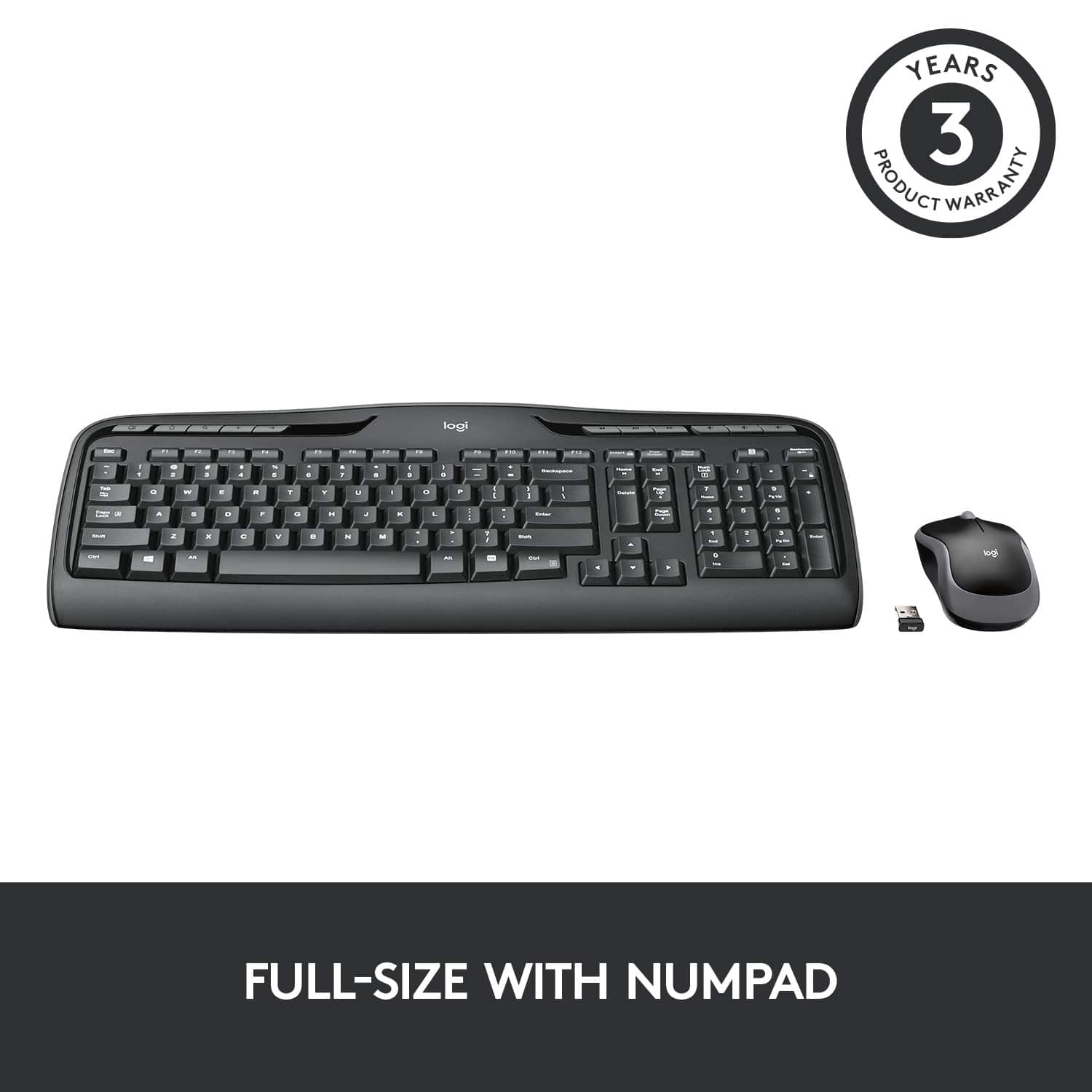
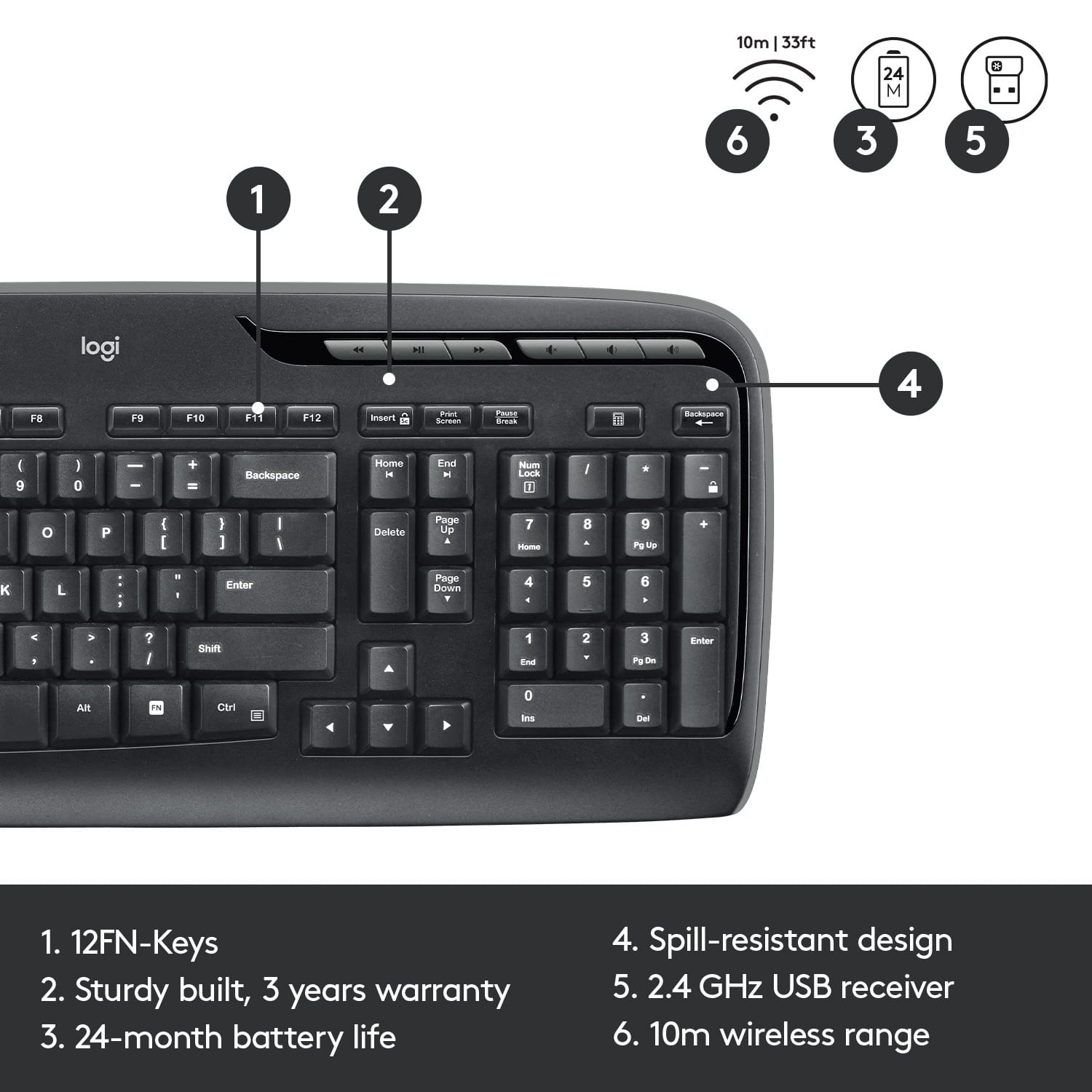
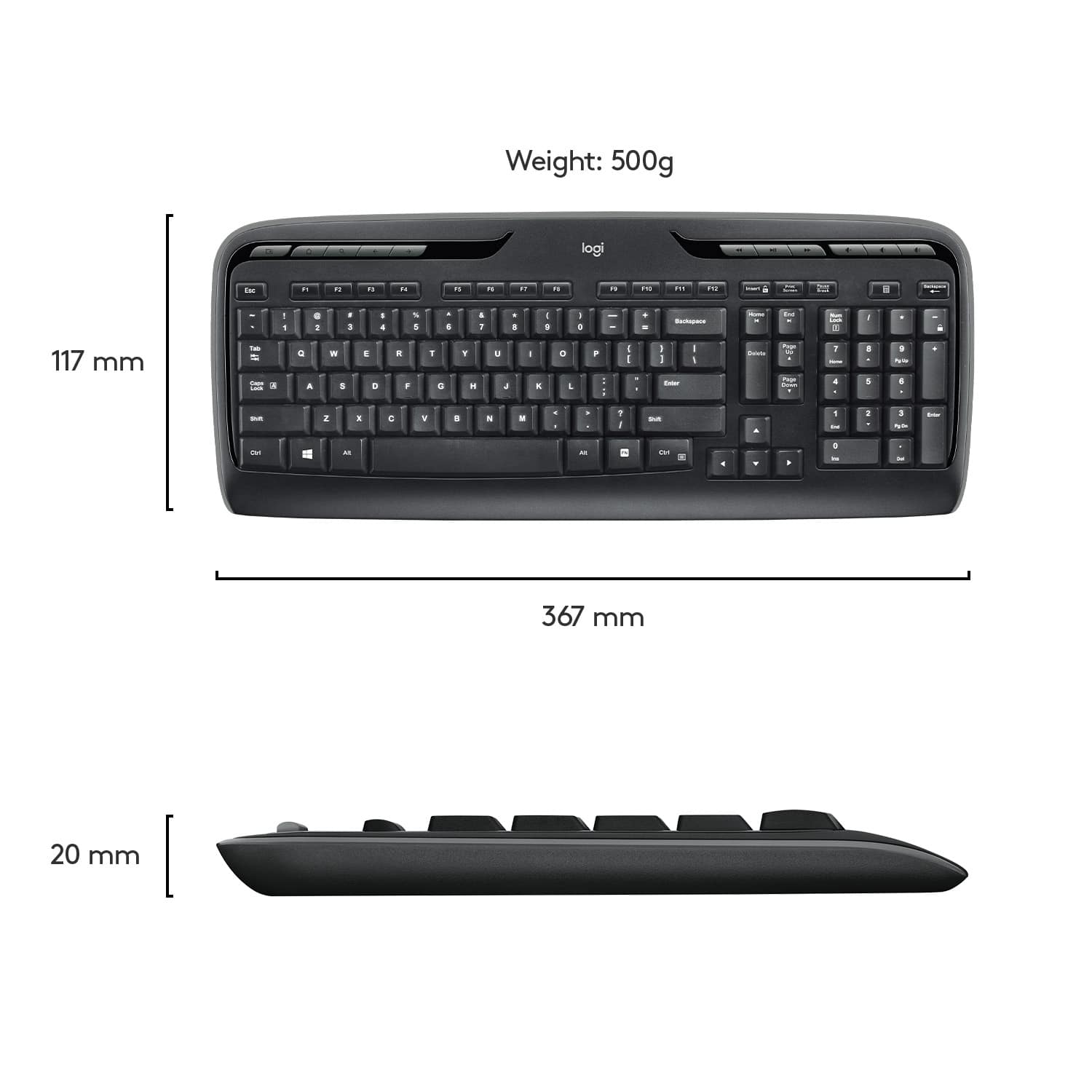
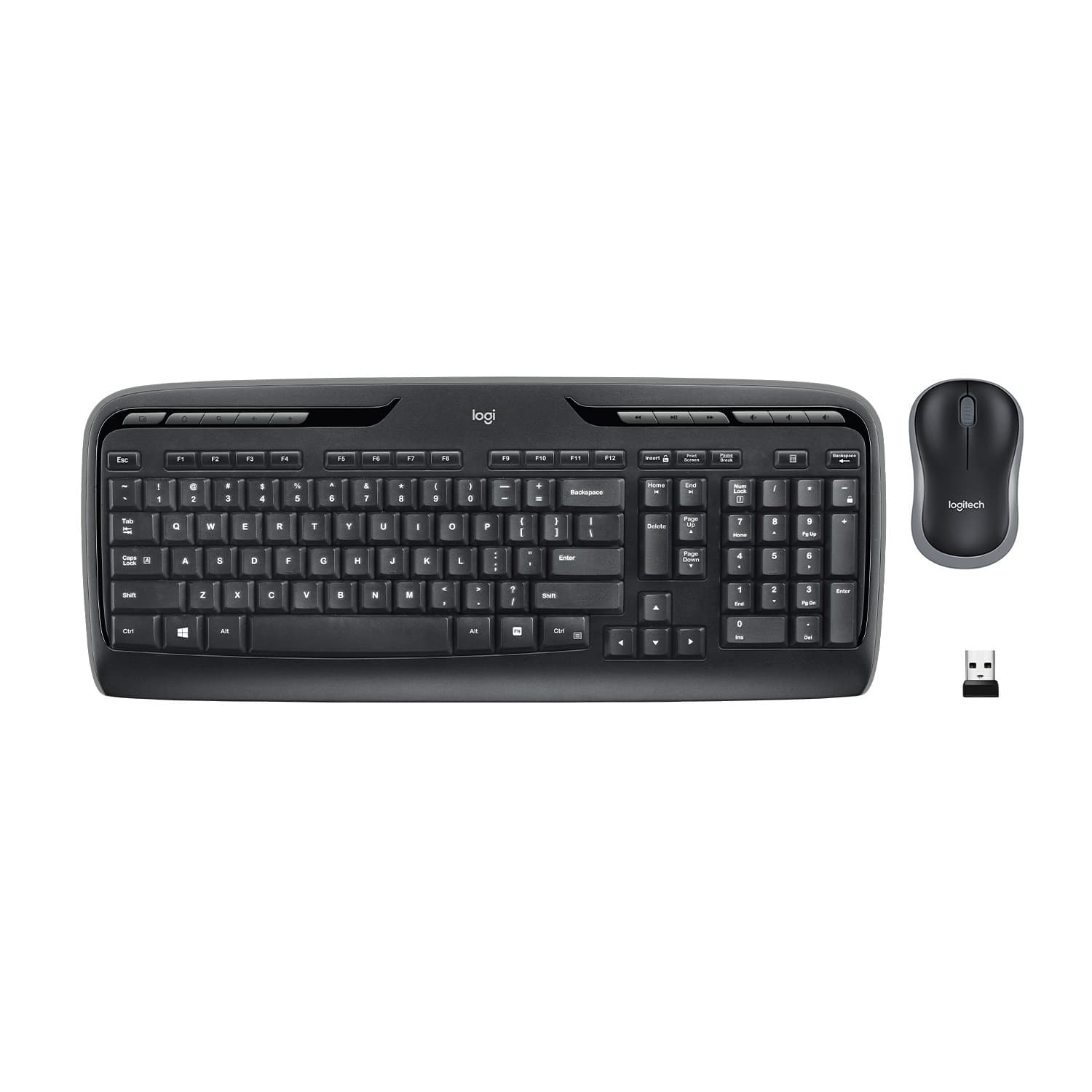
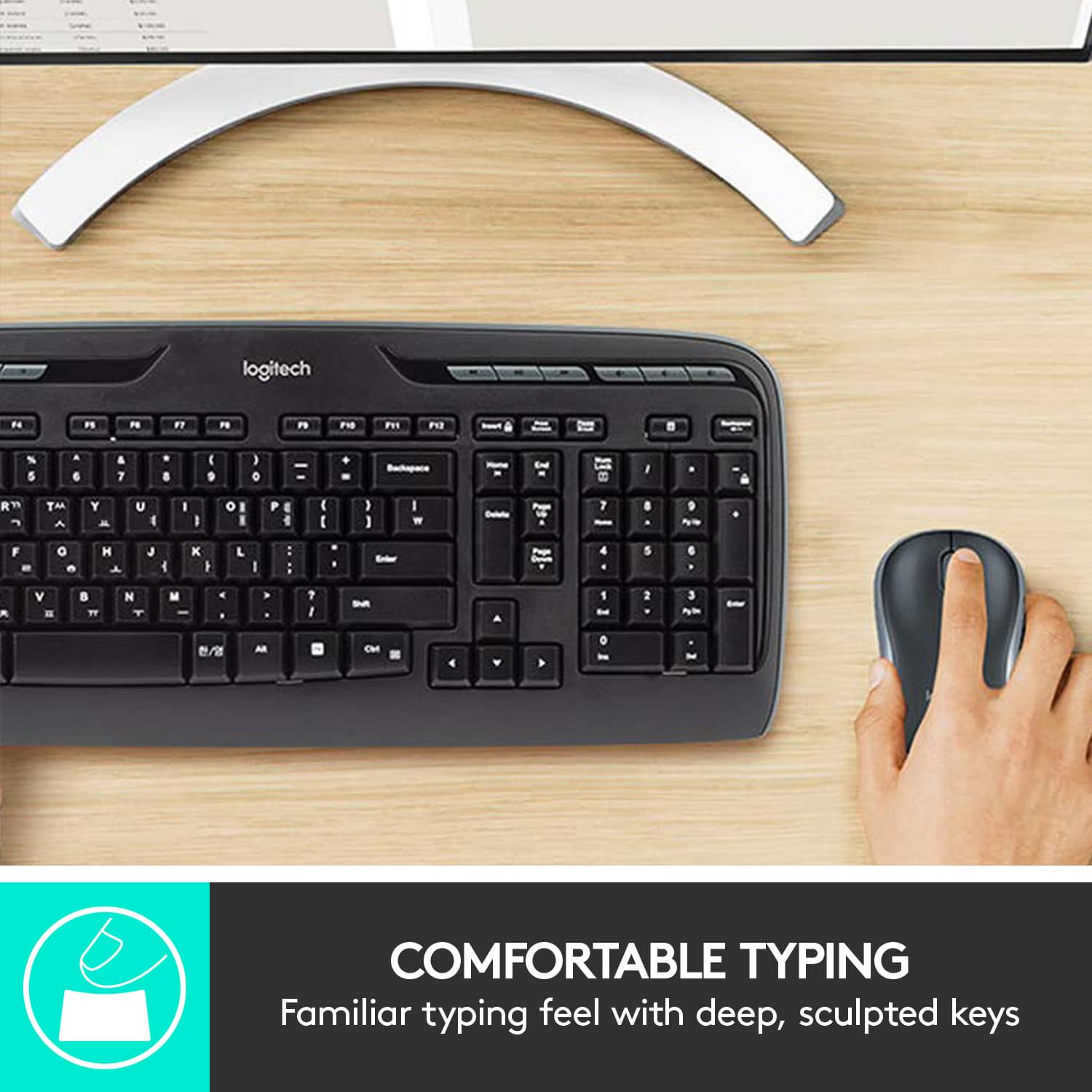
A:AnswerFor the most part, yes. The 6 keys above the arrow keys are a slightly different layout, but the keys are the same size you'd find on most any normal 101/104 key keyboard.
A:AnswerYes, but you will absolutely need a USB-C to USB-A dongle for the adapter that comes in the package.
You'd be far better off to get a Bluetooth keyboard and mouse instead, because of fewer things to deal with.
![% 5 T 6 Y H F5 & 7 U J M F6 * 8 I K < Alt F7 logi F8 { 9 F9 ) 0 F10 - o - F11 + P = { L E Backspace ) ] . I > I ? Enter Shift IN Ctrl A F12 .. Inseri i Smian PS Home H Break Par End I Delete Num Page Lock Up 7 Down Page Ho 8 4 5 1 End 2 0 3 Ins Po Dn / * 9 Pg -e 6 Enter f + Beckspase Det 11 SHORTCUT KEYS FOR PRODUCTIVITY](https://pisces.bbystatic.com/image2/BestBuy_US/images/products/808ee562-6ece-46d3-b599-9023a655f797.jpg)