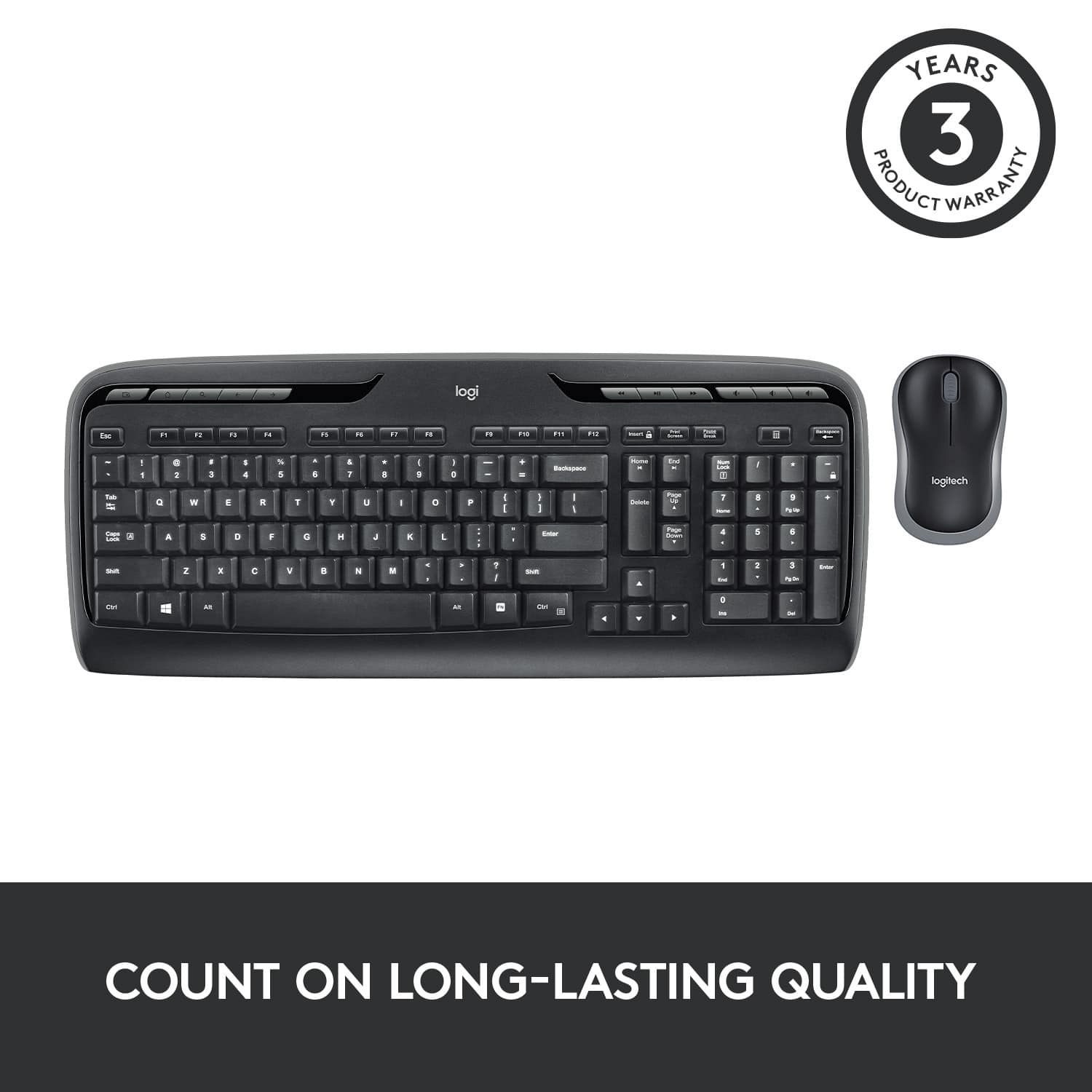
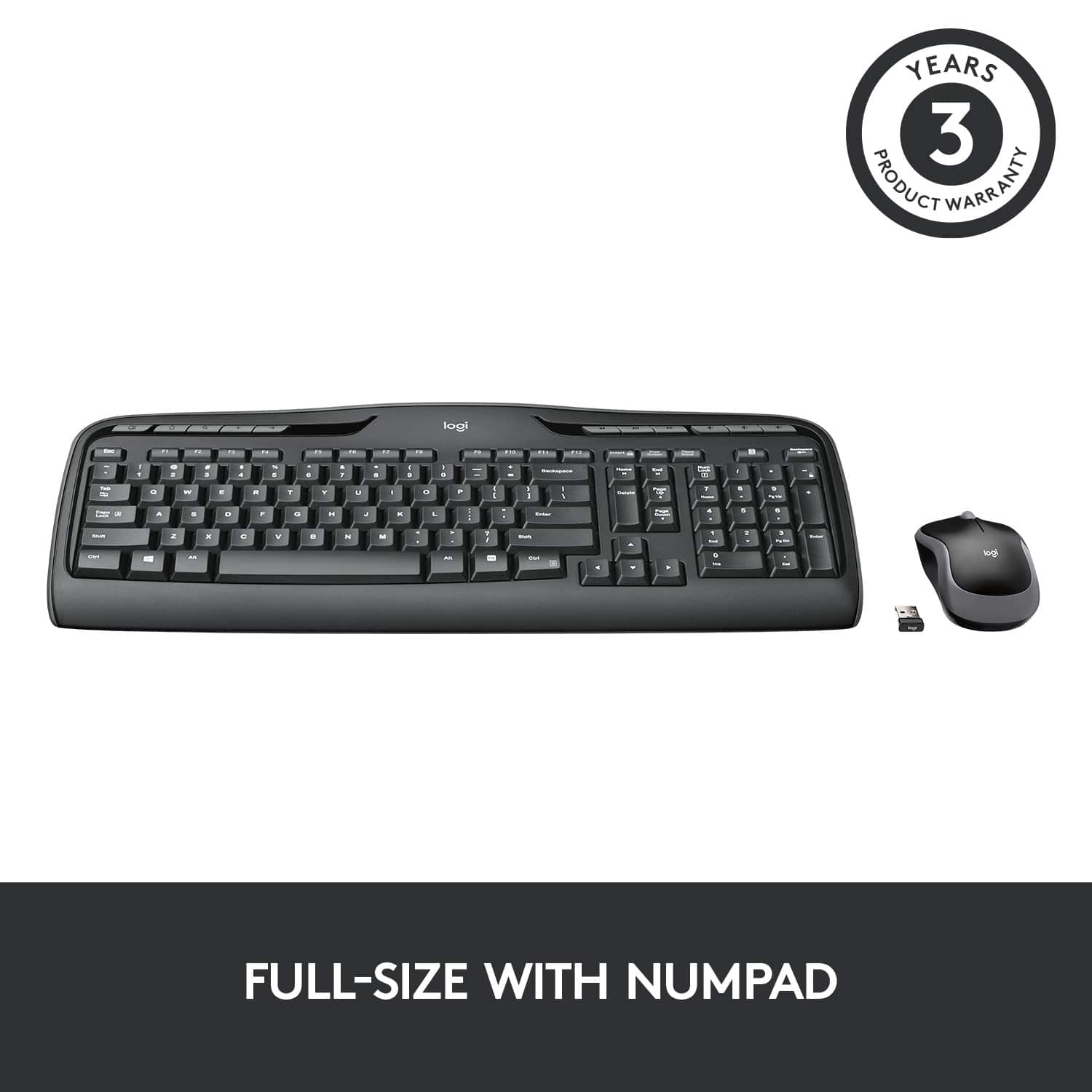
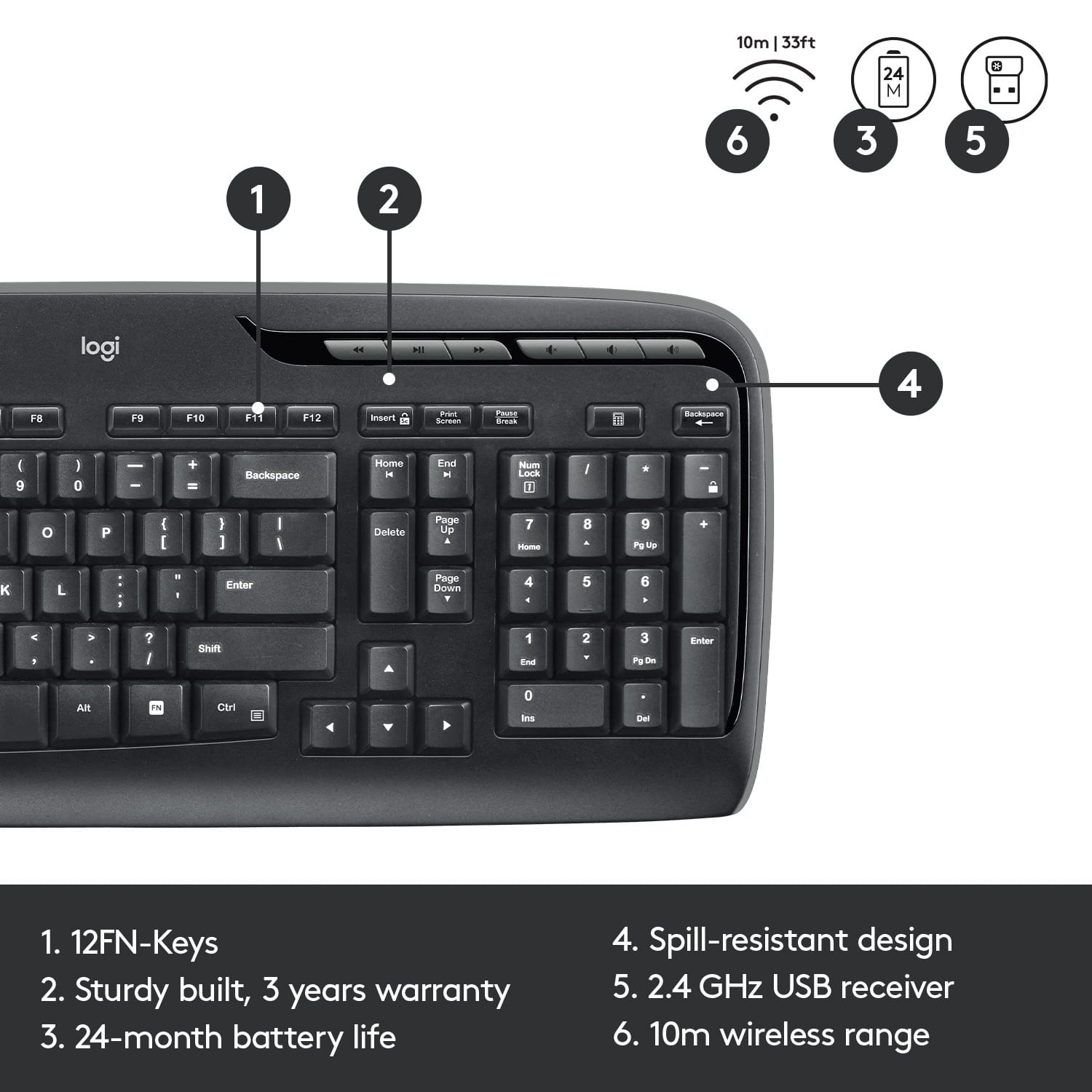
A:AnswerDownload the Logi Options+ app on your computer (don't believe what you read about not being able to change any settings for the MK320 since it's a "basic" keyboard) and add your new keyboard (it may take a minute or two for the app to pick up your new keyboard). Once connected, click on the keyboard on the screen and it will take you to another screen which will have the settings button for your keyboard. Click on settings and then under Genera, toggle on the "Use F1, F2 etc. keys as standard function keys". Once you do this, the - key will work like a - key and will stop acting like a lock key thankfully. I'm a CPA, so I was thinking I was going to have get a new keyboard, but I read the above on a reddit board.
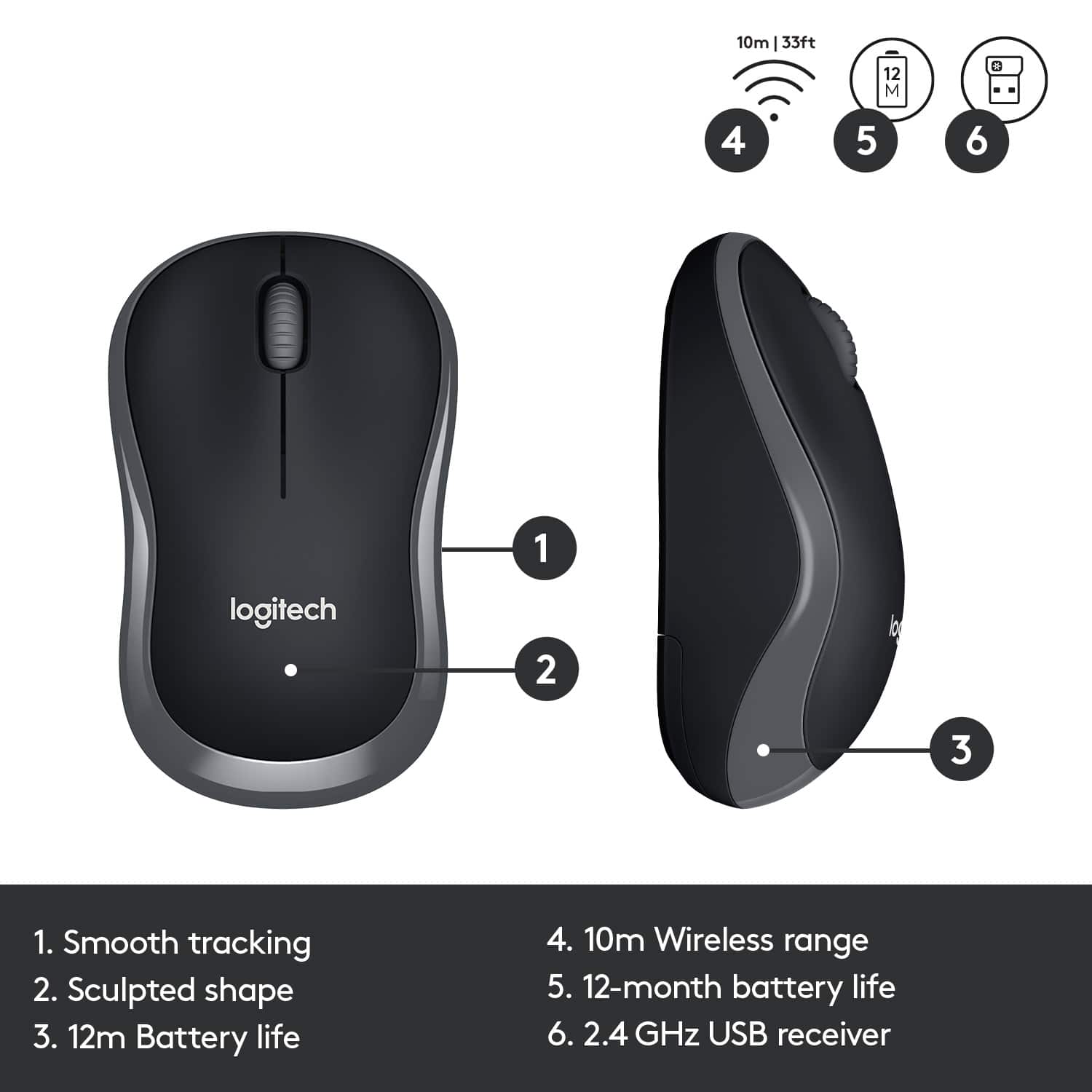
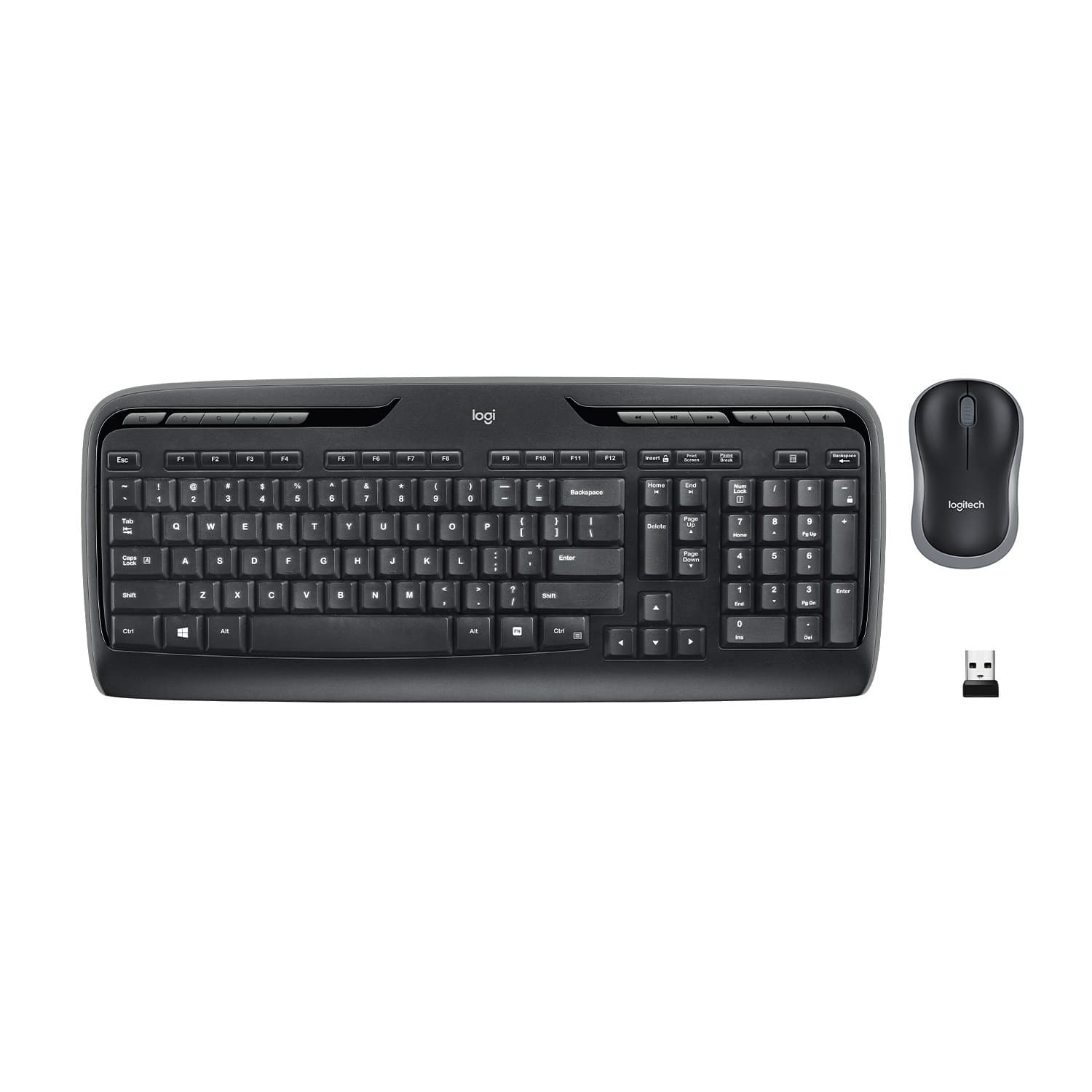
A:AnswerYou just have to be sure that the USB Unified symbol is on all your devices then they all work with one dongle! I had an older model that didn't have the unifying symbol and that one didn't work with the Trackball so I had to get another keyboard that had the symbol and all is well. I have a mouse and a trackball at work going through one Unified dongle and they work great as well.
A:AnswerYes, you will just need to adjust the modifier keys in system preferences to switch around your command and option keys, or just adjust to them being reversed.
![% 5 T 6 Y H F5 & 7 U J M F6 * 8 I K < Alt F7 logi F8 { 9 F9 ) 0 F10 - o - F11 + P = { L E Backspace ) ] . I > I ? Enter Shift IN Ctrl A F12 .. Inseri i Smian PS Home H Break Par End I Delete Num Page Lock Up 7 Down Page Ho 8 4 5 1 End 2 0 3 Ins Po Dn / * 9 Pg -e 6 Enter f + Beckspase Det 11 SHORTCUT KEYS FOR PRODUCTIVITY](https://pisces.bbystatic.com/image2/BestBuy_US/images/products/808ee562-6ece-46d3-b599-9023a655f797.jpg)