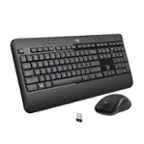
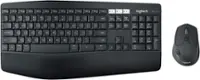
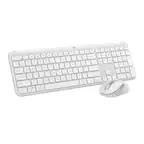
A:AnswerWhile the Logitech MK470 doesn't have dedicated DPI buttons for on-the-fly adjustments, you can effectively adjust the pointer speed, which achieves a similar result.
A:AnswerThat's unexpected! In order to help you effectively, please provide your information to our support team via email at socialcare@logitech.com with your
- Name:
- Email Address:
- Country:
- Product Name:
- Brief description of issue:
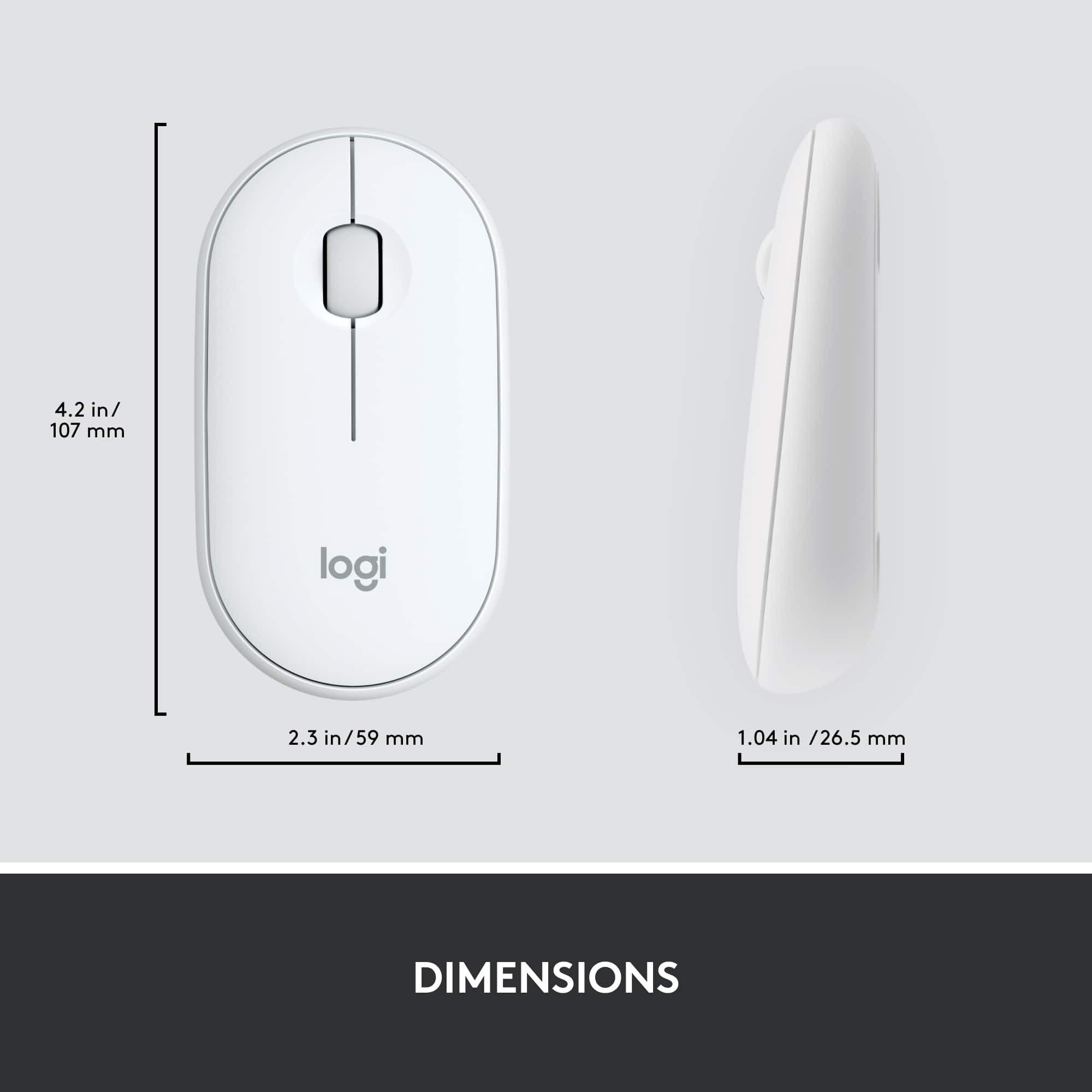
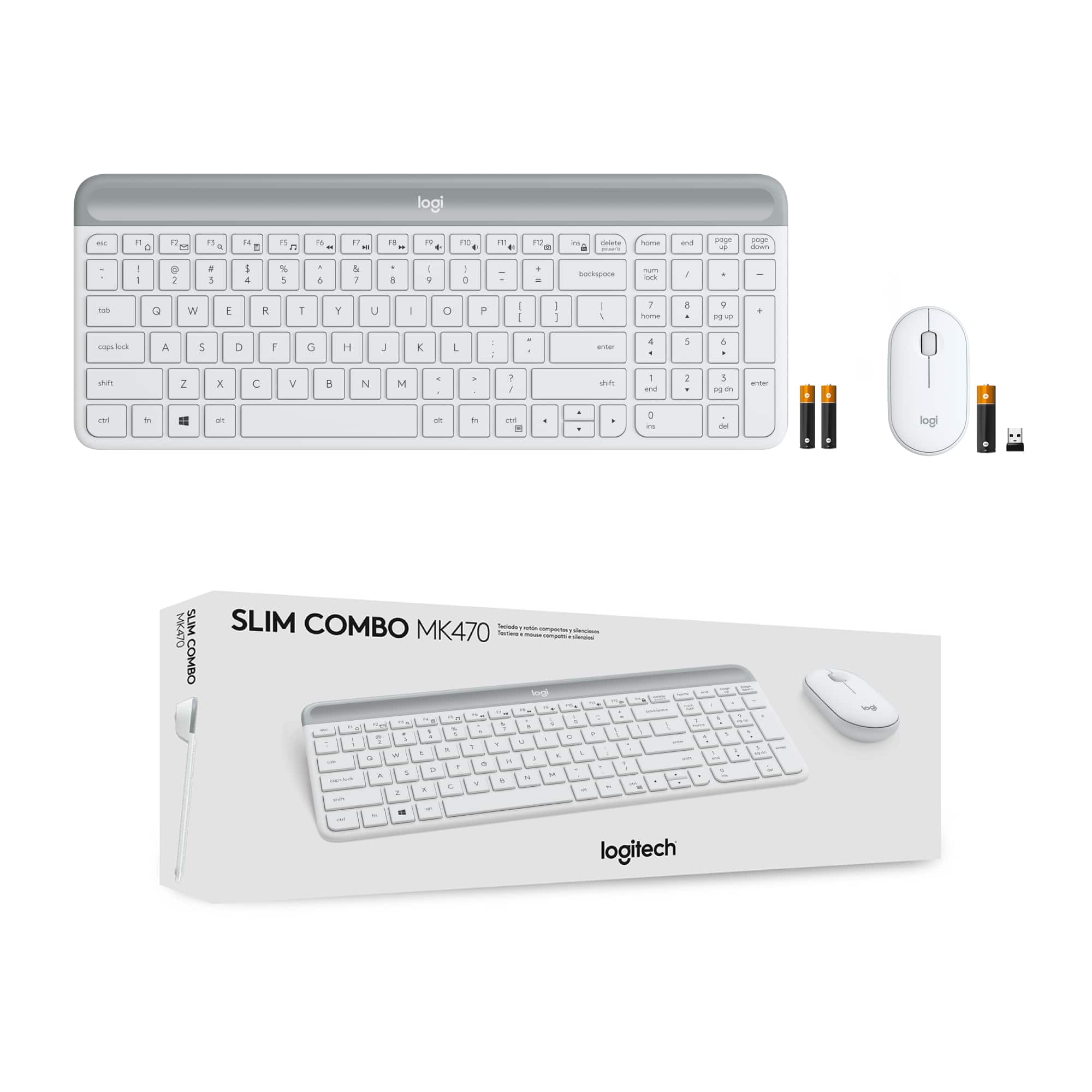
A:AnswerNo, you can pair a different mouse if you would like. You need to make sure though that you have the extra space for the little piece that comes with the mouse.
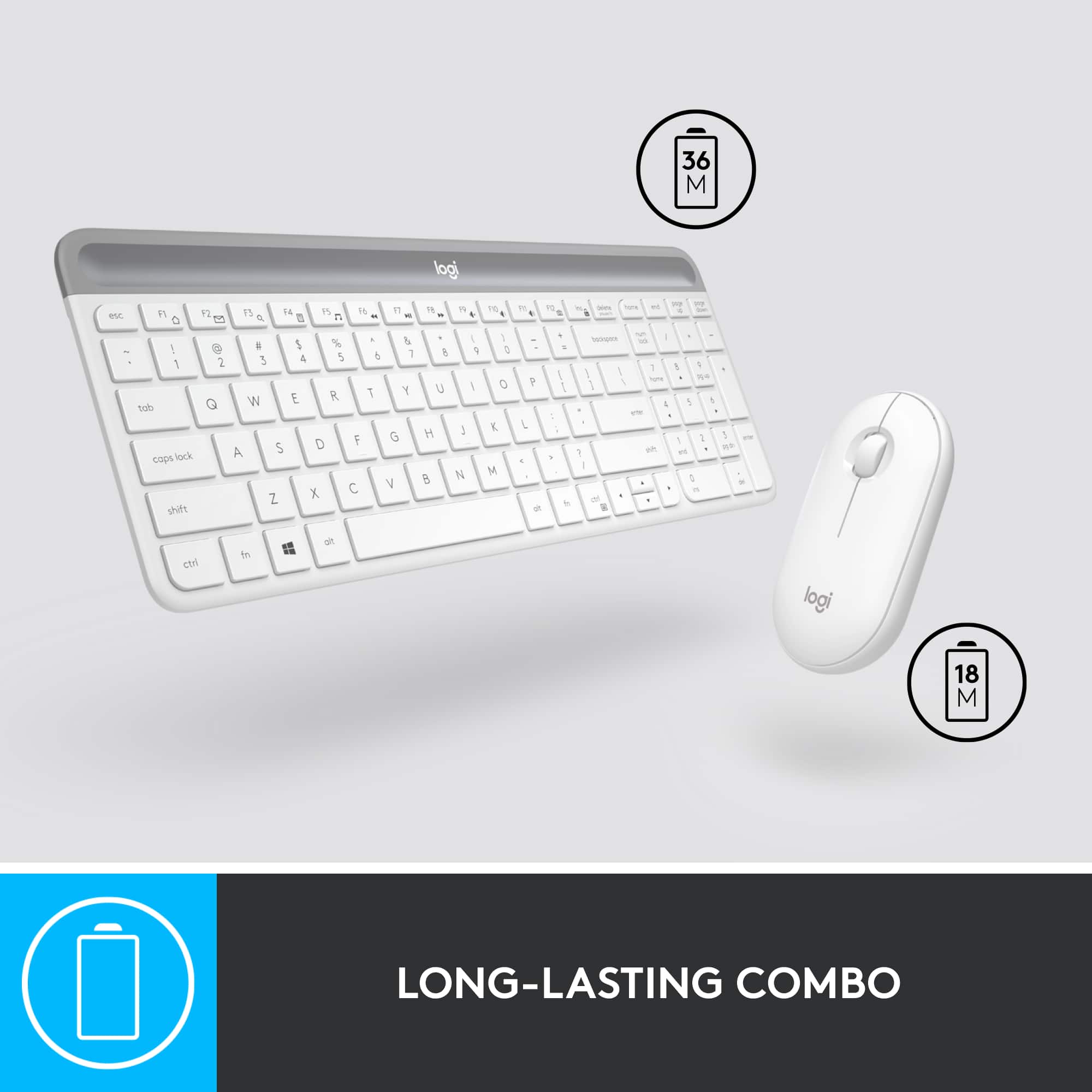
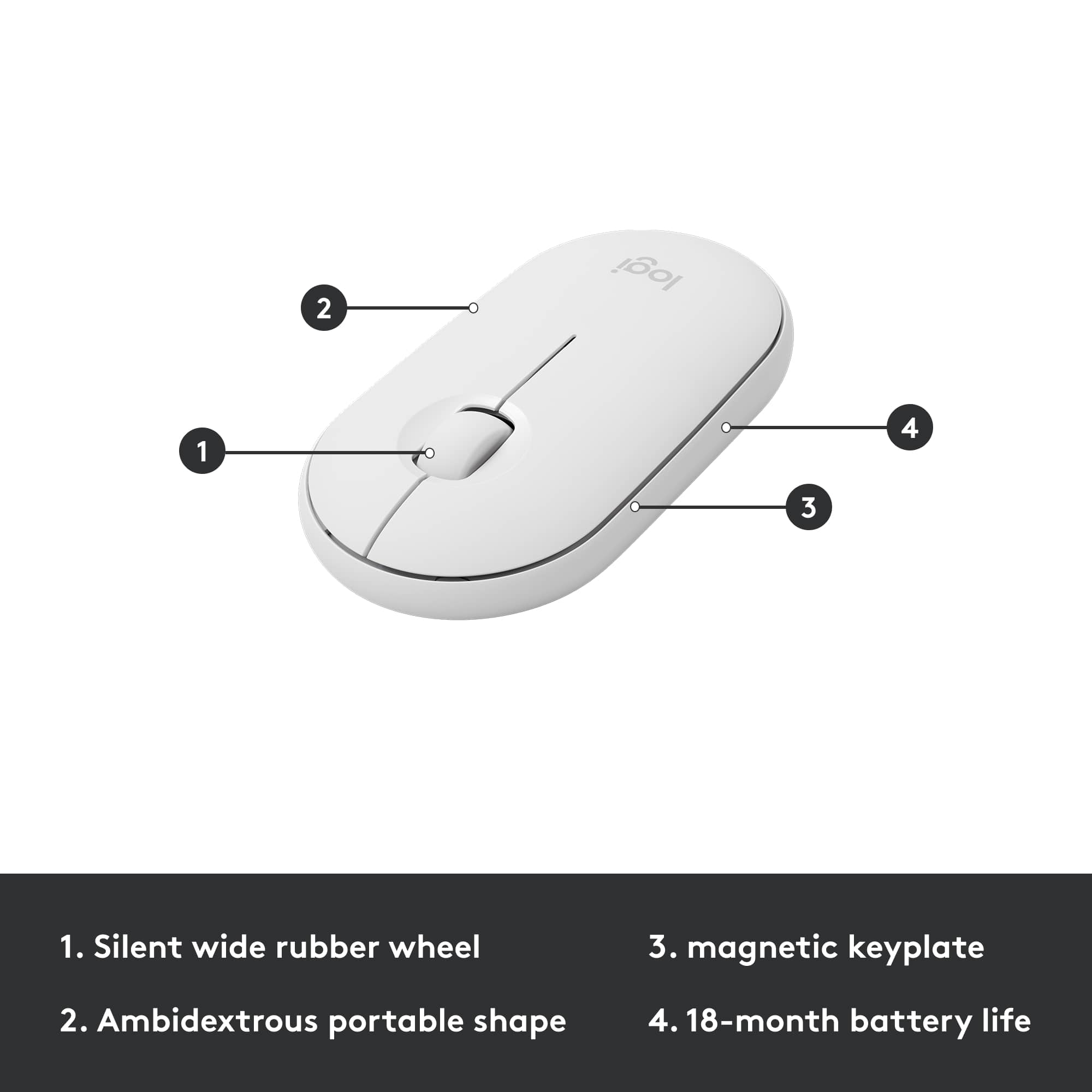
A:AnswerBest you can do is remove the batteries for travel. There isn't an off switch, as you know. I would even bet frequent battery removal and replacement will lead to the flimsy cover to break sooner than it should. Best of luck, I just ordered a better set.
A:AnswerBe sure the dongle is fully installed and the batteries in the keyboard are connected properly. (My came with a battery protector strip to keep the batteries from discharging). I needed an adapter (female USB to USB C) to use with my Macbook Pro, but have had no problem with it identifying the keyboard.
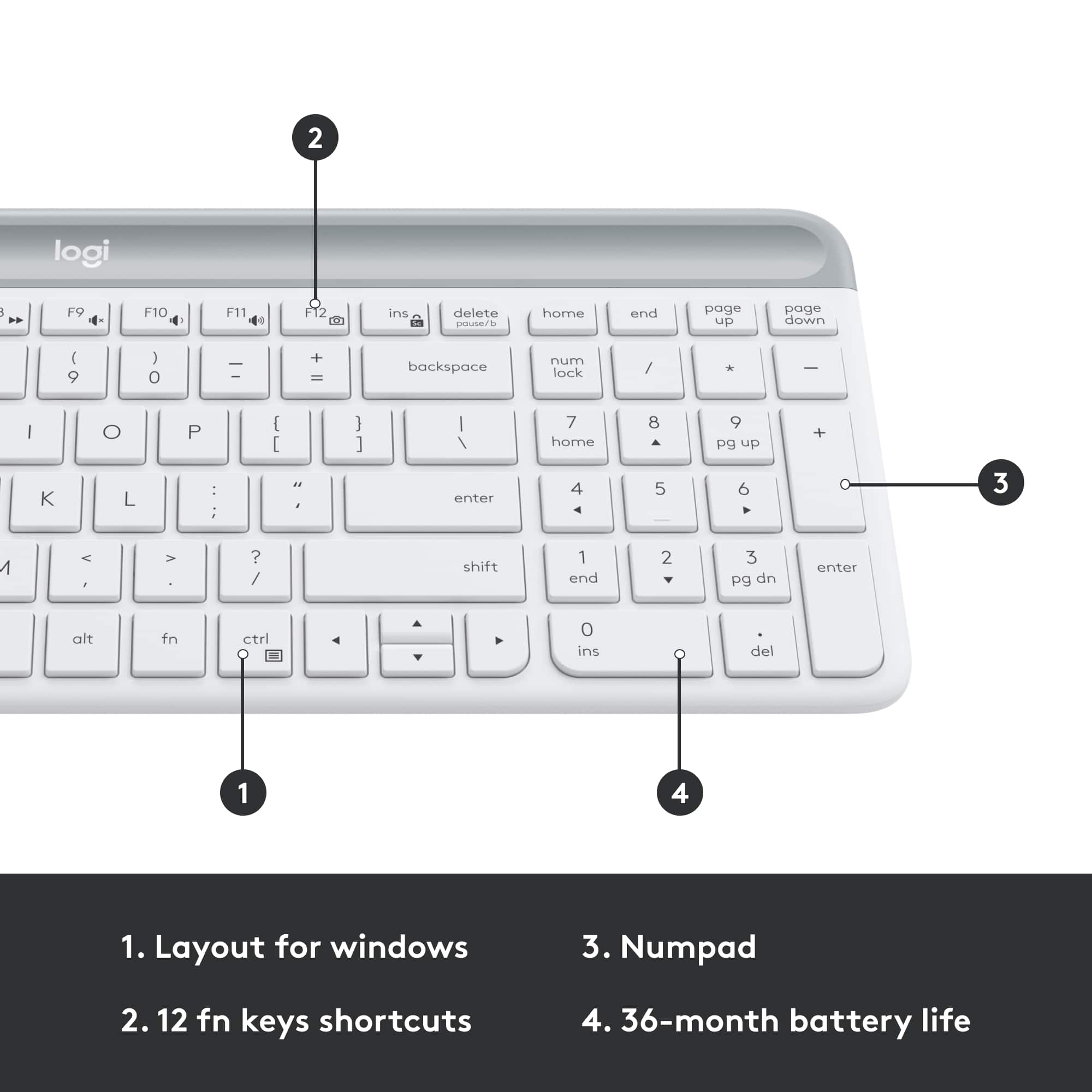
A:AnswerHello there! For the keyboard, make sure you have enabled number lock key, If pressing the key once doesn’t enable NumLock, press and hold the key for five seconds. and have the keyboard in mac layout (Hold down key combination FN+O for 3 seconds). For the mouse, you can make the necessary changes to inverse the scrolling direction in the mac general settings.
A:AnswerThe MK470 does not have an on/off button. It automatically goes to sleep after some time - not quite sure how long it should be idle before it “sleeps”
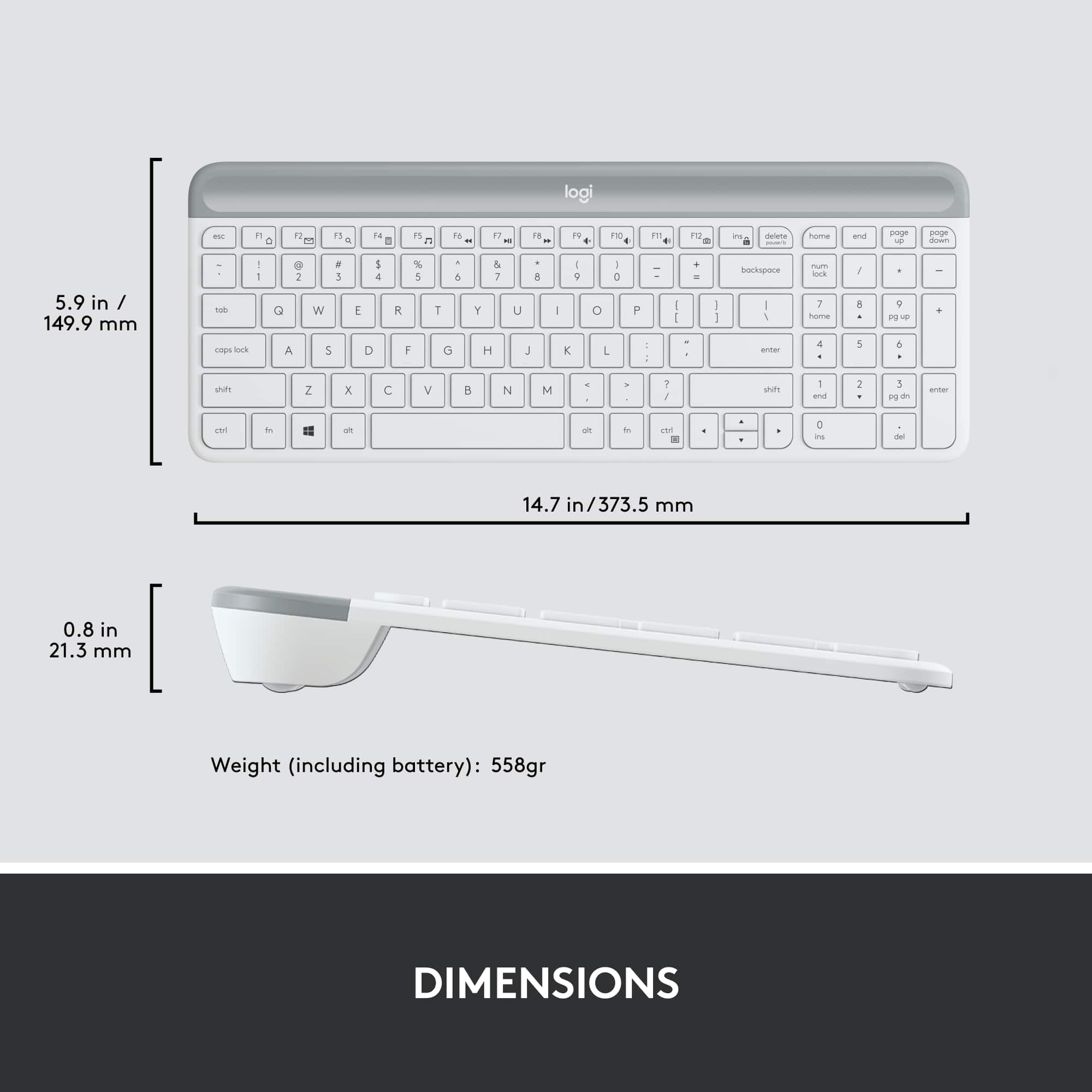
As for the batteries, it’s the top thick bar on your keyboard. The one with the logo. You will have to press and push both sides away from the keys (if that makes sense) to open the compartment where the batteries are