A:AnswerHardware & Connection Checks
Try different USB ports: Plug them into multiple ports (front/back of PC, or different sides of a laptop). A failed USB controller can affect certain ports.
Check power: If it’s a desktop, make sure the PC is fully powered on and not stuck mid‑boot.
Remove hubs/adapters: If you’re using a USB hub, extension, or docking station, connect directly to the computer.
Boot & BIOS Level
Test in BIOS/UEFI: Restart your computer and press the BIOS key (often Del, F2, or F10). If the keyboard doesn’t respond there, it’s a hardware/firmware issue, not Windows.
Try Safe Mode: Boot into Safe Mode to see if drivers or software are interfering.
Software & Drivers
Device Manager: If you can borrow another input device (like a spare keyboard or even an on‑screen keyboard with a touchscreen), check Device Manager for USB controller errors.
Update/reinstall drivers: Sometimes USB controller drivers get corrupted. Reinstalling chipset/USB drivers from your motherboard or laptop manufacturer can help.
Isolation Tests
Test on another computer: Plug the new mouse/keyboard into a different machine. If they work there, your PC is the culprit.
Try PS/2 ports (if available): On some desktops, older round PS/2 ports bypass USB issues.
From your description, the most likely culprits are:
USB controller failure (hardware issue on the motherboard).
Driver corruption (software issue).
Power delivery problem (faulty PSU or surge).
Quick next step: Can you confirm whether the keyboard works in BIOS setup? That’s the fastest way to tell if it’s hardware vs. Windows.
If all else fails, register the KB and mouse and call or chat with their support service.
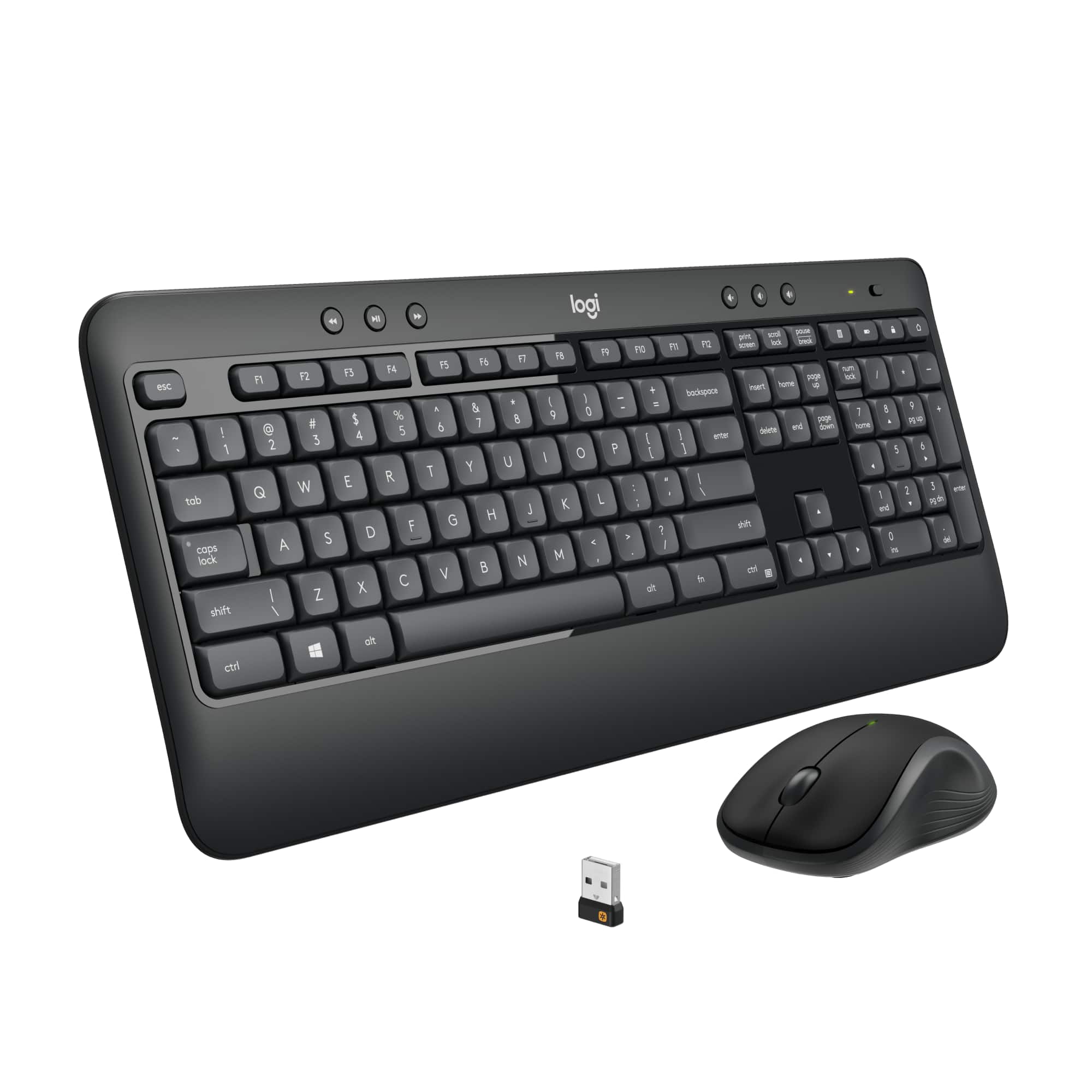
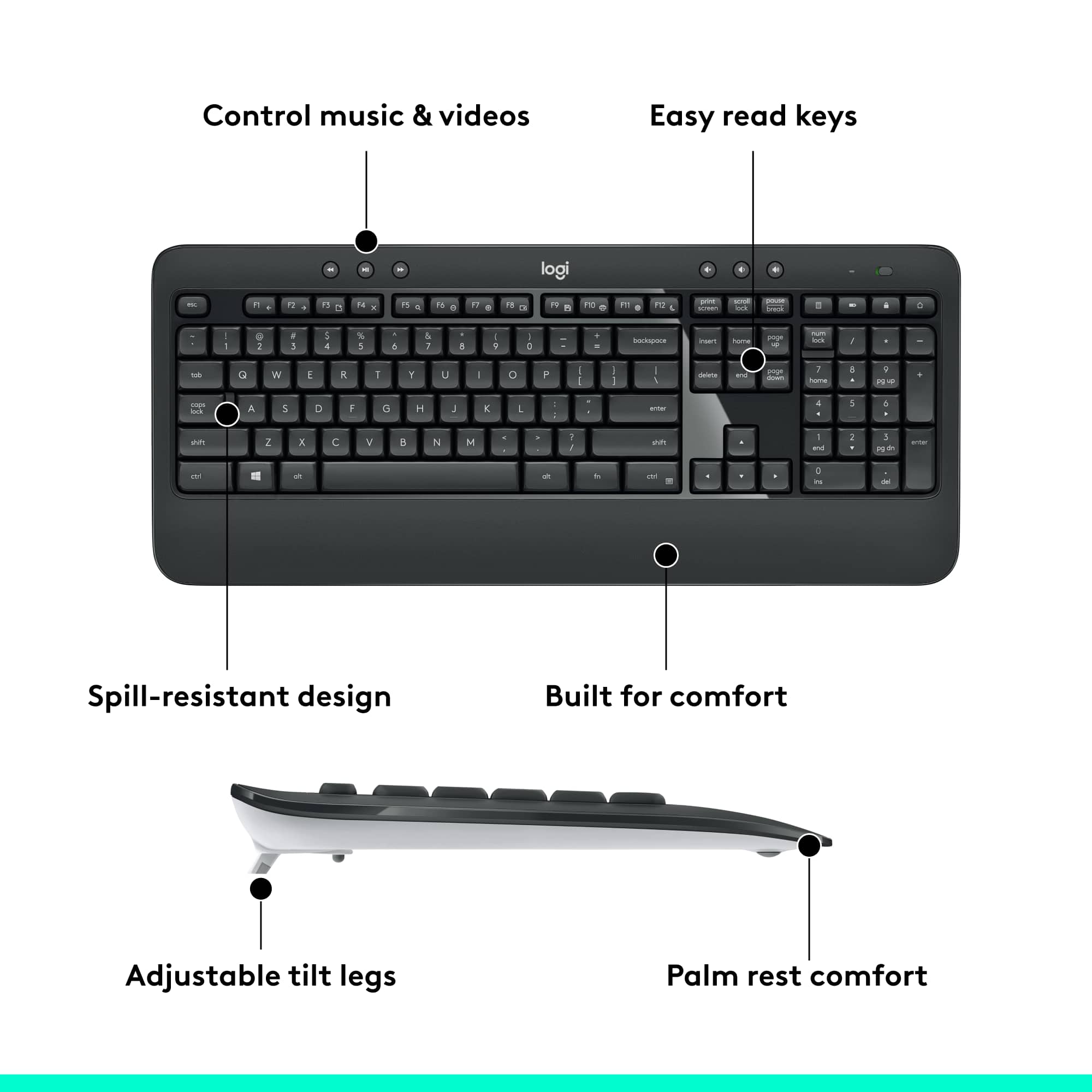
A:AnswerThe main reason I bought the Advanced Keyboard (MK540) is because the multimedia keys are dedicated keys. I mainly used the volume and mute keys.
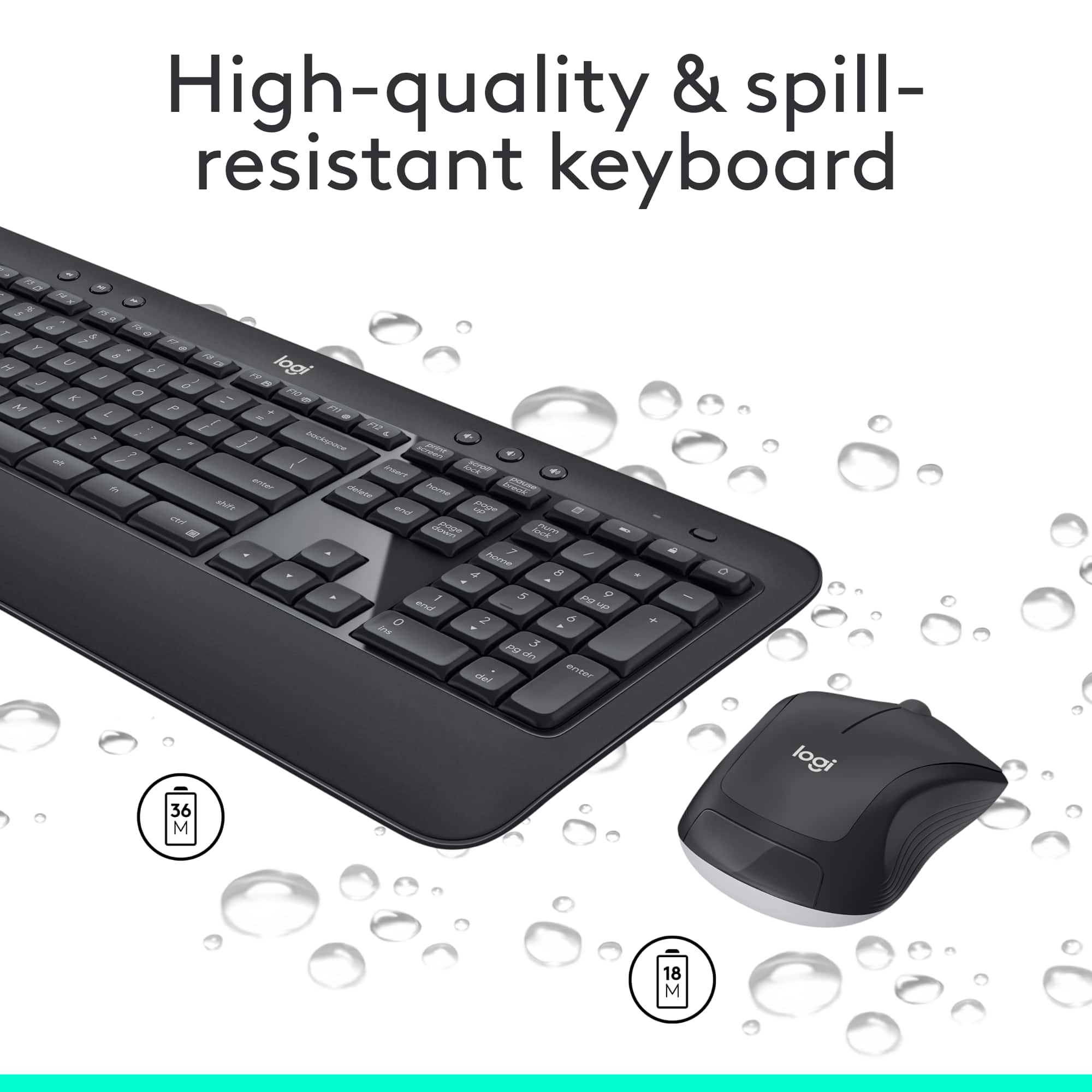
A:AnswerIt requires good batteries for its internal functions and to power its wireless connection to the USB dongle.
Are you saying it no longer worked after you replaced the batteries? If so, try pairing it again using either the Logi Bolt app or the Logi Options+ app.
A:AnswerI do not know. Then again why wouldn't it be? It would be an easy ask at Best Buy I'm sure. You connect it to your computer with the small USB peg and have the mouse that operates within the same system.
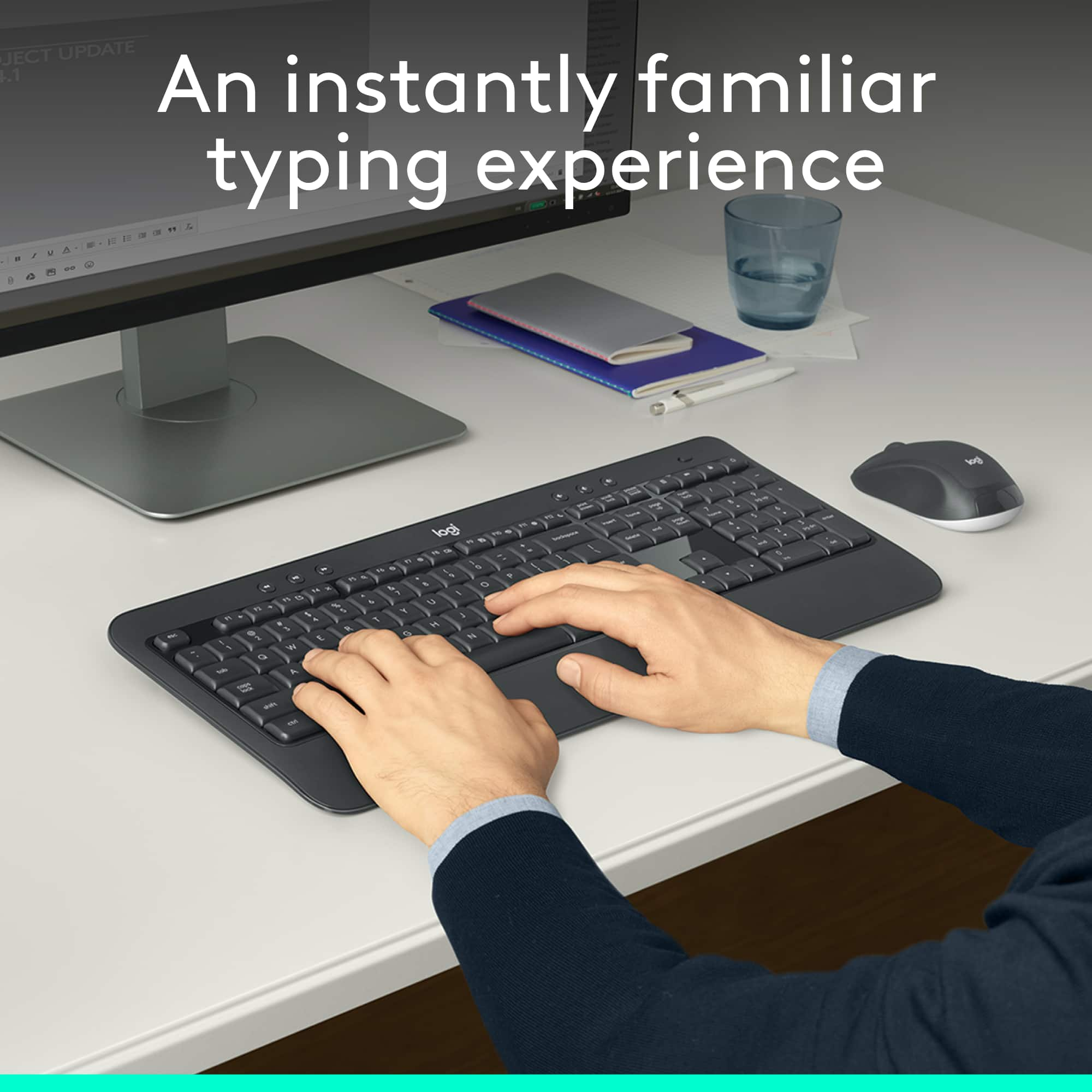
A:AnswerA scissor-switch keyboard feature is in regards to the keys. The technology created to make your keys be quiet or give some “click” sound. Scissors make them quieter but you sacrifice physical feedback. It’s nice to have in an office environment.
A:AnswerI have a monitor with a USB-C hub, which I connect to my MacBook Air. I then put the Logitech USB dongle into the open USB port on my monitor. This allows me to switch back and forth between PC and Mac by simply moving the USB-C cable.