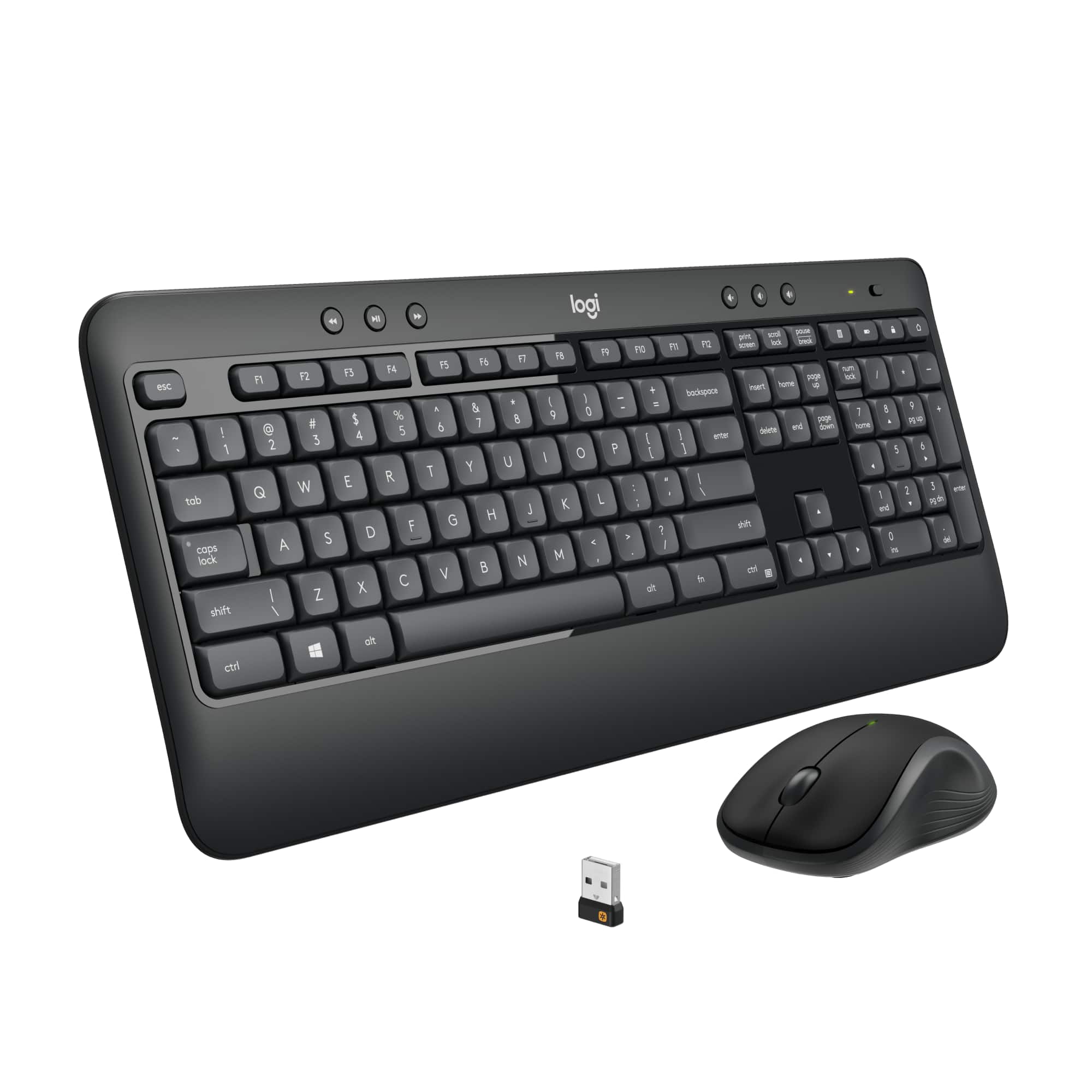
A:AnswerI do not believe so. I have mine over five feet away from my tower, and the dongle is on the back side away from me. Have had no problems with it.
A:AnswerI'm not 100% sure. You might want to call Logitech support with that question. I did see other keyboards in Best Buy that seemed to be made for TVs. I would think your TV would need to have USB port and be able to detect and install driver(s) to be able to operate this keyboard (to use it.) There is the Unifying Receiver USB thing that comes with this ... I'm just not sure it will work with your TV or any TV.
A:AnswerI believe that you can use almost any keyboard and mouse that you want with your system but they do wear out after some time and you may just want a new one. This one is a good choice and is available in stores.
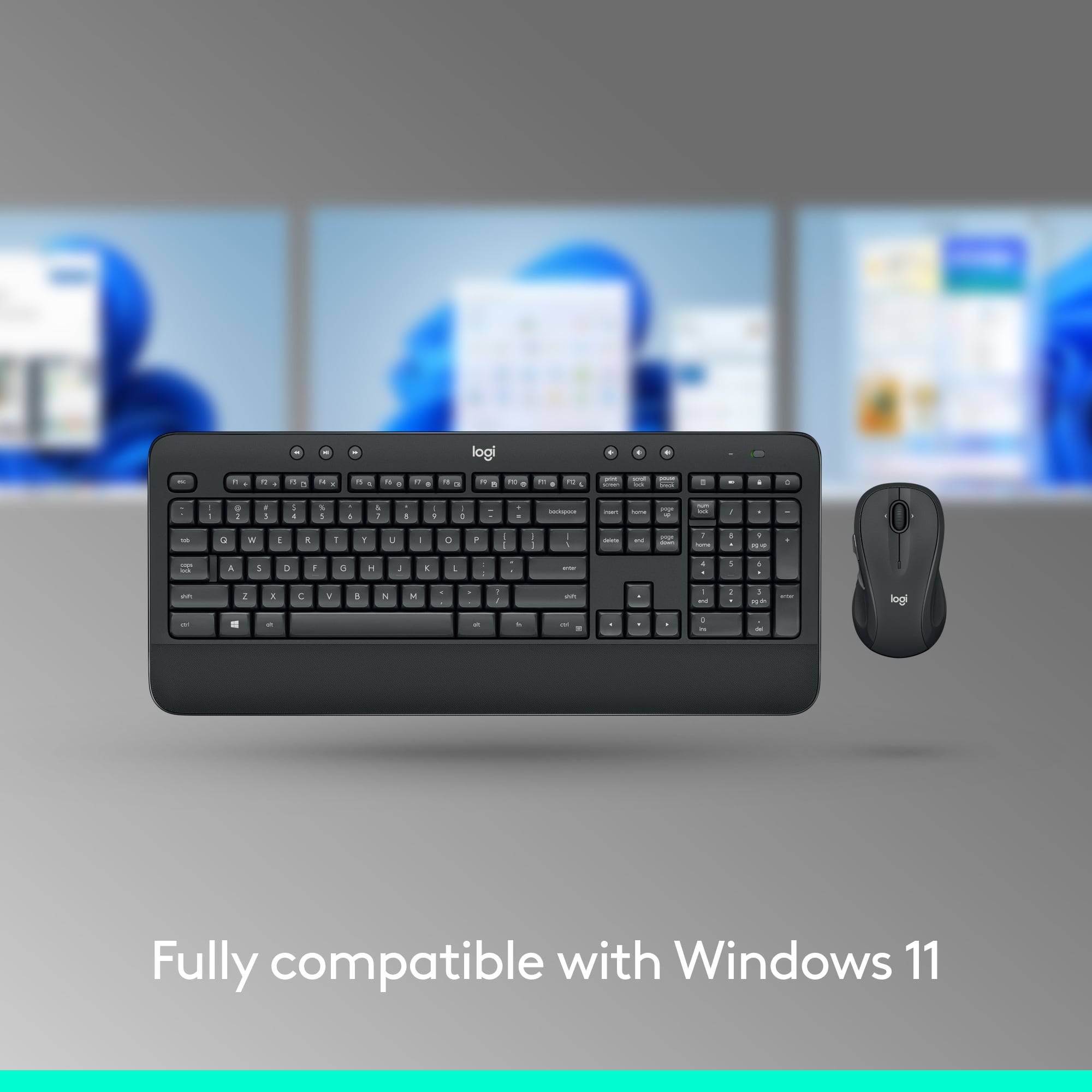
A:AnswerHello Joe33! The MK540 Advanced Wireless Keyboard and Mouse Bundle will only work with Windows 10 or later, Windows 8, Windows 7, and Chrome OS, so it won't work with your Toshiba Smart TV no. I'd recommend checking the K600 TV Wireless Keyboard instead, which is a TV Keyboard, and will work with Android TV v6 or later (which I believe Toshiba Smart TV use), here's the link: https://www.bestbuy.com/site/logitech-k600-tv-wireless-keyboard-dark-gray/6282604.p?skuId=6282604
A:AnswerHello Andy,
Out of the box, the MK540 will not be compatible with iPad Pro.
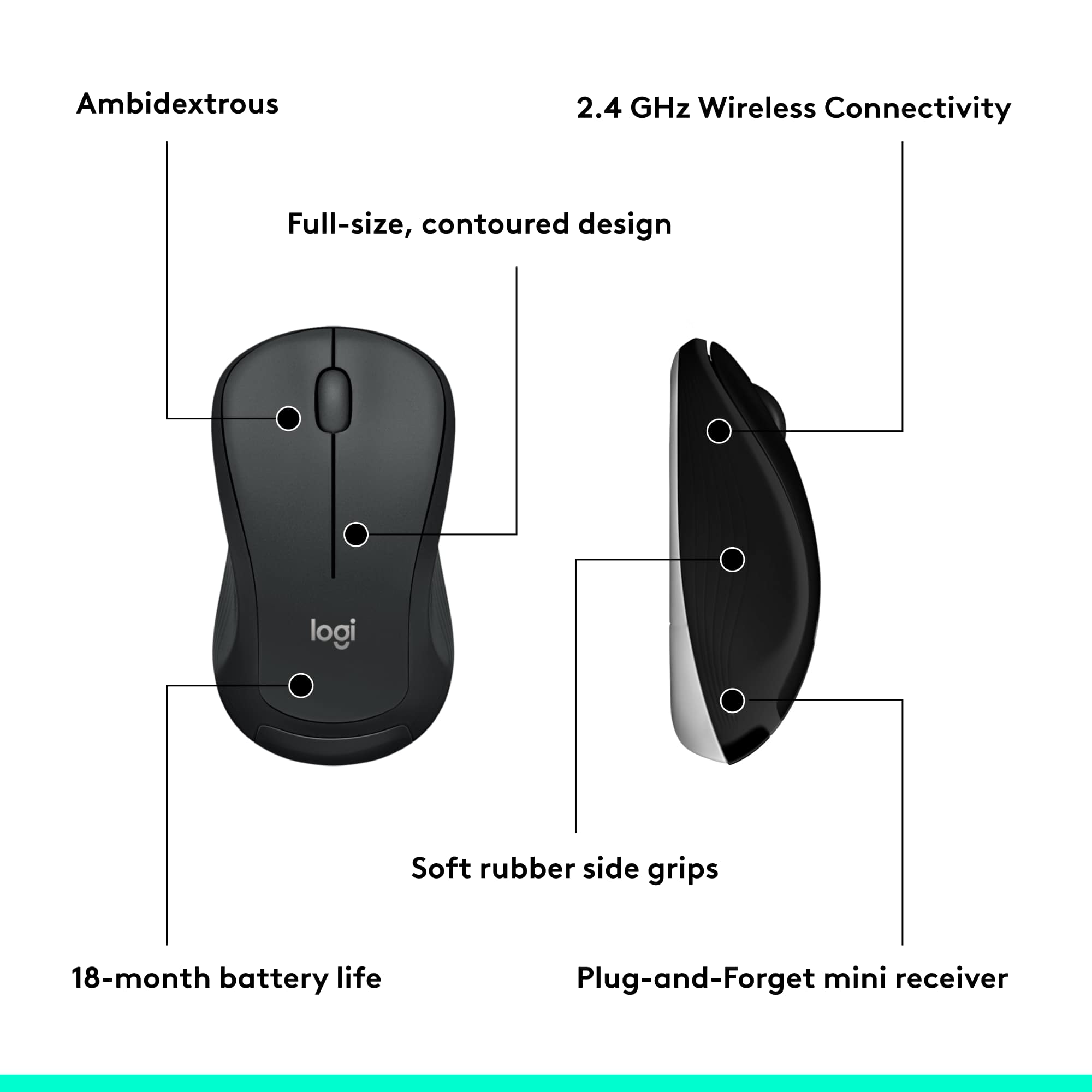
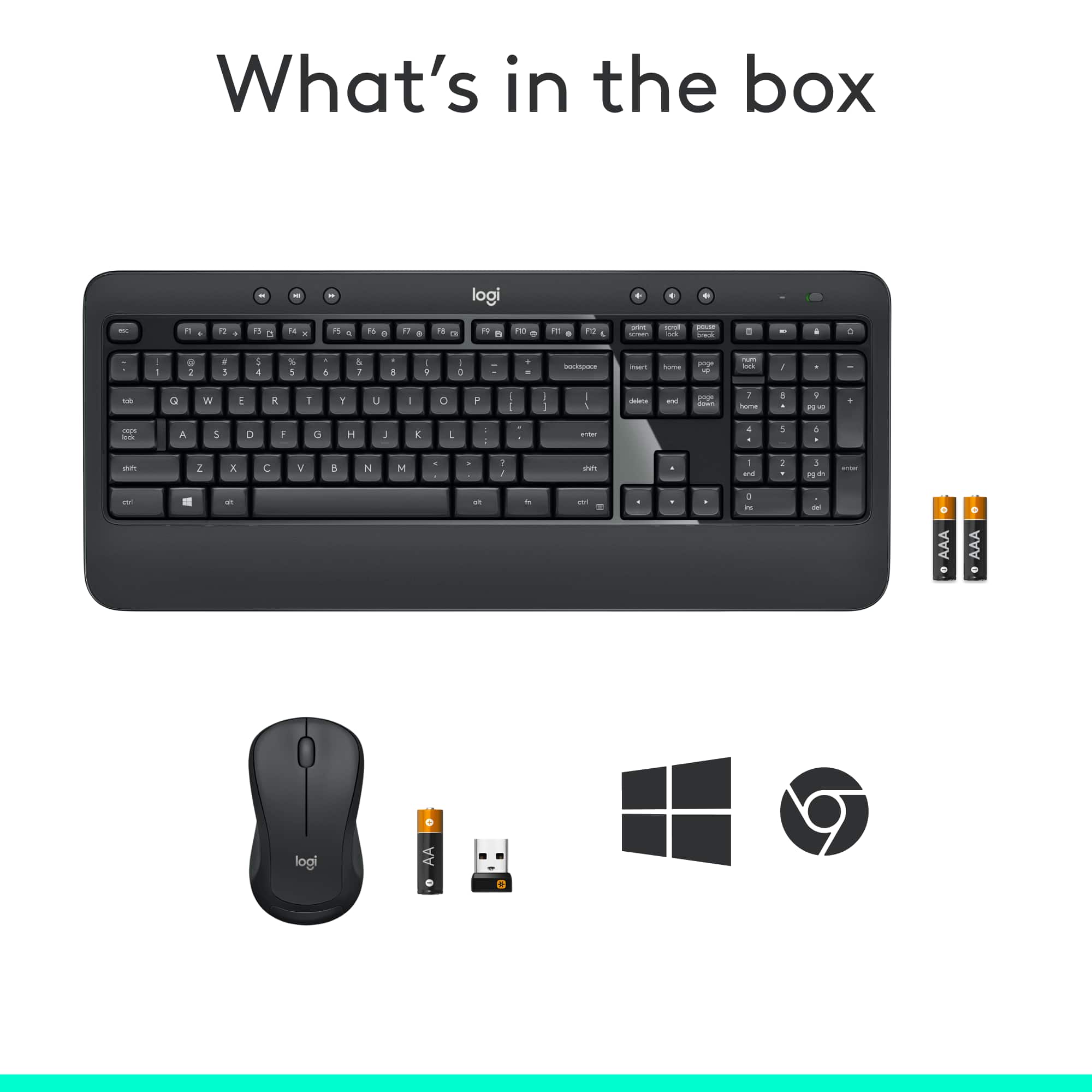
The Logitech MK540 uses a USB receiver to communicate with the mouse & keyboard. The iPad Pro has a USB-C connection. If you have a USB-A to USB-C adapter, this device will likely work (though the iPad response may vary between different devices that are plugged in).
may respond differently depending on power draw).
Bluetooth would be a better option in this situation. iPad iOS 13.4 or higher will support Bluetooth mice and keyboards.
To pair a Bluetooth mouse to an iPad Pro, you will want to turn on “Assistive Touch”.
1. Settings – Accessibility – Touch
2. Choose AssistiveTouch, and turn it on
3. Scroll to “Pointer Devices” – select “Devices”
4. Tap “Bluetooth Devices” to start the pairing process with the device in Bluetooth pairing mode.
Logitech K600 is a Bluetooth Keyboard with trackpad at the same regular price as the MK540, that may be a better option with your iPad Pro.
K600: https://www.bestbuy.com/site/logitech-k600-tv-wireless-keyboard-dark-gray/6282604.p?skuId=6282604
MK850 is an option for a Mouse & Keyboard combo that has Bluetooth, if you are looking for a mouse and number pad.
MK850: https://www.bestbuy.com/site/logitech-mk850-performance-wireless-keyboard-and-optical-mouse-black/5761911.p?skuId=5761911
You could also purchase a Bluetooth Mouse and Bluetooth Keyboard individually. I will include links for those as well.
Logitech Bluetooth Mice: https://www.bestbuy.com/site/searchpage.jsp?_dyncharset=UTF-8&id=pcat17071&iht=y&keys=keys&ks=960&list=n&qp=brand_facet%3DBrand~Logitech%5Edriveinterface_facet%3DDrive%20Interface~Bluetooth&sc=Global&st=logitech%20mouse&type=page&usc=All%20Categories
Logitech Bluetooth Keyboards: https://www.bestbuy.com/site/searchpage.jsp?_dyncharset=UTF-8&id=pcat17071&iht=y&keys=keys&ks=960&list=n&qp=brand_facet%3DBrand~Logitech%5Ecategory_facet%3DComputer%20Keyboards~abcat0513004%5Edriveinterface_facet%3DDrive%20Interface~Bluetooth&sc=Global&st=keyboard&type=page&usc=All%20Categories
-Best regards,
John