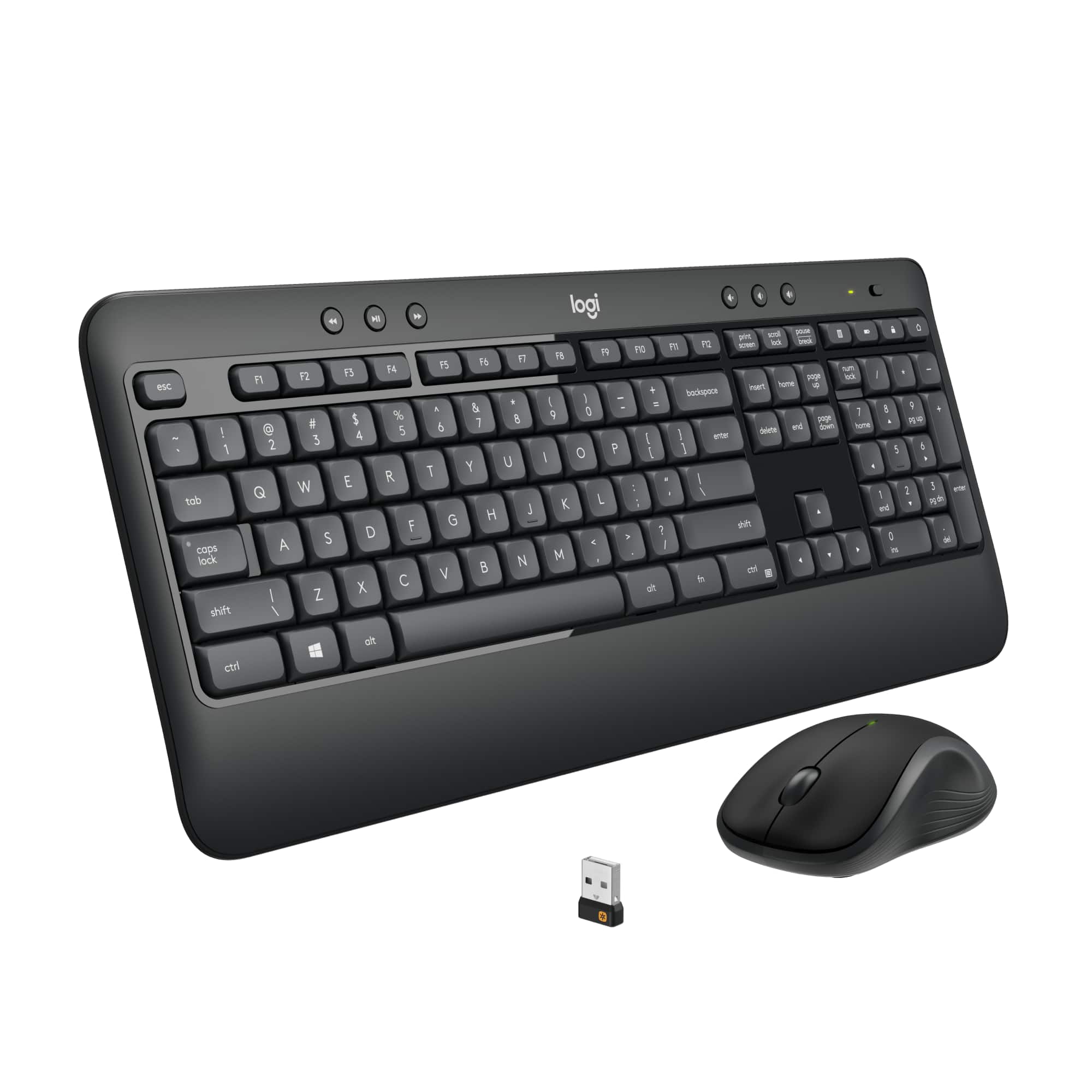
A:AnswerI do not believe so. I have mine over five feet away from my tower, and the dongle is on the back side away from me. Have had no problems with it.
A:AnswerI'm not 100% sure. You might want to call Logitech support with that question. I did see other keyboards in Best Buy that seemed to be made for TVs. I would think your TV would need to have USB port and be able to detect and install driver(s) to be able to operate this keyboard (to use it.) There is the Unifying Receiver USB thing that comes with this ... I'm just not sure it will work with your TV or any TV.
A:AnswerI believe that you can use almost any keyboard and mouse that you want with your system but they do wear out after some time and you may just want a new one. This one is a good choice and is available in stores.
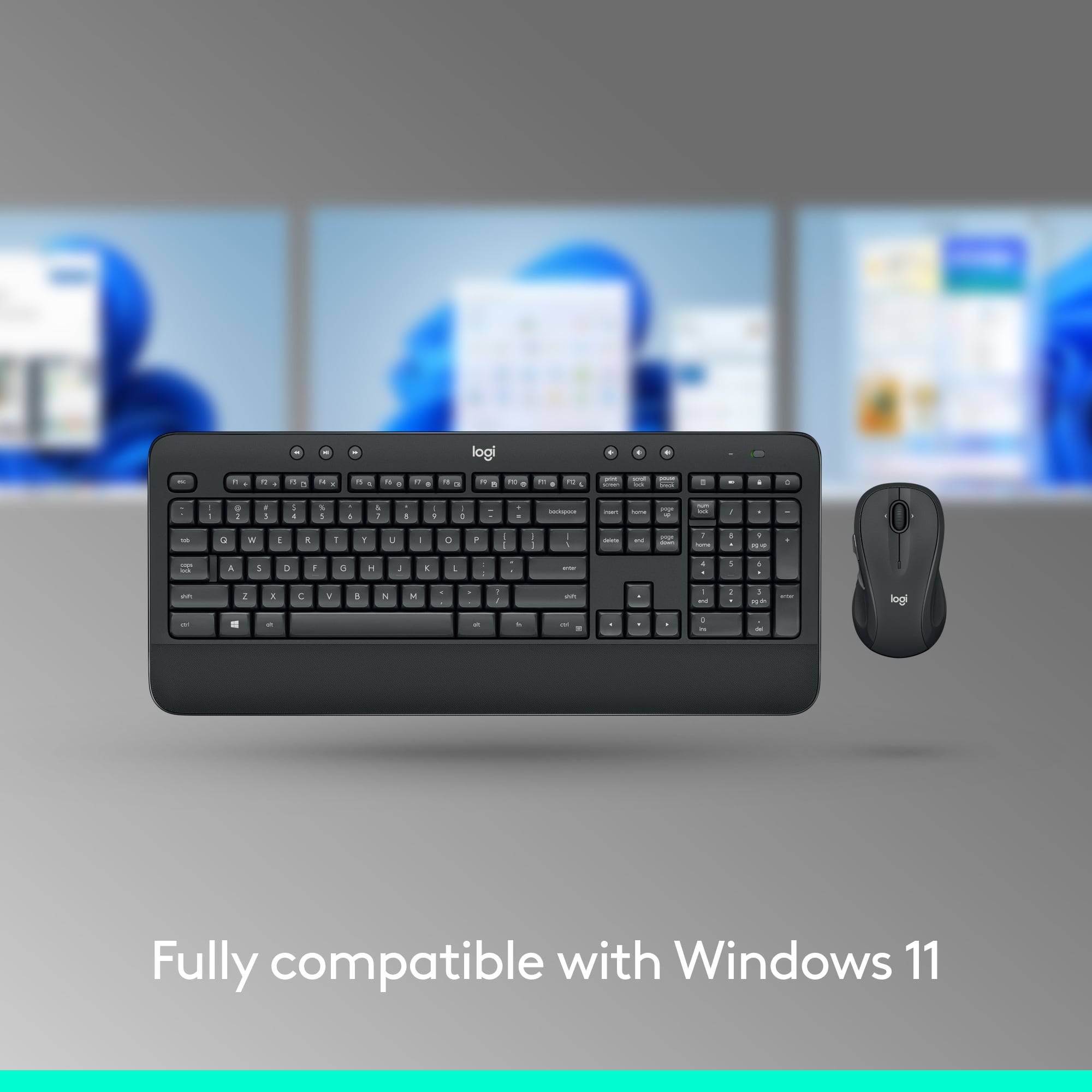
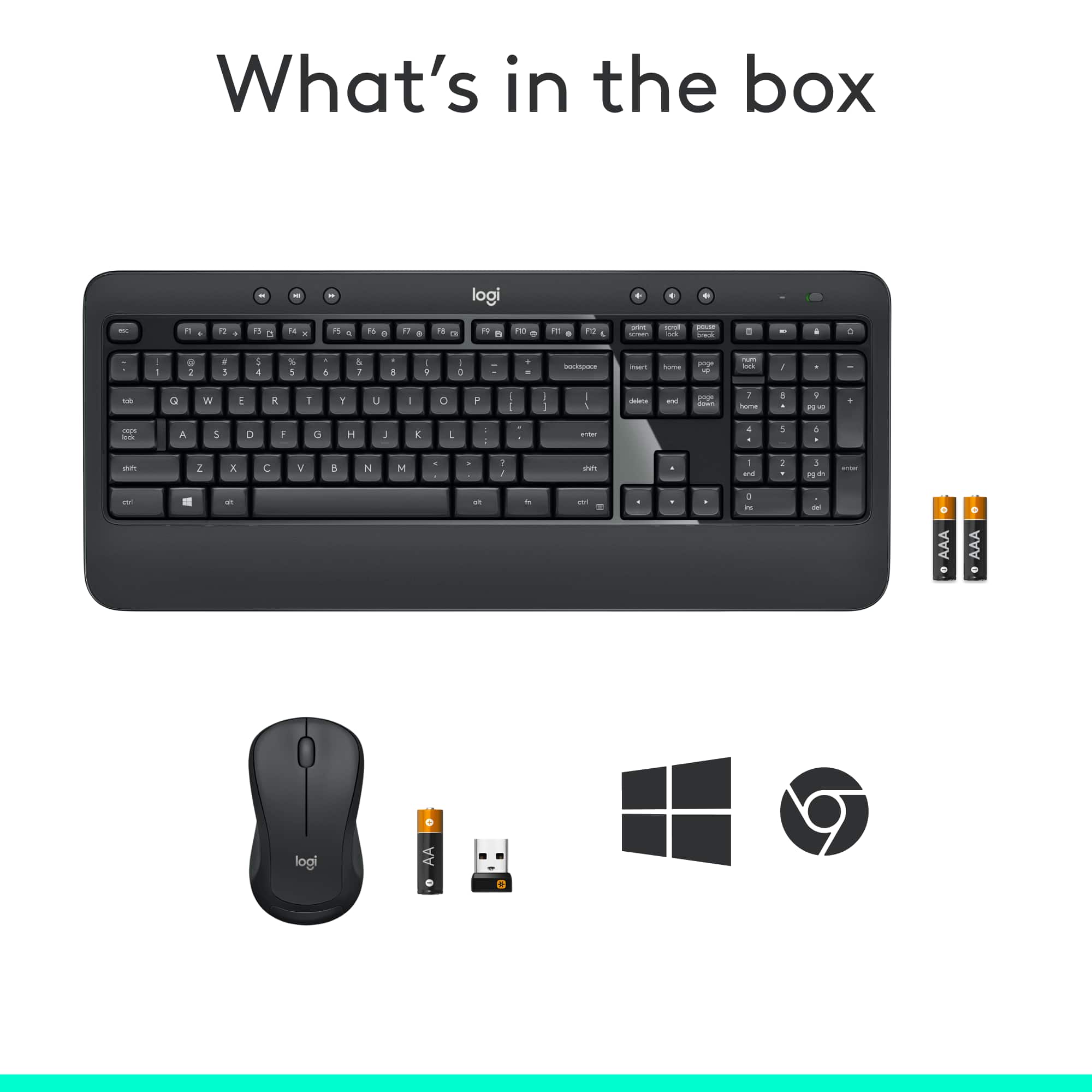
A:AnswerHello Joe33! The MK540 Advanced Wireless Keyboard and Mouse Bundle will only work with Windows 10 or later, Windows 8, Windows 7, and Chrome OS, so it won't work with your Toshiba Smart TV no. I'd recommend checking the K600 TV Wireless Keyboard instead, which is a TV Keyboard, and will work with Android TV v6 or later (which I believe Toshiba Smart TV use), here's the link: https://www.bestbuy.com/site/logitech-k600-tv-wireless-keyboard-dark-gray/6282604.p?skuId=6282604