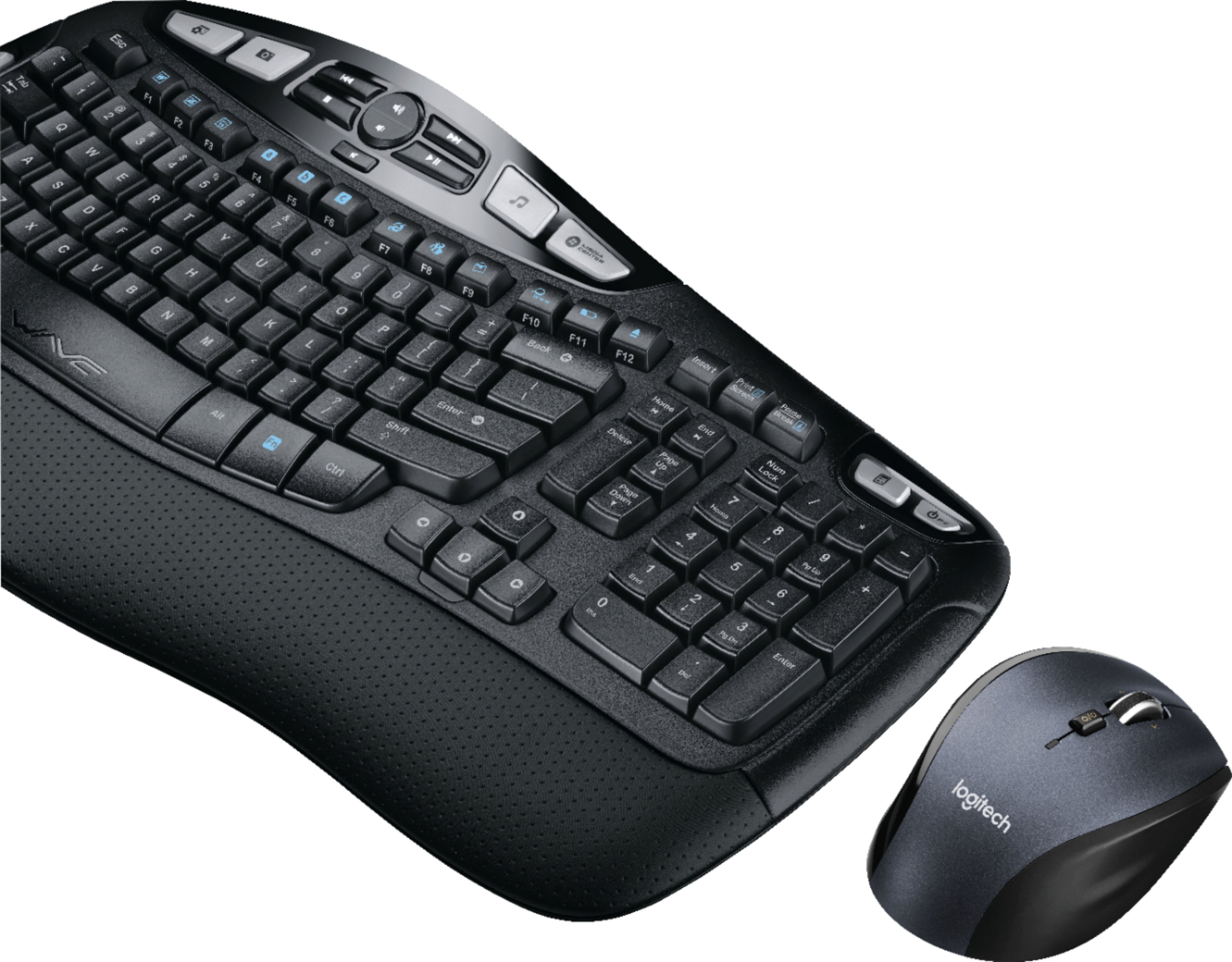
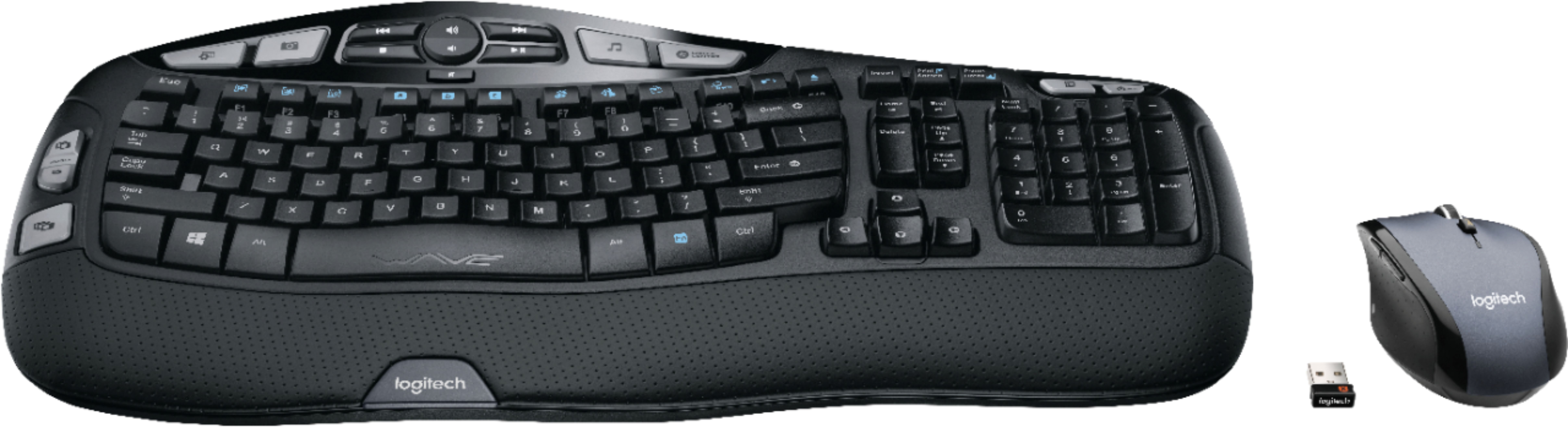
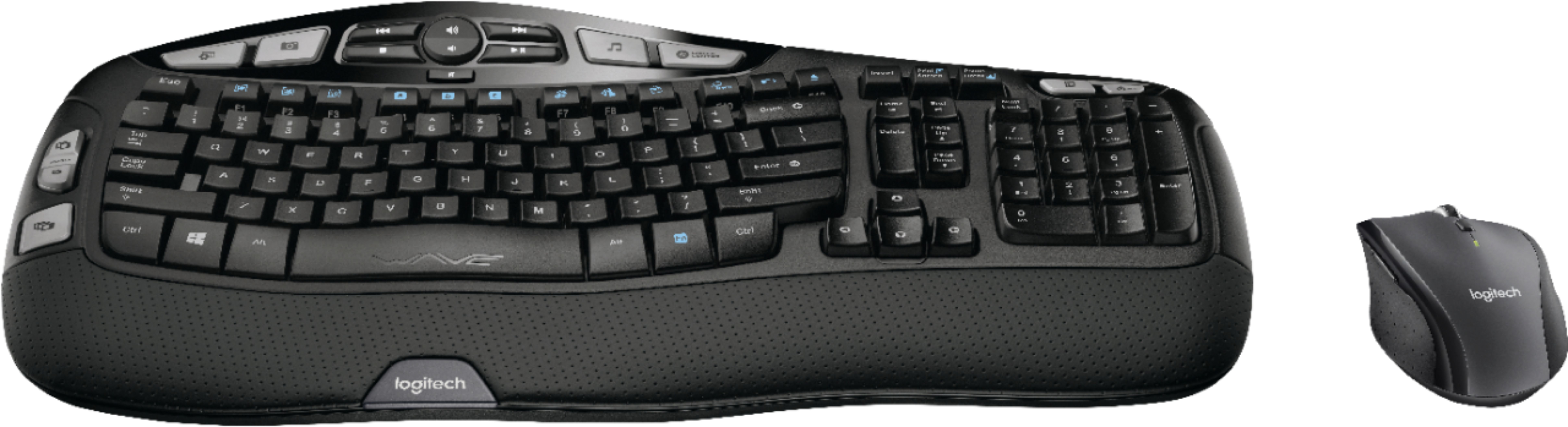
A:AnswerKeyboard is the same (Wireless K350), but MK550 has wireless mouse M510, while MK570 has wireless mouse M705. However nobody else seems to be selling MK570 and even Logitech website doesn't list it. I called Logitech and their first level support didn't know about MK570, second level support speculated MK570 wasn't meant for US region and just Best Buy was selling it here. I have tried both MK550 and MK570 but the Logitech keyboard quality has really gone down (it makes jarring noises when its supposed to be "whisper quiet". I have used the same keyboard before and that didn't have this noise problem so it seems to be a recent quality issue which Logitech support had no idea about.
A:AnswerThe small USB receiver needs to be plugged into your computer. However, it doesn't need to be plugged into the extender cable that came with it. The only exception I can think of is if the USB port you are using is on the far side of your computer and the computer or something is between the SUB port and the mouse/keyboard. In those cases, you might need to plug the receiver into the cable and the cable into the USB port so you can place the receiver closer to the mouse/keyboard. Or plug the receiver into a USB port on the front (if it's a desktop PC).
A:AnswerI think you can pair it with another dongle because it is part of that unifying technology stuff. So that you can use the same mouse and keyboard with multiple systems.
A:AnswerI would certainly think so -- each has its own wireless USB receiver. I have run 2 desktops and at least 3 laptops with wireless mice and keyboard (on 1 desktop), wireless mice on laptops and only 1 wired keyboard and mouse. Never any interference.
A:AnswerThis is not a bluetooth keyboard and mouse, it requires the unifying dongle from Logitech to work.
As far as I am aware however, the unifying dongle should work with Macs
A:AnswerIn my case, I have a new Dell Windows 10 desktop computer and an old desktop Windows 7 machine sharing 27" LG monitor, Logitech speaker, a keyboard and a mouse via a KVM switch purchased about 12 months ago. From the onset, the native wired Dell mouse that came with the new machine DID NOT work with the set-up, but the native Dell wired keyboard did. So I added older wired Insignia mouse and the resulting set-up worked very well. Recently I, being tired of the simplistic Dell keyboard, replaced it with a new wireless Logitech MK570 Comfort Wave keyboard + mouse. Although the new setup works, things changed as follows. The transfer of control to Win 10 machine is no longer completely automatic but it is still working in a fashion which is acceptable to me.
That is, after pressing the switch, if the Win 10 machine did not yet go to the sleep mode, the transfer of control is still automatic.
In contrast, if the Win 10 machine is already asleep, it would not wake up from any action done via the KVM switch.
However, if, after pressing the KVM switch, I would either briefly press on/off switch on the Win 10 computer or press any key on the native Dell keyboard which is now directly connected with the Win 10 machine, it would wake up and work with all the devices connected to the KVM switch. (Previously it was completely automatic.) With the new set-up both old wired Insignia mouse and the new Logitech wireless mouse work. I hope it helps.
![H s - Insert Prid - Pause F12 - Tab - Caps Lock Shift Ctrl ! 1 s FS . . 2 3 Q W A S Z ARt $ 4 E D x R a PA % A 5 6 T F G V D FS & . 7 8 9 Y U I H J K N M FB ) 0 o L . ARt P > + - { E . ? I n Back } ] Enter Shift Ctrl F2 I I Homa - Detete o o End Page Up . Page Down Num Lock 7 Home 4 1 - 0 - / 8 1 5 2 I 9 Pe - 6 - 3 2 - -l - + Enter logitech WAVE logitech](https://pisces.bbystatic.com/image2/BestBuy_US/images/products/5106/5106406_sd.jpg)