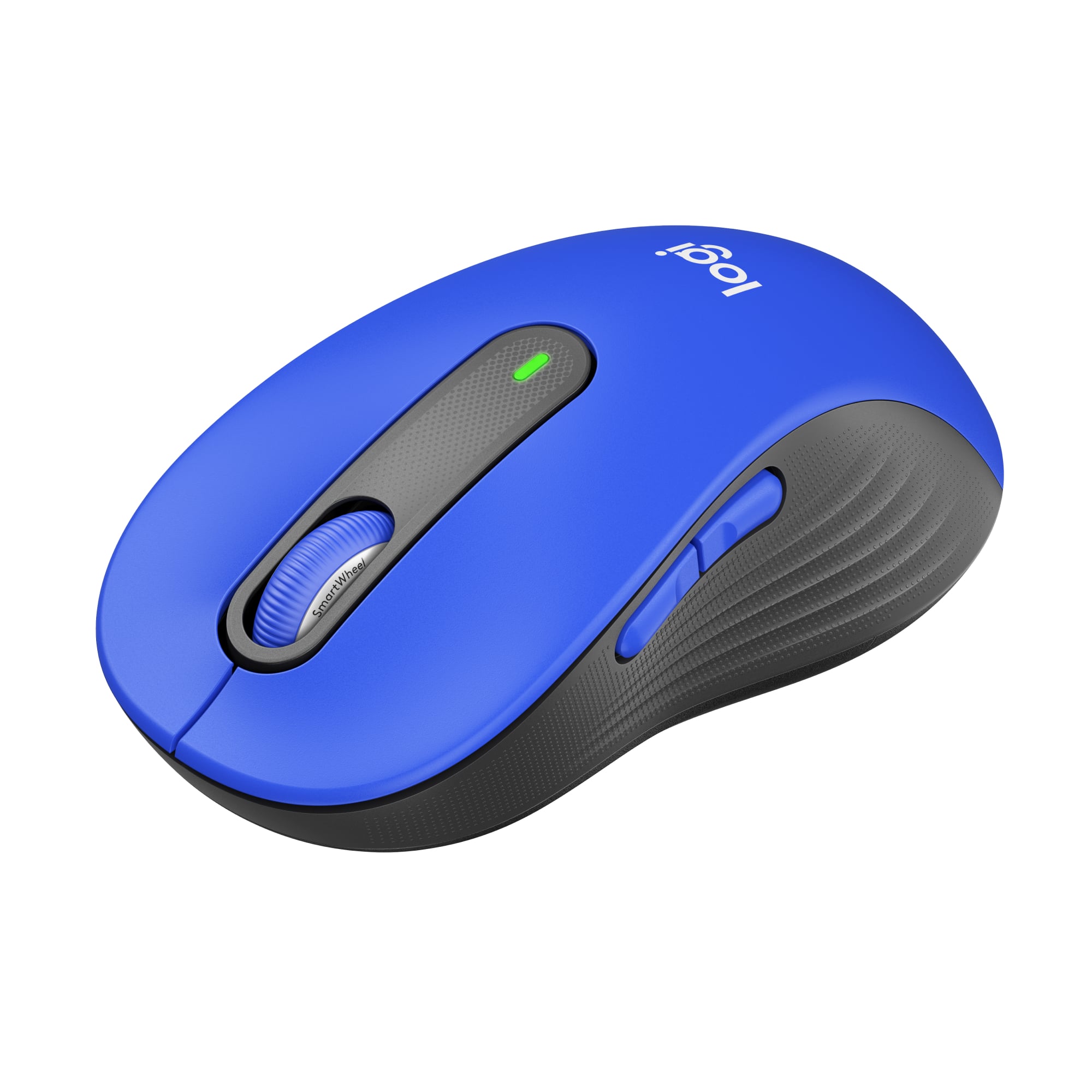
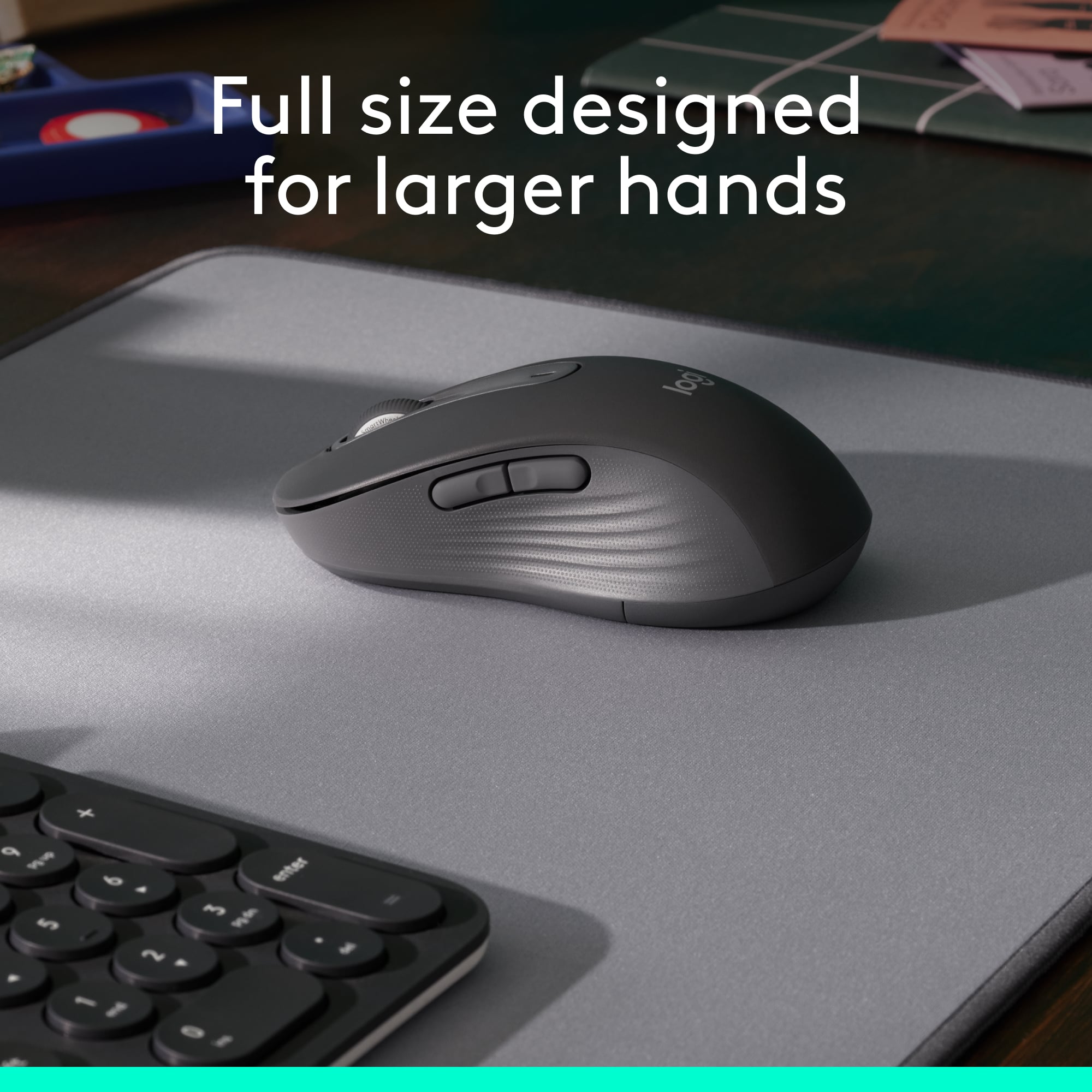
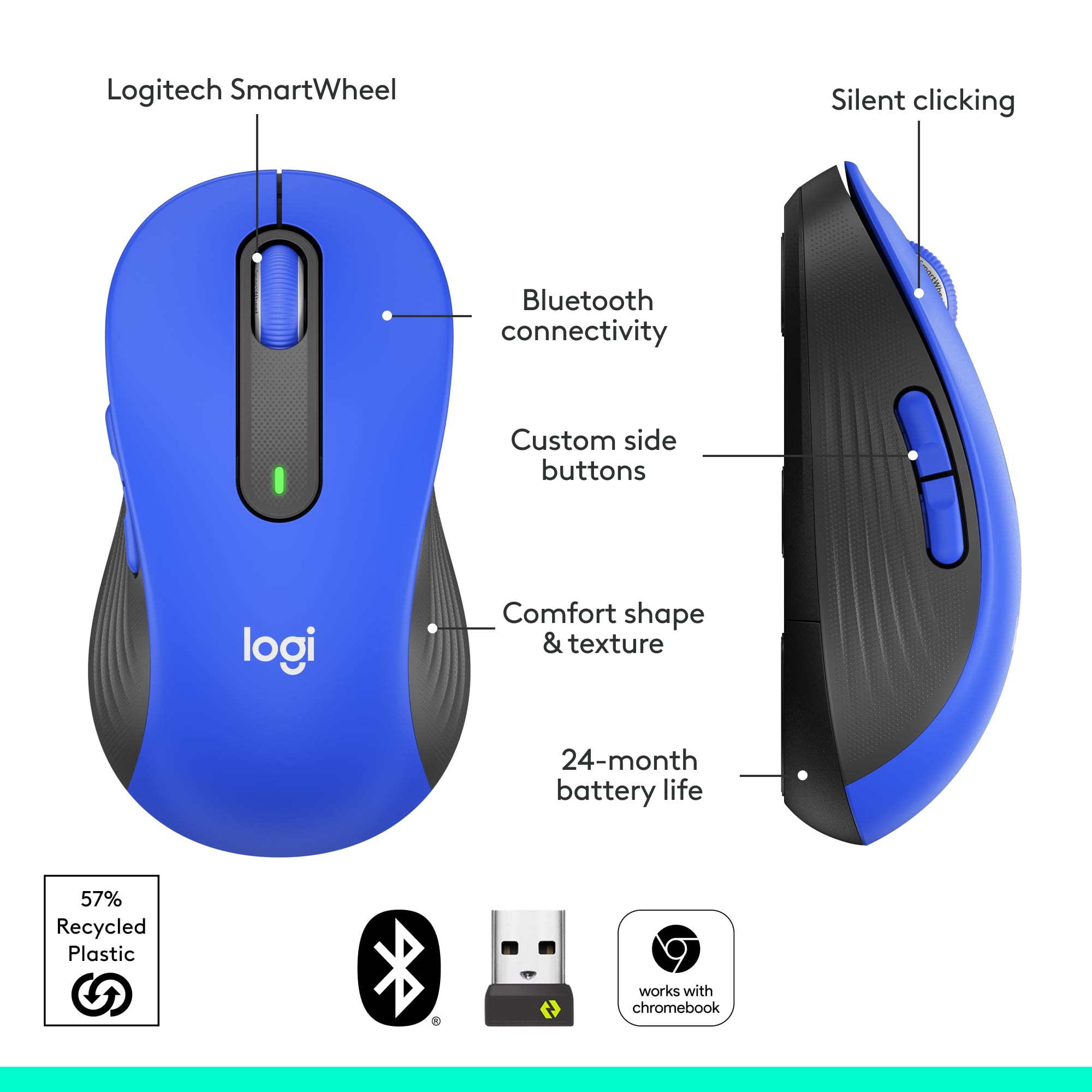
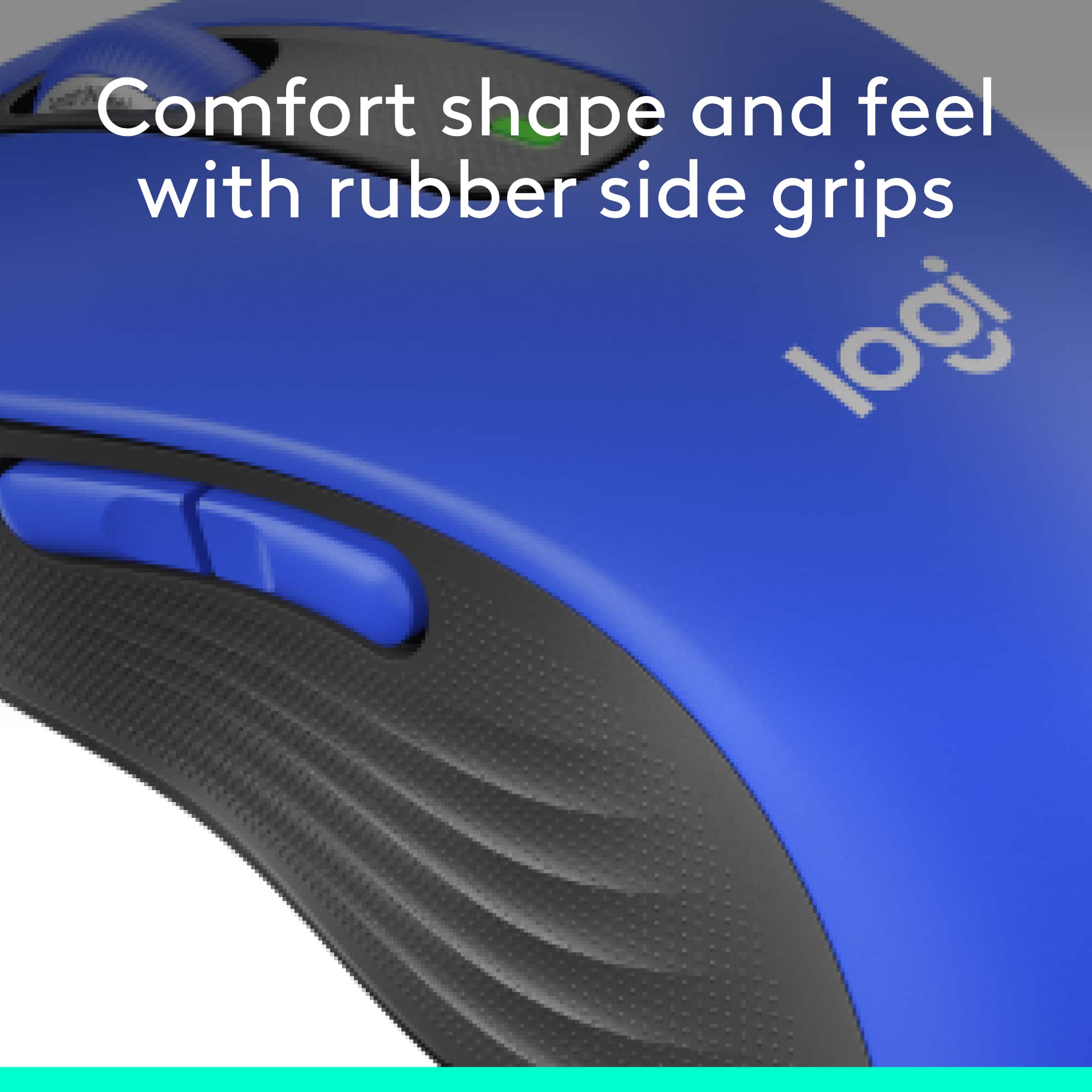
A:AnswerYou can hold it in either hand (I just tried it right now), and it doesn't feel awkward, although the side buttons will remain on the left side of the mouse, instead of where your thumb would be. Also, the Primary and Secondary mouse buttons (left and right click) would stay where they are, unless you use the Logitech software to remap and swap left and right click.
TL;DR
It doesn't feel awkward, but buttons and layout isn't specifically designed for left-handed people.
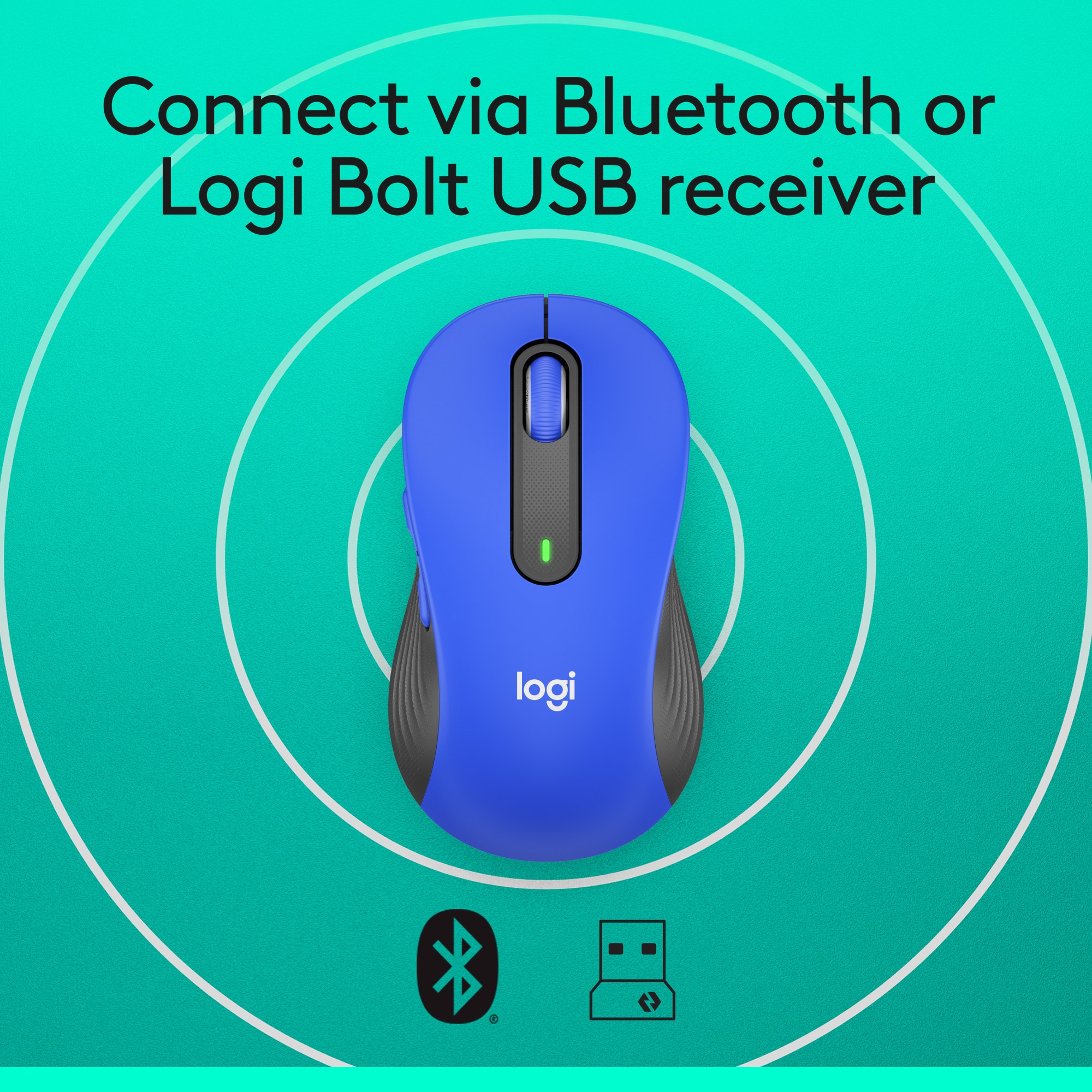
A:AnswerHello Ed! Absolutely, the Signature M650 L Full-size Wireless Scroll Mouse with Silent Clicks will work on macOS 10.15 or later vis Bluetooth, or macOS 10.10 or later via it's Bolt USB Receiver. - Mathieu from Logitech
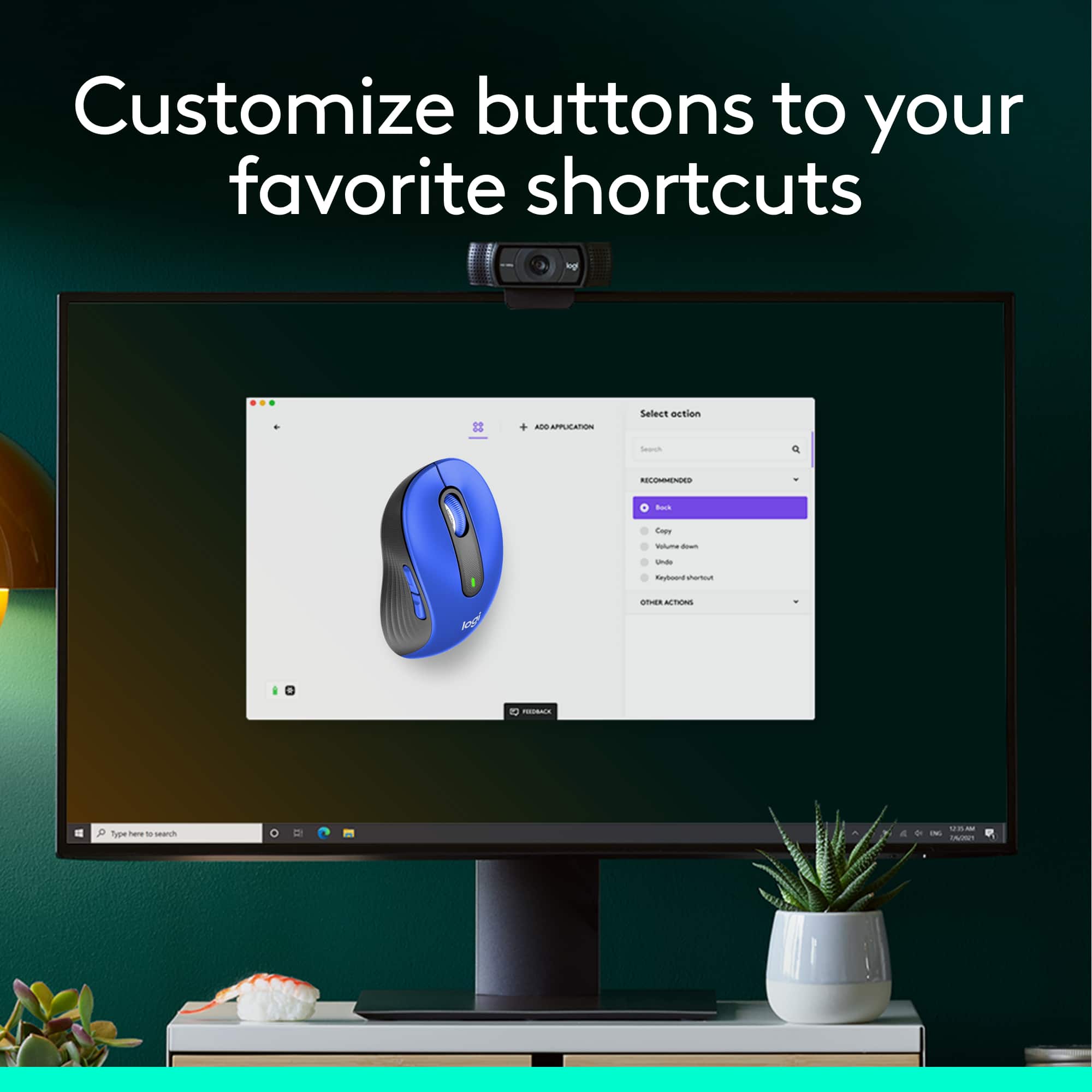
A:AnswerDownload the software from Logitech for the mouse. On Mac's, it creates an app which you'll need to open. Once the app is open, click on the image of your mouse, then click on each of the side buttons and choose what you'd like to have that button do.
A:Answerwell, nothing is absolutely quiet if it is mechanical in any way. But, it does appear to be more quite than my previous mouse, which was not the worst product.