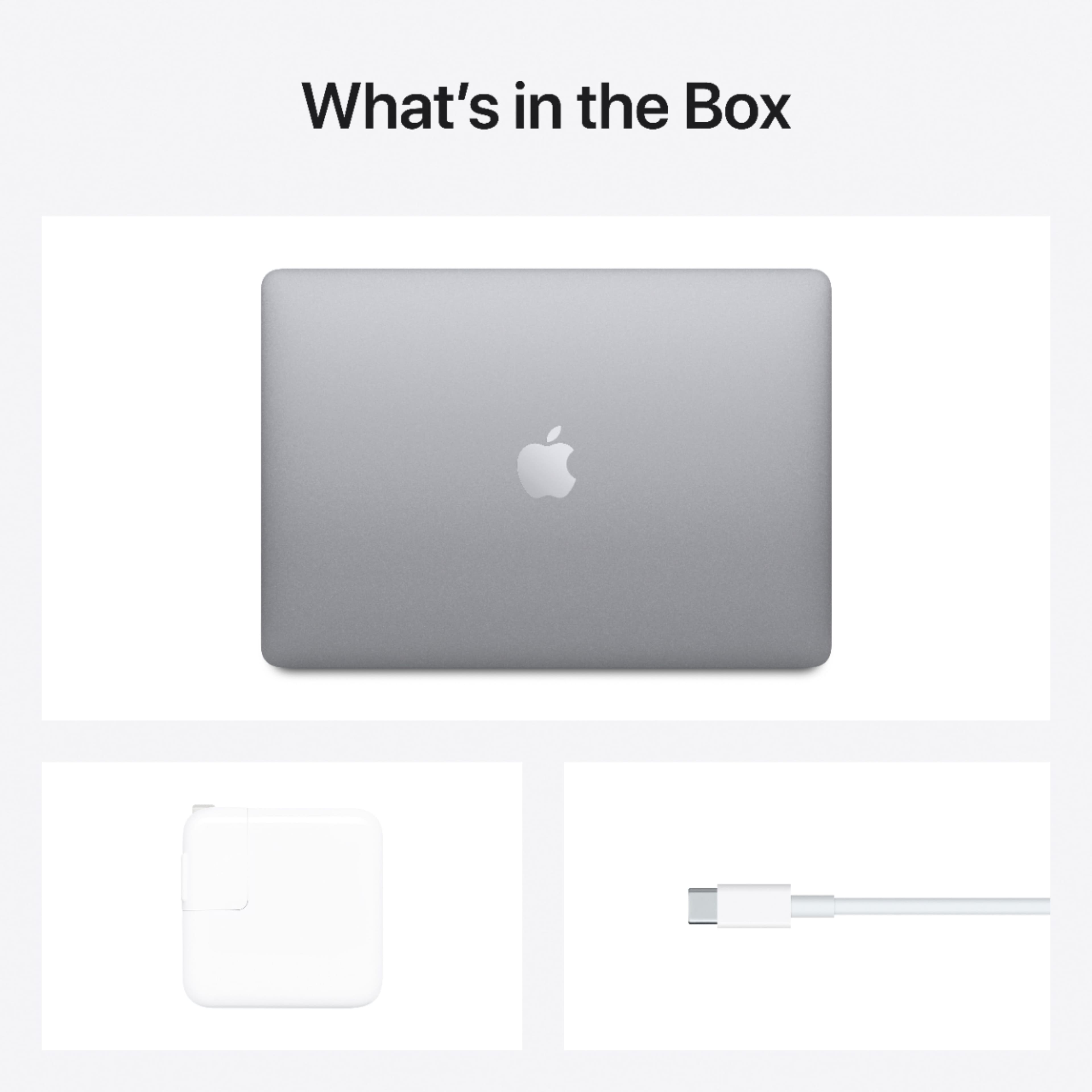
A:AnswerYou mean, Disk or Display?
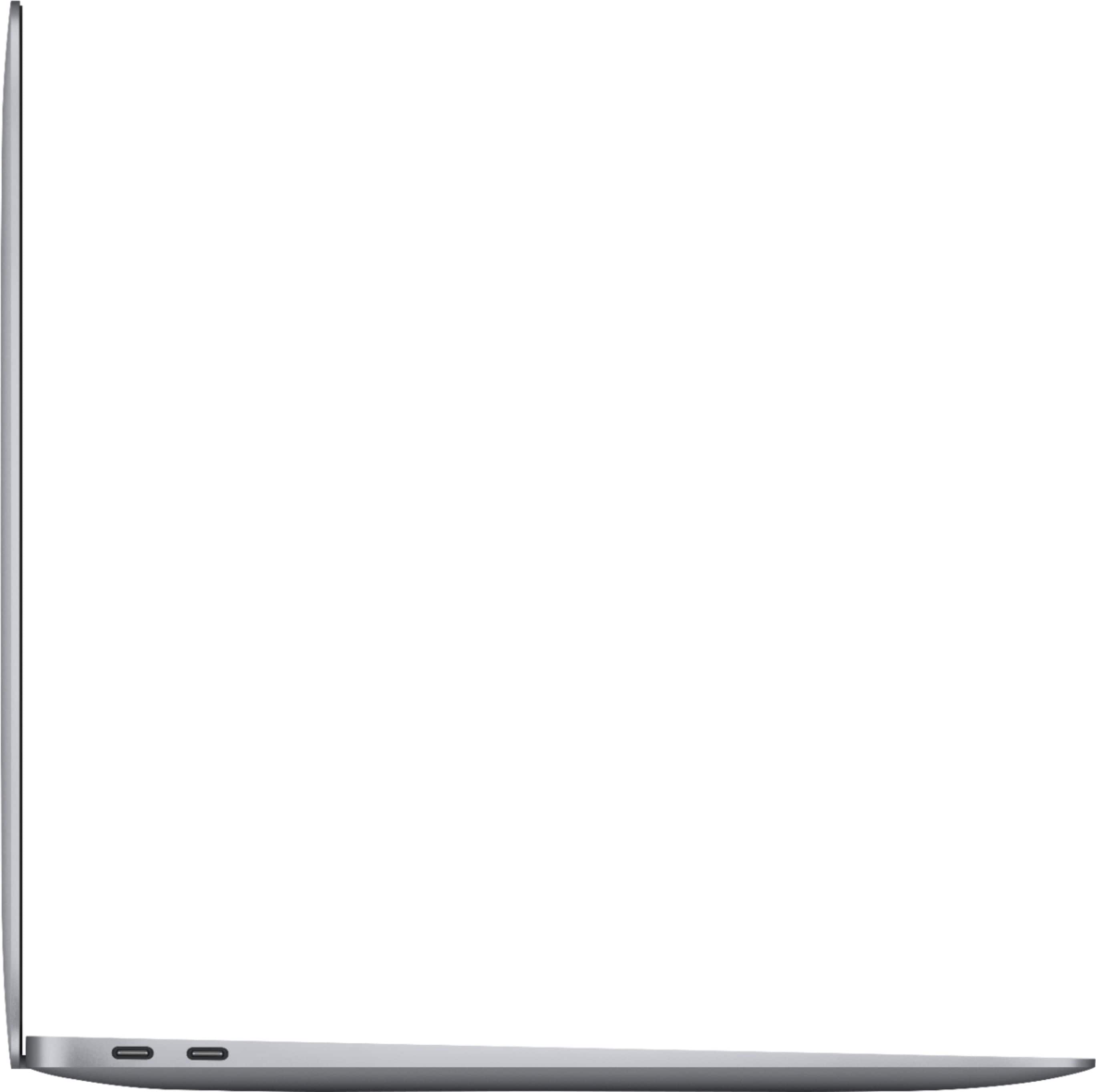
You will have USB-3 or Thunderbolt port that can run additional one display no more than that.
i don't think any computer in the market nowadays comes with disk
A:AnswerIt comes with the latest version of Safari, but you can use a whole lot of different ones, like Firefox, Chrome, Opera. All have Mac versions that work great.
A:AnswerThe Apple logo lighting was removed due to the thinness of some of the newer models' screens. Because the screens were so thin and the Apple logo cutout was translucent, you could actually see lighting show up in the center of the screen (both from the Apple logo lighting and external light sources if being used outdoors). Removing this logo also solved a structural issue with the aluminum screen part of the laptop potentially bending due to structural weaknesses created by the logo cutout.
A:AnswerIf you link the laptop to your Apple ID, it will sync photos, videos, purchases, etc. Basically it becomes an extension of your phone. Very easy to use.
A:AnswerIf you mean connect an external storage device, then yes. I connected my old hard drive and could access it and even run applications from it as if it was inside th laptop (though a bit slower). Though you would probably need an adapter as the Macbook only has USB-C ports for data transfer.