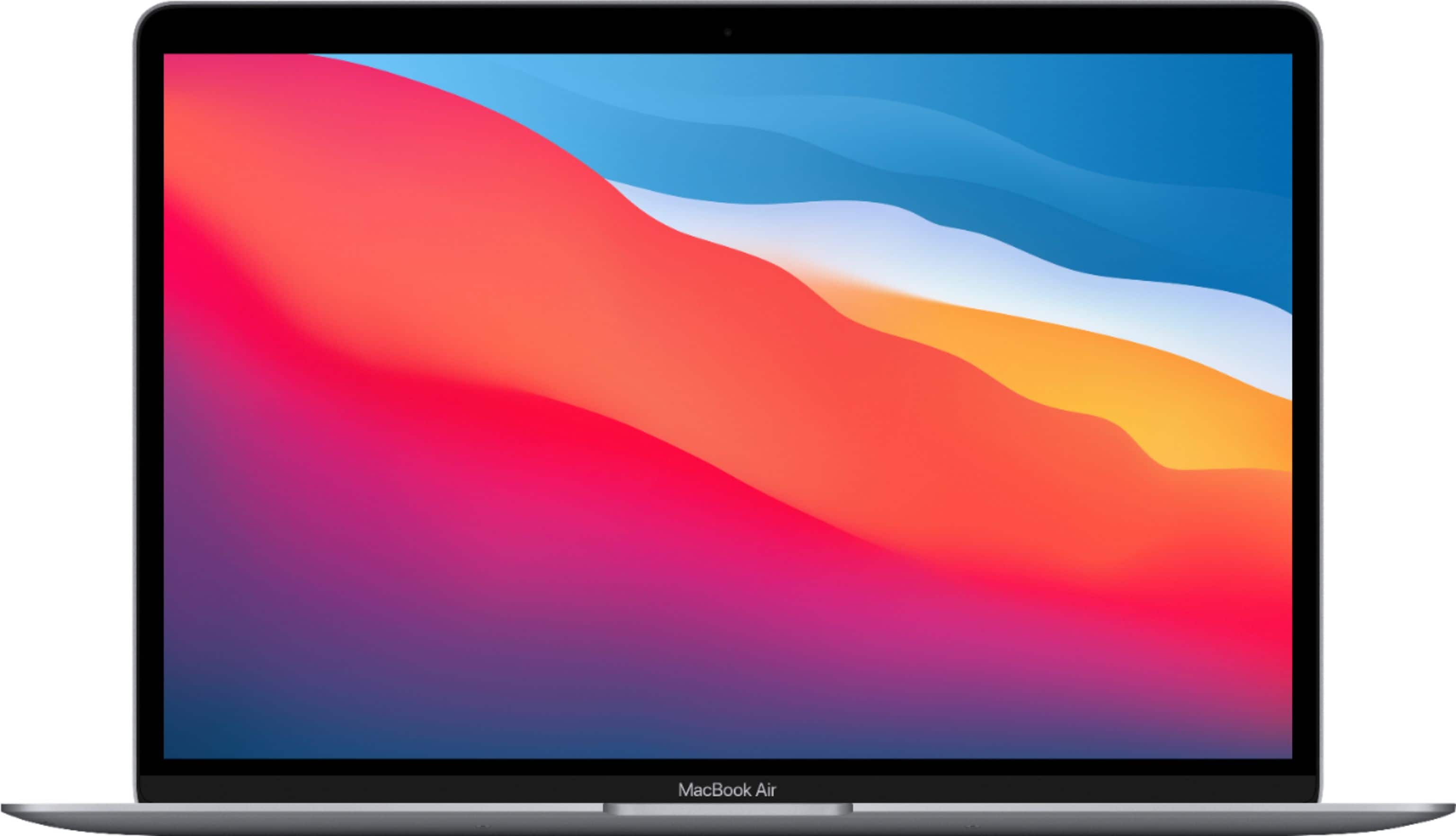
A:AnswerI would be careful, the tolerances are so tight that Apple doesn't even suggest putting a webcam cover.
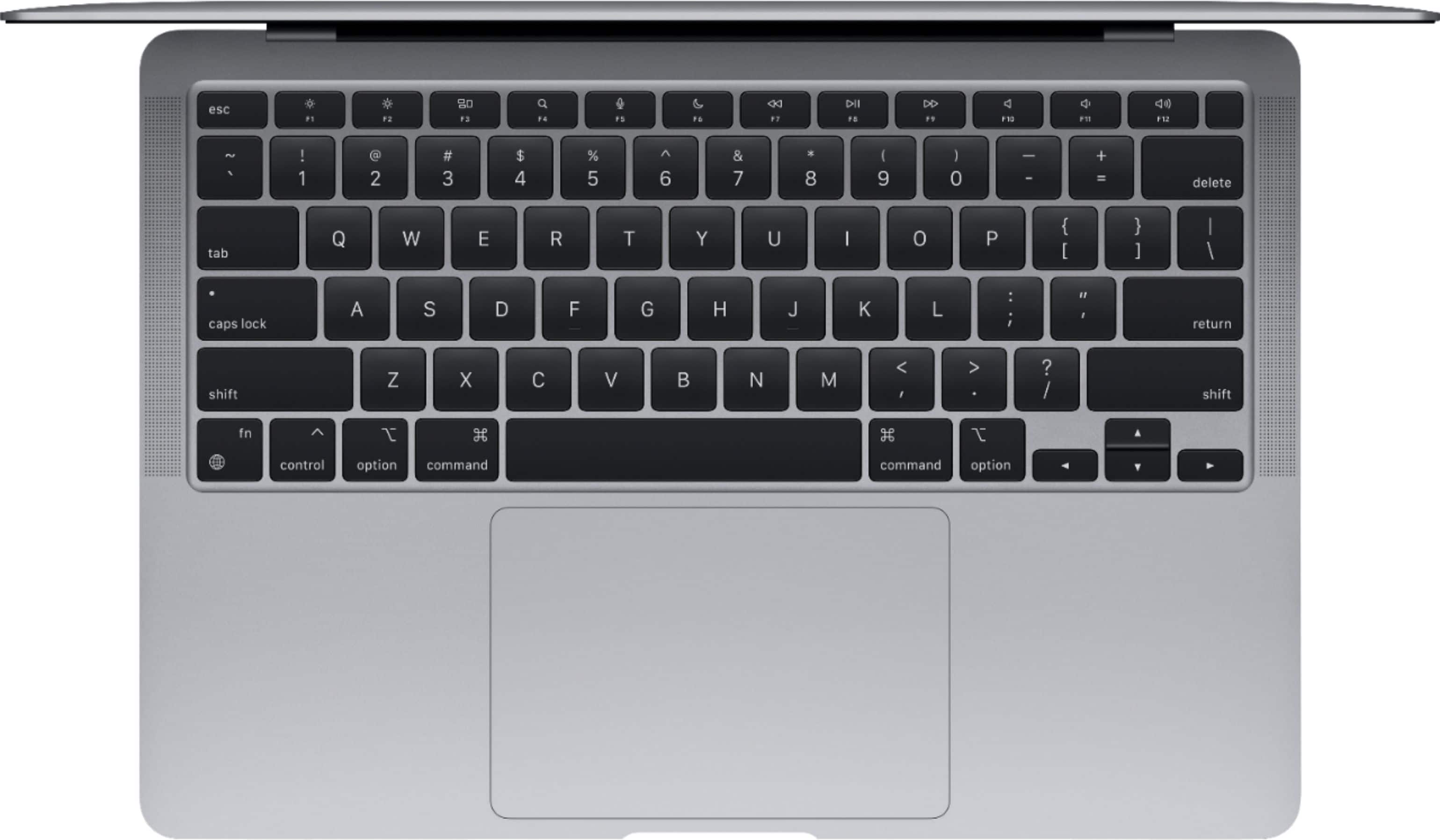
And if you do the silicon keyboard case, expect the oils from your fingers to go from the keyboard case to the screen.
A:AnswerNo, the new MacBook will NOT heat up at all in fact. You'd have to be running about 5, 60 FPS games at once for the new MacBook to even start warming up. Apple's new M1 chip holds a lot more processing power.
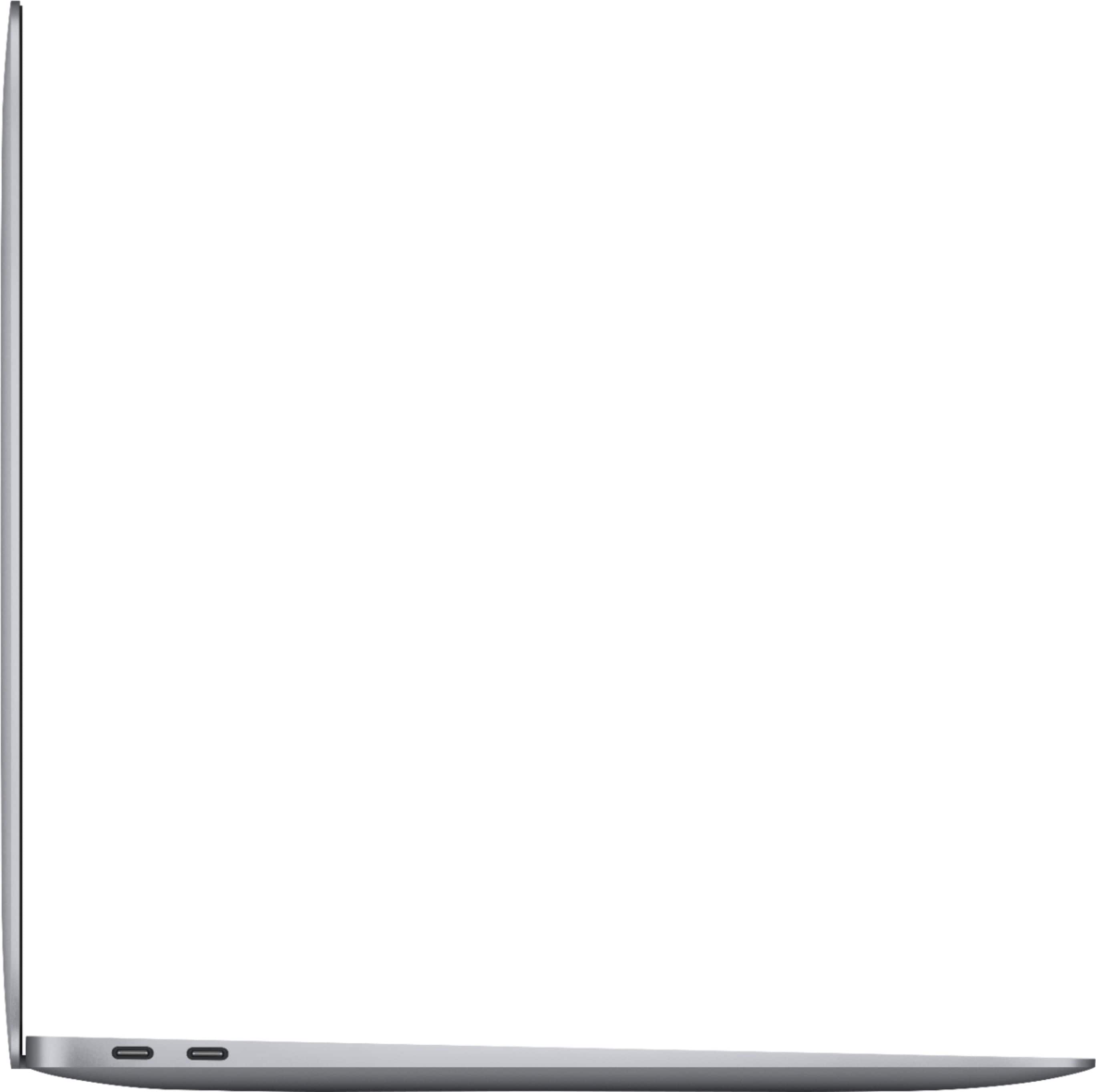
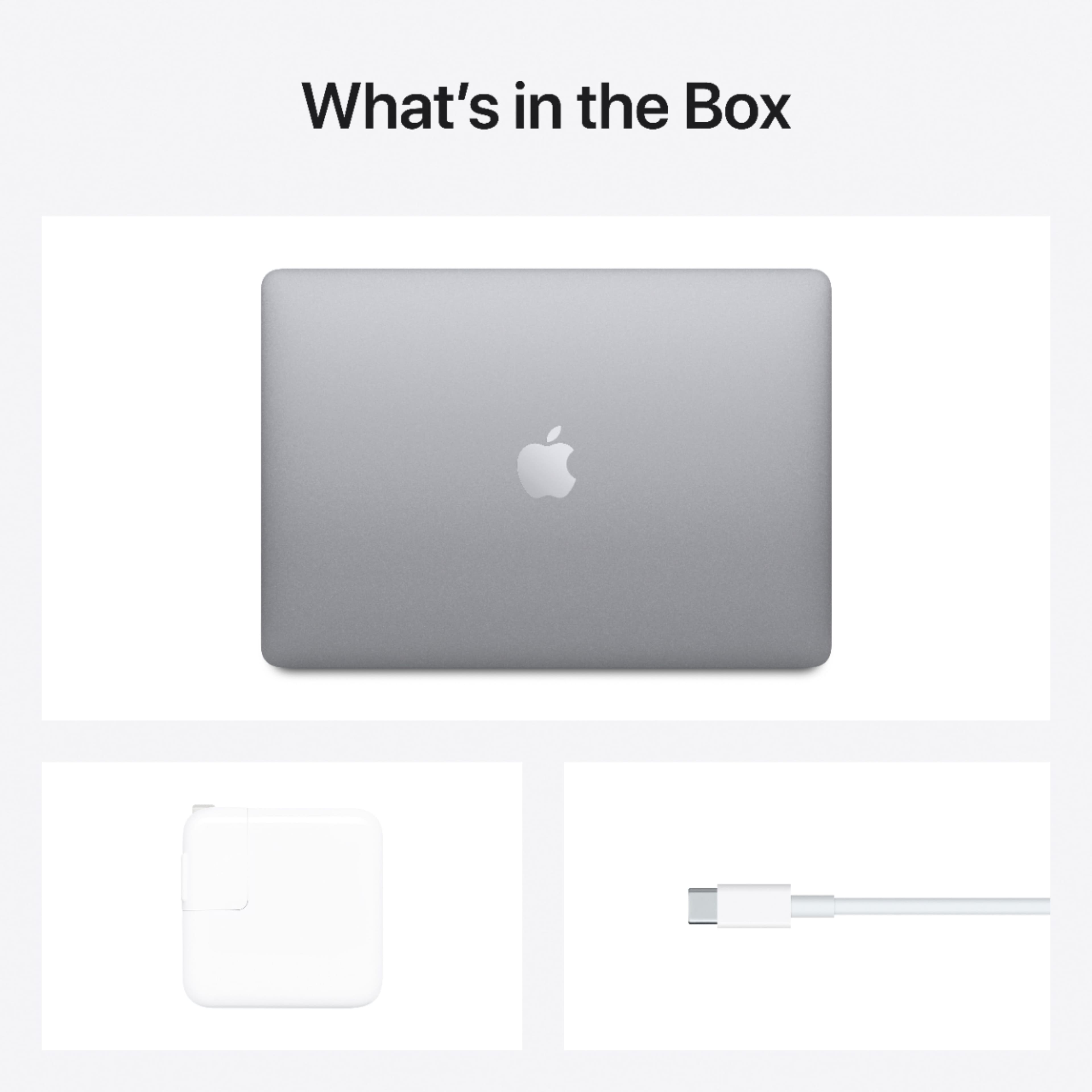
A:AnswerYes, it includes a USB-C 30W power adapter with foldable prongs. It also includes a 2m USB-C to USB-C charging cable. (The MacBook Air comes with 2 USB-C 4 ports on the left side.)
A:AnswerYES and not sure!
Office 2019 for Mac will run on the New M1 Mac's when you click on one of the apps Rosetta Stone for the first time will pop-up and ask you automatically if you want to run Rosetta Stone in order to run the Office apps. Click or Tap yes or ok and it installs with a few seconds the App will then open and you are in. Once you are done quit any of your office apps you no longer have to reinstall Rosetta Stone it will Auto-run when you click on the Office App. You will have to test the 2013 version as I have never used that one so I don't know.