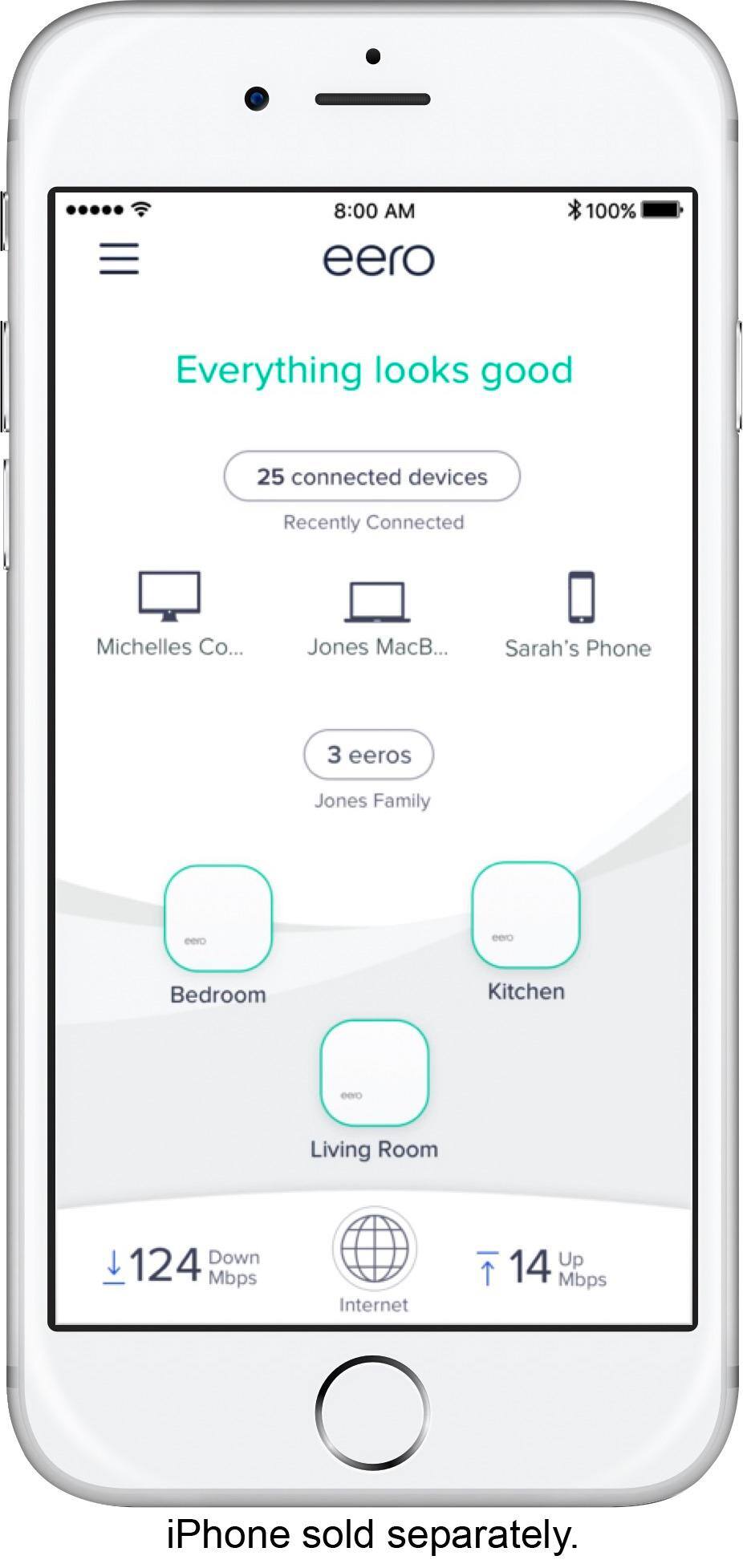
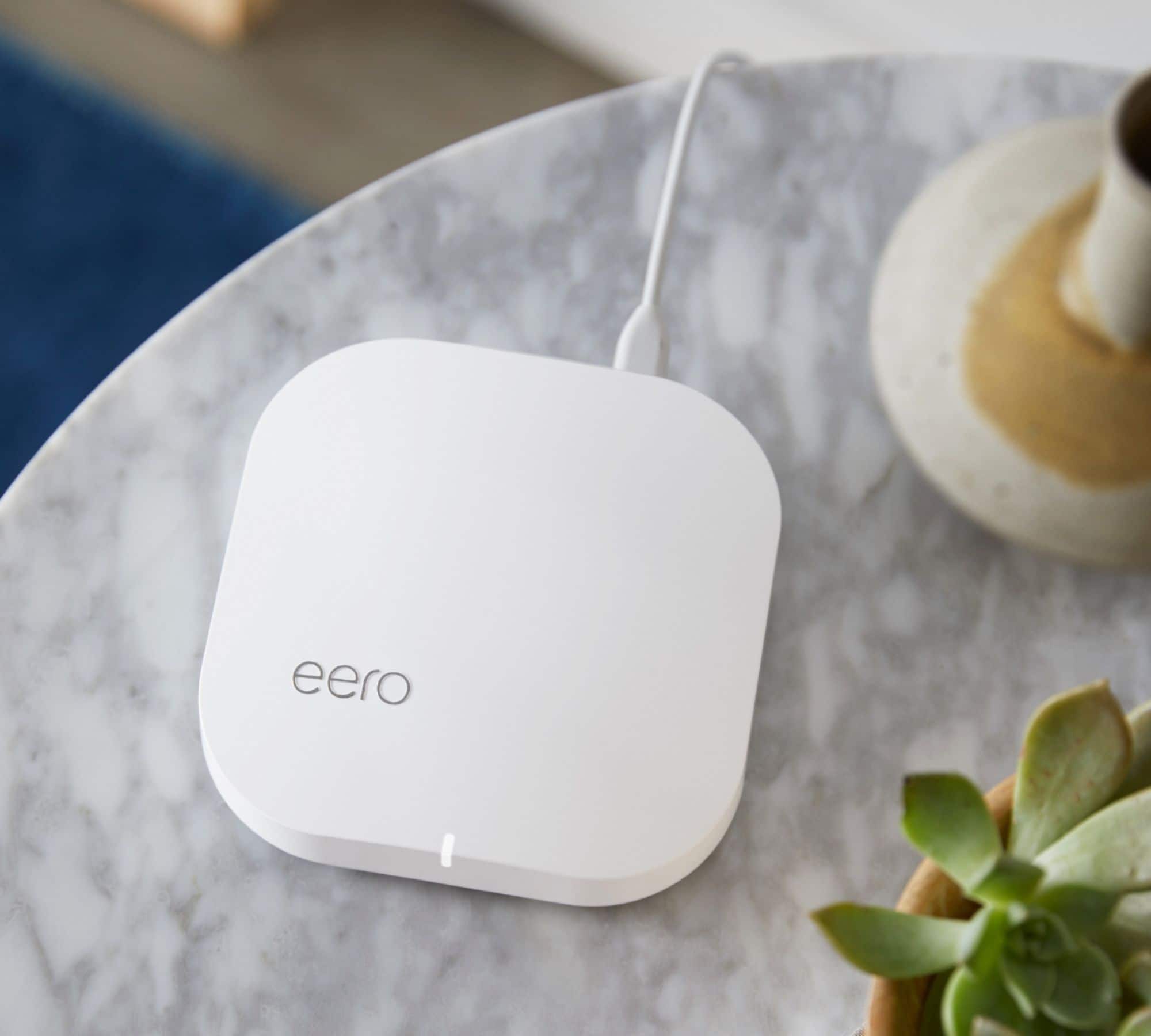
A:AnswerRudy, I've got a total of 25+ devices on my network at any given time, and no issues for the month or so I've had this Eero mesh kit installed -- great kit for the money!
A:AnswerI have AT&T Gigapower internet service and it works fine. I don’t get anywhere close to 1Gps. I just got 293Mbps download and 197 Mbps upload on my speedtest
A:AnswerI have six Eeros in my house - I started with three, then about a year later, I added another Eero plus two beacons. It make the connection in the far corners of the house more stable. Probably over-kill, but I have incredibly stable and reliable wi-fi throughout my house. I would not recommend putting the devices outside. But, my signal does reach outside into my yard.
A:AnswerYes I believe the app is required for set up, and helps you manage all your devices. I recommend as you set each one up go into the app and label what the device is then go to your next device for setup.
A:AnswerBob, I've owned this Eero mesh kit for about a month or so now, and haven't noticed any excessive heat issues. Also, no issues connecting to any (or certain) Apple products (iPhones, iPads, Apple Watch, Apple TV).
A:AnswerMy home is larger and I am very content with this system. WiFi works like an umbrella so the router should be in your largest most centralized room upstairs and then the two extenders probably downstairs but that will be up to the floor plan your home has. I’ve tried a lot of different solutions and this by far my favorite to date. Coverage is great, in and outdoors, and my family of 5 have similar devices, never an issue going on 2 months now. That being said, your system will only be as good as your internet connection, we have a 60mb connection and experience no issues with streaming, gaming and video calls now.
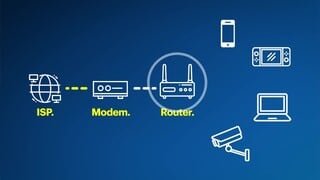
A:AnswerSuper easy! If you have separate modem & router, you just unplug your router and plus in Eero and follow the prompts. If you have a combo modem/router, you’ll have to bridge (I.e. “turn off”) the internal router so that only the Eero router is on. You can find the steps to follow if you search online, or you can call Comcast and ask them to help you bridge your router.
A:AnswerJust plug the Ethernet cable into your router and into Eeros Eero has a place to plug the original Ethernet cable and that will leave you with one network.
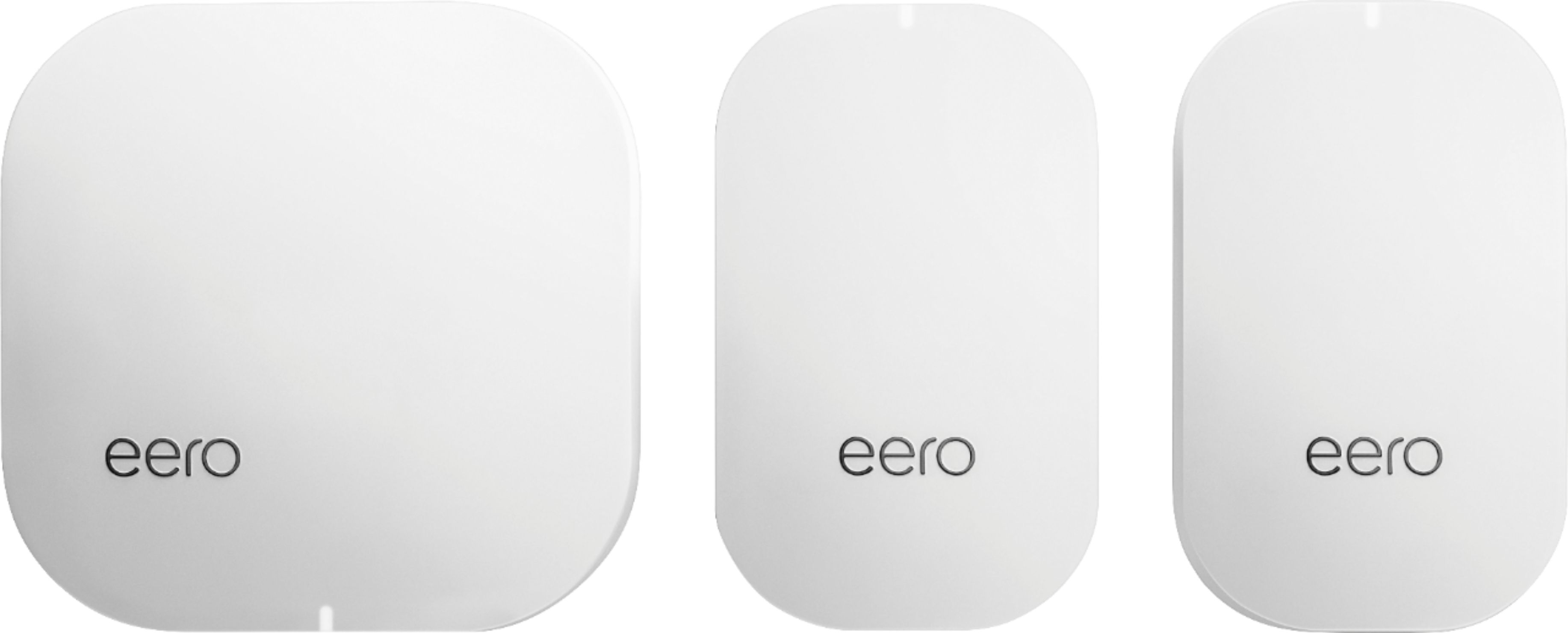
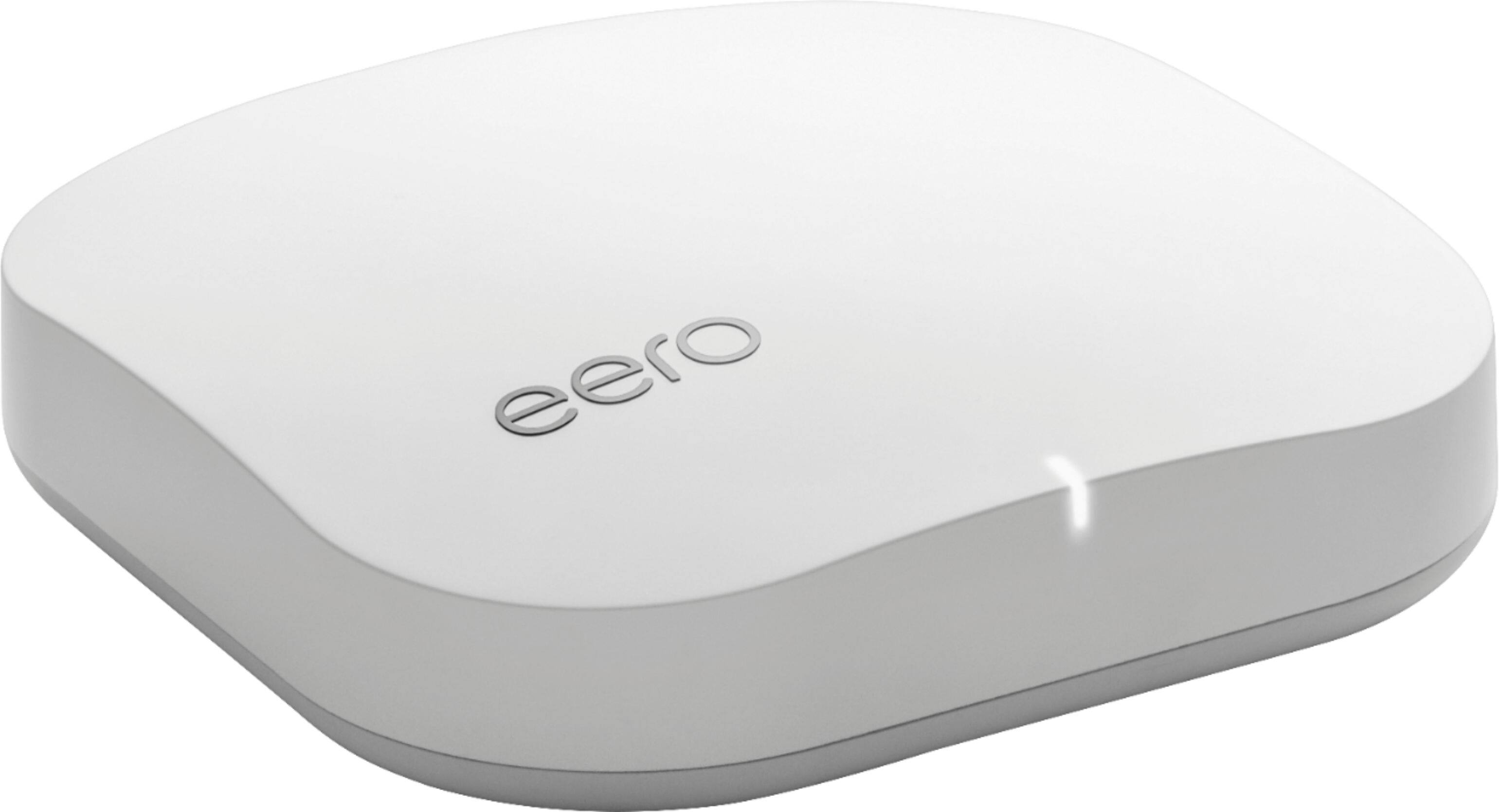
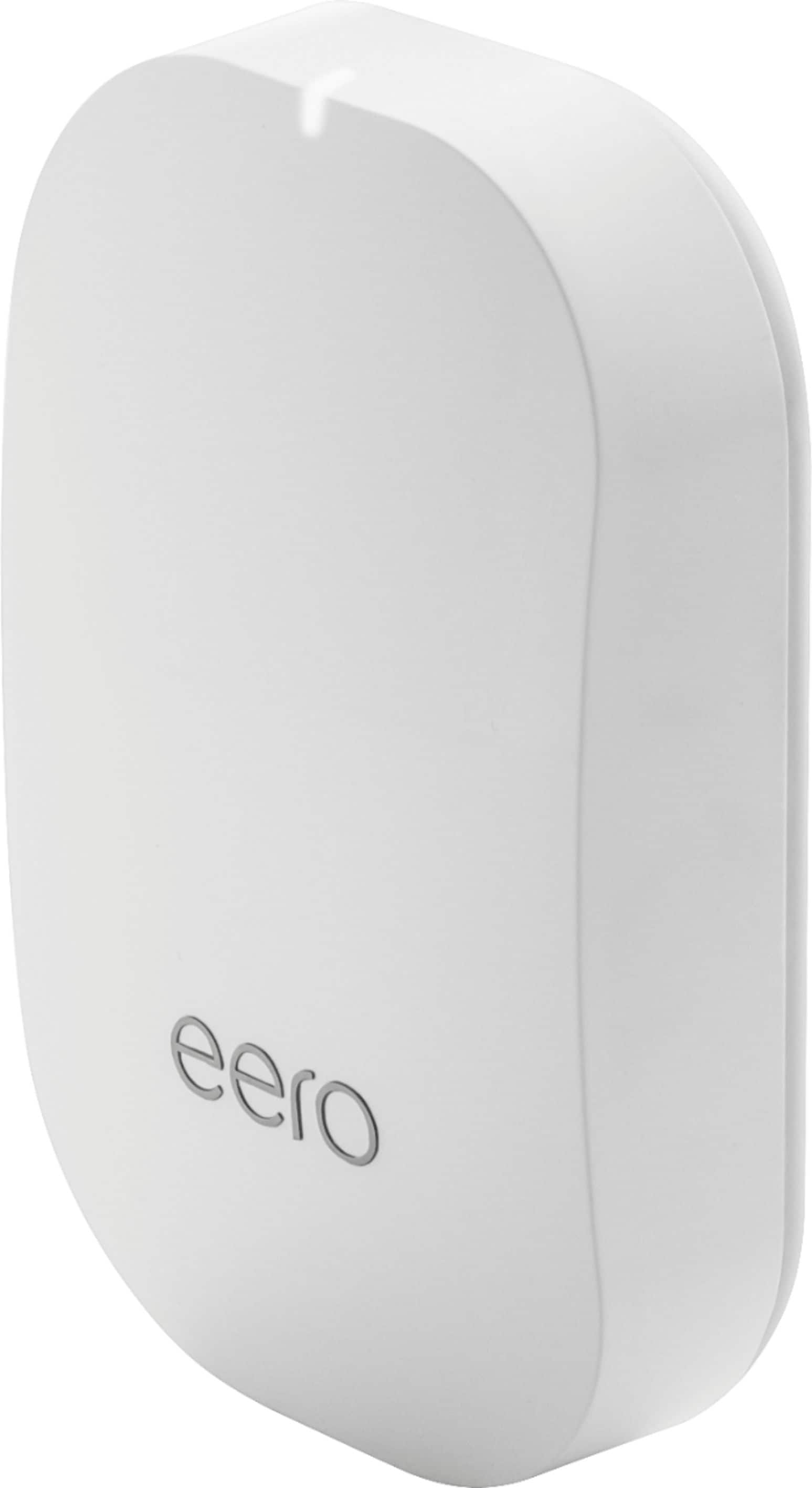
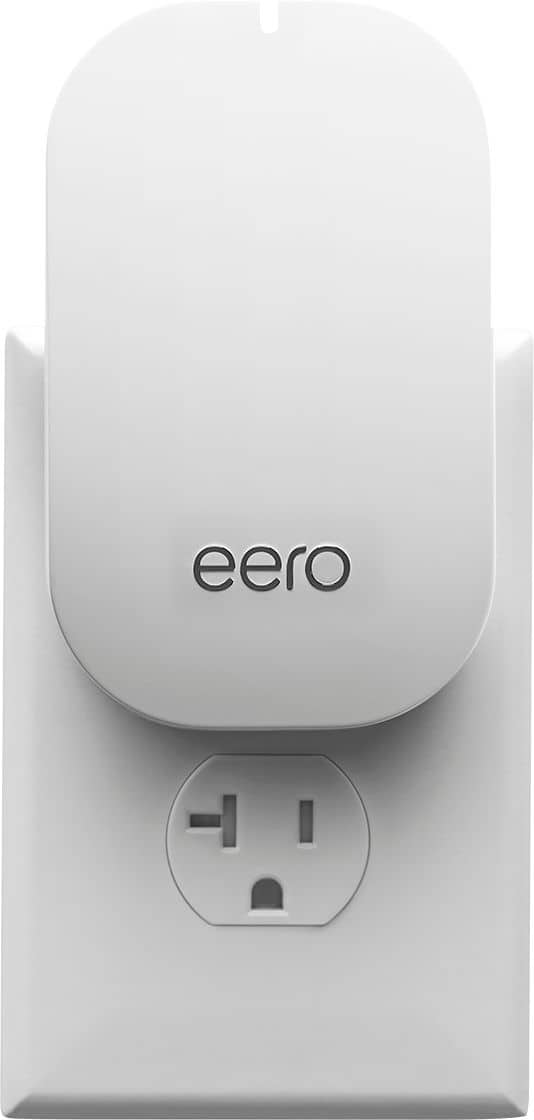
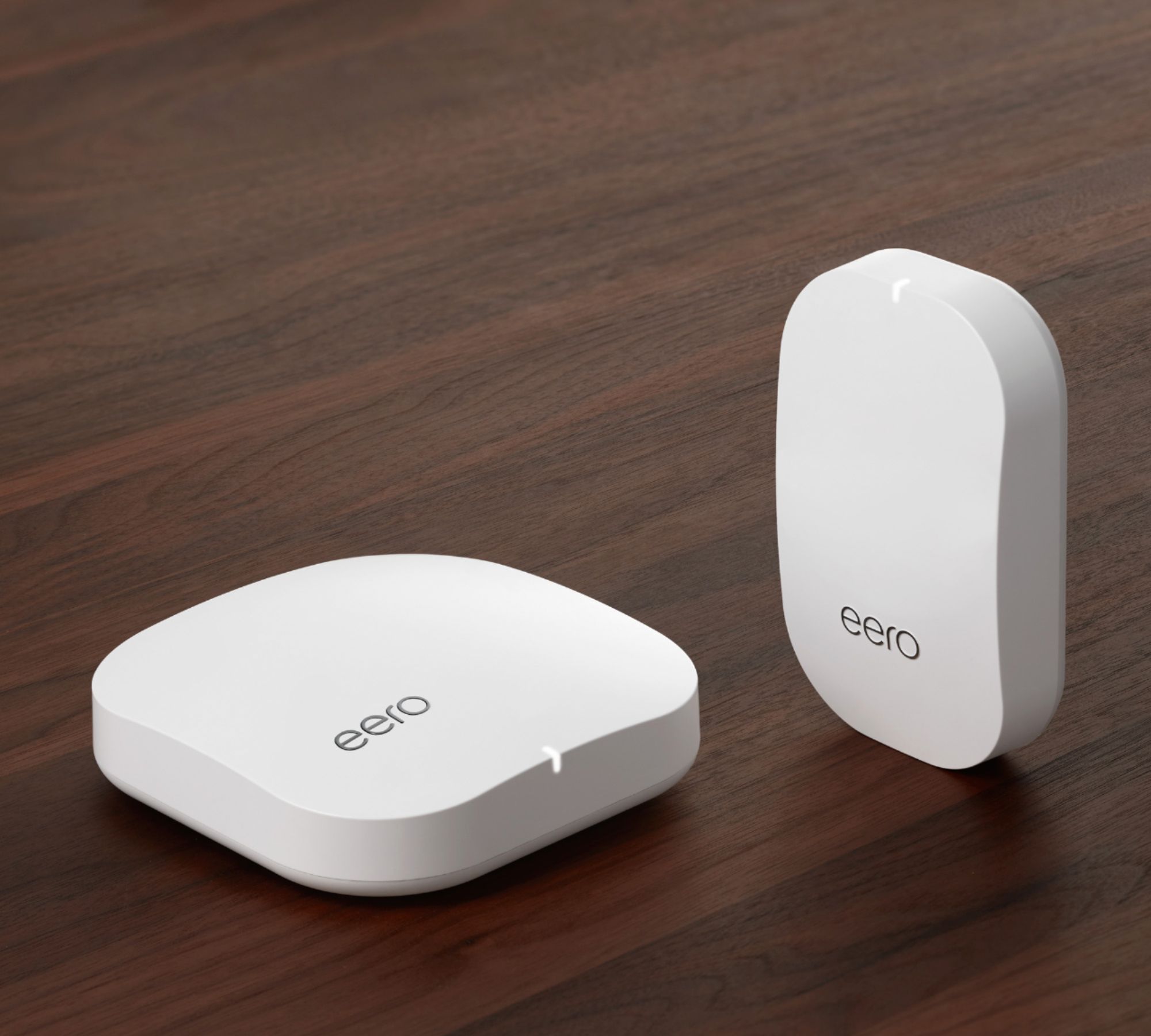
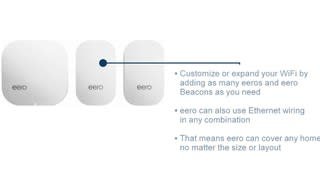
A:AnswerIf I understand you right, there is one Pro device and there are 2 beacons that can be placed to accommodate your space. We needed that many for our home.
A:AnswerNot sure about the comparison to a specific service provider's equipment, but these work well for us. We wanted our own system and have been pleased with our decision.