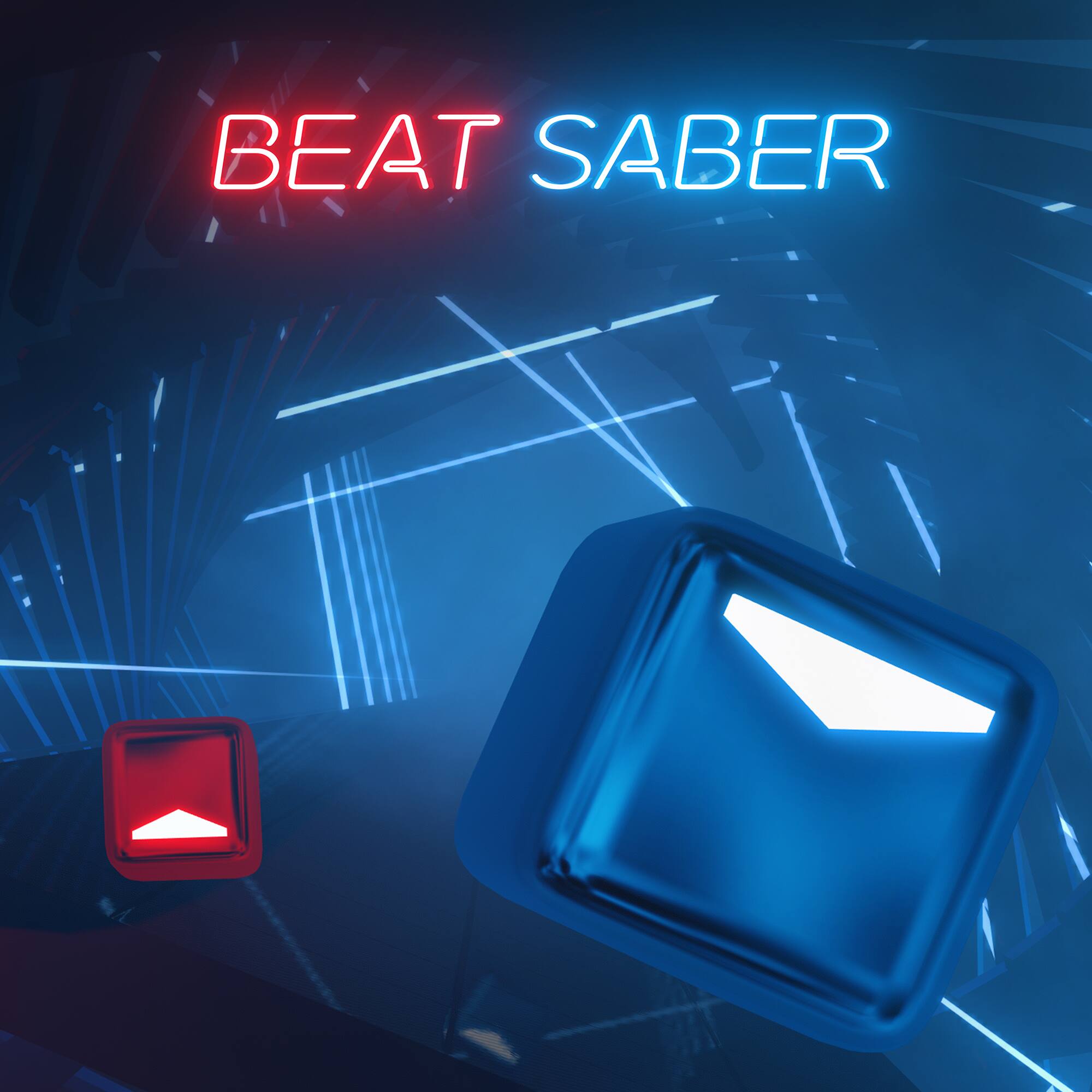
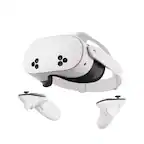
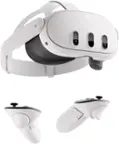
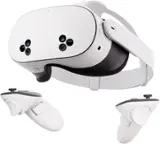
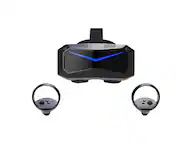
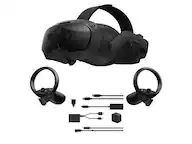
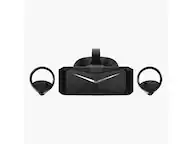
A:AnswerWell Linda, it really depends on you, there is blood and gore in games and in some VR experiences, you can set it up with an age friendly environment, but I just got this game and really haven't messed around yet. I am 52 years young, I bought this for myself but I will let my nieces and nephews use, they are 10 and up with little that bothers them kids are very desensitized theses days. Gaming in my opinion can not hurt children anymore then the real world we live in, it's just a game, if children are raised right there shouldn't be a problem.
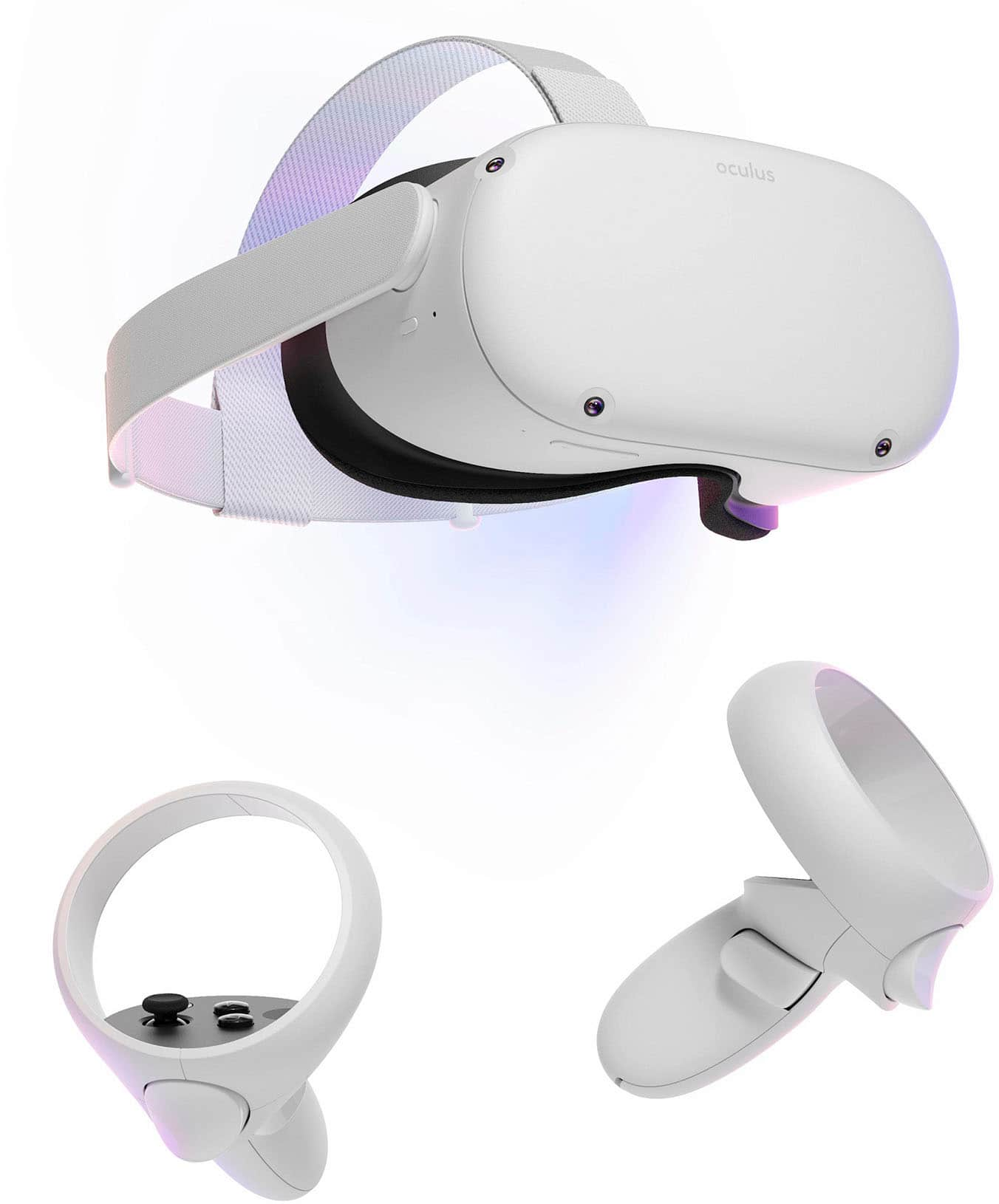
A:AnswerThis system doesn't require a pc it runs on its on hardware. You can connect it to a pc but that pc needs to be ready to run vr 1080ti or better and a link cable.
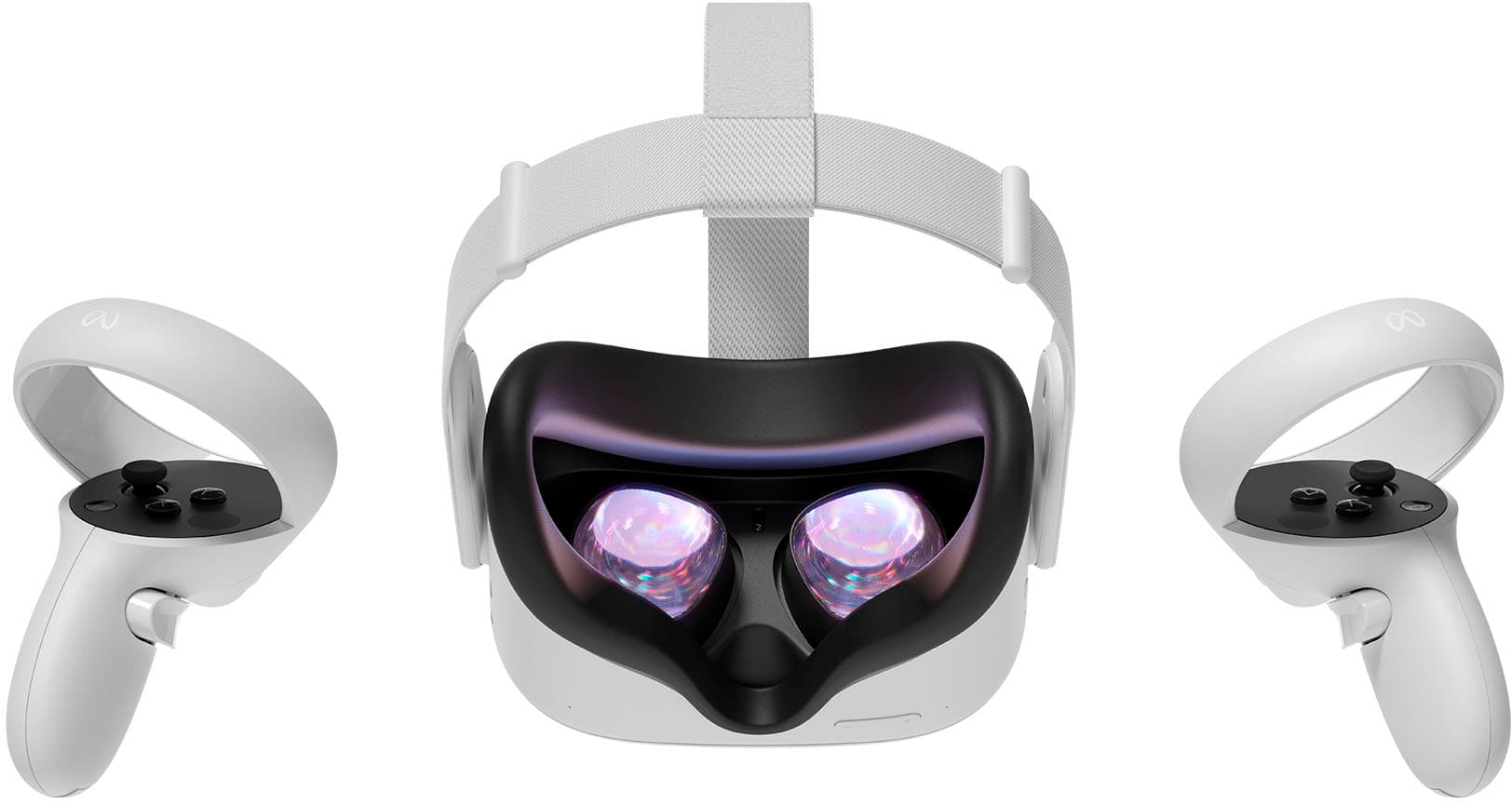
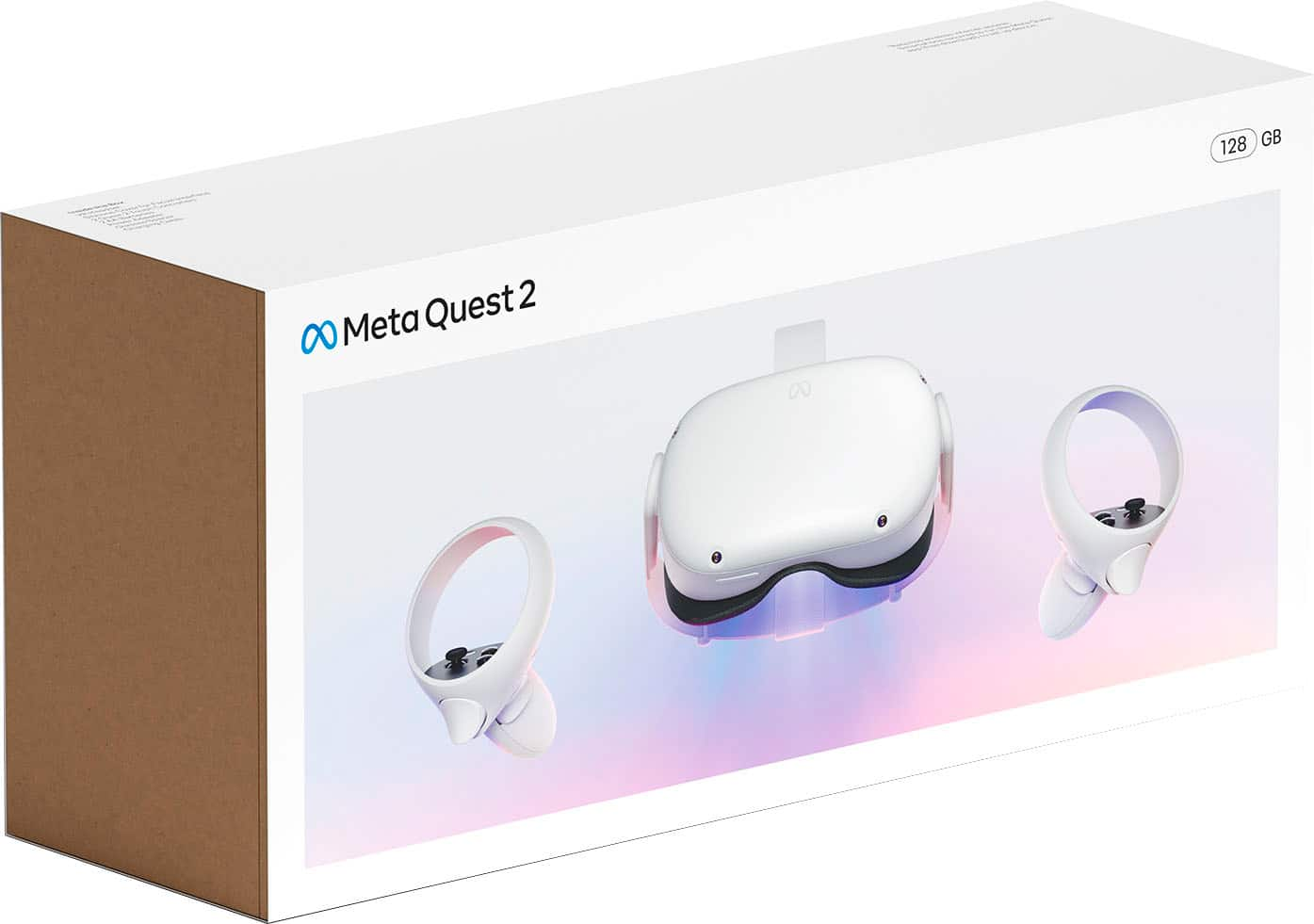
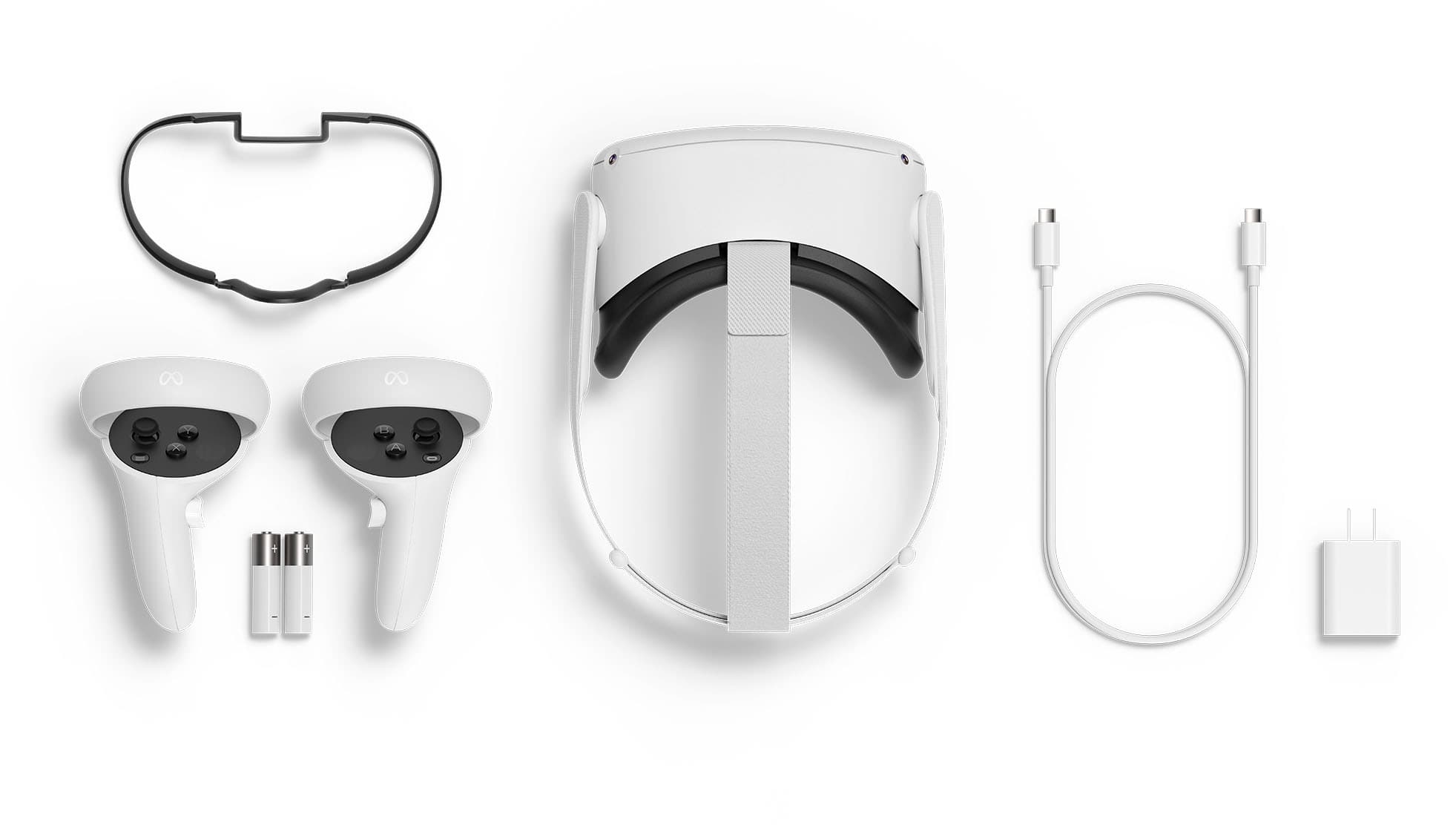
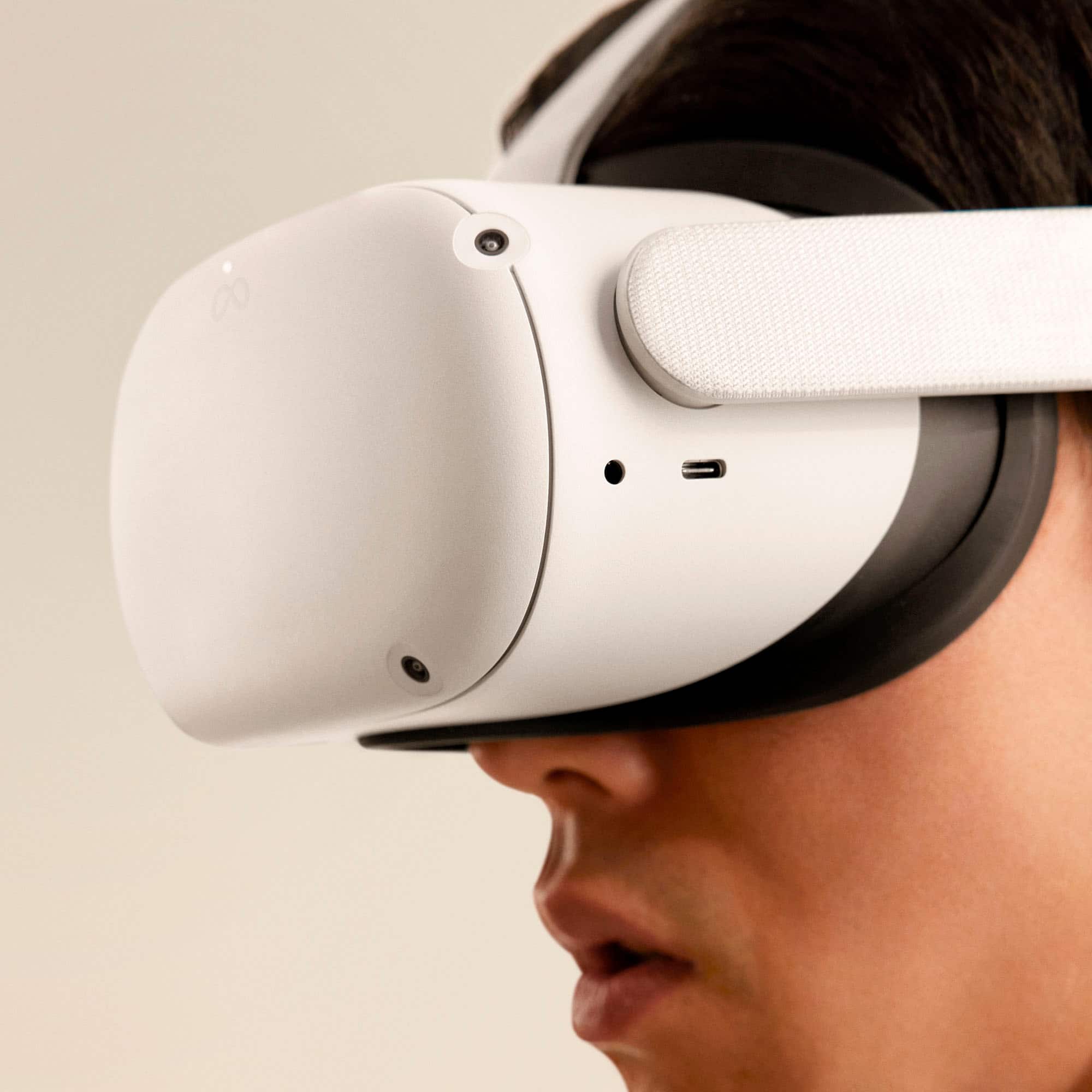
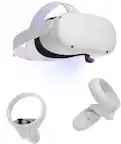
A:AnswerIt's an all in one kit, includes the head set and charger (that's all you need other than a Facebook account). There are games but there is movies and video apps as well as vr tours of famous areas and sights lots to do.
A:AnswerOfficially, Oculus Quest 2 does not connect with the PS4 or Xbox One as its not compatible with PS4. But there is some way around to connect your Oculus Quest 2 with your PS4 by sideloading apps.
You can sideload the Remote Play app and stream Fall Guys off your PS4 to your Quest.
The tweak is to pair your Bluetooth gamepad (DS4 or other) to your Quest, then launch "Moonlight for Go" under "Library - Unknown sources", you will see Windows installing virtual drivers for your Bluetooth gamepad. Close Steam (PS Button), start the DS4 Emulator VDX App and select DS4 & Connect.
The main problem with PS4 is that the PS4 isn’t made “open” so that you can use any peripherals that aren’t made for it specifically. There’s no real concept of device drivers like on PCs.
A:AnswerIt has some demos that game is demo in the app library, also I occasionally get free $10 market credits when you use the oculus app on your phone so that helped, lastly you can download and play from third party sources