A:AnswerYes. Suitable for them. Game dependent on their maturity level. Obviously just don’t download age inappropriate games for them. Common sense stuff.
A:AnswerHello Lynette,
The Meta Quest 3S doesn’t offer expandable storage, so you won’t be able to add space with an SD card or external hard drive. The storage you choose at purchase is the amount you’ll have for your games and apps.
That said, you won’t lose anything you’ve bought. If you ever run out of room, you can simply uninstall titles you’re not currently playing to free up space. All of your purchases stay safely in your library, ready to be re-downloaded whenever you want to jump back in.
We hope this answers your question!
A:AnswerHi there,
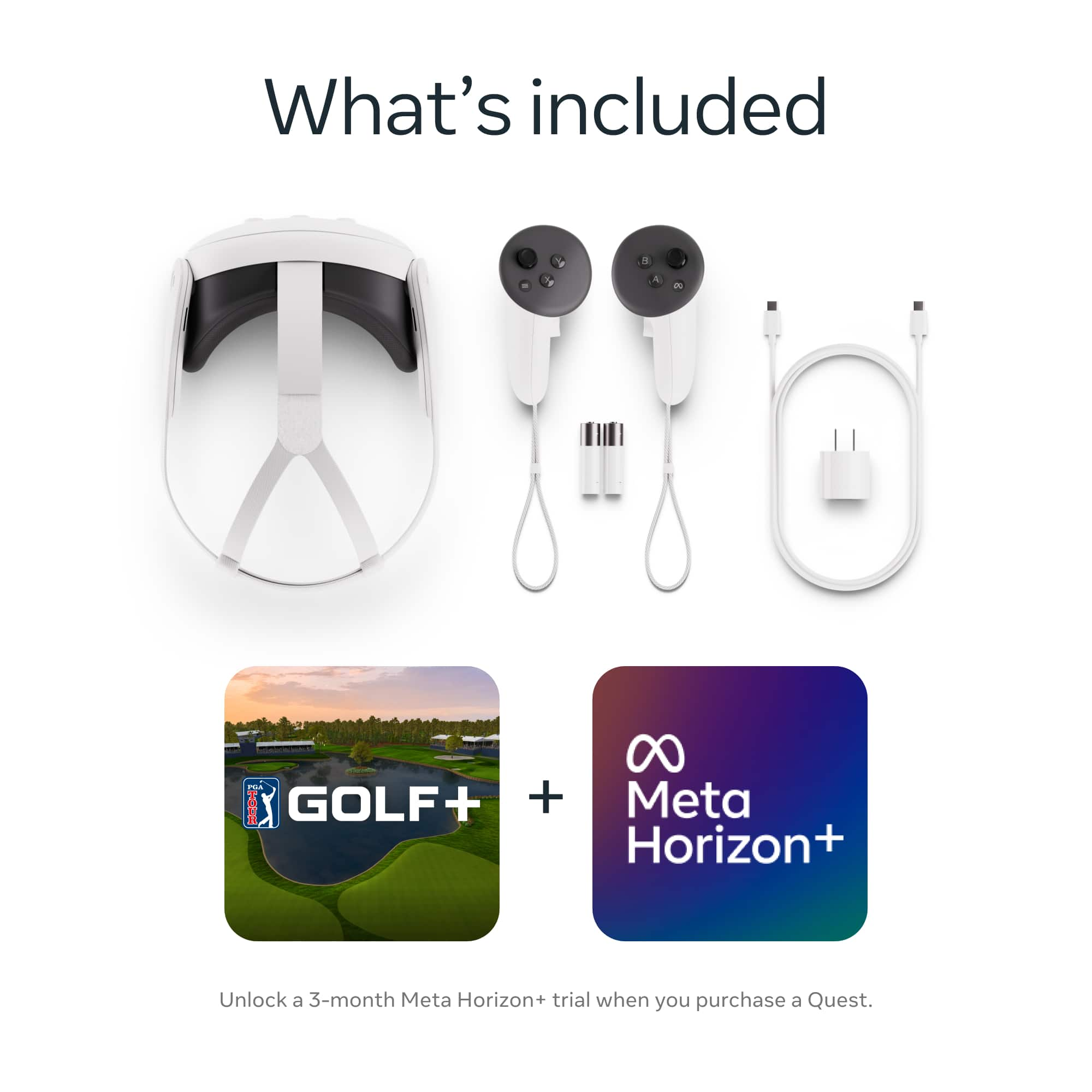
You don't need a console, the headset works completely independent, and doesn't require any sort of console or computer to be connected to it.
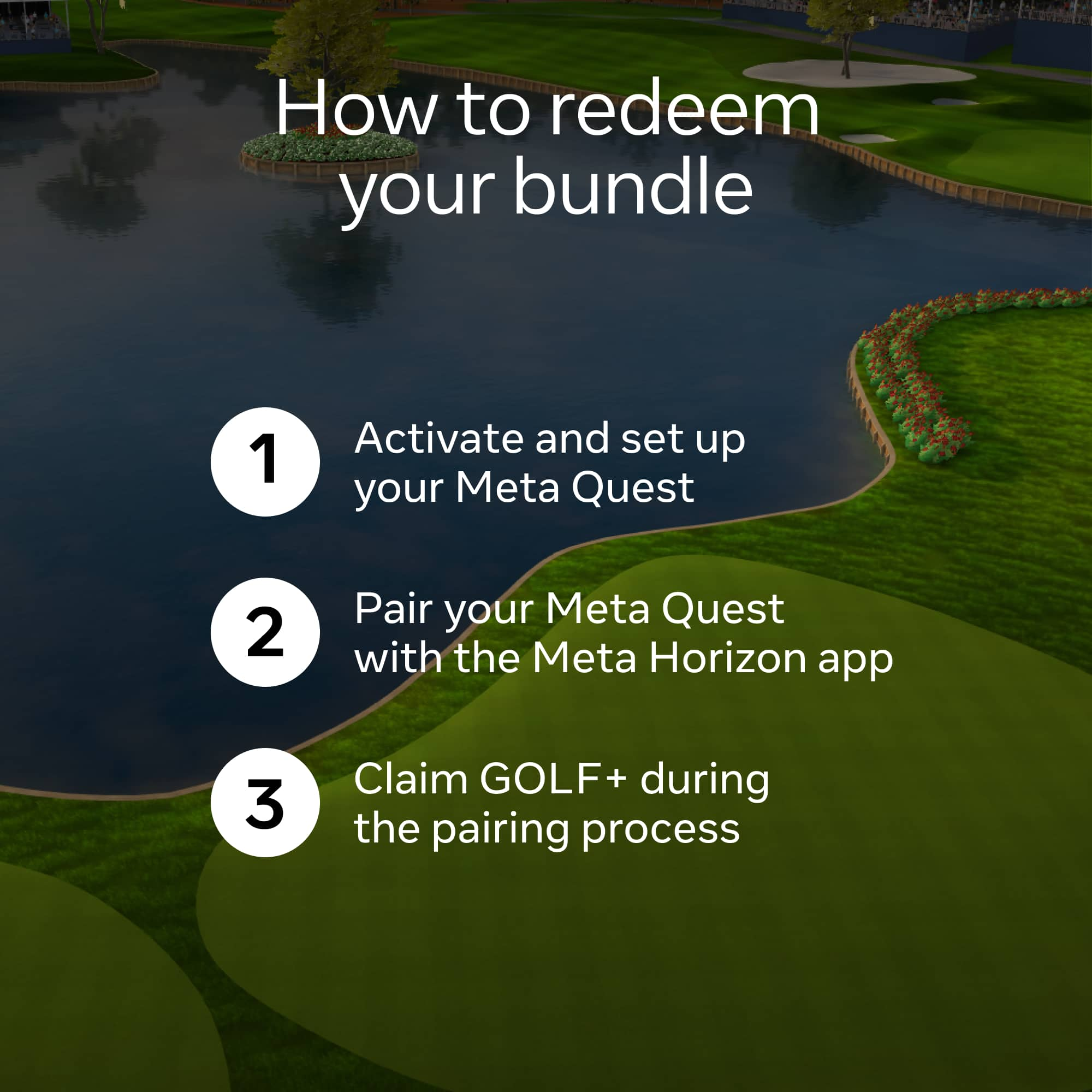
In regards to a phone, you would need a smart phone with the Meta Horizon app to set the device up.
Thanks!
A:AnswerHi there Nick,
Sadly the Meta Quest 3S is not compatible for use with a PlayStation.
We appreciate the question, and we hope this can help you make informed decisions before purchasing!