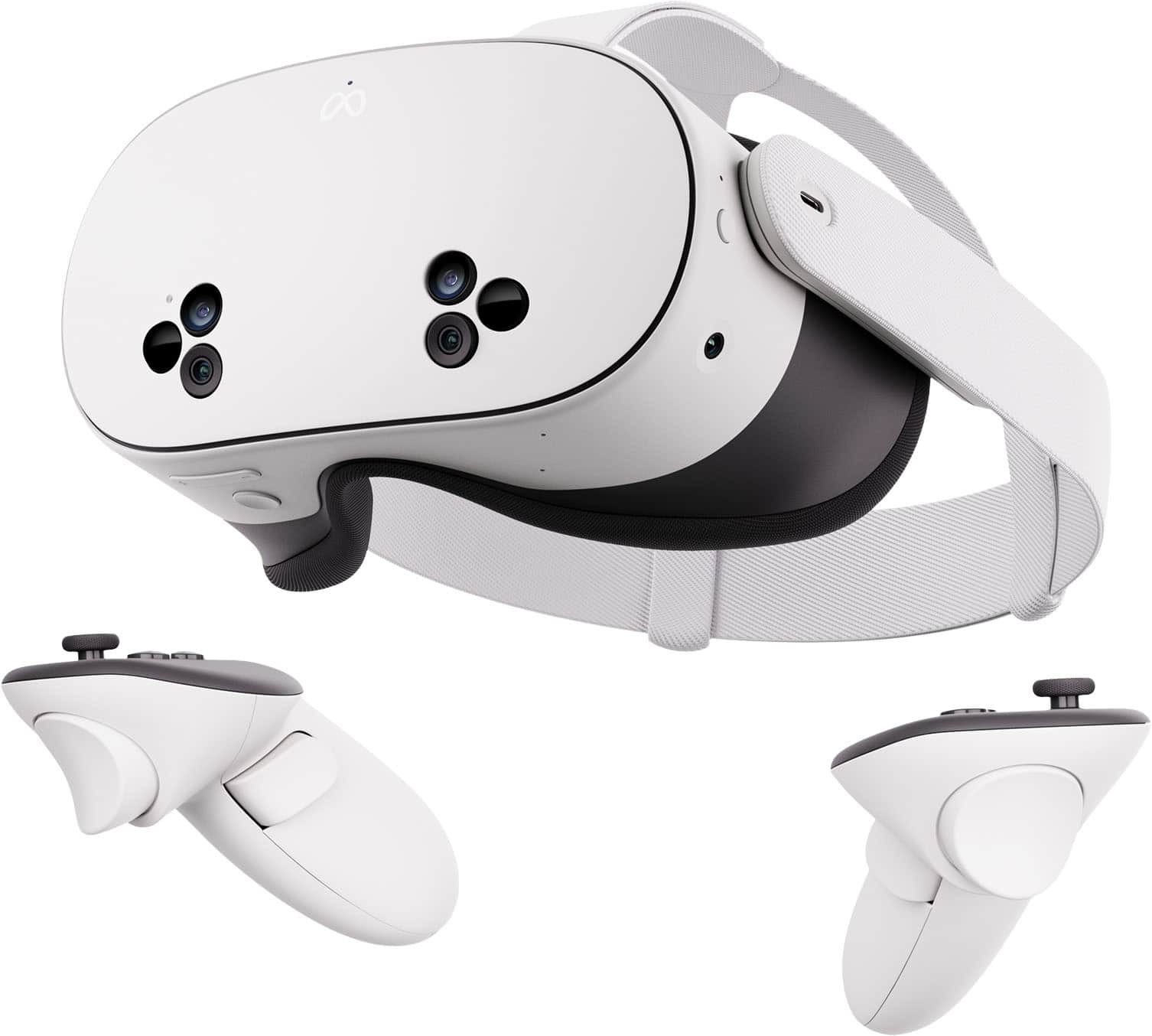
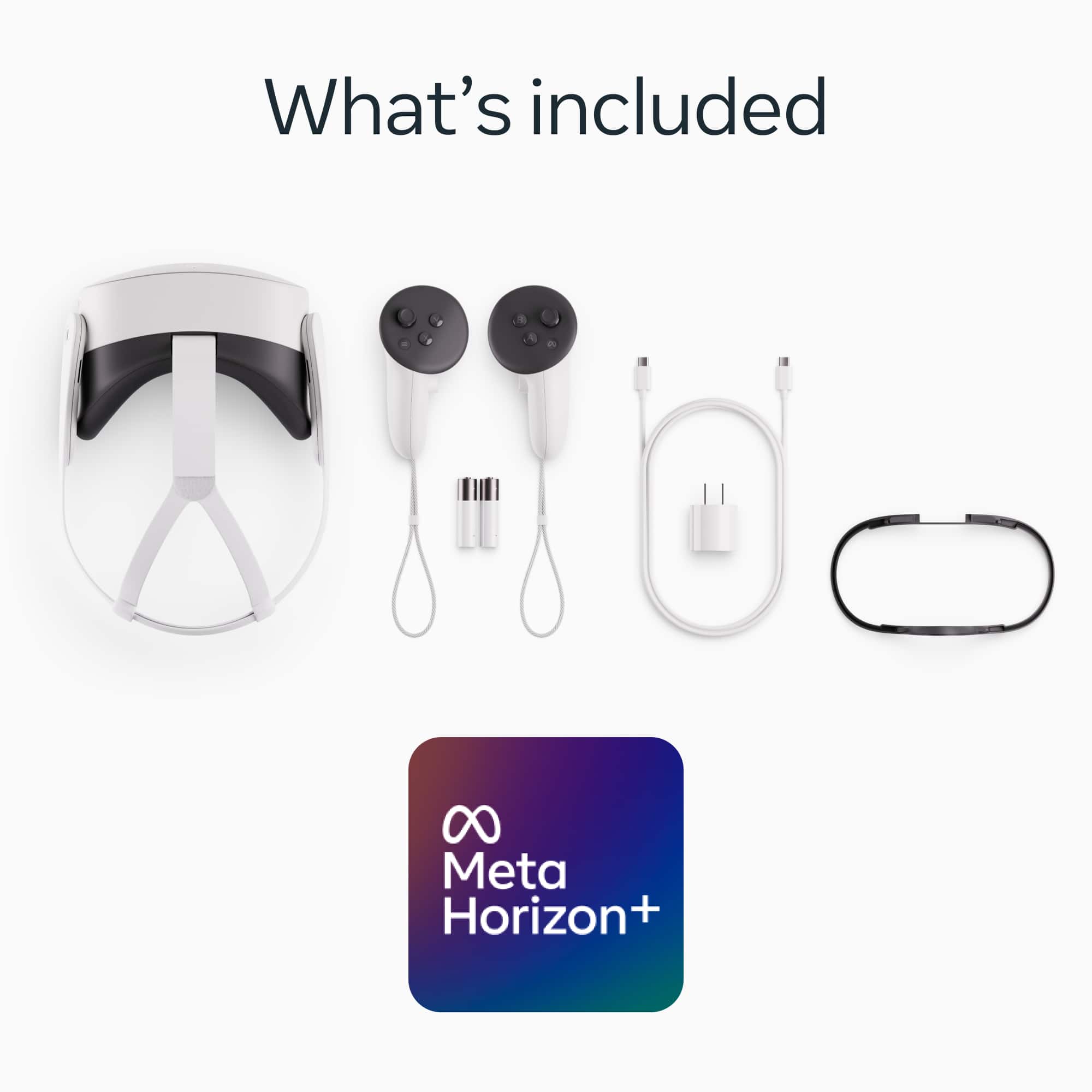
A:AnswerAt the moment it's 267, but usually it's 300. You mainly get the controller, headset, cable, and charger, but the software is really nice especially on android and iPhone.
A:AnswerHey! The package comes with all you need to play. The only extra thing you need is a phone/tablet because you have to download an app to link to the meta quest. Once that’s done in the app you have the option to cast what’s showing on the meta quest to the tv.
A:AnswerAt the end of set-up it automatically should apply the game to your meta account. It even gives you the option to install it then versus later.
A:AnswerYes, Best Buy may accept Meta Quest trade-ins depending on condition and model availability. You would usually receive store credit, and if the new Quest costs more, you pay the difference
A:AnswerI hook it up with a wire to play Steam be or set up my room in The Bigscreen app on the headset and play other Steam games in my Bigscreen app private room for others to come into and watch. There is now a better way to do it without all of that because I think there’s a stain app you can download it. I haven’t gotten that far yet. There are people in big screen app that can show you and tell you everything you need to know. All you have to do is go into the lobby and people will help you. Just wanted to first apps people get it’s called big screen..
A:AnswerHi there! Great question.
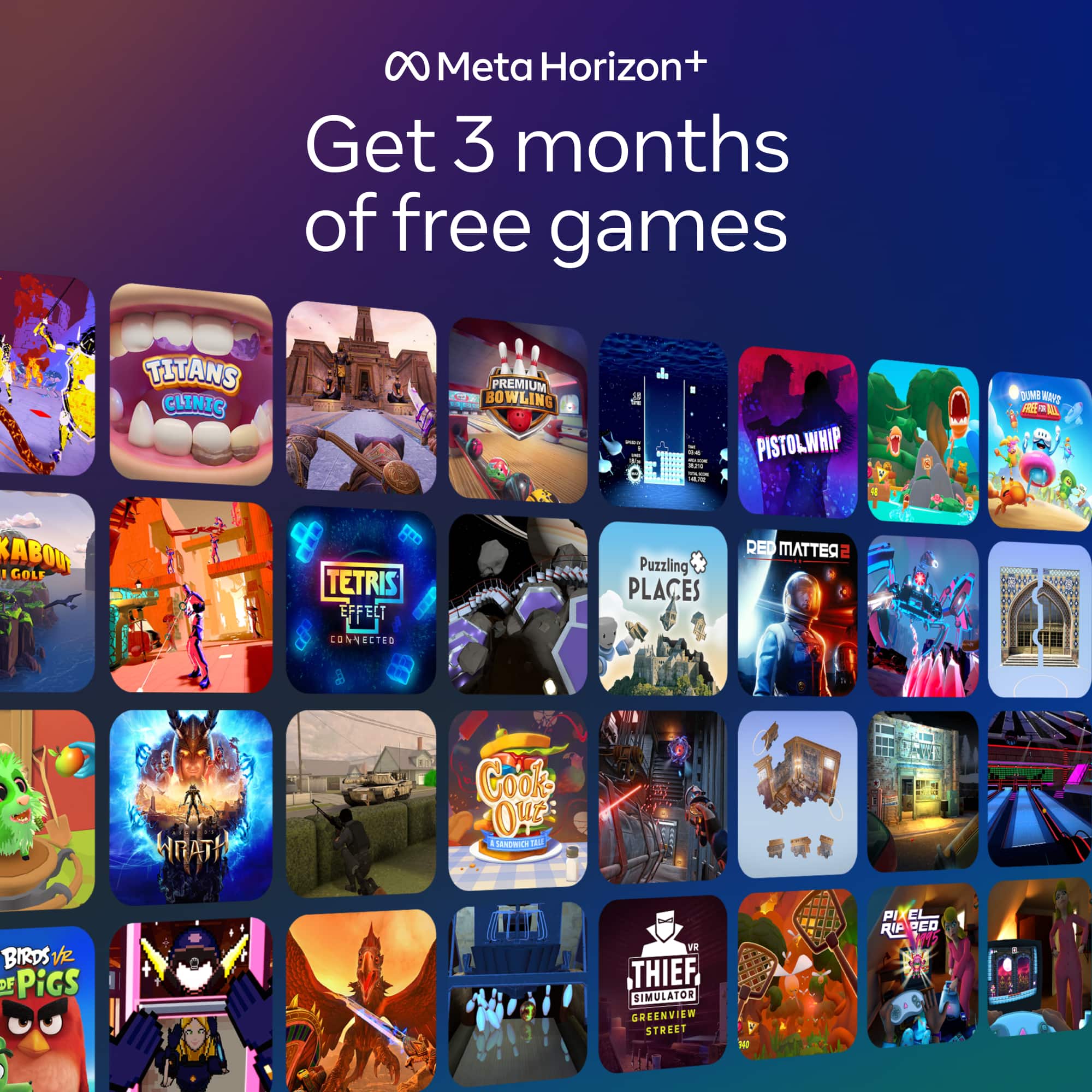
If you purchase a Meta Quest headset that's part of a limited time app, game or subscription promotion, you can redeem the content once you activate your headset. Once you activate your headset, you may receive a notification to your email account, on your headset or in the Meta Horizon mobile app with instructions on how to redeem your content. If you do not receive a notification, you can still redeem your content following the instructions below.
- Download and open the Meta Horizon app on your phone, then follow the instructions to activate your headset.
- When you get to Payments and extras, find the content included with your purchase.
- Tap Redeem or Options next to the content.
- Follow the on-screen instructions, then tap Continue.
A:AnswerOptional. (Or at least I haven’t) if you do want meta horizons it does come with a lot of good games and at a really good value. But you do pay for it every month.