A:AnswerHey Ry, good day!
We are absolutely thrilled to hear that you successfully recovered your older Quest account!
To answer your question directly: yes, you absolutely can use your existing account on your brand new Meta Quest 3S! In fact, we highly recommend doing so because it means any digital games, apps, virtual items, and friends you accumulated on your old account will carry right over to your new headset automatically. When you turn on your Quest 3S for the first time, simply sign in using your recovered account credentials during the initial setup process, and you will be completely set to dive back into the action.
Welcome back, and we are so excited to have you exploring the virtual worlds with the Meta community again!
We see the future through your Vision!!!
A:AnswerHey Louann, good day!
We are absolutely thrilled to hear about your plans to use the Meta Quest 3S for your window painting work!
To answer your question directly: Yes, the 128GB model will be more than enough for your artistic projects. Mixed reality painting and design applications typically take up very little storage space compared to massive, graphic heavy gaming files. With 128GB, you will have plenty of room to download your favorite creative apps, save your beautiful masterpieces, and explore the full potential of mixed reality canvas work seamlessly!
We can't wait to see you bring your art to life, and we are so excited to welcome you to the Meta community!
We see the future through your Vision!!!
A:AnswerHi Steve, thank you so much for your question regarding Win Reality Baseball.
We can confirm that Win Reality Baseball is available through the Meta Quest store and so you would indeed be able to play it on a Meta Quest 3S headset!
A:AnswerNo, you do not need a console or game system to use the Meta Quest 3S (128GB).
The Meta Quest 3S is a standalone VR headset, which means it has its own built-in processor, battery, storage, and operating system.
How It Works
• All-in-One Device: Everything you need to play games, watch movies, and browse the web runs directly on the headset itself.
• The Setup Process: You only need a free Meta account, a smartphone or tablet with the free Meta Horizon app (for the initial setup), and a Wi-Fi connection to download your apps and games.
• Optional PC Connection: While it is completely standalone, you can optionally connect it to a high-end gaming PC via a cable or Wi-Fi (Quest Link) if you want to play advanced PCVR games, but this is entirely optional.
A:AnswerHey Jim,
You don't need to wear earbuds for the Meta Quest 3S - we've designed the open ear speakers to be fully immersive and crystal clear without the need to put any earbuds on!
It's simple, all you need to do is put the headset on, and you're already in the Metaverse - sound included!
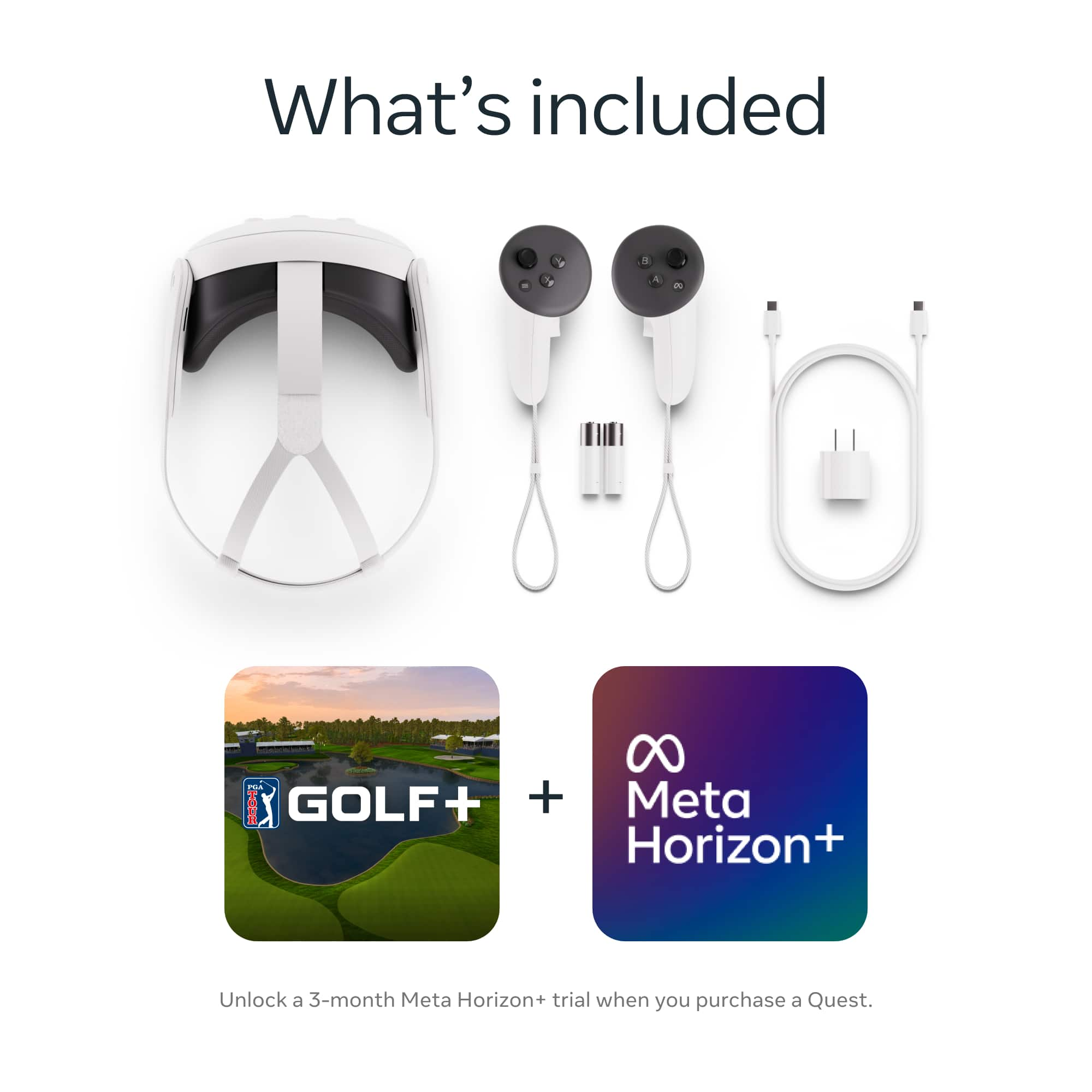
A:AnswerAt the moment it's 267, but usually it's 300. You mainly get the controller, headset, cable, and charger, but the software is really nice especially on android and iPhone.