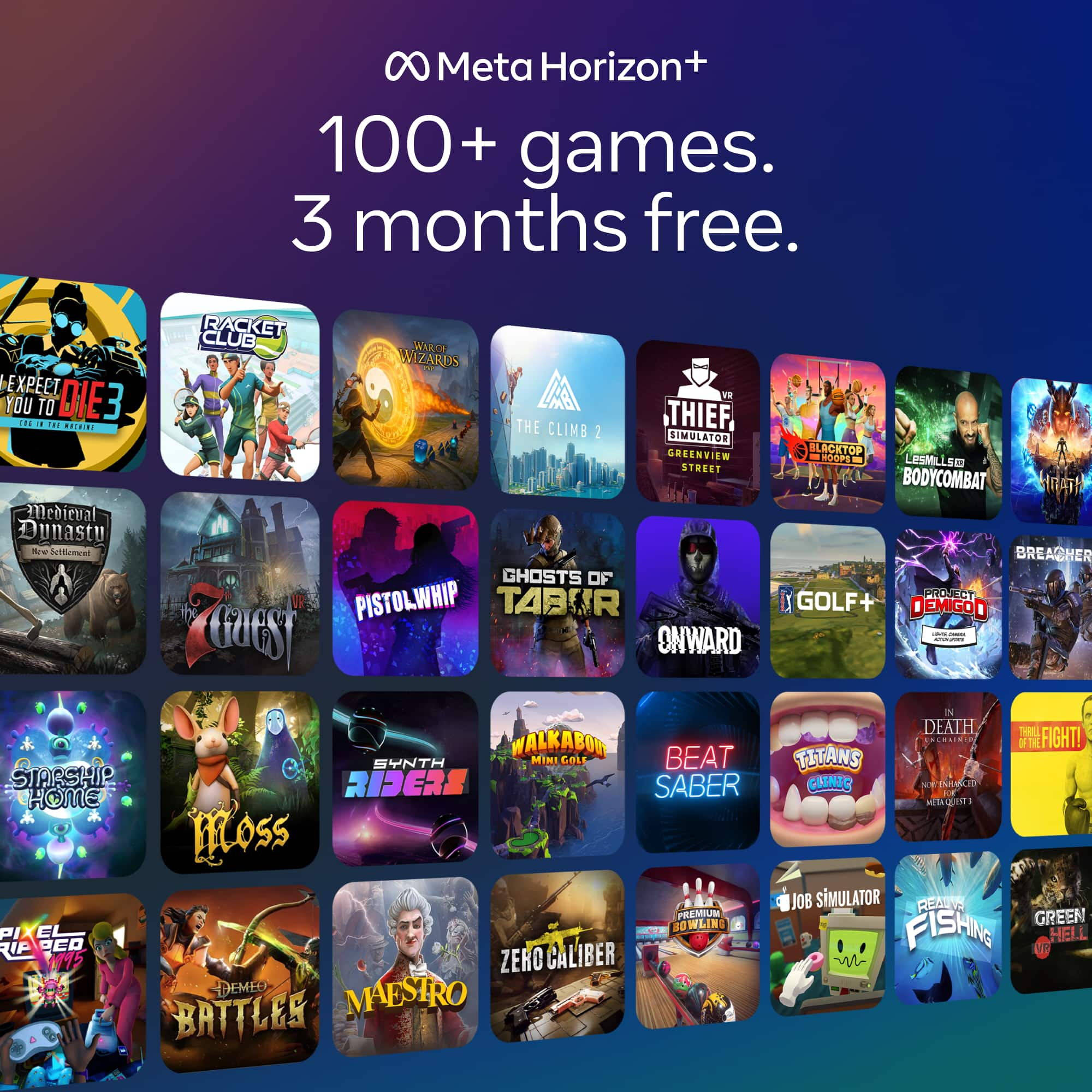
A:AnswerSome game promotions must be redeemed separately through your Meta account. Check the box, email, or Meta app notifications for a redemption code or offer activation
A:AnswerIf the bundle was advertised with Saints & Sinners, it should still be redeemable even if the box doesn’t mention it. Usually the game appears digitally after headset activation or through a redeem code/email
A:AnswerHi there! Great question.
If you purchase a Meta Quest headset that's part of a limited time app, game or subscription promotion, you can redeem the content once you activate your headset. Once you activate your headset, you may receive a notification to your email account, on your headset or in the Meta Horizon mobile app with instructions on how to redeem your content. If you do not receive a notification, you can still redeem your content following the instructions below.
- Download and open the Meta Horizon app on your phone, then follow the instructions to activate your headset.
- When you get to Payments and extras, find the content included with your purchase.
- Tap Redeem or Options next to the content.
- Follow the on-screen instructions, then tap Continue.
A:AnswerI am pretty sure when you open the meta horizon app in settings and when you set your headset up, you will get the option to get the walking dead for free there should be a “get” option.
A:AnswerHey there!
We hear you've just gotten yourself a new Meta Quest 3S and were excited to jump right into Batman: Arkham Shadow, however you were stopped by a road bump of not being able to redeem it, that's of course not ideal so let's see if we can get this game redeemed and you into the world of Gotham city, so that you can start saving it!
So if you're unable to redeem the game via the Meta Store (it shows a price instead of the redeem button), then there is a different way to redeem it, which would be via the Meta Horizon app. However you will need to have an active payment method registered on your account before you can redeem the game, so please be sure that you've gotten one registered.
You can check out our help center under the title "How to add or remove a payment method for Meta Store and Meta Horizon Store" if you need help adding a verified payment method to your account.
Once you've got your payment method setup, you're ready to go, next step is going to the Meta Horizon app and opening up the Menu by tapping on the three bars at the top, from there scroll down to wallet and click on it, there you should see a payment and extras tab where you should be able to redeem it.
If you don't see it or you're unable to redeem it, then you will have to reach out to our support team via our Meta Quest Help Center, so that we can have a look into this for you and get your Arkham city adventures started.
We hope this helped and look forward to hearing about your future virtual adventures with your new Meta Quest 3S!
Have a fantastic day!
A:AnswerYou can put a few average size games on a 64 gb headset. 6 to 7 on a 128 gb. Or depending on your pc memory size. A lot on the pc. Just have to link to meta and pc.
A:AnswerI also just received mine in the mail today. It has nothing on the outside of the box that says anything about Walking Dead mine too is a gift and I don’t want to open it. Hopefully someone can confirm this because when I called Best Buy to ask them they couldn’t confirm what the front of the box was supposed to look like. When I bought the Batman edition last year it had the Batman symbol on the front of it. I live 45+ minutes from the closest Best Buy so I don’t want to take that drive if this is the correct way it is supposed to look. I’ll provide a picture of the front of my box as well in the comment section.