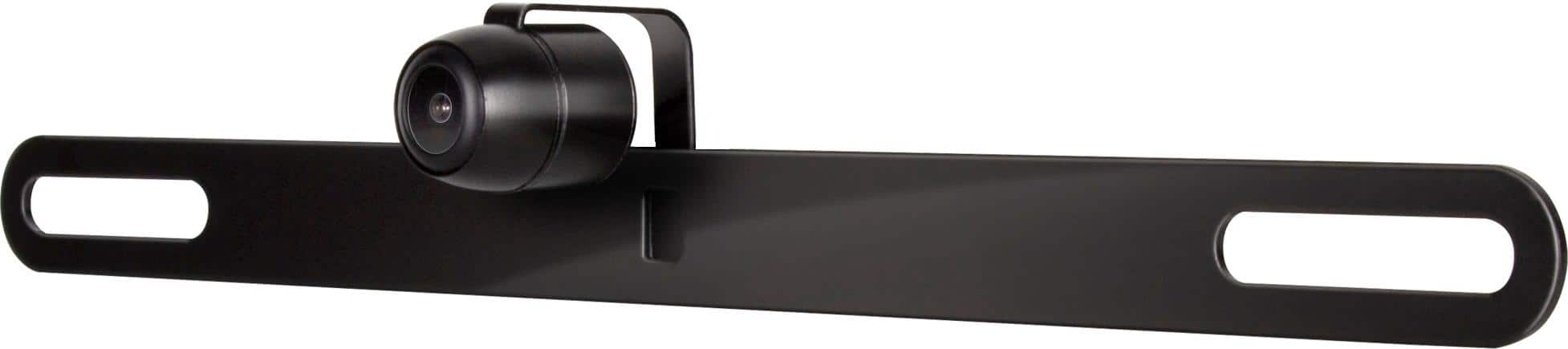
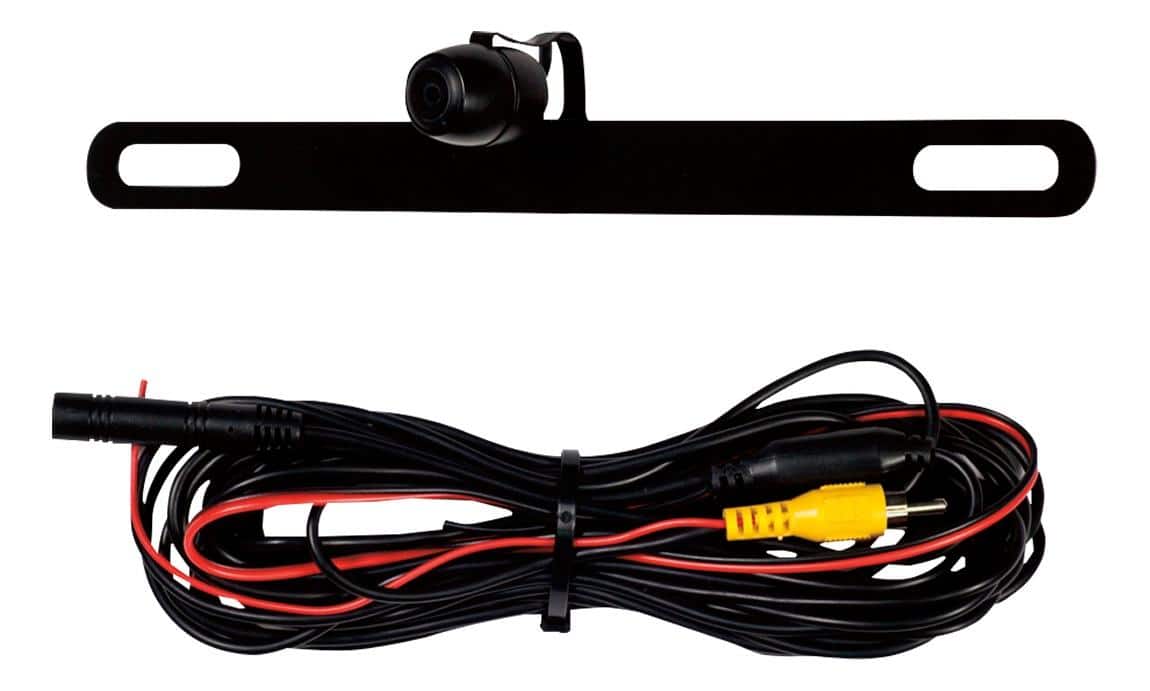
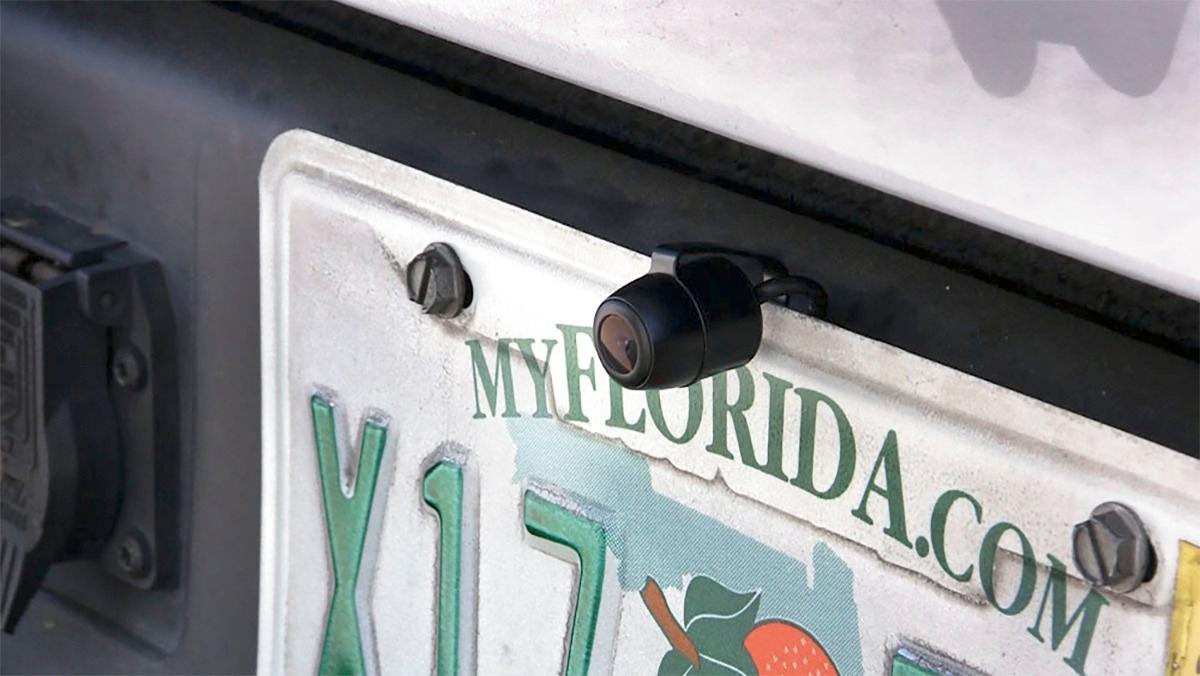
A:AnswerI just bought this camera and it seems its sorta a design flaw. The camera needs to be pointed/angled down further. If you turn the camera on in your radio and have someone push down on the camera on your license plate it will start to align itself. The problem is getting it to hold in place. The other issue is the camera isn't flush with your trunk so with it extended out it makes it seem like your further back than you truly are.
A:AnswerContact BB, they have a collection of canes screen combos. I caution you on the license plate cam. It does not have night vision or if it does it’s horrible. BB installed on two of my vehicles and once the sun goes down they are useless. Day is one no problems. No guide lines.

A:AnswerThe camera has a very wide viewing angle. You can temporaly mount it on the license plate as it is designed and test to see if you like it there. If that does not work to your liking, I would suggest a different camera set up that does not mount on a license plate.
Maddrummann
A:AnswerNo as long as the radio you have is backup camera ports then it will come on automatically once you connect the wires to reverse lights on vehicle or you can choose not to connect it to your reverse and manually turn the camera on and off each time you backup
A:AnswerThe image appears on the touch screen radio panel. I had this installed for my son's 1st vehicle and the picture is really clear. I really like it since this was something they were able to install in an older model vehicle.