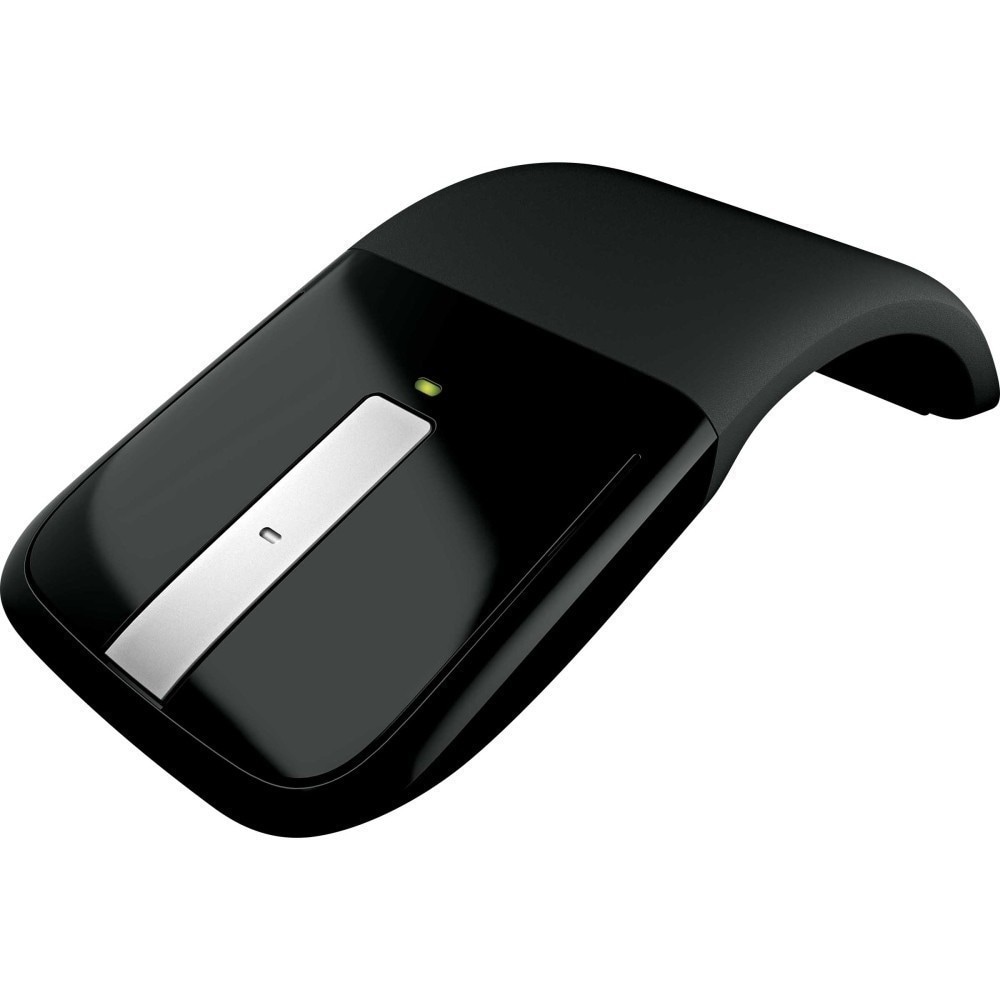
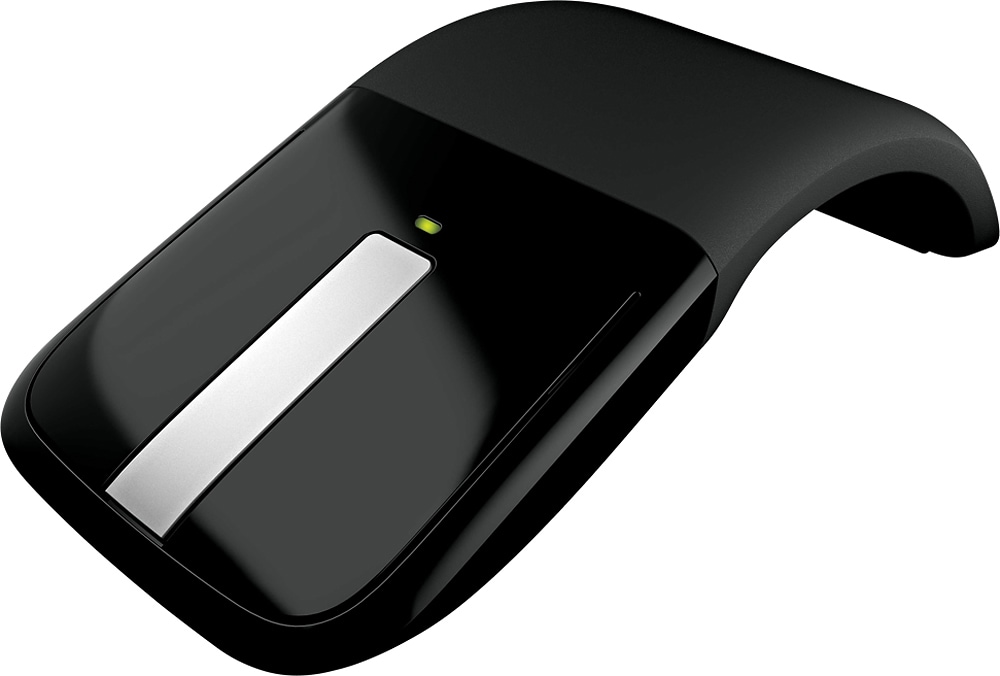
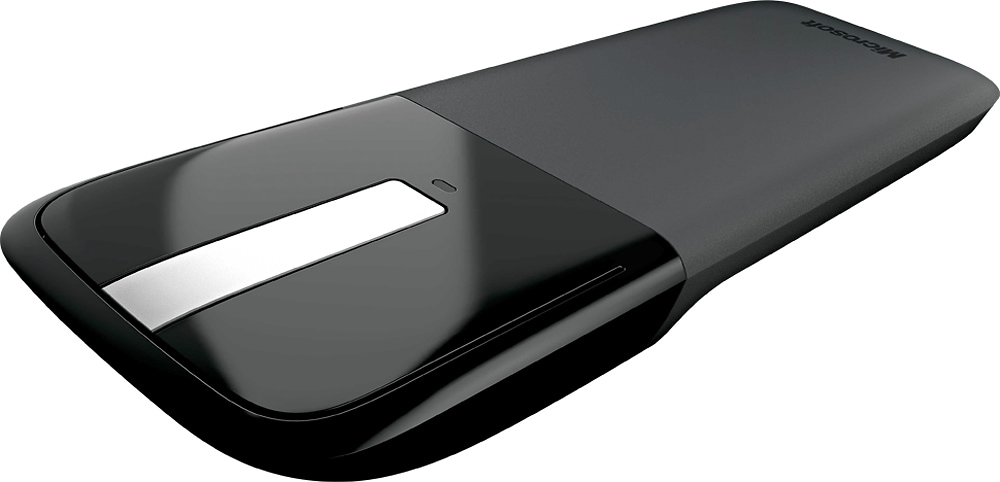
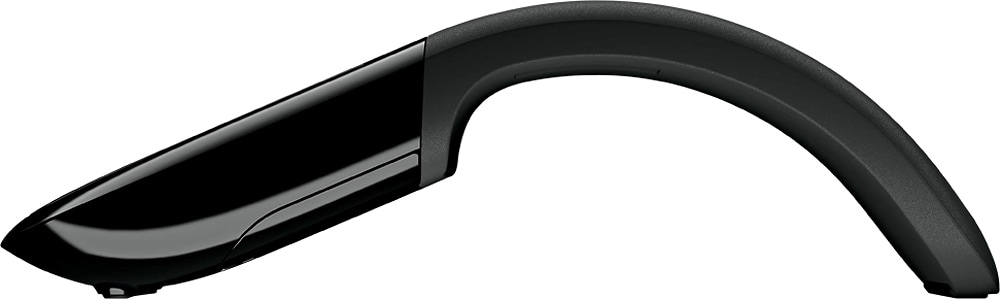
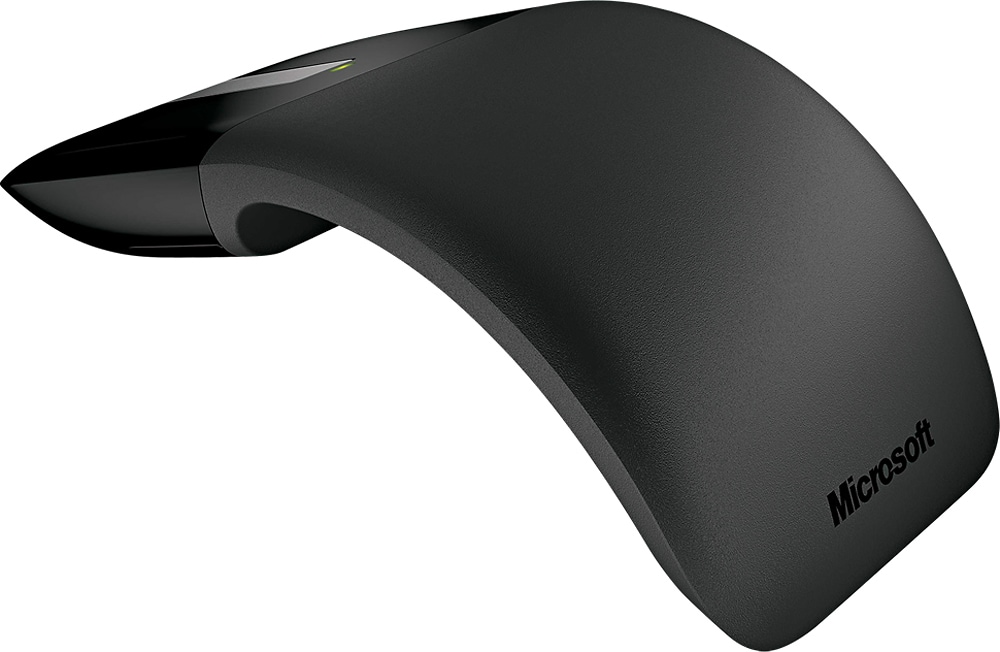
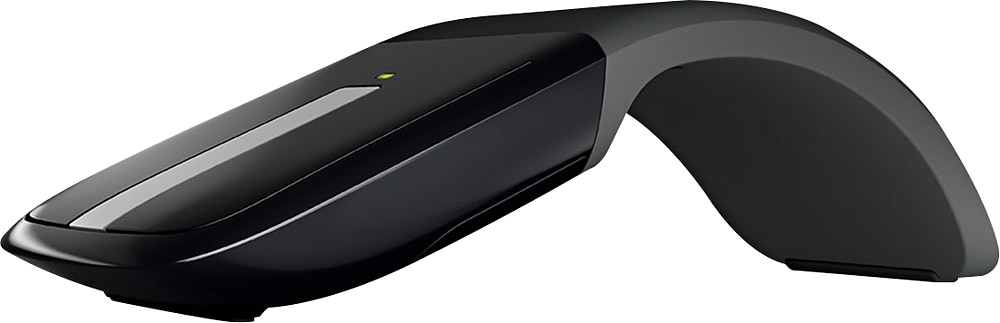
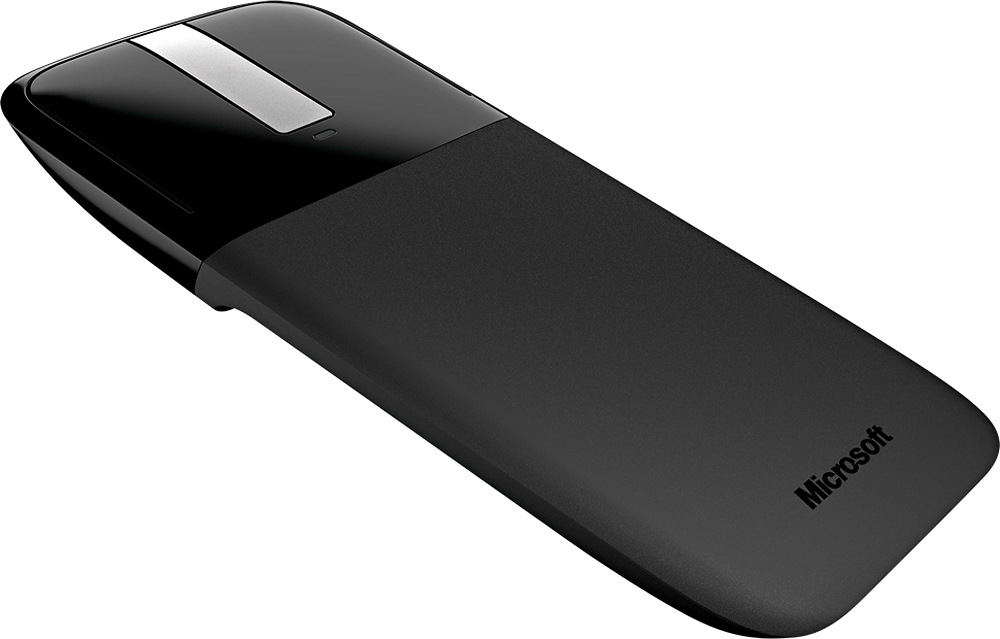
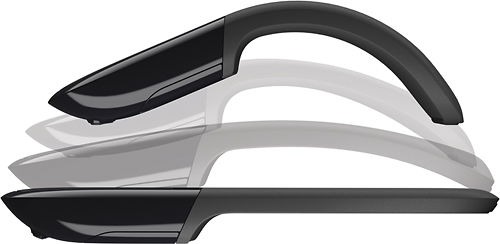
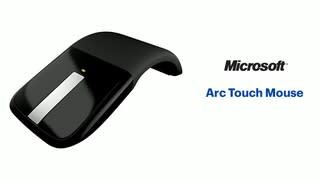
A:Answerthere is a slight audible click with the L/R buttons, albeit much less than a traditional mouse. But there is a sound. Although there is some interesting options you can assign to the middle tap and the "button press" is silent. Hope that helps
A:AnswerIf it has the new iPad OS, yes you can use it but not as a traditional mouse. It so far can only function as a finger tap replacement for people who have trouble with touch screens. Full mouse functionality has not been integrated into iPad OS yet. But this true with any mouse even apple's own magic mouse. But if this is all the fuctionality you are looking for this mouse will work fine.
A:AnswerDon't use Blender, but this is a two button mouse. The center strip acts as a touch scroll wheel. It even has haptic feedback that clicks as you slide a finger up and down it. Not that this is not a BT mouse, so you will need to use the proprietary USB dongle in a USB A port.
A:AnswerHi there,
Unfortunately, there is not a way to replace the nano transceiver. We do apologize for the inconvenience.
Kindly,
Victoria
Microsoft Customer Care
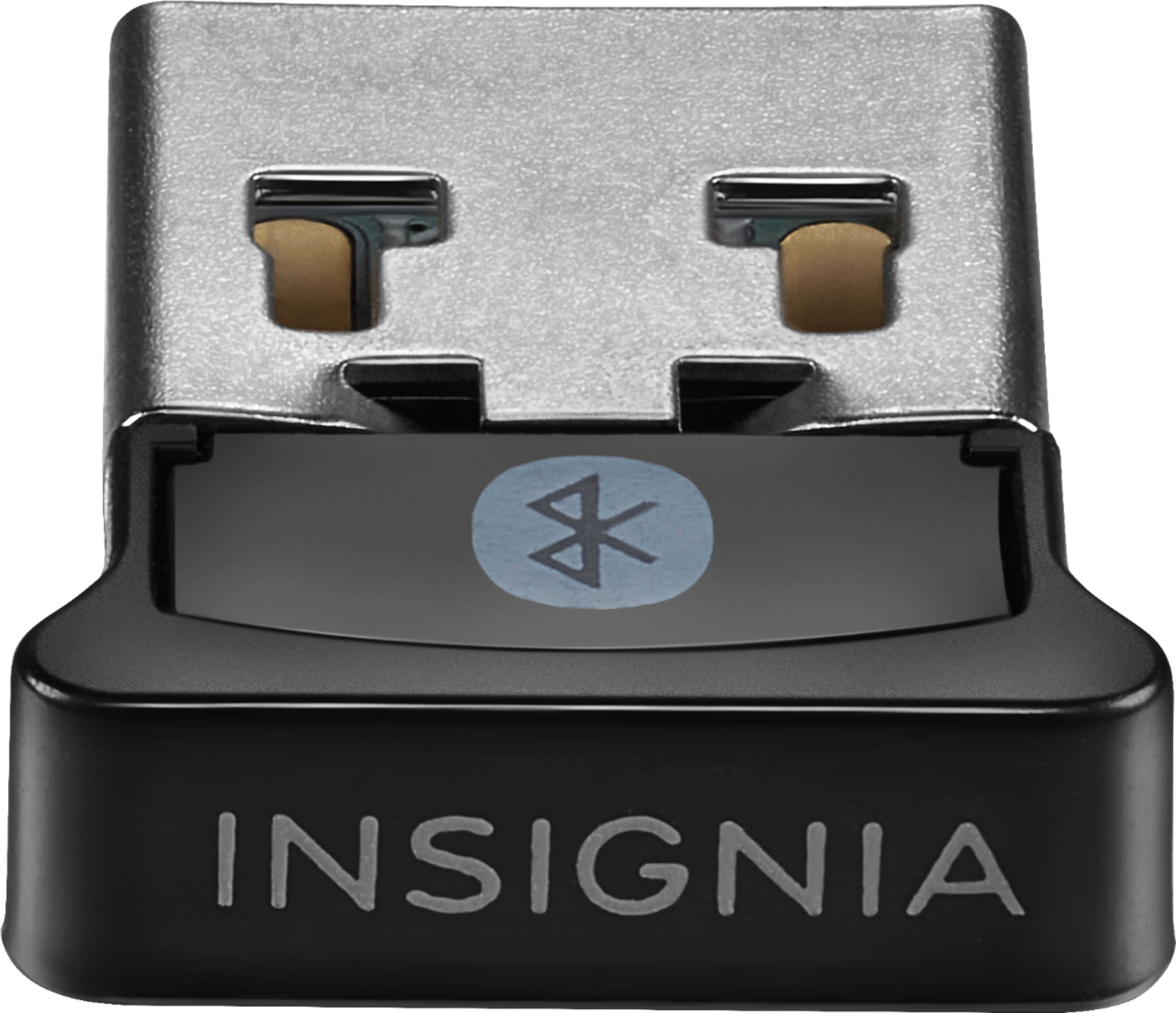
A:AnswerNot all is lost as Blue tooth works with windows 10 on laptops. A Insignia receiver is available if you loose the one that comes with the mouse. The latest version of the mouse does not even come with a receiver.