A:AnswerThe Xbox Elite Wireless Controller Series 2 won't have a reduced price for Black Friday 2019. To see this year's Black Friday deals at Best Buy, go here: https://www.bestbuy.com/site/black-friday/sale-ad
A:AnswerIf you purchased the Geek Squad protection plan, you can file a claim in-store. If fulfilled, you will get a gift card with the amount you paid for the controller, plus applicable sales tax.
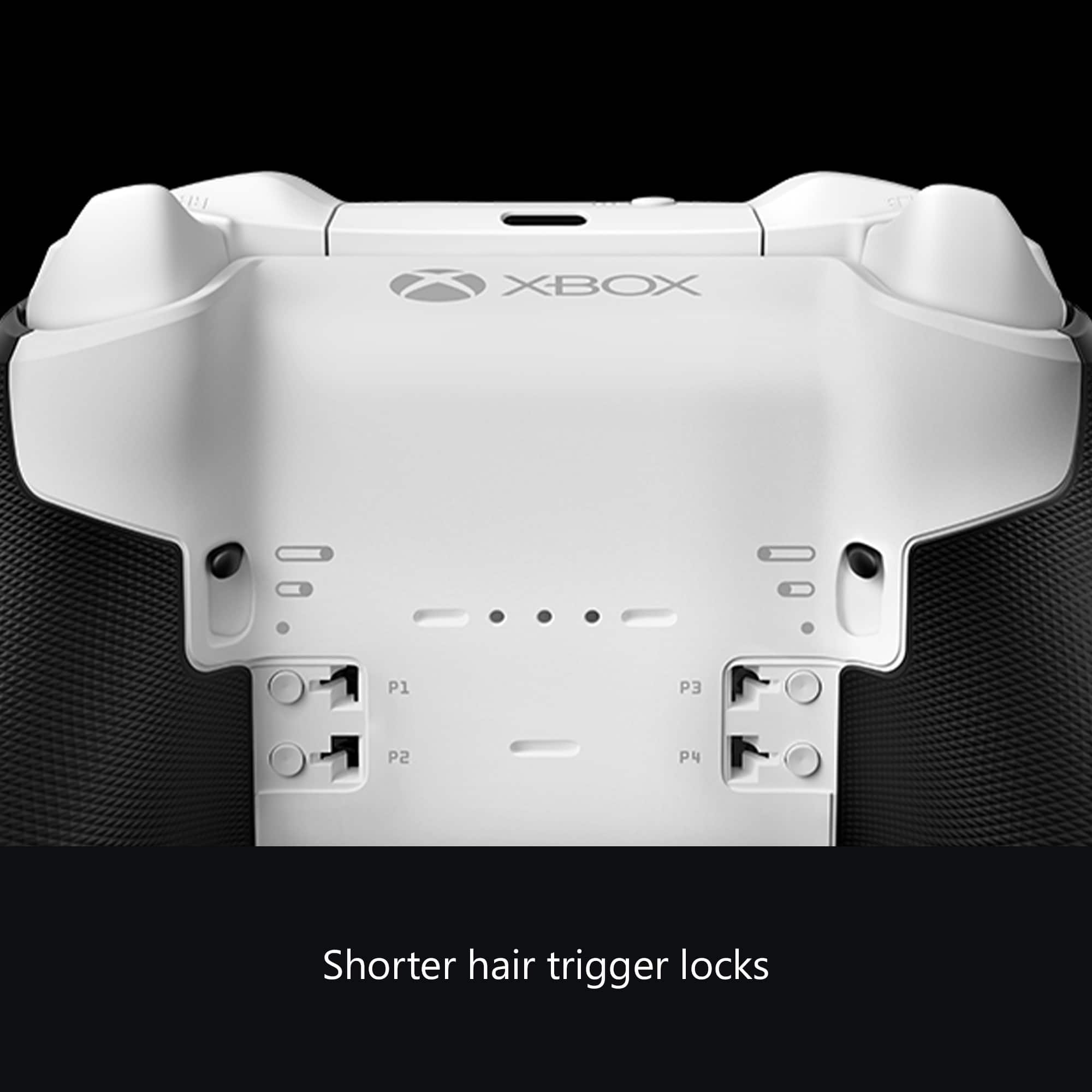
A:AnswerI think you have to set up a shift function on the controller using one of the paddles. Check out some Xbox you tube videos that might explain how to do that.
A:AnswerYou can always just order it as “pick up in store” since they aren’t in stock. What I did was order it on the Online with the Best Buy app and what they did was get a controller from another Best Buy that was in stock and shipped it to me. Easy as that. And if you don’t have a credit card to order it online you can always buy a Best Buy gift card.
A:AnswerI would say yes because the controller is a very helpful thing for people who wanna play competitively and want to try new mechanics but it’s only for certain people not all gamers would want it.
A:AnswerWhile it may be possible to use third-party paddles with the Xbox Elite Wireless Controller Series 2, we recommend purchasing official components from Xbox Support here: https://support.xbox.com/en-US/
A:AnswerYes. You’ll get the 150 credit from the original towards the series 2. That’s what I’m doing. I’ve always got the 2 year plan and brought it back before then broken or not. Just buy 2 year plan on the new one
A:AnswerThey only give a copy paste answer to any question in the form of durability. What everyone wants here including yourself/myself is what design changes were made to improve or fix the problems. Since they have not once said exactly what engineering was done or even simply "new glue" for the grips means they are not confident in the product. After going through 5 of these only only having a warranty for 2 of them I will not be buying one of these the first year until reviews start coming in from extended use. I suggest everyone do the same or get the geek squad warranty.
A:AnswerWhile you may be able to connect the Xbox Elite Wireless Controller Series 2 to an iOS device, it's not designed to work with them. The Xbox Accessories app used to adjust settings is not available for iOS.