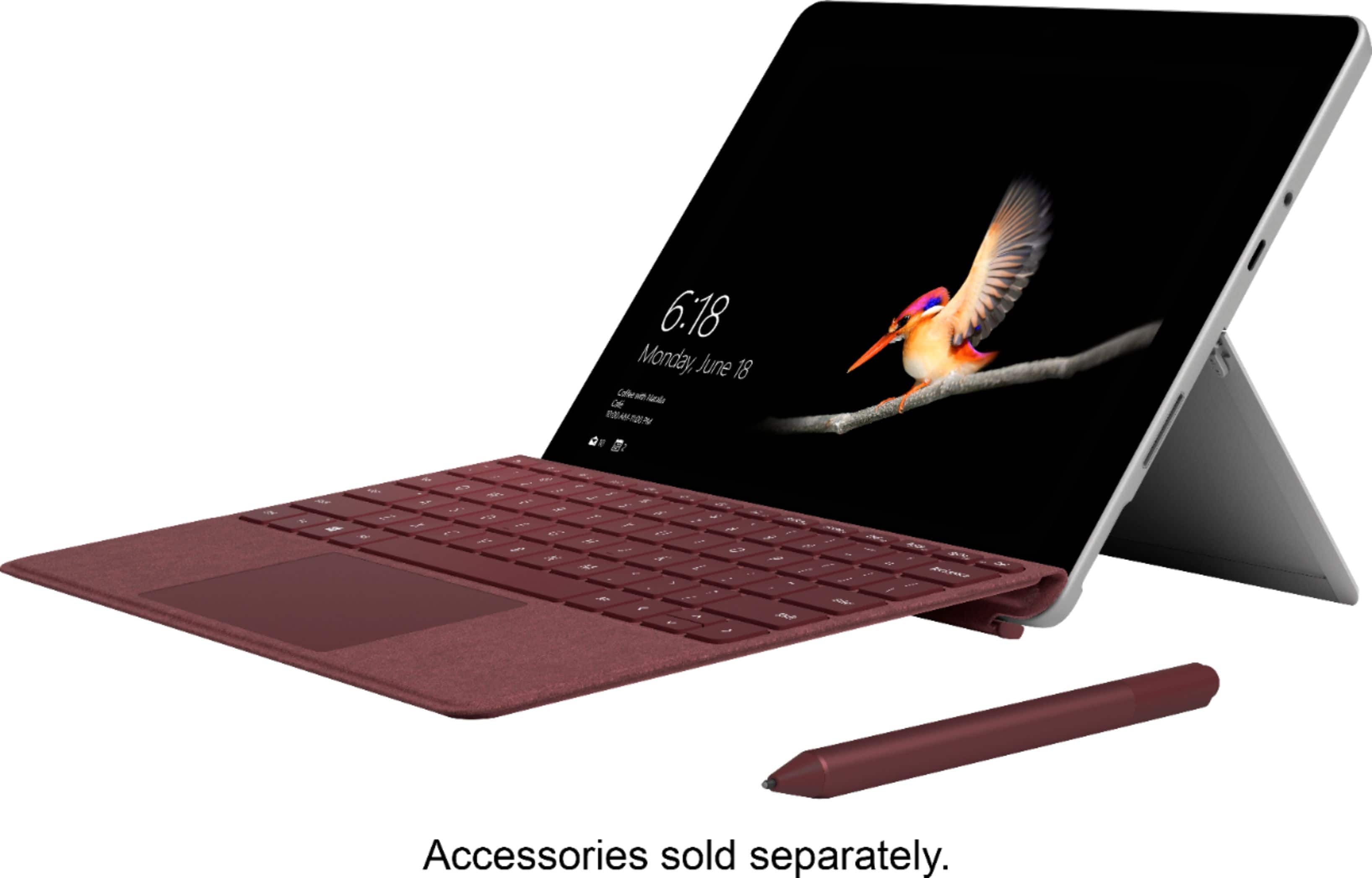
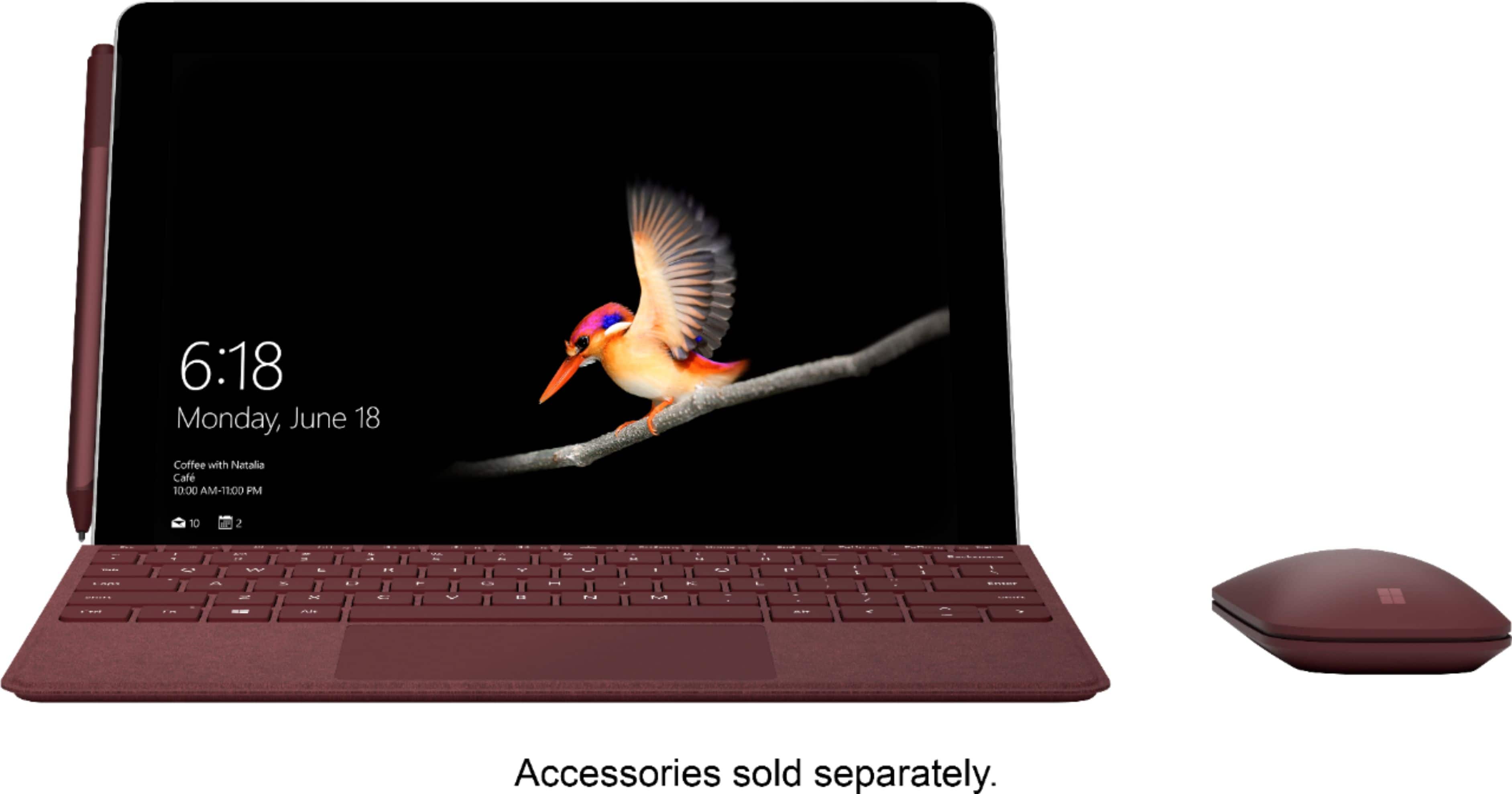
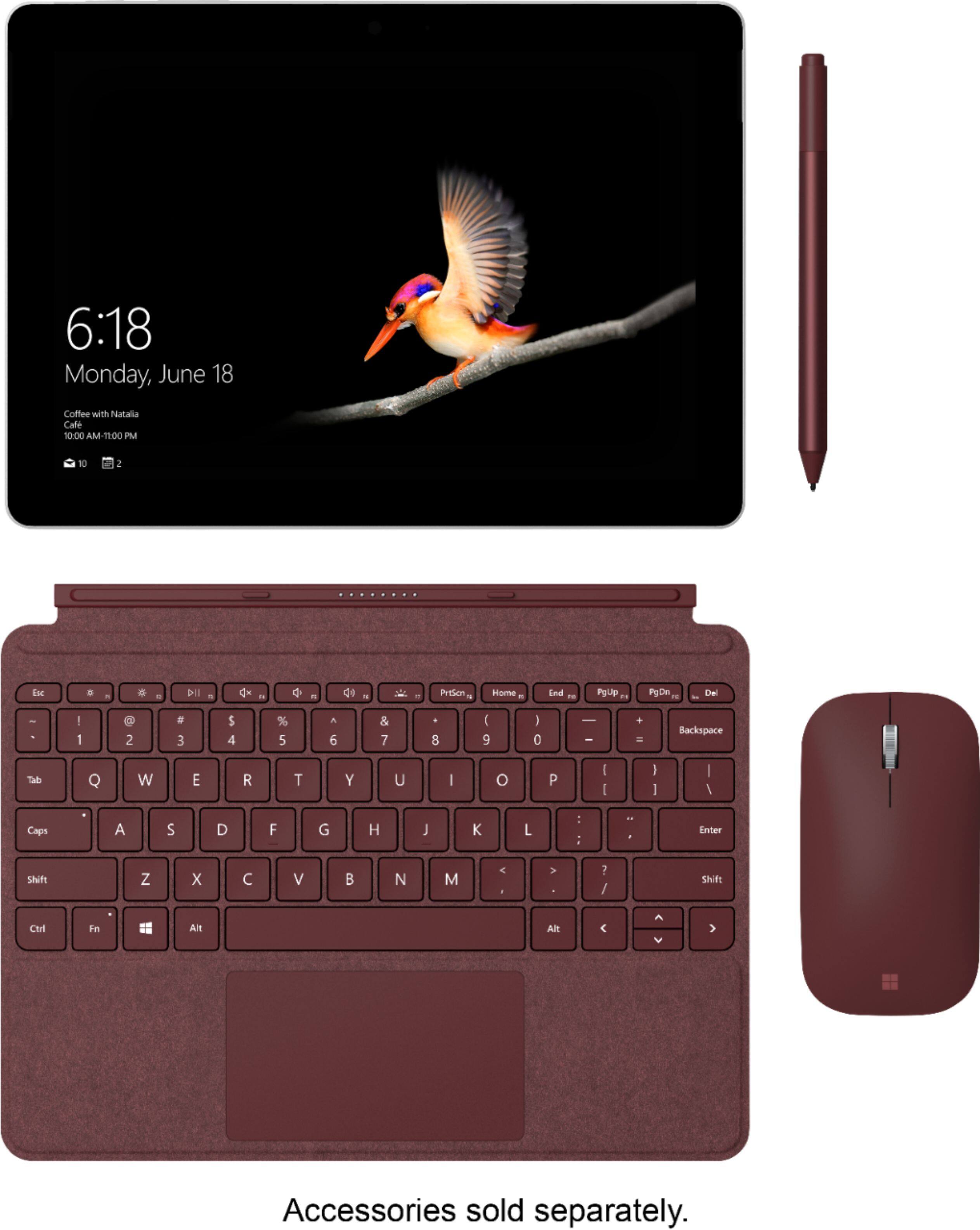
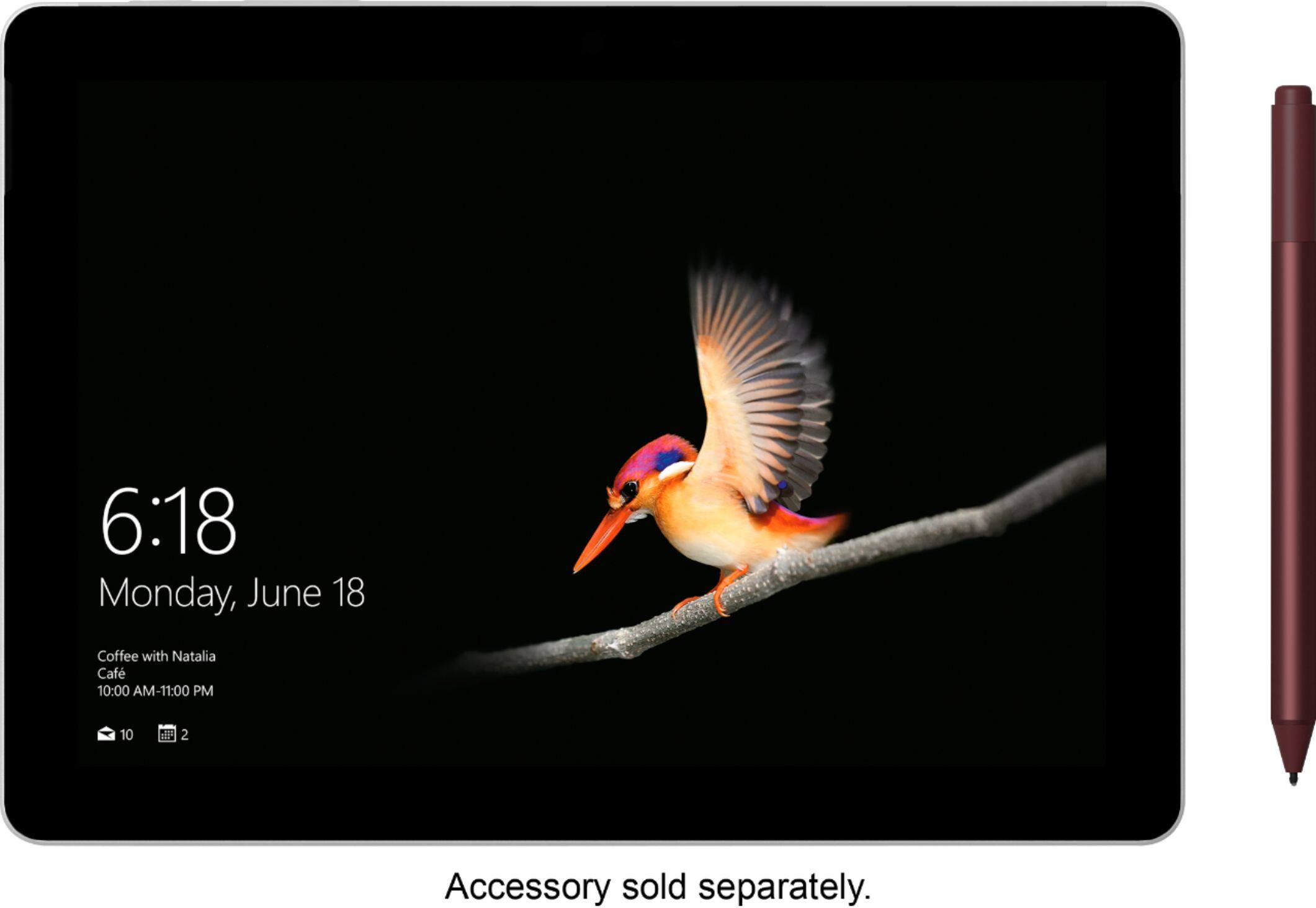
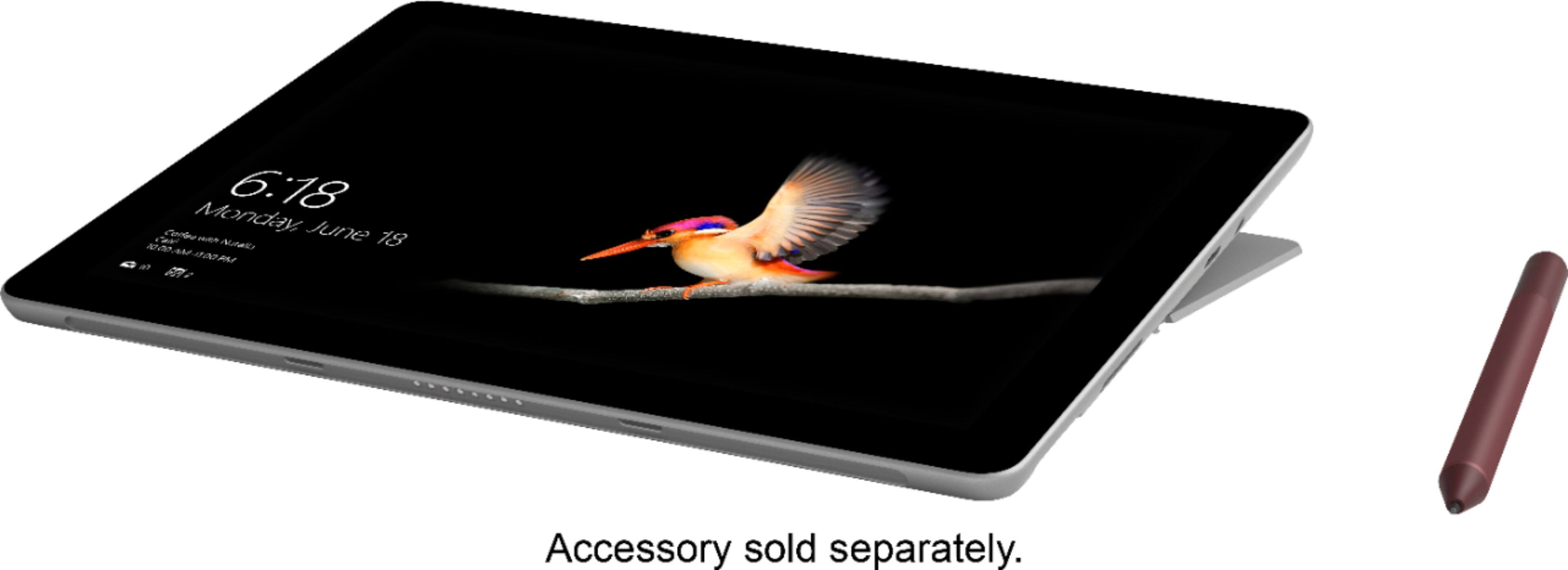
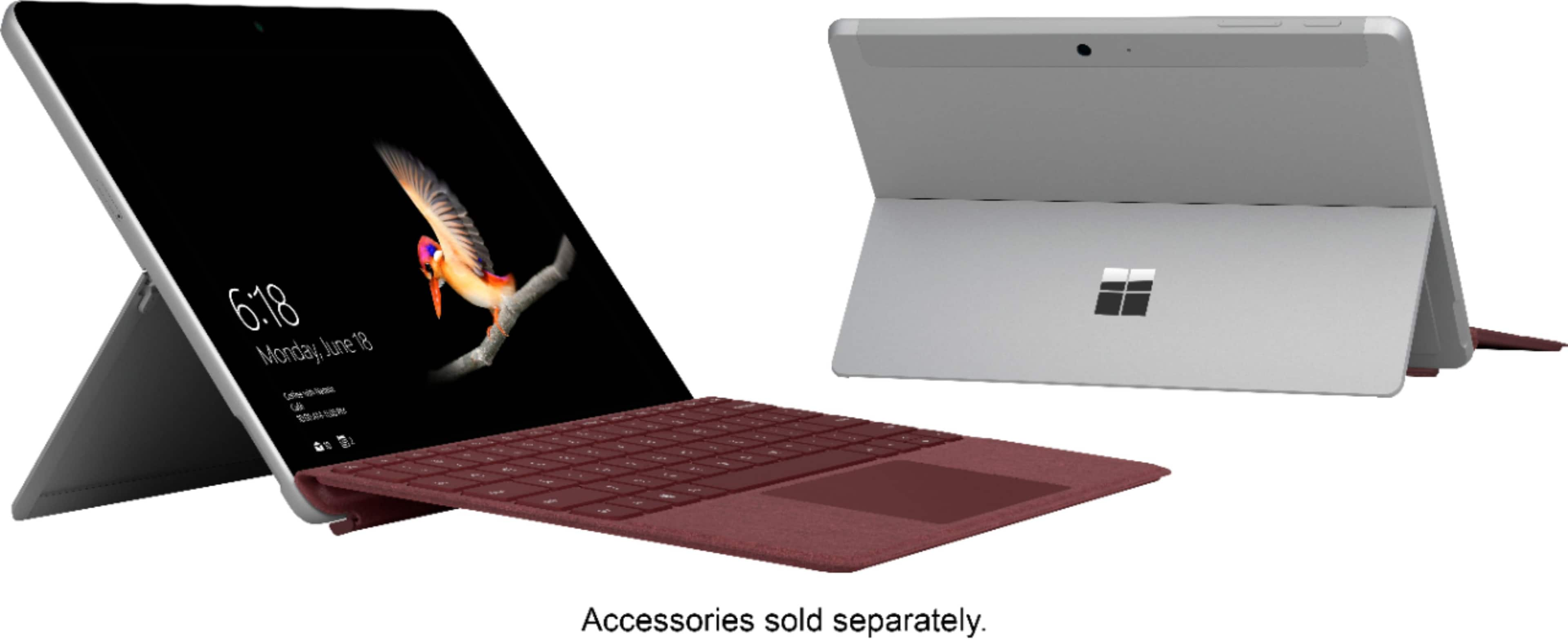
A:AnswerAll accessories are sold separately from Surface Go. Check out the Surface Pen at Best Buy here: https://www.bestbuy.com/site/microsoft-surface-pen-black/5859100.p?skuId=5859100.
A:AnswerThis model of Surface Go does not come with LTE capabilities. See the Surface Go with LTE at Best Buy here: https://www.bestbuy.com/site/microsoft-surface-go-10-touch-screen-intel-pentium-gold-8gb-memory-128gb-solid-state-drive-wi-fi-4g-lte-silver/6314372.p?skuId=6314372.
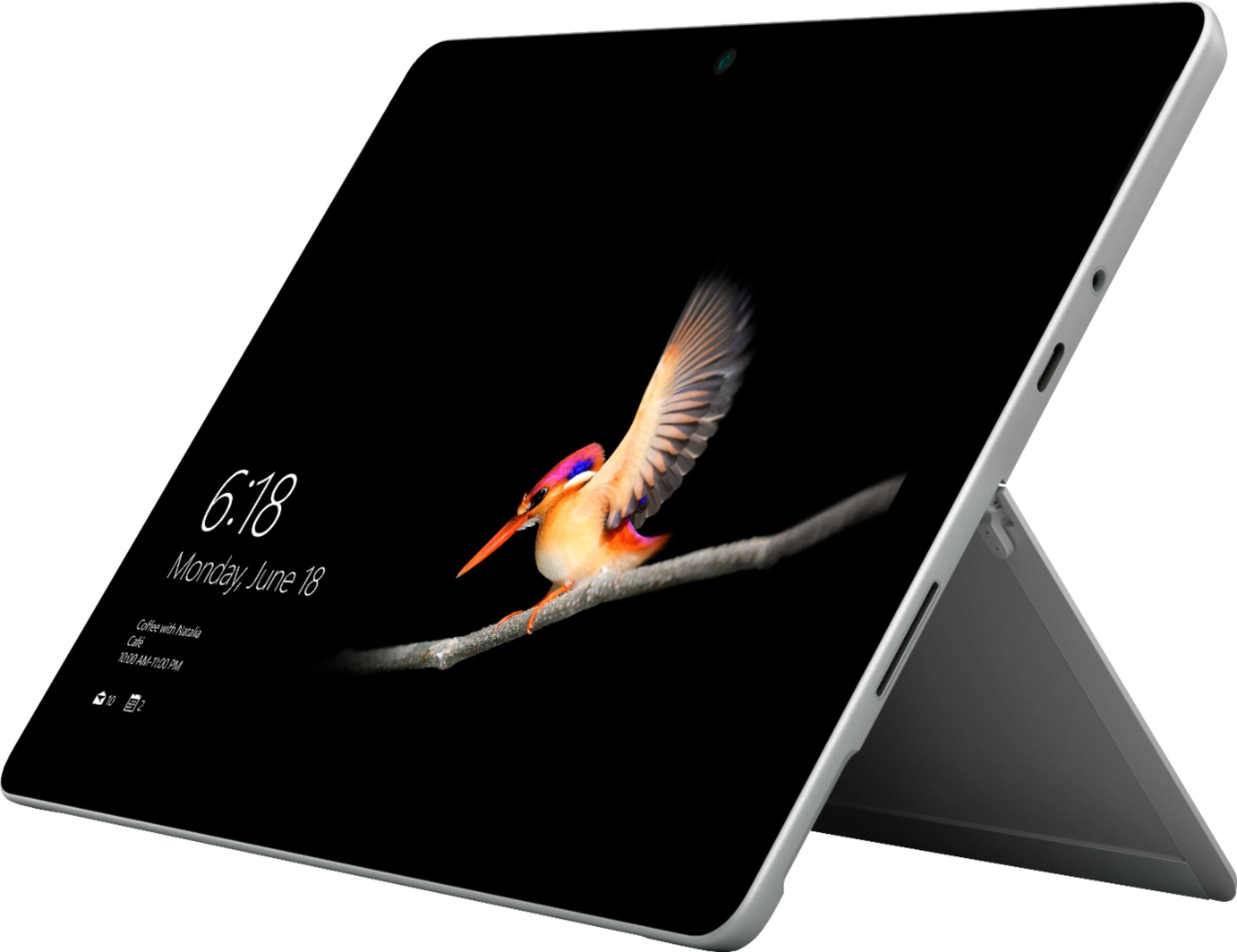
In regards to SD cards, all Surface Go models come equipped with a microSDXC card slot.
A:AnswerYes, Surface Go can be connected to another screen to cast display. You do not need to utilize Ethernet to access this feature. For casting a display, check out this USB-C to HDMI External Video Adapter here: https://www.bestbuy.com/site/microsoft-usb-c-to-hdmi-external-video-adapter-black/6155222.p?skuId=6155222.
A:AnswerPurchase of the Surface Go already comes equipped with a power adapter for charging. If you're looking for additional ports, we highly recommend checking out the Surface Dock at Best Buy here: https://www.bestbuy.com/site/microsoft-surface-dock-black/4561910.p?skuId=4561910.
A:Answeryes! That's what I used for the first few weeks as I already had one. I did eventually get the Key Cover, as it's a lot more convenient. I don't have to charge the keyboard, it's easier to carry the Surface and keyboard to meetings or between home and work, and I don't have to connect it when I want to use it.
A:AnswerIt does come with a charger. I understand that there are faster chargers available but you should do a web-search to learn more. I find that the original charger works well for the way I use the computer.
A:AnswerIt connects to the internet through wifi, but not a cell signal like 4G or LTE. The Surface Go wifi can connect through your smartphone's hotspot.
A:AnswerSurface Go runs the full Microsoft Office Suite seamlessly, including Microsoft Word. However, Microsoft Office is a separate purchase from the device, as we have many options for you to choose from. We hope this helps!
A:AnswerCongratulations for starting your own business! We're excited you're thinking of Surface Go to help you start your journey. When you are choosing a device, be sure to compare the specs like the RAM, storage capacity and processor to the system requirements of the programs you wish to download. This will ensure they will run optimally. We hope this helps!
A:AnswerCromecast technology generally works best with Chromecast-enabled apps. We highly recommend checking out our Microsoft Wireless Display Adapter. This device will be compatible with your Surface Go, and allow you to cast a display. Check out the Wireless Display Adapter here: https://www.bestbuy.com/site/microsoft-wireless-display-adapter-v2-receiver-dark-titanium/4974200.p?skuId=4974200.
A:AnswerSurface Pro 4 and Surface Go are different sizes, so protectors will likely not properly fit Surface Go. We highly recommend the Surface Go Type Cover for added protection to your device. This serves as both a keyboard and protector for your screen when not in use. Check it out at Best Buy here: https://www.bestbuy.com/site/microsoft-surface-go-type-cover-black/6261228.p?skuId=6261228.