A:AnswerThe Surface Go does not come with Microsoft Office 365, however it is available for purchase at Best Buy. You might like to check out Microsoft Office 365 for personal use, one year subscription here: https://www.bestbuy.com/site/office-365-personal-1-user-1-year-subscription-auto-renew-androidmacwindowsios/6200762.p?skuId=6200762.
A:AnswerI'd recommend the 8GB RAM / 128 SSD model as you will most likely need the additional RAM it provides and faster storage with more capacity. However, while the 8 GB RAM / 128 SSD model CAN run photoshop and lightroom I'd temper my expectations. You might be able to do some lightweight photo editing but anything more advanced I'm sure you will definitely see some slowdown. And with the higher priced model and type cover you are almost into the entry level surface pro range which would perform better for your needs.
A:AnswerWhile it's true the Surface Go does use the same magnetic type connection with the power supply, it is important to note that the chargers for the Surface Pro 3 and the Surface Go were designed for the specific batteries of each of their devices. We never recommend mixing and matching chargers.
A:AnswerThe Surface Pen in combination with Surface Go is great for digital artists. With pressure sensitivity and plenty of compatible apps and programs with Windows Ink, letting your creative side flow is a seamless experience. Check out the Surface Pen at Best Buy here: https://www.bestbuy.com/site/microsoft-surface-pen-platinum/5859012.p?skuId=5859012.
A:AnswerIt sounds like you will be running quite a bit of programs. Based on the programs you listed, some of them may be very RAM intensive, which may hinder the Surface Go from performing optimally. You may consider checking the specific system requirements of the programs you wish to run, and compare them to the Surface Go before purchase. If you find that you need more RAM, storage, or processing power, you may consider purchasing a device which fits the specs you require.
A:AnswerIf you're speaking in regards to your Surface Pro, we recommend taking your device into Best Buy to see what solutions might be best suited for you.
A:AnswerThe Surface Go has the capability to run many many types of programs. Quicken should be able to run successfully on the Surface Go. Just be sure before downloading to compare the system requirements of the version of software you are downloading to the specs of the Surface Go. This will ensure that it will run optimally.
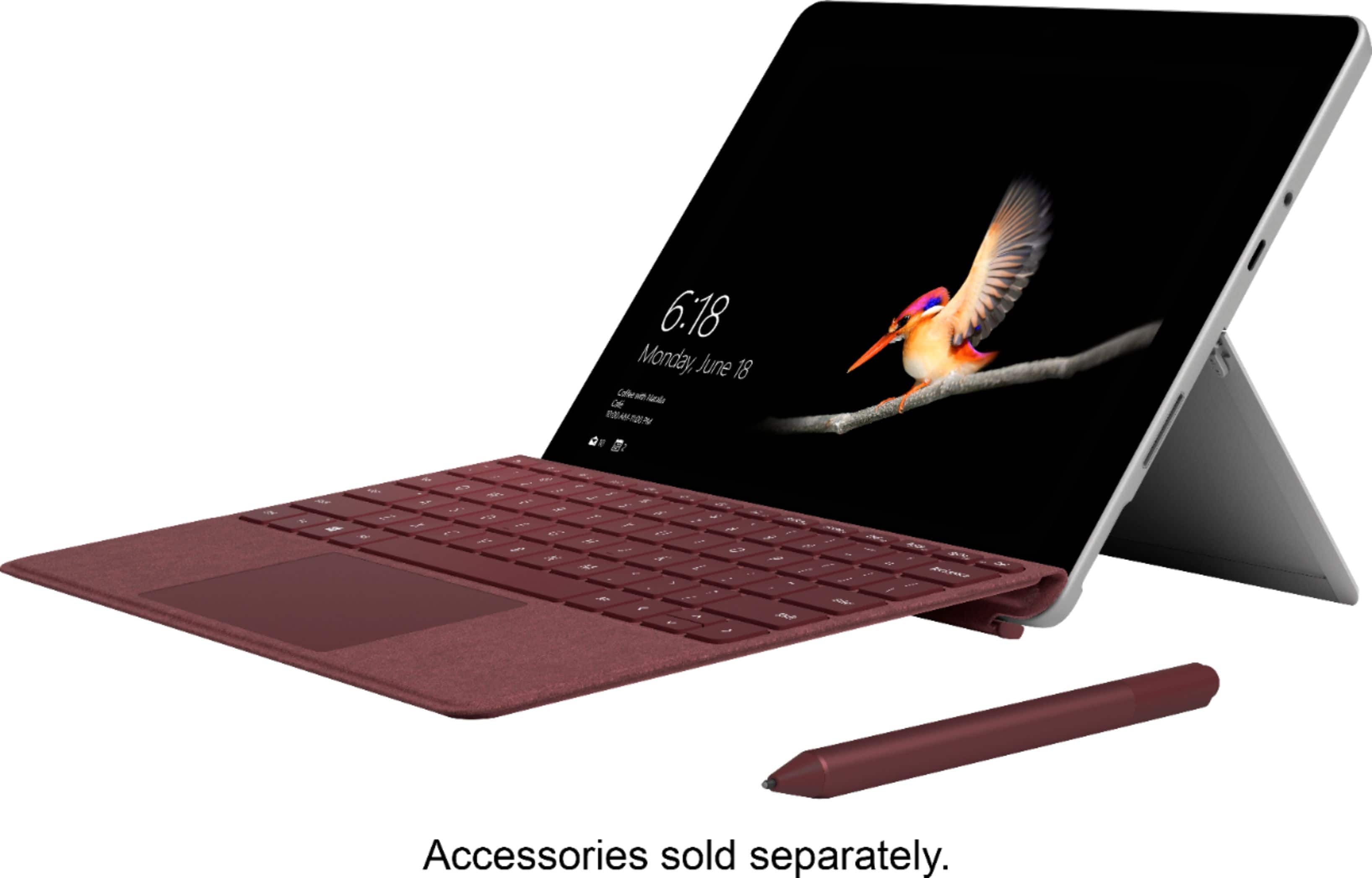
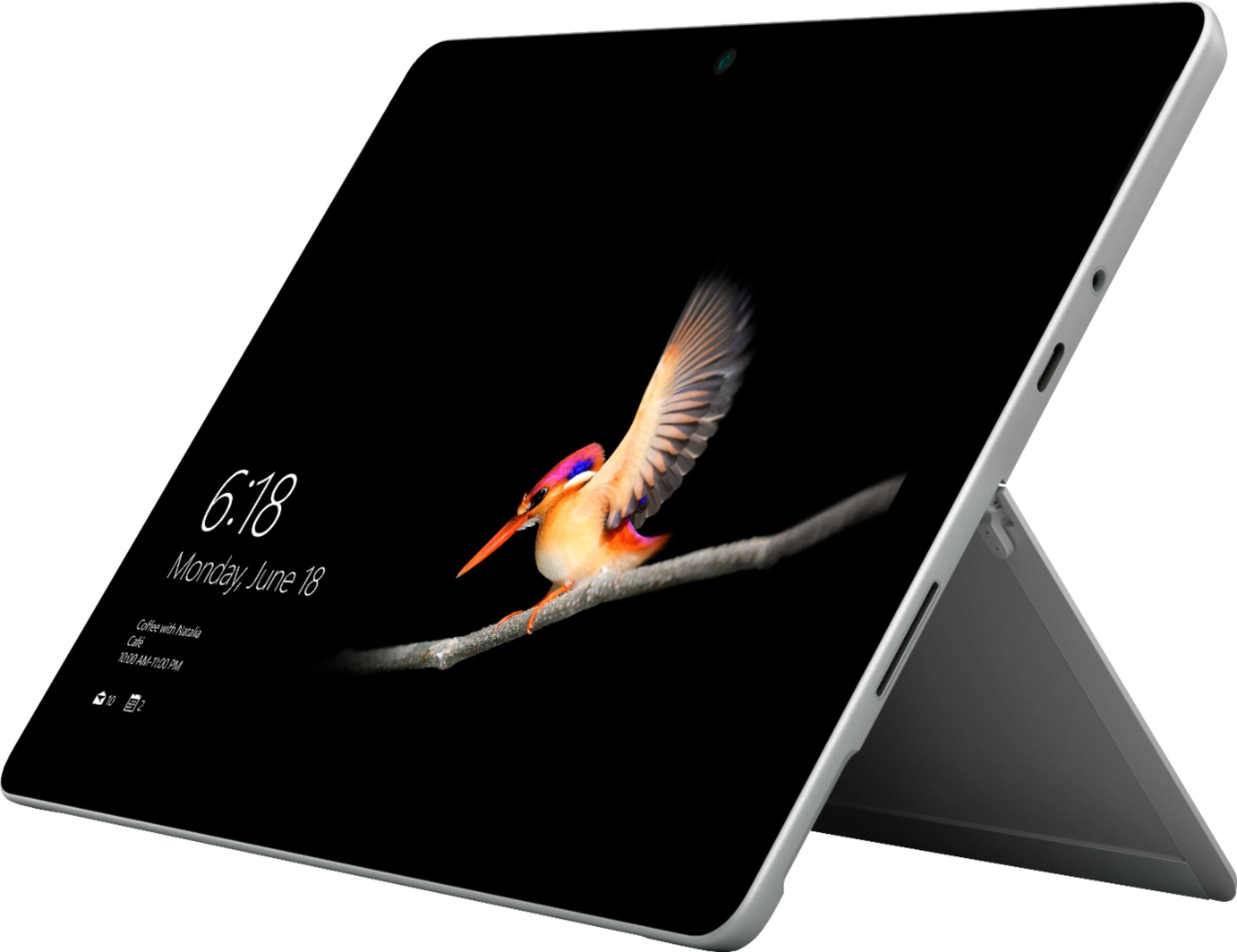
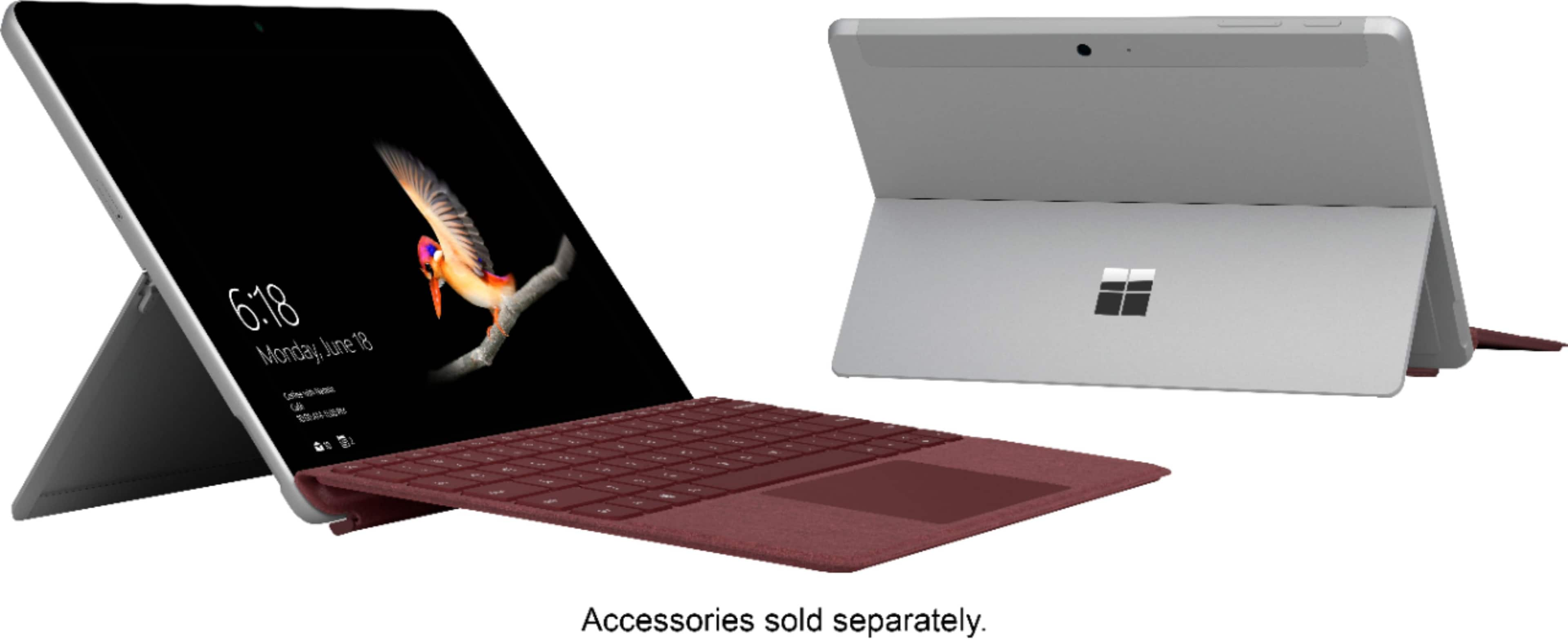
A:AnswerThe Surface Go does have a stand, and it is not detachable, however it does fold flat to the device for on-the-go tablet functionality. If you are to use the Surface Go Signature Type cover with this device, the Keyboard easily has the ability to have flexibility by folding behind the tablet, as well as in front. This provides extra versatility and protection to the Surface Go.
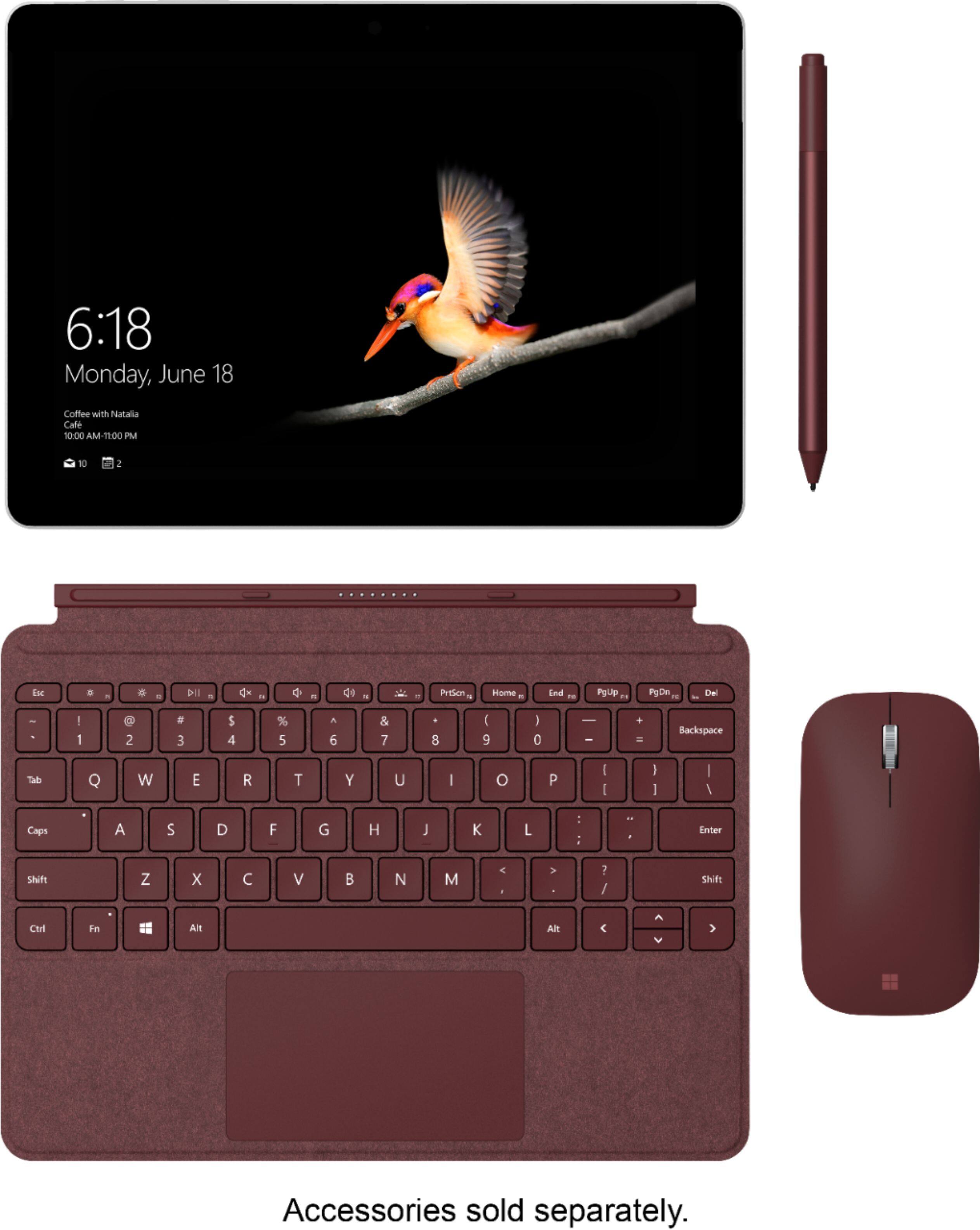
A:AnswerThe Surface Go is compatible with a number of different Surface/Microsoft Keyboards, but in regards to the type covers, the Surface Go will only be compatible with the Surface Go Signature Type Cover because it is specifically designed for the size of the device. In addition, there have been many updates since the Surface RT came out, so the firmware will also not likely be compatible since it runs a different version of Windows. Check out the Surface Go Signature Type Cover here: https://www.bestbuy.com/site/microsoft-surface-go-signature-type-cover-platinum/6261235.p?skuId=6261235.
A:AnswerPaired with the right accessory, the Surface Go has full capability of casting the display from your device to another display. The Microsoft Wireless Display Adapter pairs perfectly with this device. Find it at Best Buy here: https://www.bestbuy.com/site/microsoft-wireless-display-adapter-v2-receiver-dark-titanium/4974200.p?skuId=4974200.
A:AnswerIt can surely run excel. The lowest price model may not be a good choice for editing 4k video, but it is more than capable of handling standard work related tasks. I use office programs on it every day without any problem.
A:AnswerTo echo what the community has said, yes, you should be able to run Windows programs like normal as long as you have enough processing power, RAM and storage capacity for the software. Be sure to compare these specs, and depending on the program, you may find that you need to switch out of Windows S mode to accomplish this and into Windows Home Edition. Find out how to switch out of S mode here: https://support.microsoft.com/en-us/help/4456067/windows-10-switch-out-of-s-mode.
A:AnswerWe feel like your question can be best answered by our support team. We recommend reaching out to them here: https://support.microsoft.com/en-us/contactus/.
A:AnswerIn case you're looking to compare the Surface Go and Surface Pro, the dimensions for the Surface Go are 9.65” x 6.9” x 0.33” (245 mm x 175 mm x 8.3 mm,) while the dimensions for the Surface Pro are 11.5” x 7.9” x 0.33” (292 mm x 201 mm x 8.5 mm.)