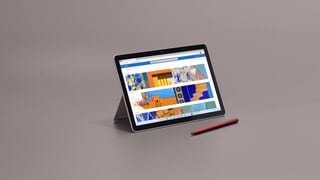
A:AnswerNo, it does not. If you’re interested in a device with LTE, check out the models below:
https://www.bestbuy.com/site/microsoft-surface-go-3-10-5-touch-screen-intel-core-i3-8gb-memory-128gb-ssd-wifi-lte-device-only-latest-model-matte-black/6490639.p?skuId=6490639
https://www.bestbuy.com/site/microsoft-surface-go-3-10-5-touch-screen-intel-core-i3-8gb-memory-128gb-ssd-wifi-lte-device-only-latest-model-platinum/6487608.p?skuId=6487608
A:AnswerThe Kindle App is not available on the Microsoft Store. There are several alternatives, but not the official app. IF you keep this device in "S Mode" you can only install apps from the Microsoft Store.
If you disable "S Mode" this device functions like a normal PC. At that point you can download and install the Kindle App directly from Amazon.
A:AnswerYes, however some may have limited functionality. To learn more, go here: https://support.microsoft.com/en-us/windows/windows-10-in-s-mode-accessory-compatibility-69facb3e-8b04-b03c-9a29-de7ca31d2b37
A:AnswerHello Momof4. Thank you for your question. Based on the recommended system requirements for using Lightroom, you need a system built-in with 8 GB or 16 GB of RAM and a dedicated graphics card. This Microsoft - Surface Go 3 touch-screen system comes with 4 GB of RAM and an Intel® Pentium® Gold 6500Y Processor, with this Microsoft - Surface Go 3 system you should be able to
run entry-level programs and applications such as Microsoft Office Word, Microsoft Excel and web browsing. For using Lightroom, you might consider choosing a system with 8 GB or RAM or above
and a dedicated graphics card.
Thank you for choosing Intel!
A:AnswerYes, windows 11 allows you to put apps side by side in a split-screen like view. This cannot however accept inputs from other video sources (like an Xbox or cable box) and display them on the device.
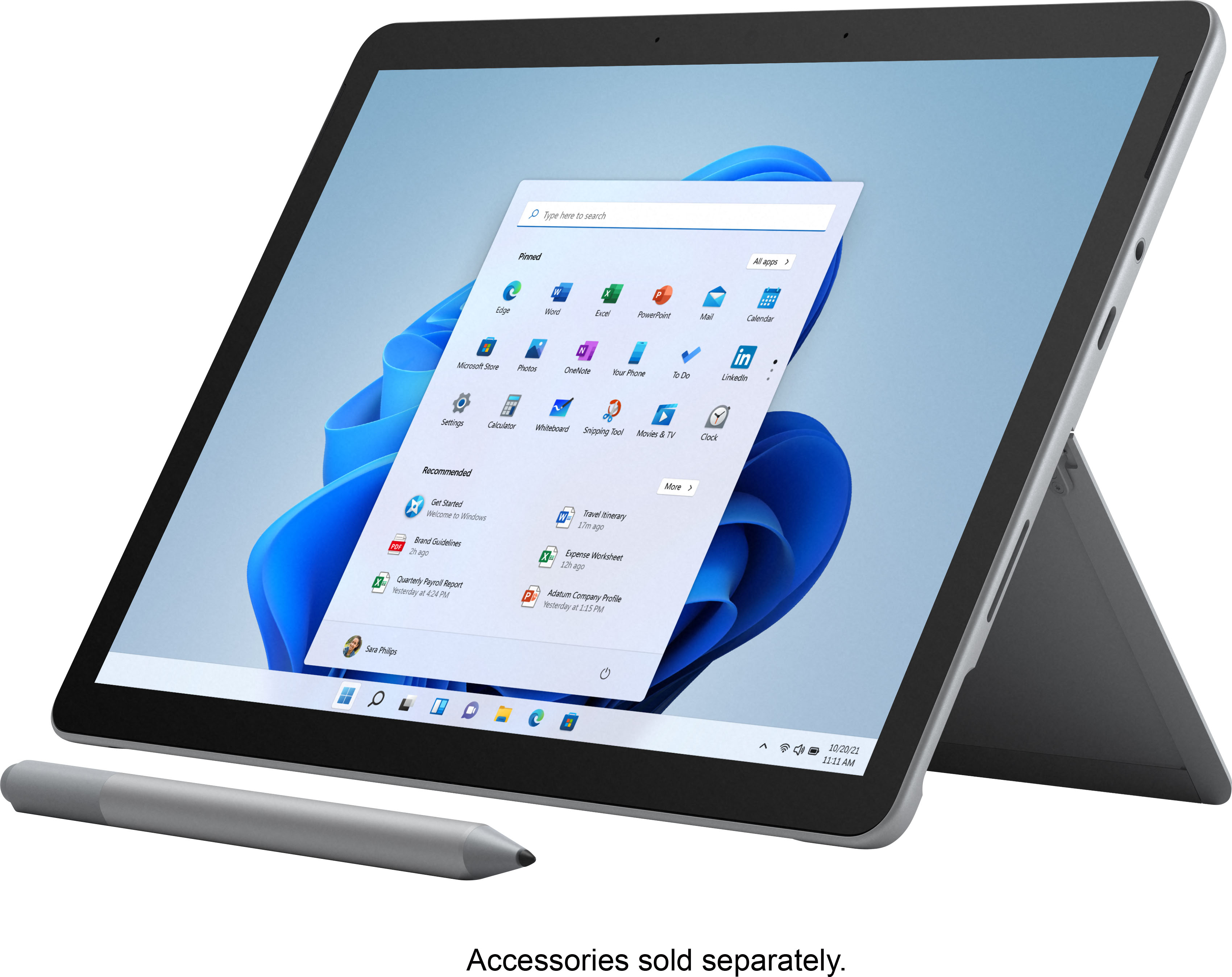
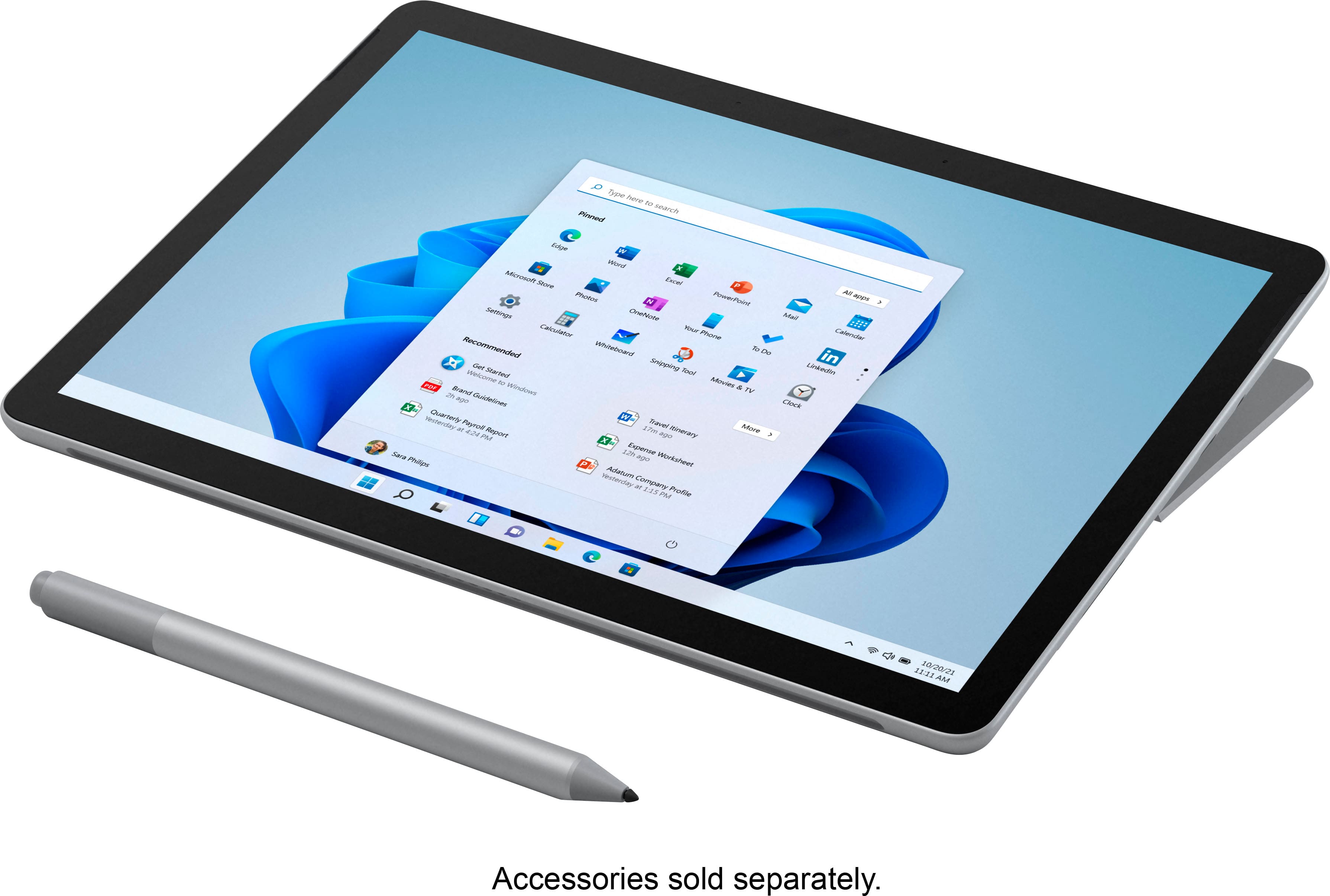
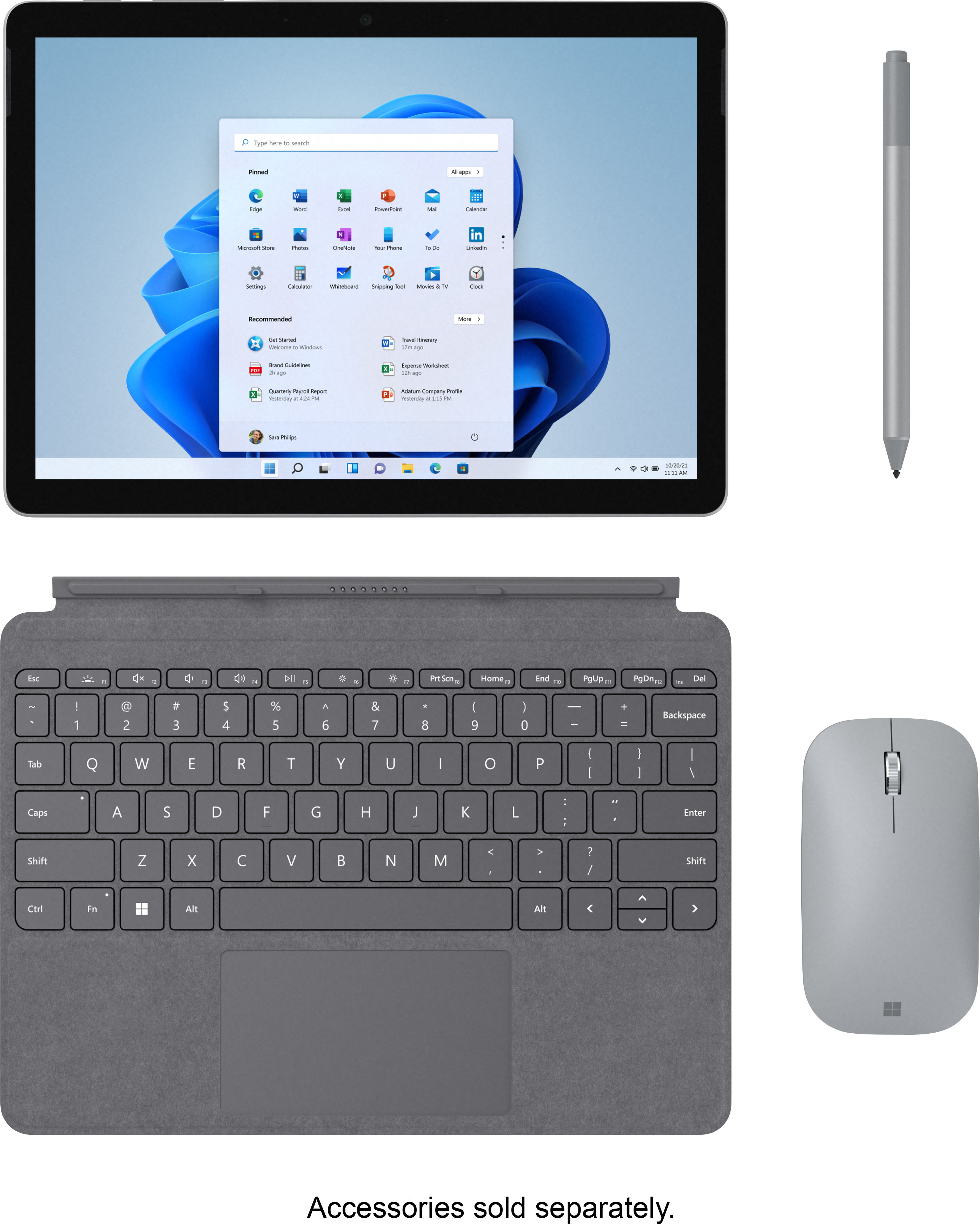
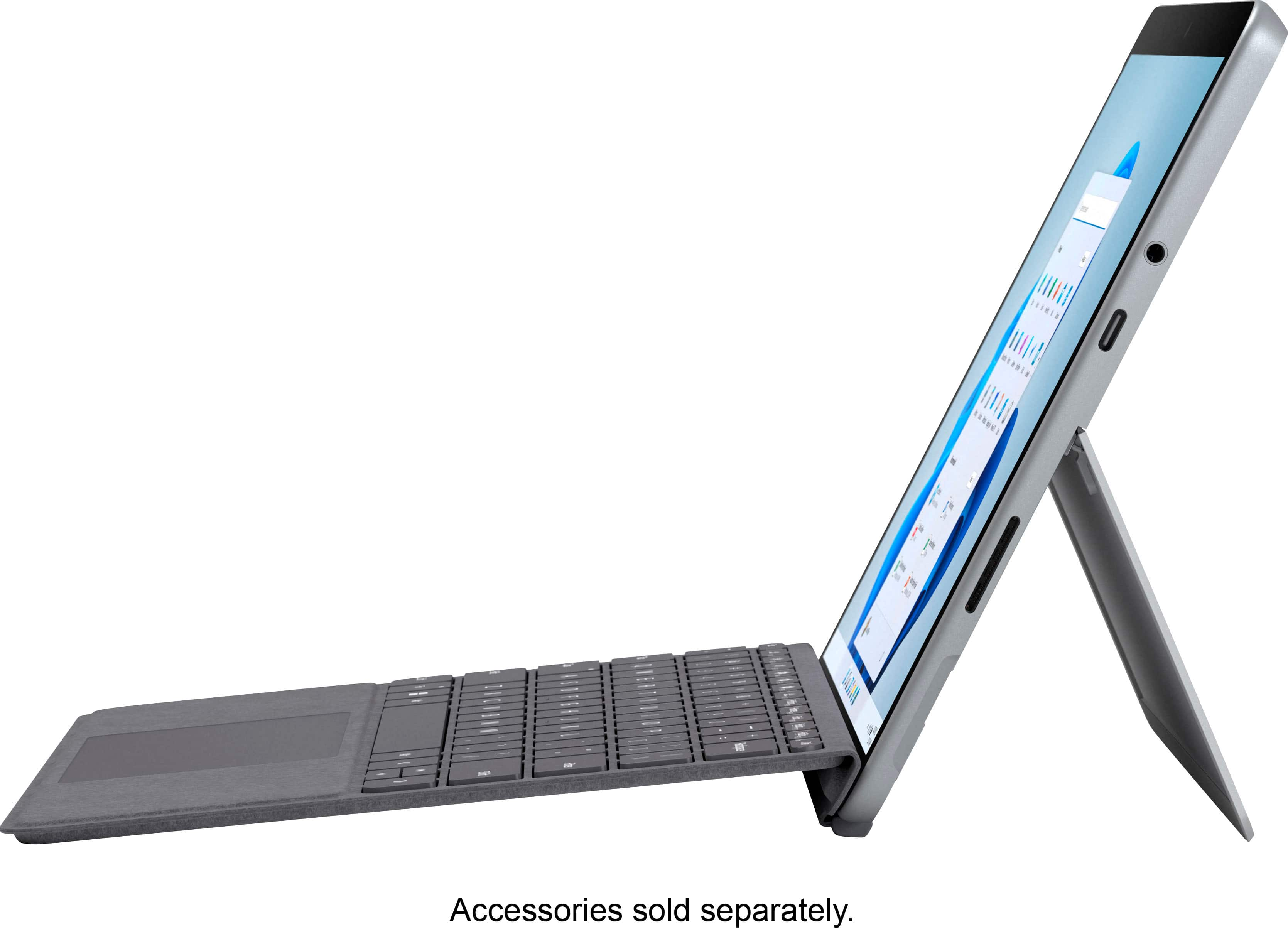
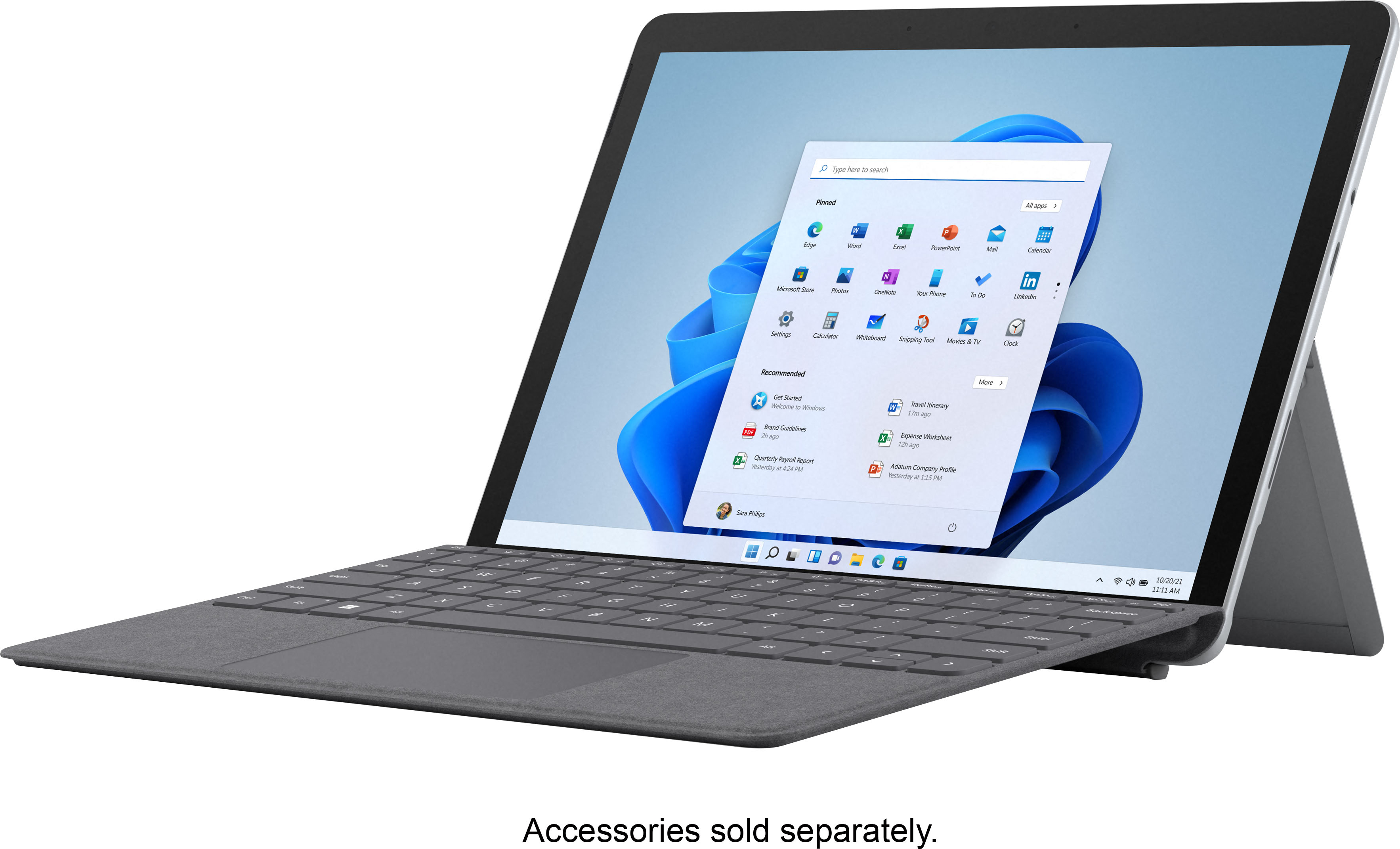
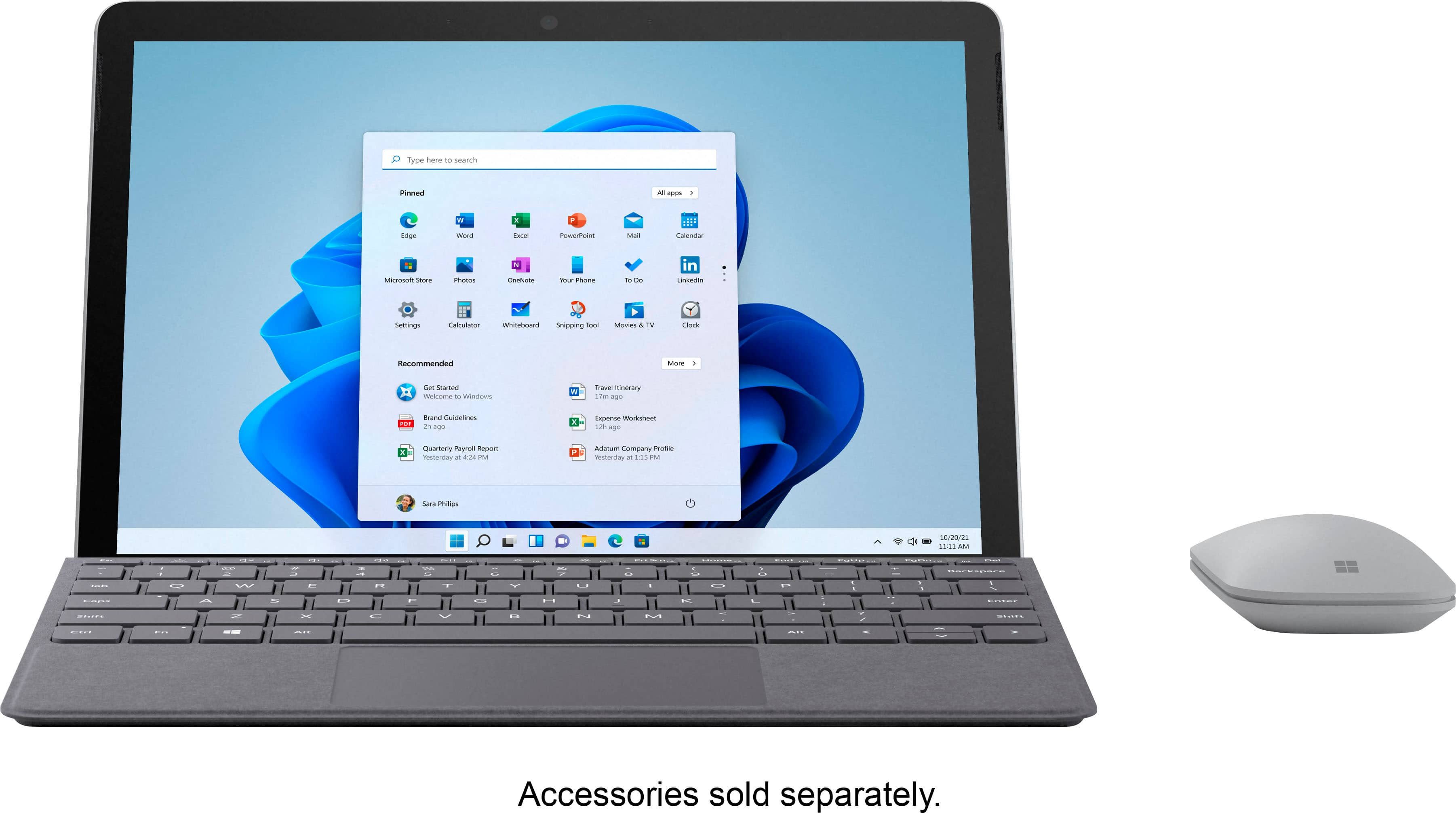
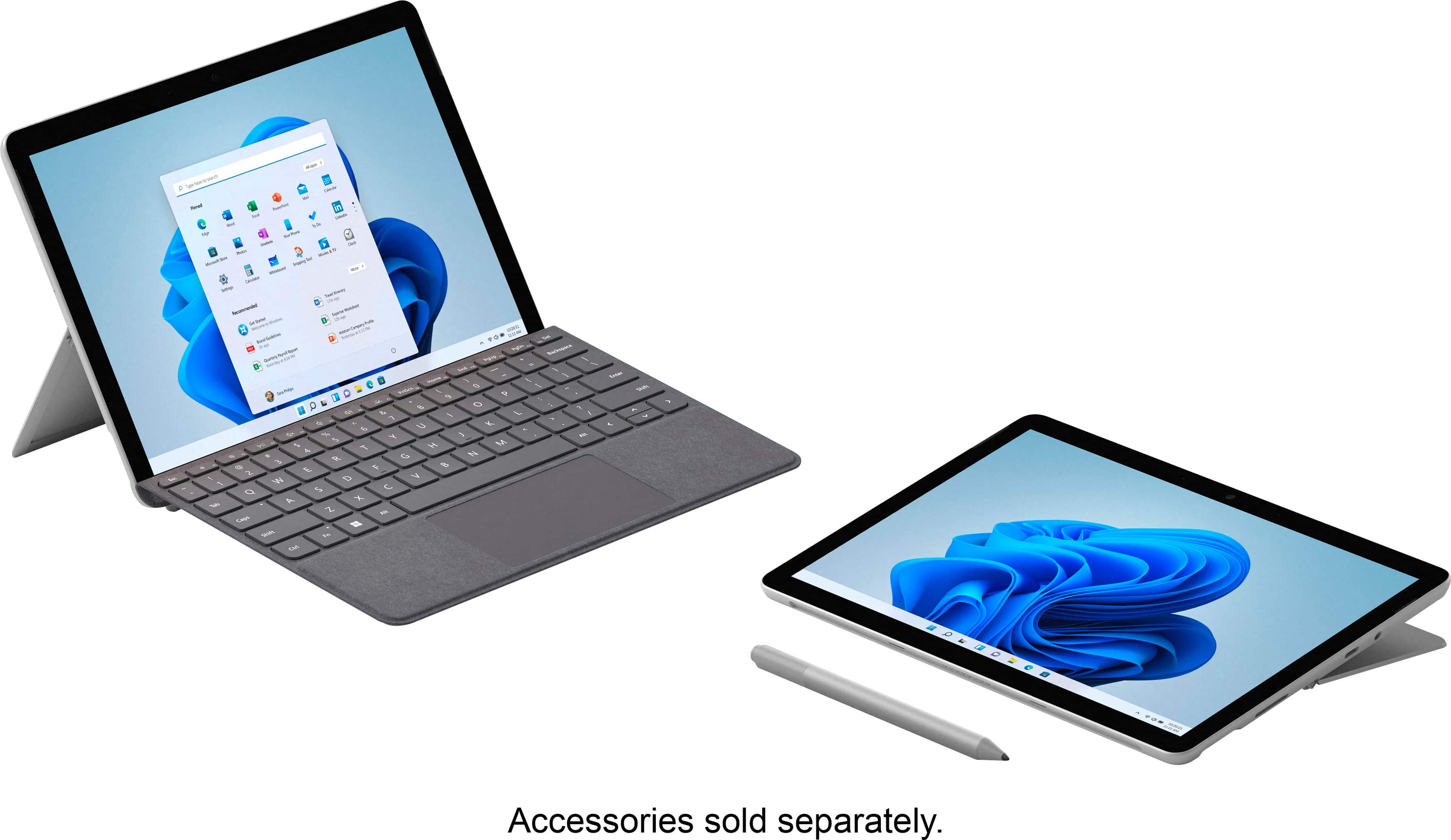
A:AnswerThe Microsoft Go is not compatible with the Apple Stylus. It also does not come with the keyboard, mouse or Microsoft Pen. They are sold separately.