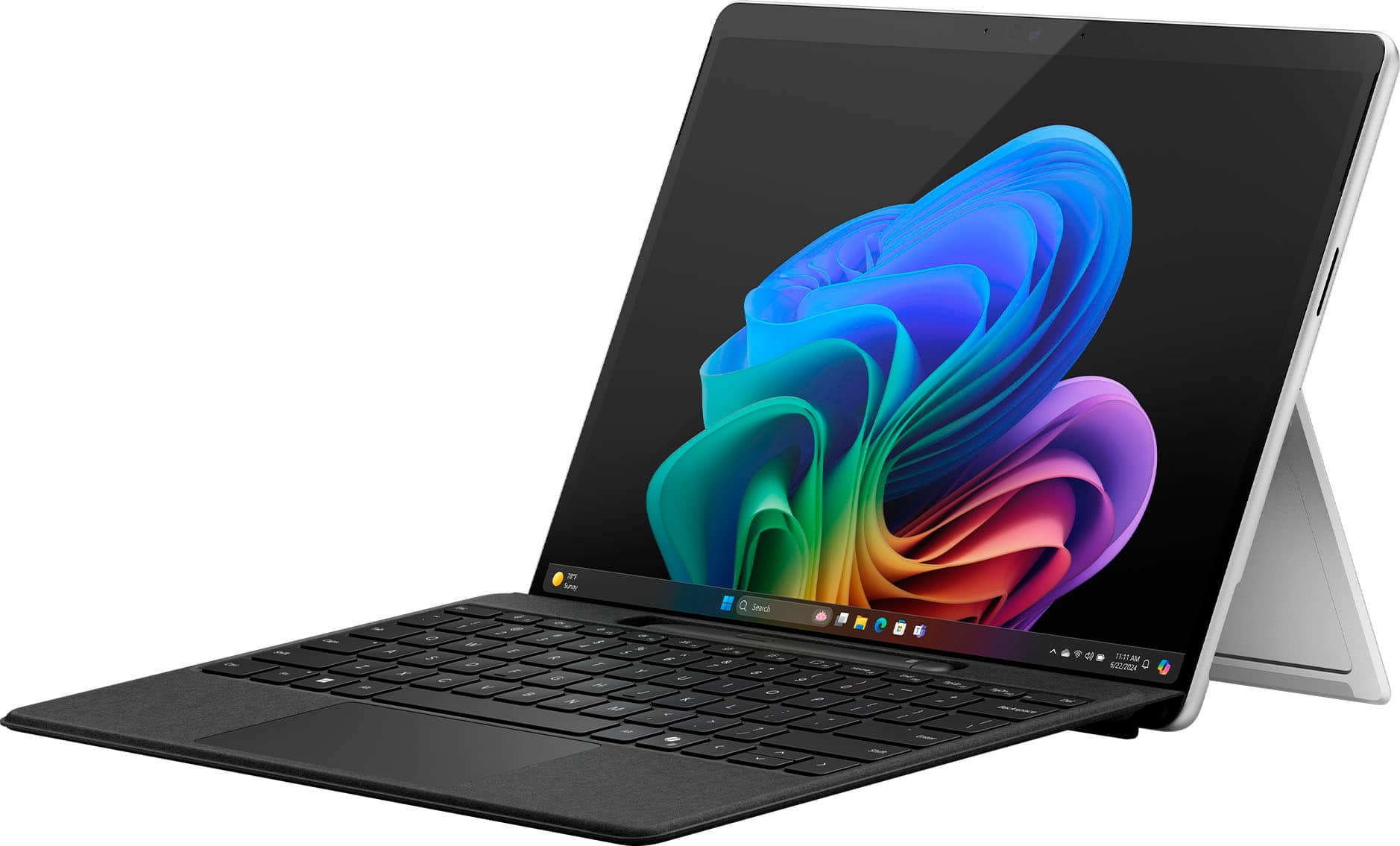
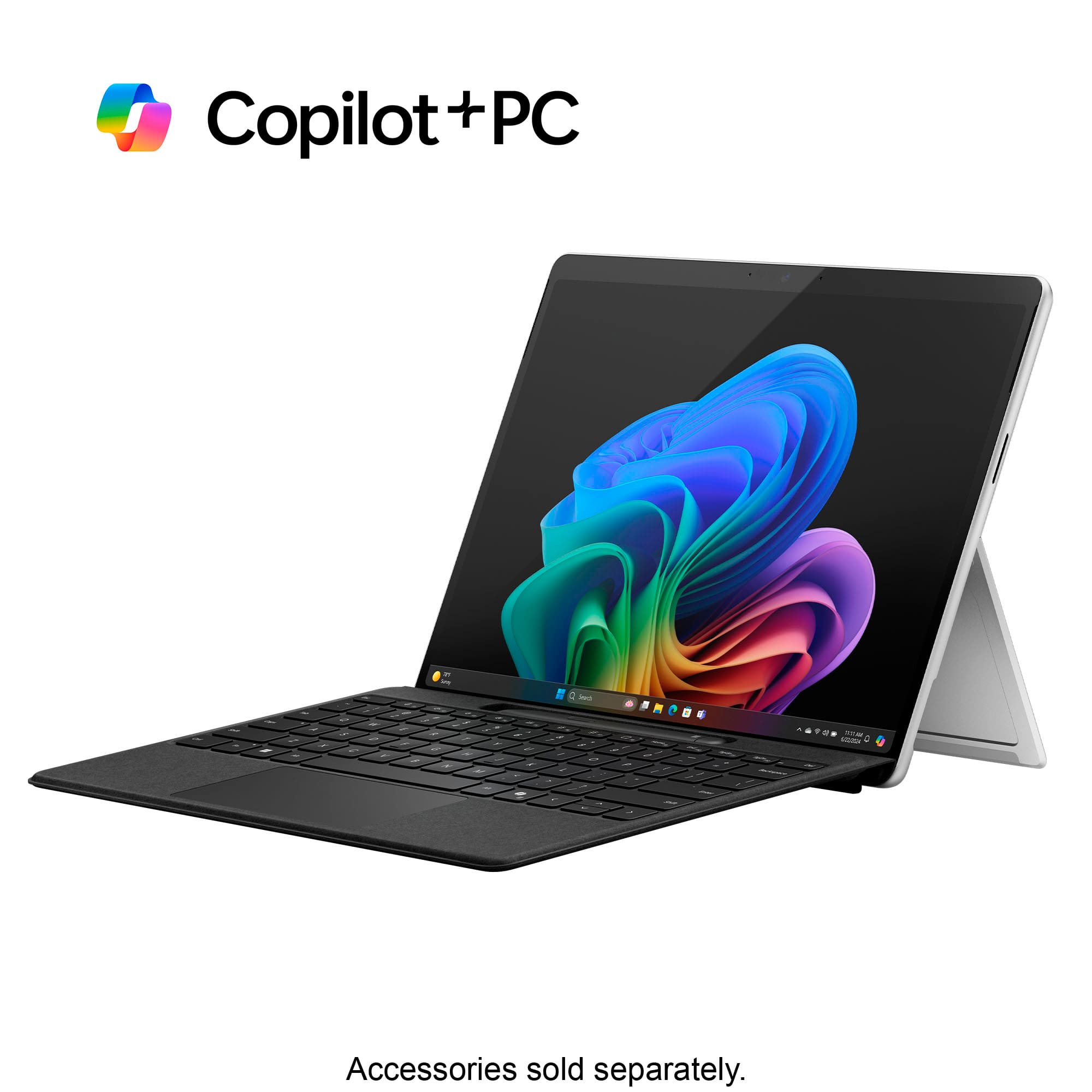
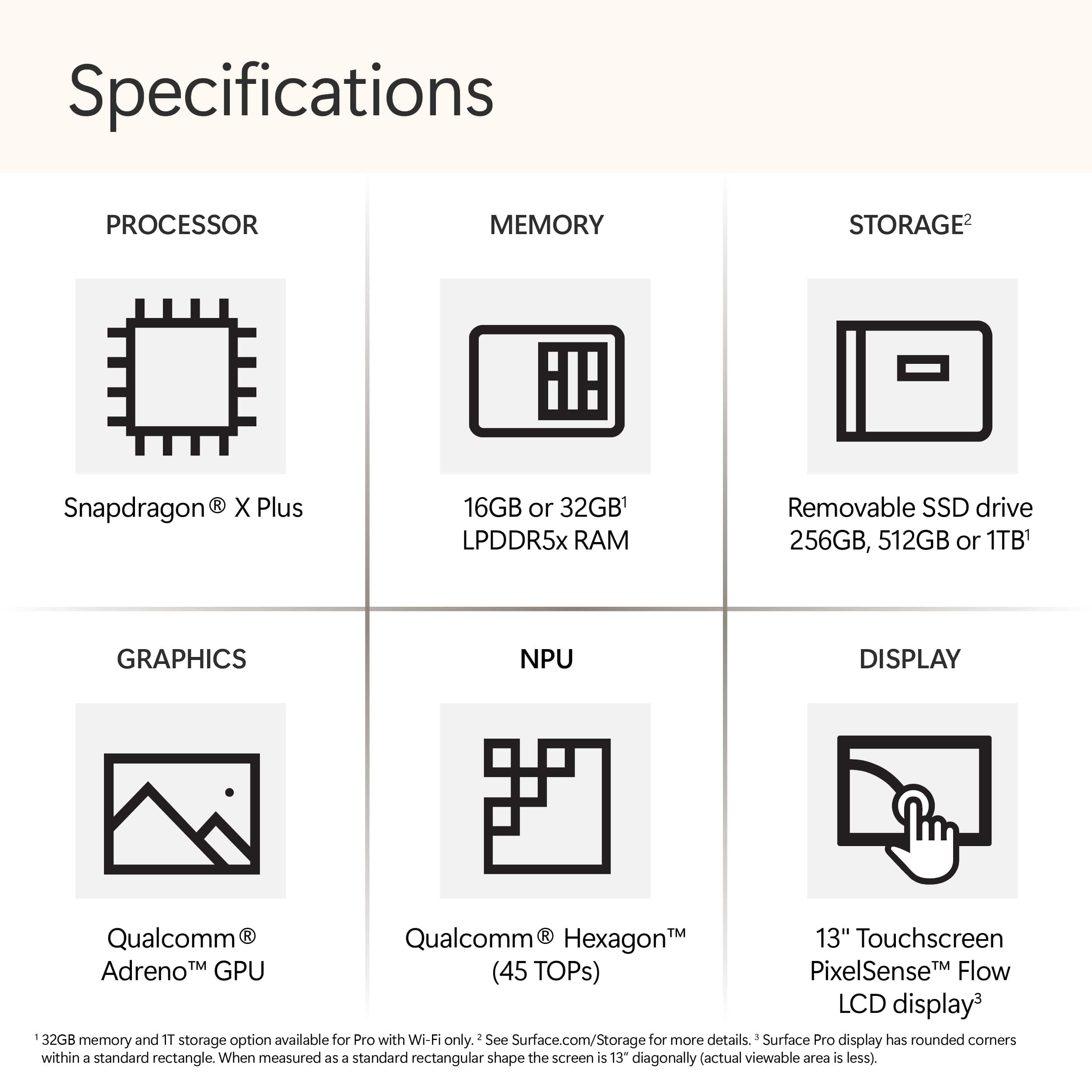
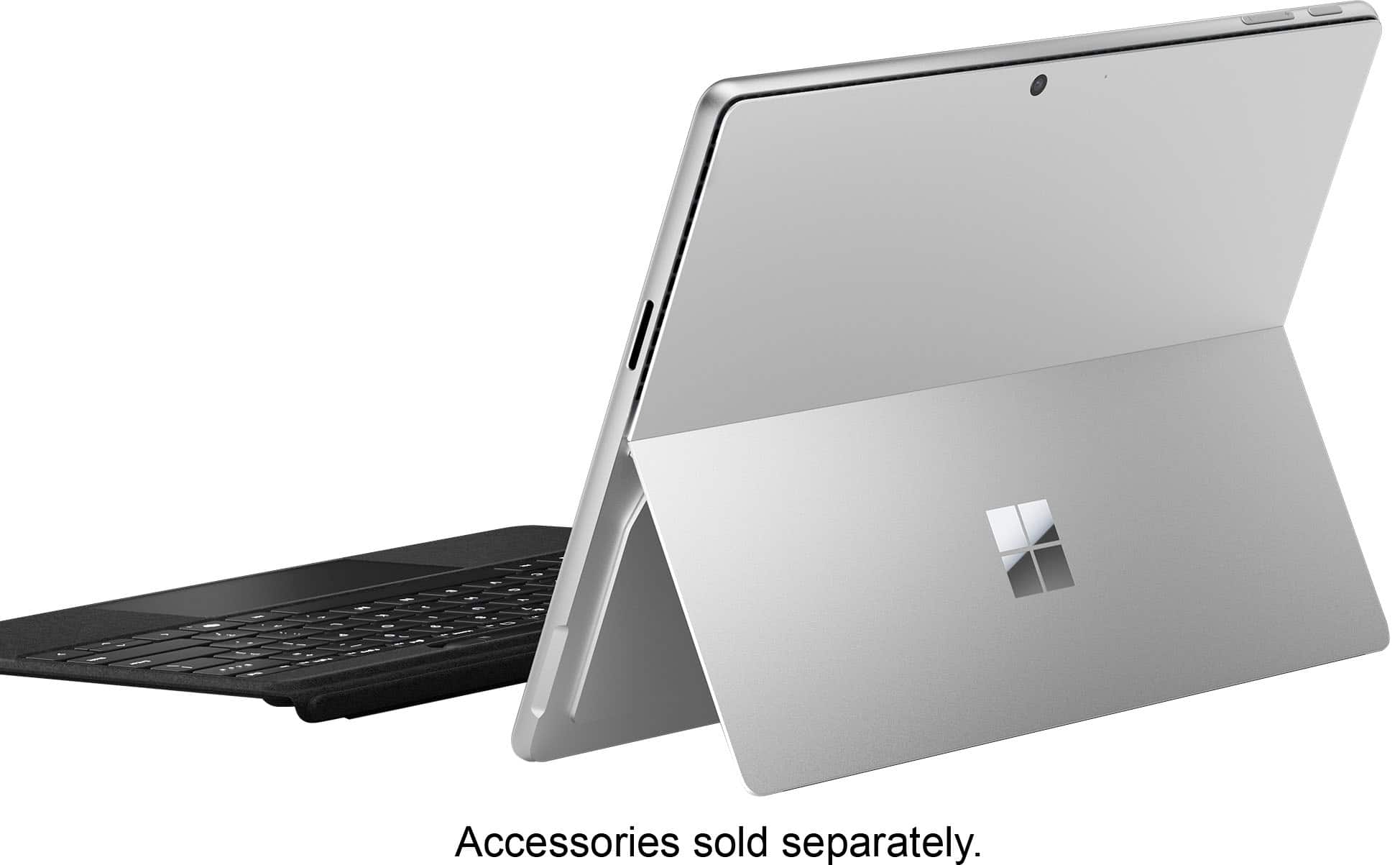
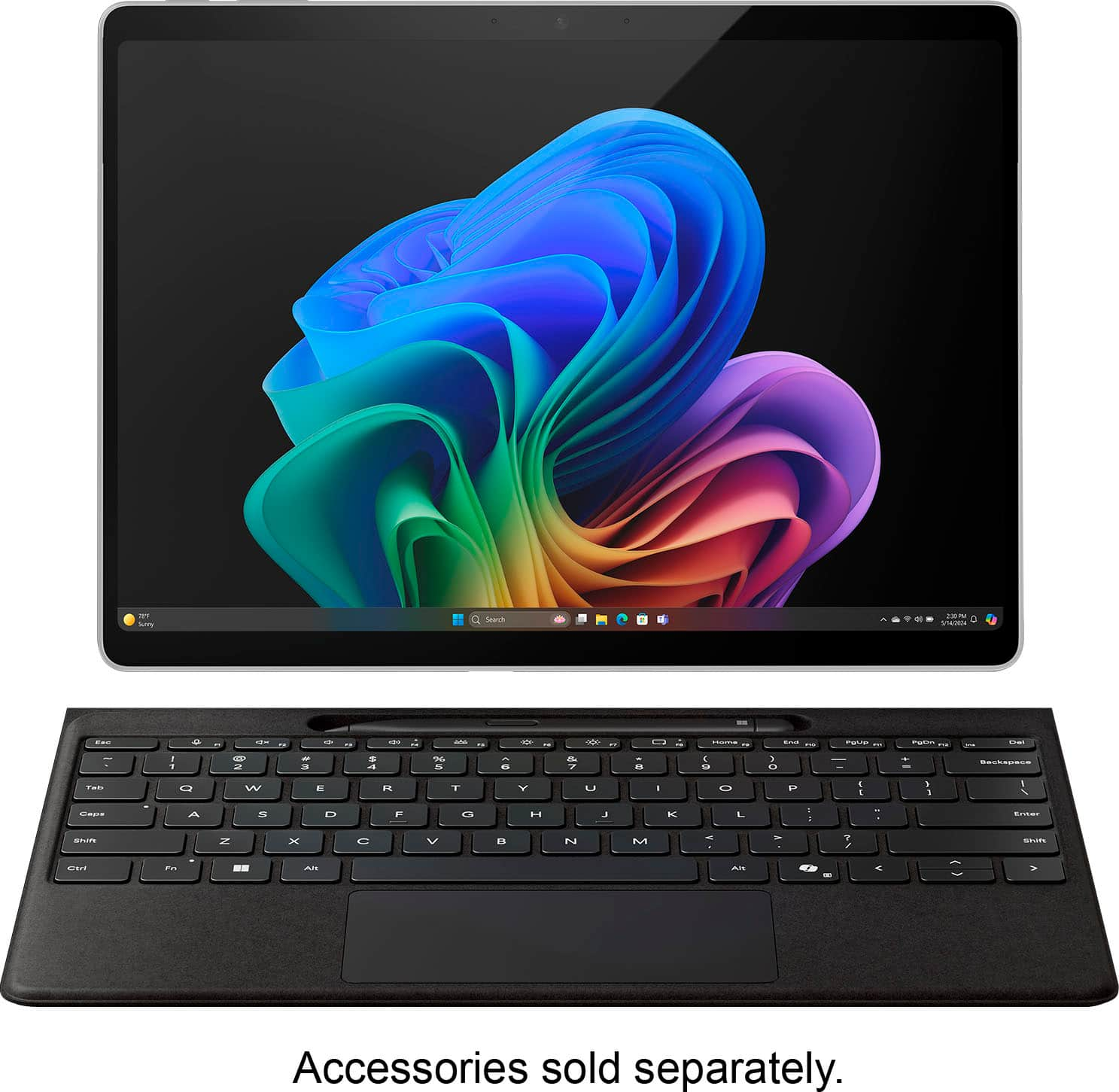
A:AnswerNo it does not. This device uses ARM not x86 so it will have issues emulating most software. Any modern Intel or AMD laptop can do what you want, but youd need an external CD-Drive as almost no laptops use them anymore.
A:AnswerNo. Most games do not run on this laptop, including Fortnite, the few games that will run have major performance issues. Buy a laptop with an Intel or AMD CPU and Nvidia GPU if you are looking to play games.
A:AnswerMake sure you get a solid docking station for it, but yes.
The docking station is just a cable, so basically you can just put the surface somewhere on your desk attached to the cable connected to the docking station. The docking station connects to the three monitors, wireless keyboard+mouse. It works flawlessly. I know this as my wife has a three monitor setup with a Surface pro 9 and loves it. Then when she needs the portability side in essence she has a laptop and a tablet.
A:Answer1. That's difficult to answer as the question doesn't make a ton of sense. It is a modern capacitive touch screen like an iPhone or Android phone.
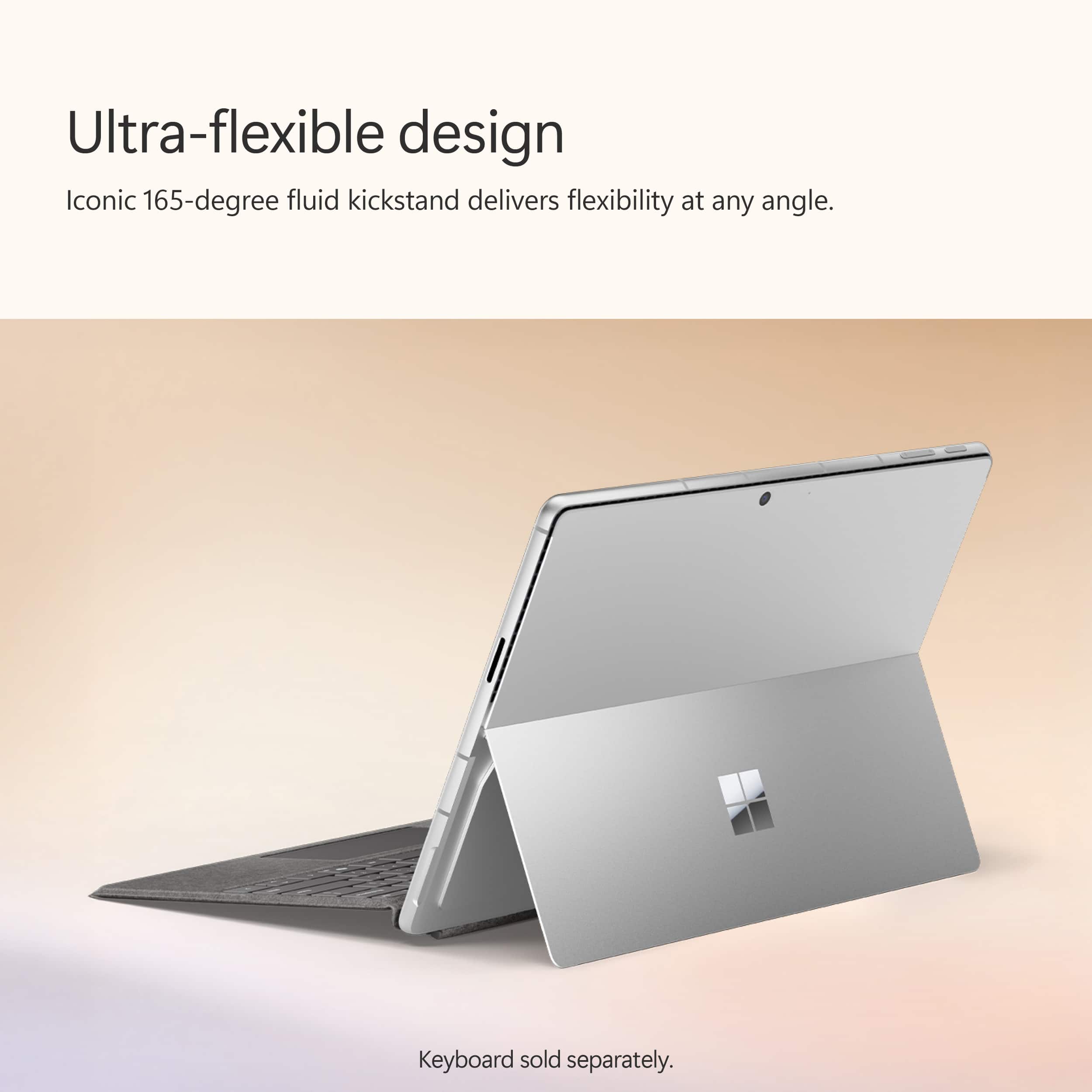
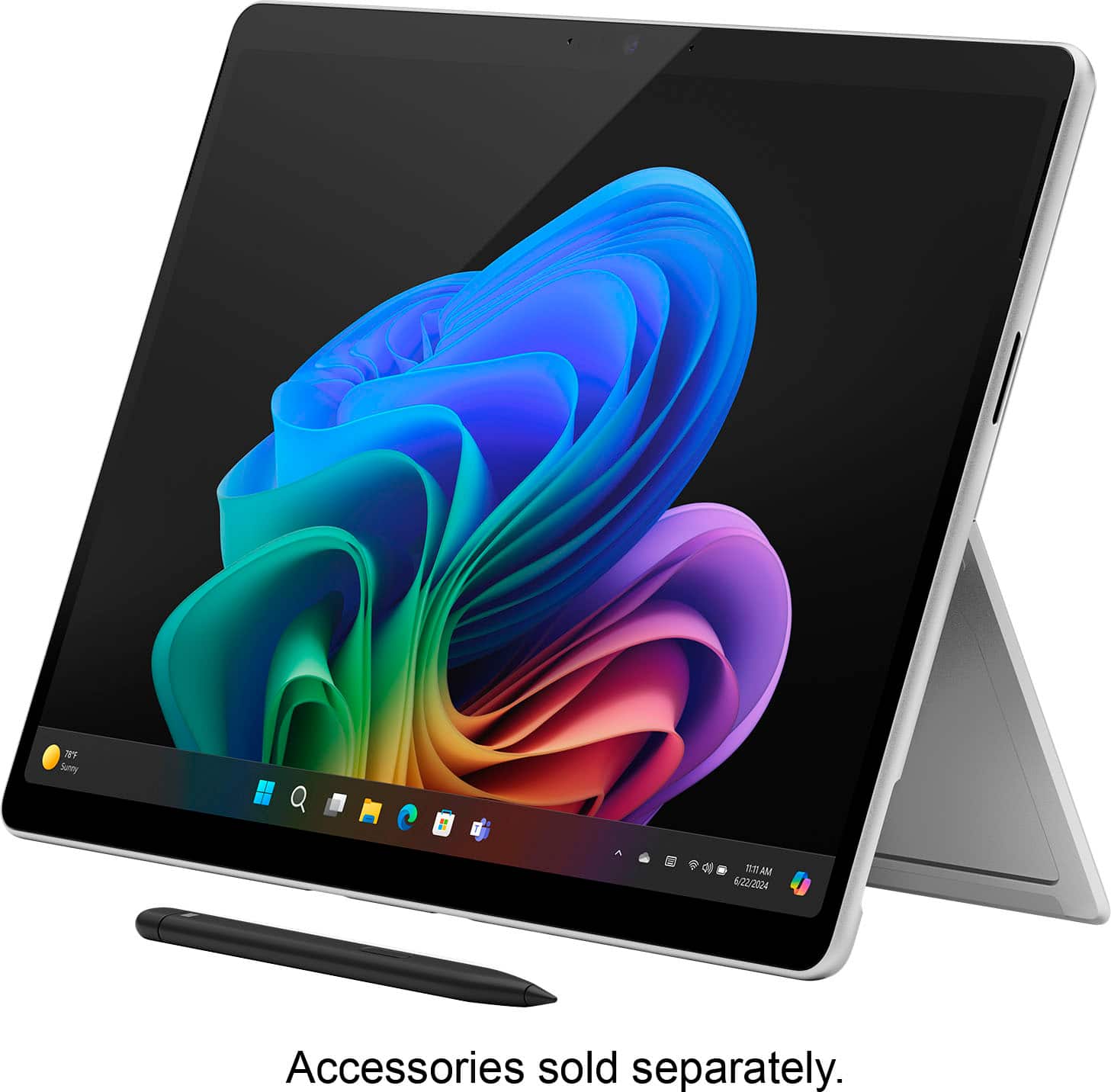
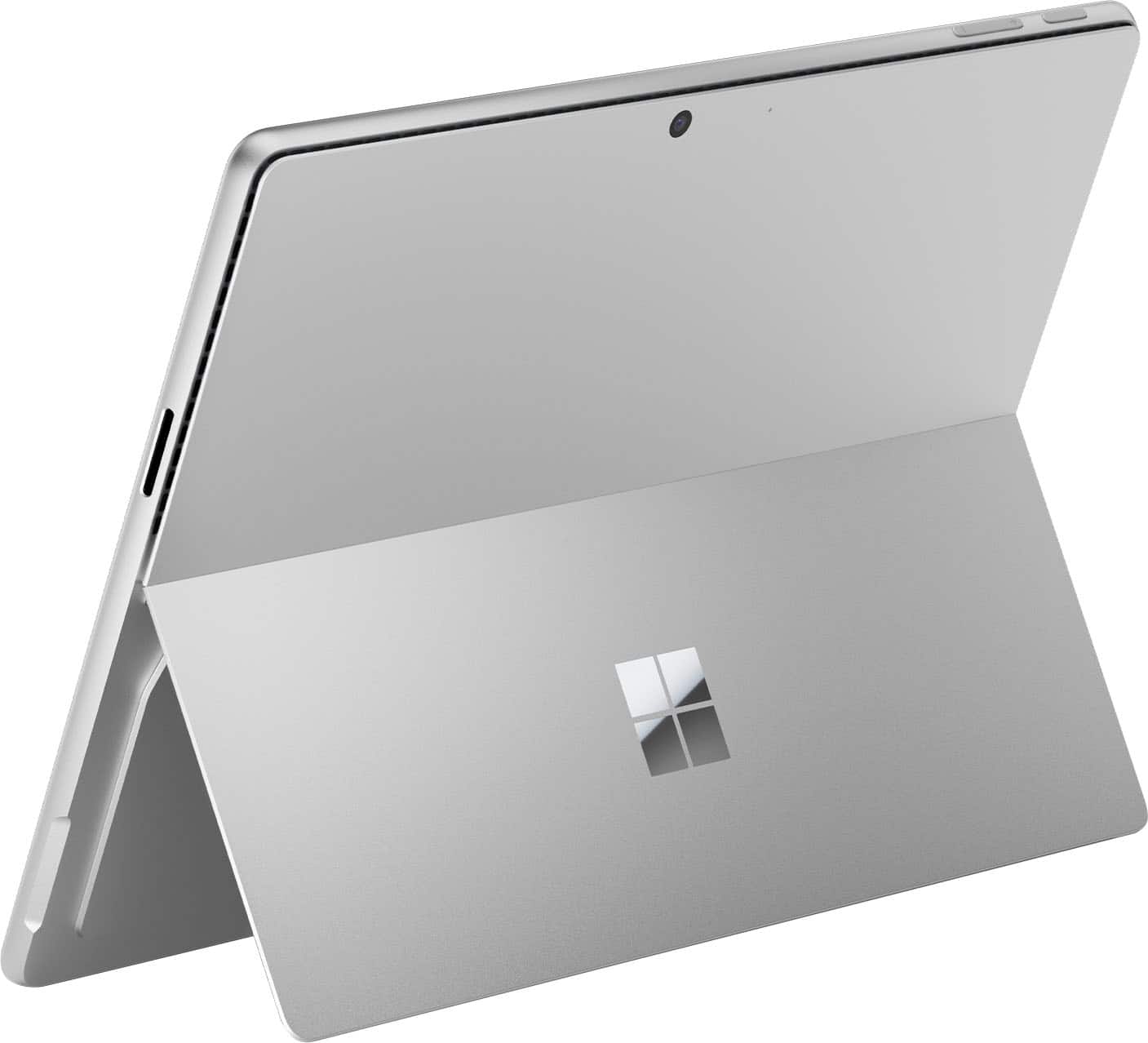
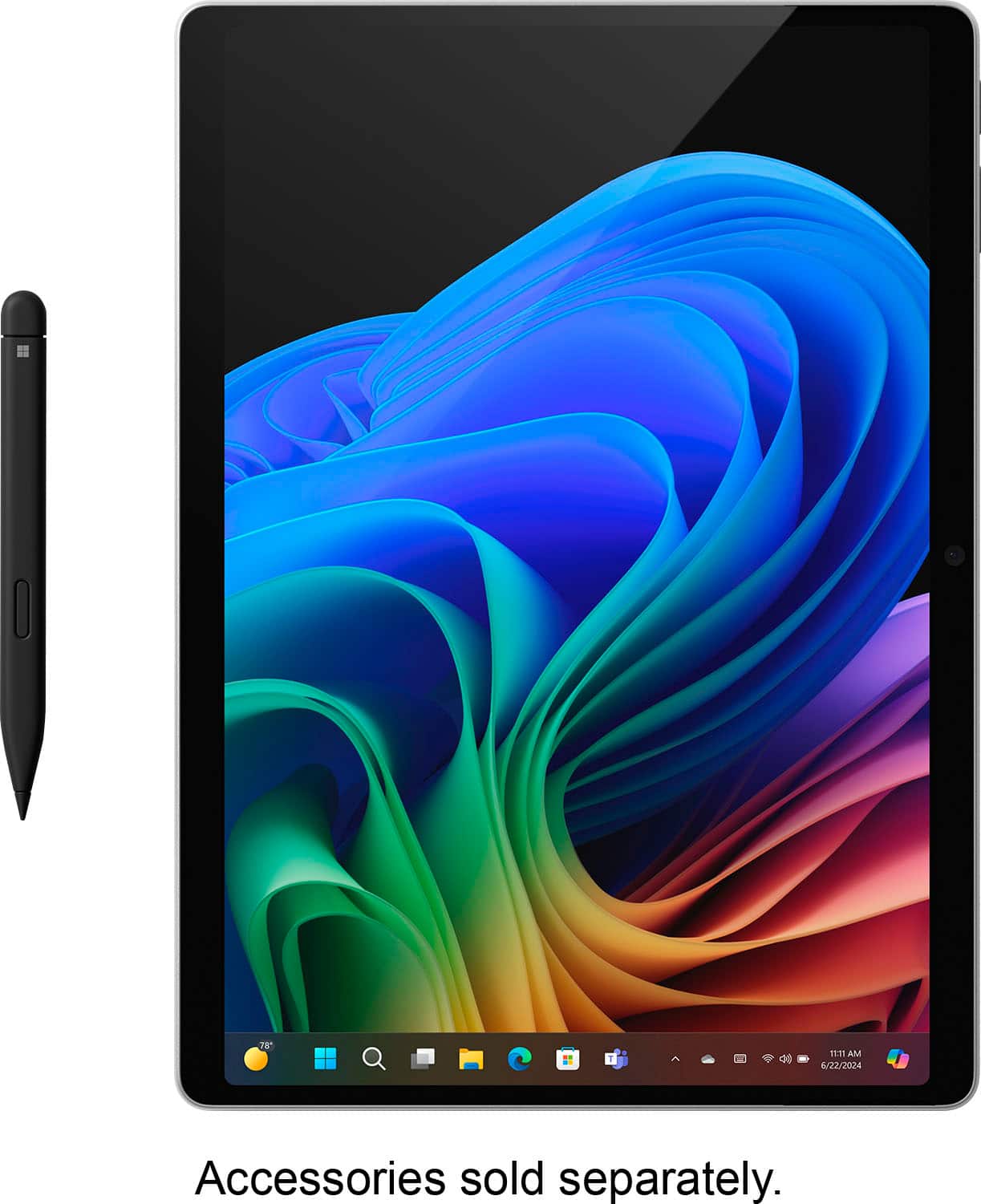
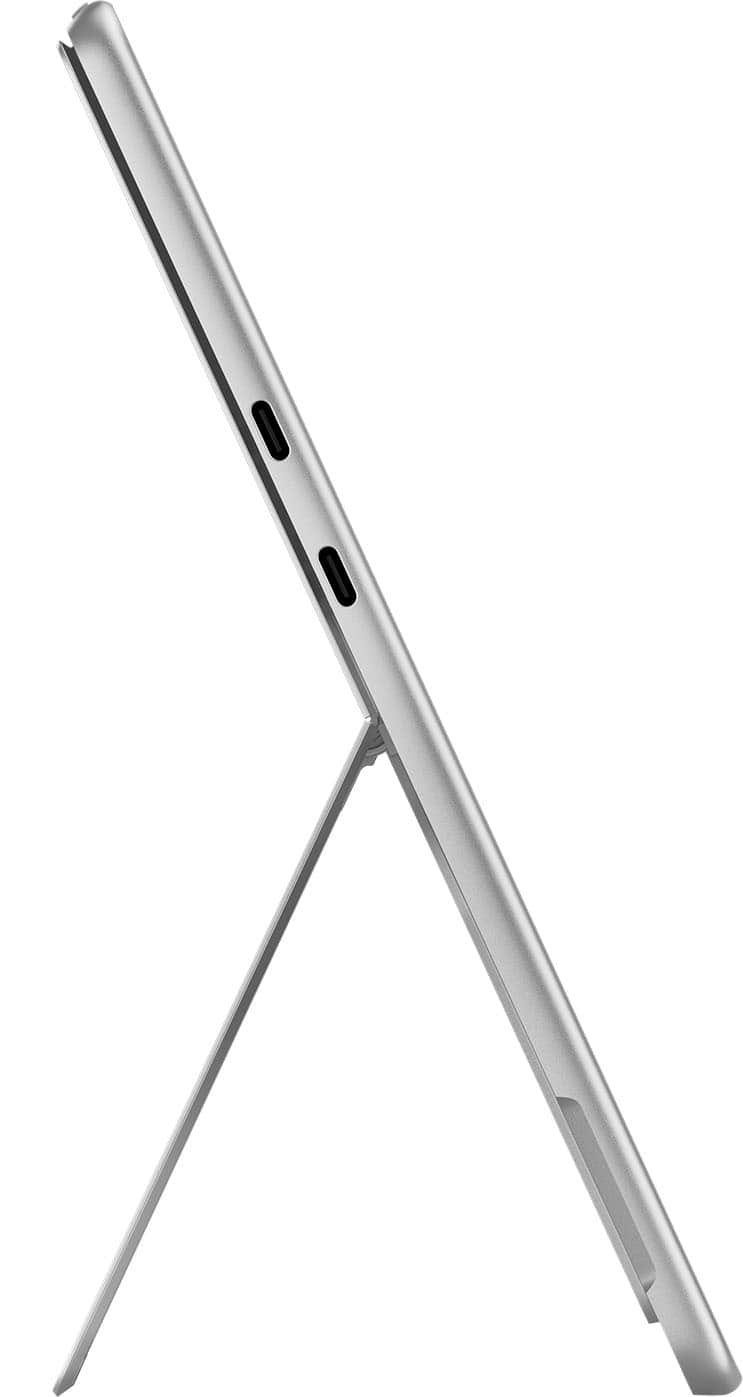
2. The keyboard can go all the way around, the stand cannot. The stand goes to ~165 degrees to provide a slight tilt while drawing. If you want it flat on a table you can just lay it all the way down. The touch screen can be used like any touch screen for navigating the OS, or it can be used with the Surface Pen for signing documents, Taking notes, graphic design, etc.
A:Answer> 1.Does it have finger print support
Out of the box, No. It uses an IR camera for facial recognition
2. Unknown right now
3. No you would need to find an add-on that does that. However that may interfere with the magnets keeping the keyboard attached properly.
A:AnswerNo. Based on reviews this laptop cannot play most games. Due to emulation most games do not start or they crash. Some games run but with very bad performance and issues.
If you are looking to game, get and Intel or AMD laptop with an Nvidia GPU.