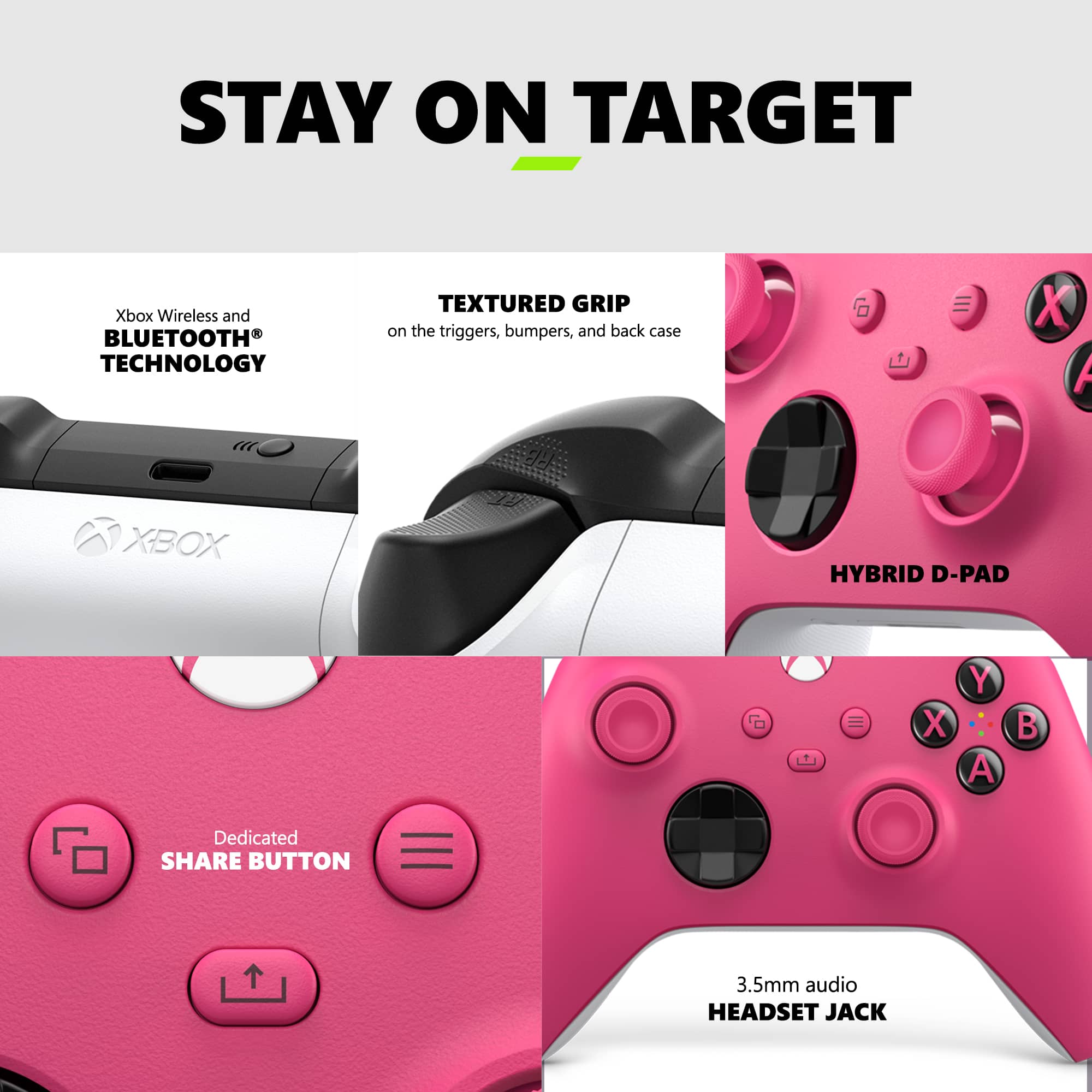
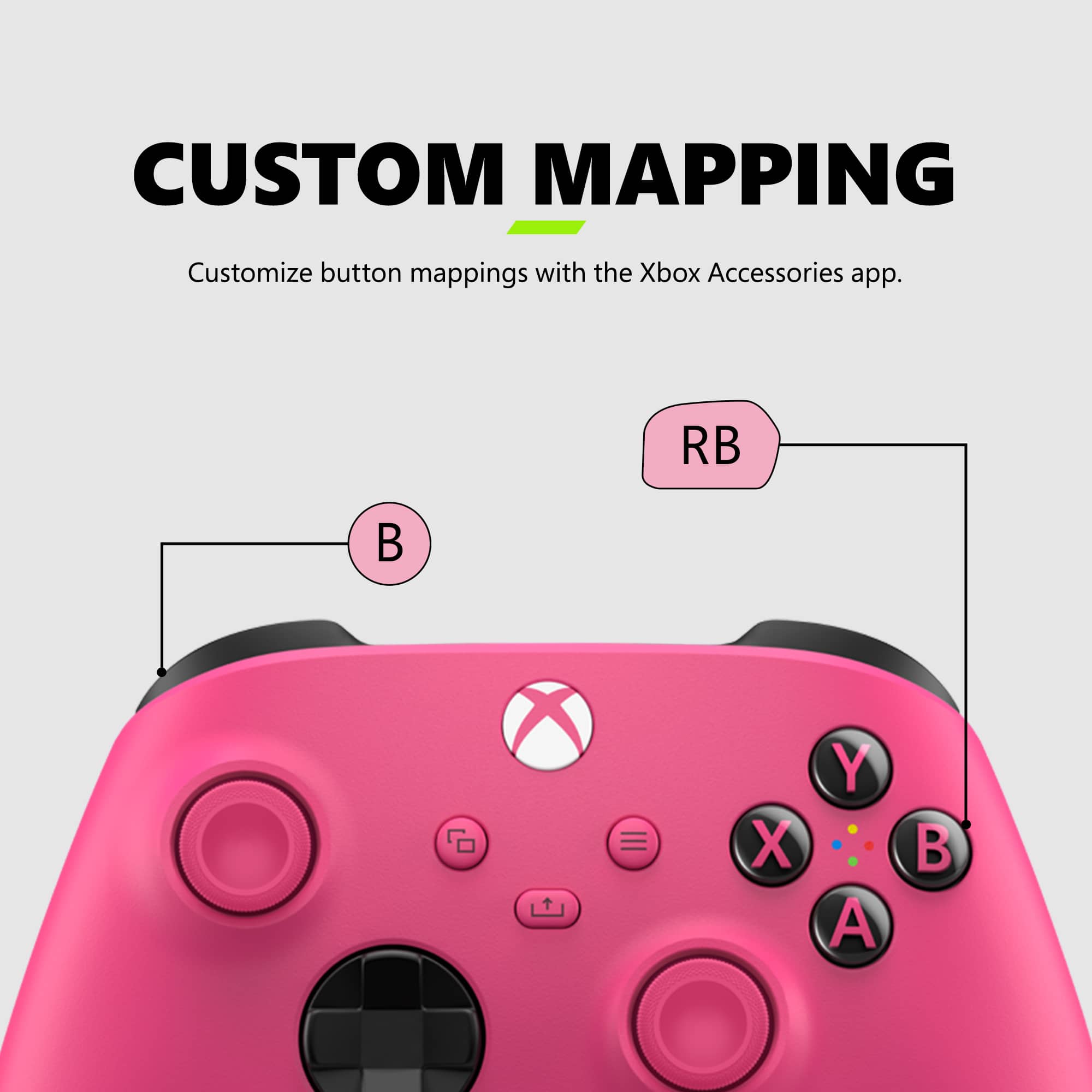
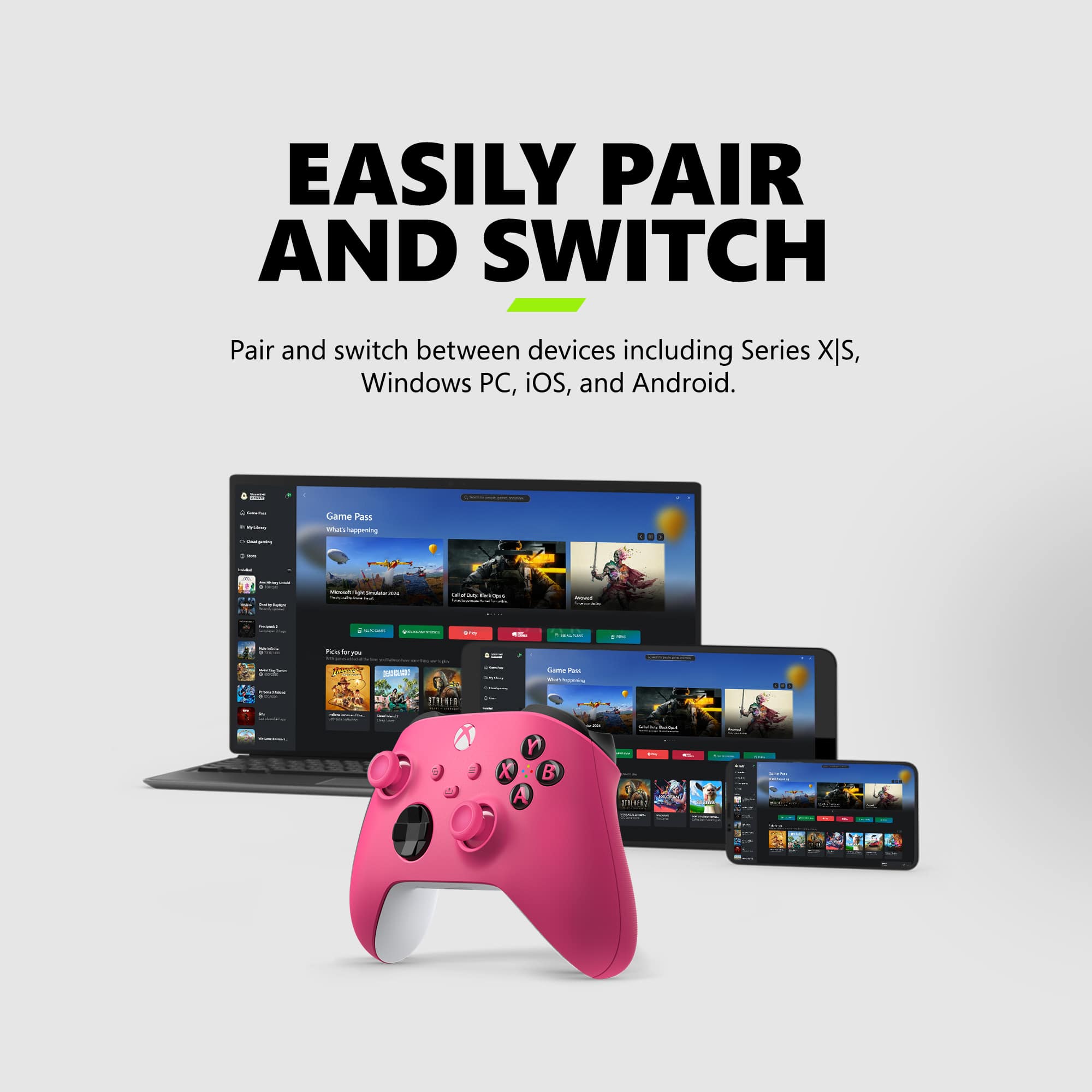
A:AnswerWell first I suggest you turn on your console first and then next there will be a button on both the Xbox and controller and this is used to connect them together. The Xbox one button is located a tab under the power button and the Xbox controller is on RB and LB tab and it’s very easy and visible to see. Press your controller’s button first then the Xbox. To know it works is when your Xbox controller stops blinking and fully stays on.
A:AnswerCompatibility with PC games depends a lot on the game. Some older games I play on Steam, such as Rainbow Six Vegas 2, require you to edit some text files. Many of the latest Ubisoft titles I have played through Uplay are compatible with minimal fuss. Try researching your specific game on Google or elsewhere for additional information.
A:AnswerThey're warrantied for 90 days, they're also returnable for 14 days i believe. Always get the protection plan. It covers wear and tear and drops or spills.
A:AnswerNot 100% sure but it shouldn’t work as Microsoft struggles to get their products to be capable with other big name companies. So no I don’t think it works
A:AnswerNeeds double AA batteries. I use rechargeable double AA batteries that works great for me then just pop swap some new ones in when they get low. You can also get a rechargeable pack.