A:AnswerThis may not answer "all" that the module can do, but this is what it does for me:
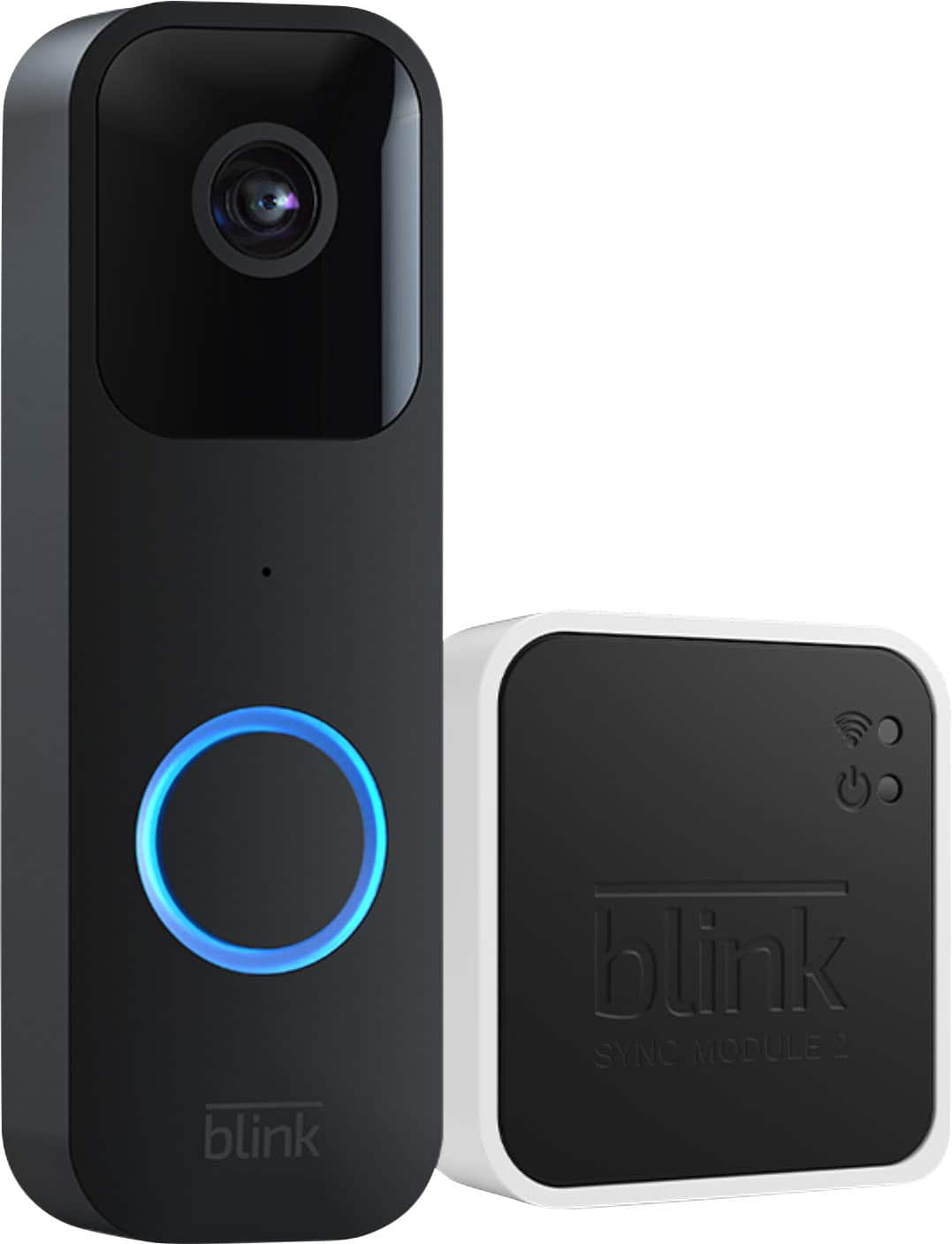
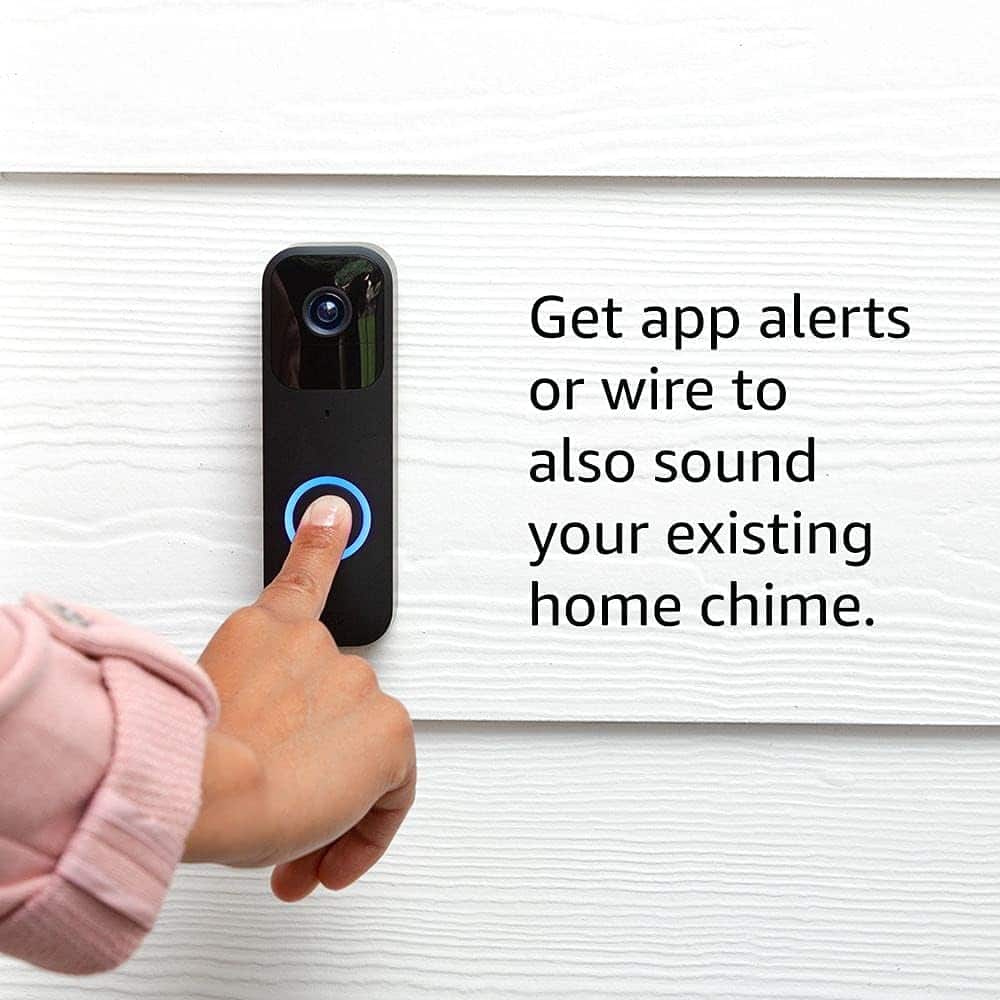
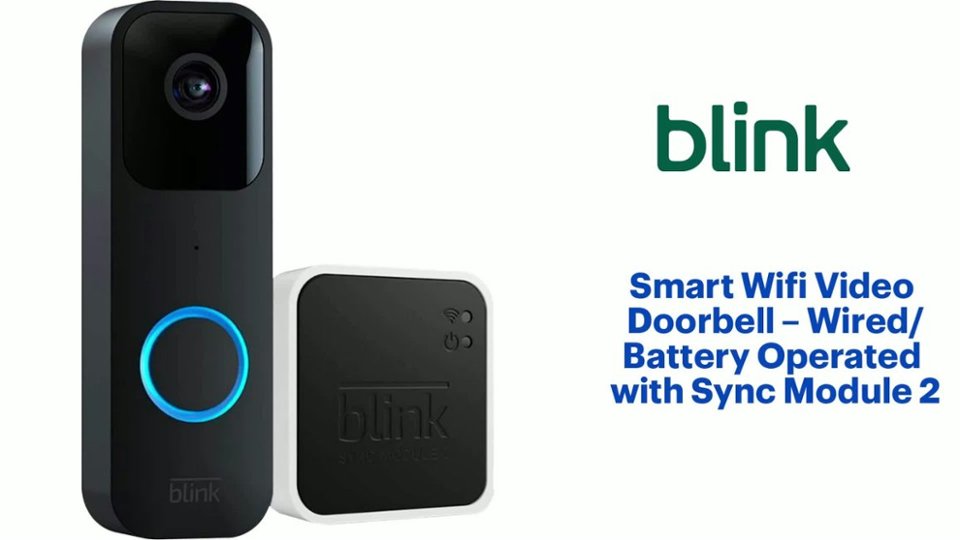
1. Acts as the doorbell's "chime" since we don't have any other way of hearing a doorbell press, and don't like relying only on notification on our cell phones.
2. Central management of the doorbell and any other devices you add to the system in the future.
3. Connection point for a USB flash drive so that you can use local storage of clips/videos without needing the cloud/online service.
A:AnswerI do not see why that would be a problem. As long as you add another doorbell camera to the system and name it something different, you should be ok up to 10 units max I think.
A:Answer$100 per year for an unlimited number of Blink devices (best option if you have more than 3 devices). Otherwise $30/year for each device. You get 60 day cloud storage for all devices on a subscription.
Note that you do NOT need a subscription as long as you have a sync module AND the module has a USB memory attached to it. Reviewing videos is much faster with cloud storage, so if you intend to use Blink to detect intruders in place of an alarm system, getting the subscription is strongly recommended.
A:AnswerI can't answer "why", but I can confirm this is an issue. Viewing our USB clips from the app, they have the correct day/date/time, which proves the module is correct, but when we pull the files from the drive to view on PC or somewhere else, the day/date/time are COMPLETELY wrong.
My only guess is this is some sneaky trick for Blink to convince you to switch to the monthly cloud service, which is why I never called Support to ask "why" this happens, cause I wasn't in the mood to be fed a line of B.....t
A:AnswerSadly, I also have a brick home, and chose not to mount it on the brick because it would require glue, and I did not want to take the chance that it would permanently discolor the brick in case I wanted to get a different doorbell in the future.