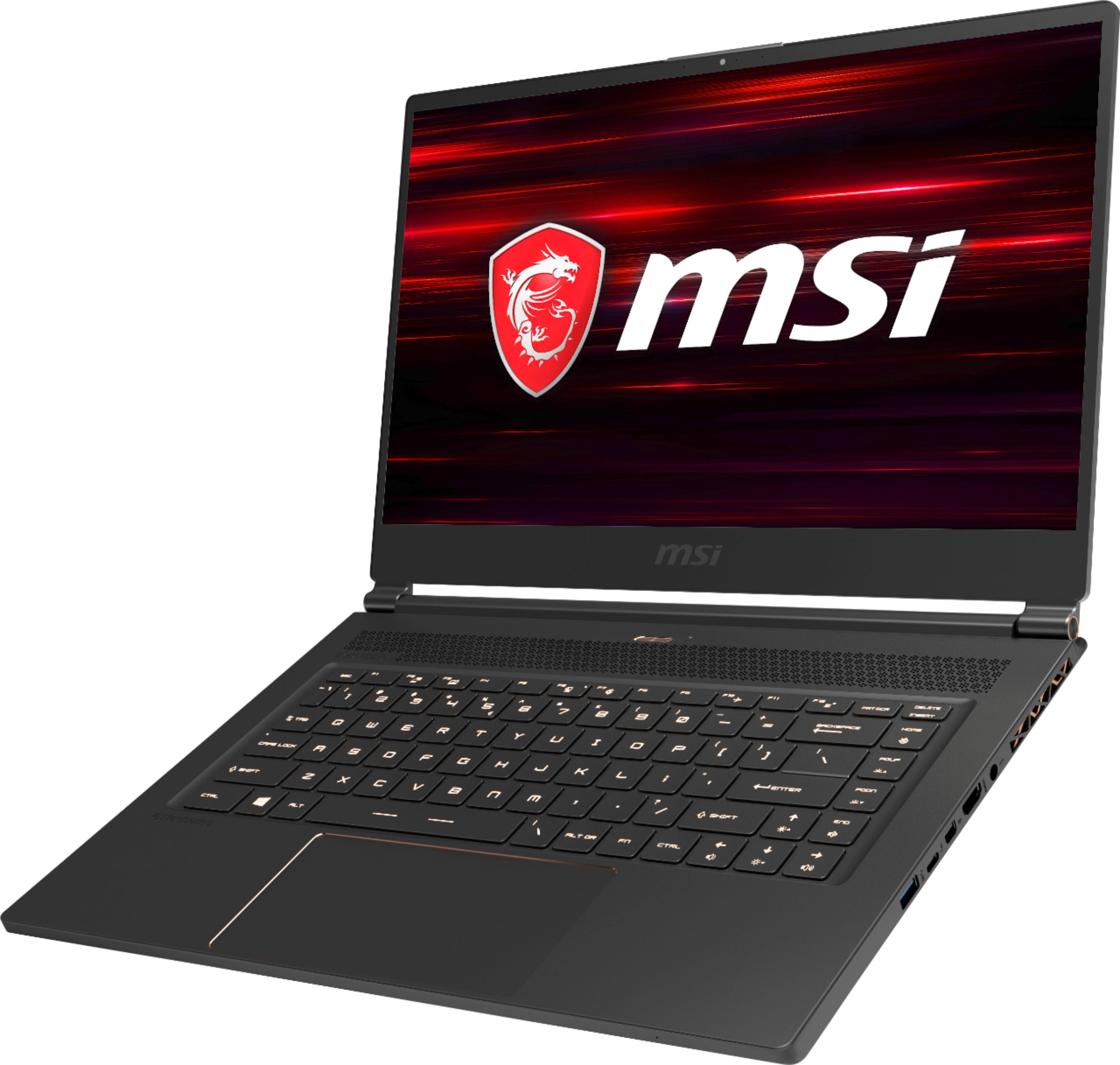
A:AnswerI also use this laptop for college, but mine is online and not at a physical campus. The battery life is about what you would expect for a laptop primarily designed to be attached to a power cable.
With settings adjusted: lower screen brightness, Eco mode on, and battery saver functionalities activated, you are probably looking at 4-6 hours of light use (web browsing or Office suites).
It will last you the morning, but you'll need to find an outlet on campus to charge it up for your afternoon classes.
A:AnswerYes and yes but if you have to ask this question I would honesty recommend to have a professional add or replace drives or ram. I am in IT and found this a bit more difficult than needed.
A:AnswerWhen working I average around 4 hours. Gaming would average around slightly more than 2 hours (maybe 2 and a half). Surfacing average around 5 hours with battery saving mode on
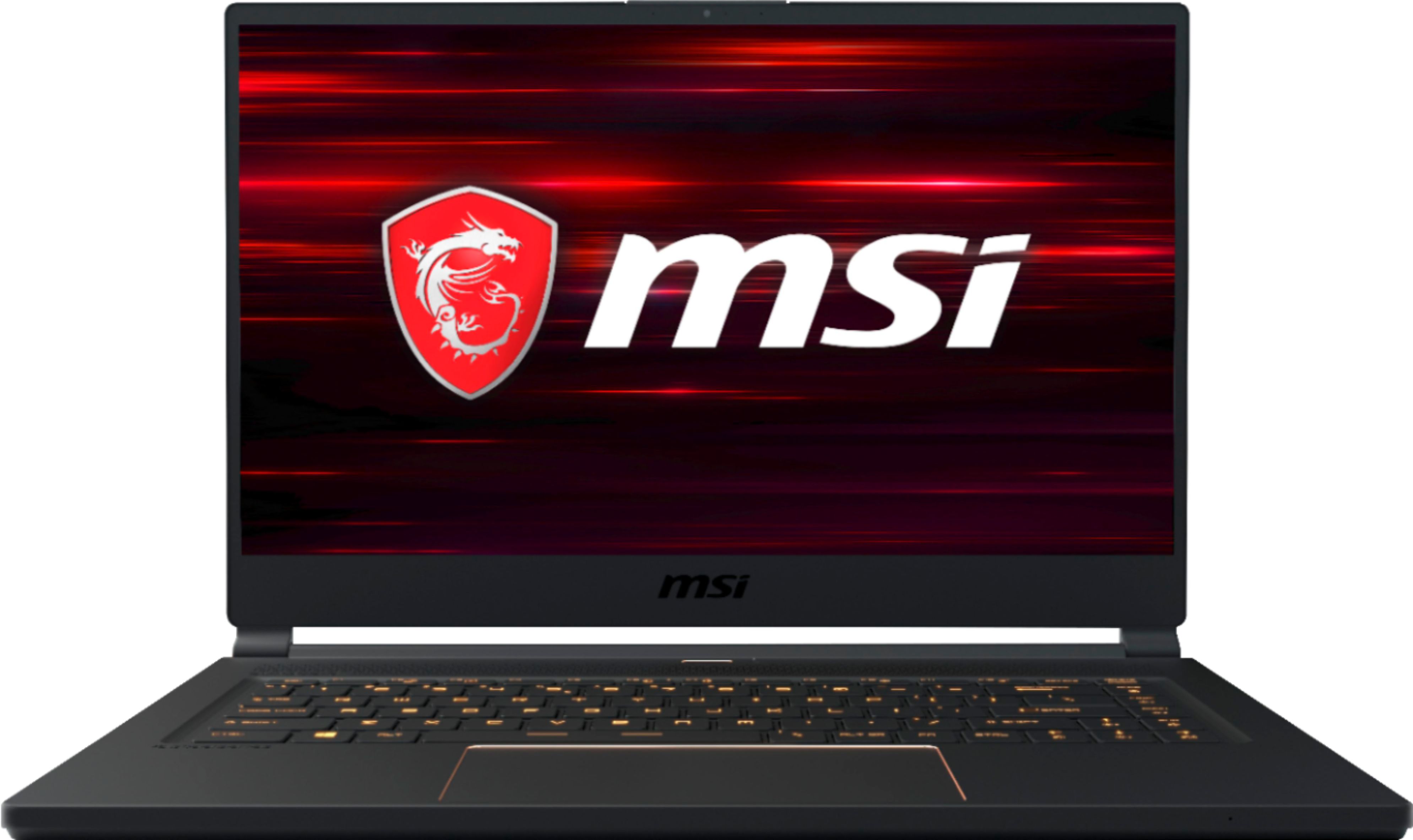
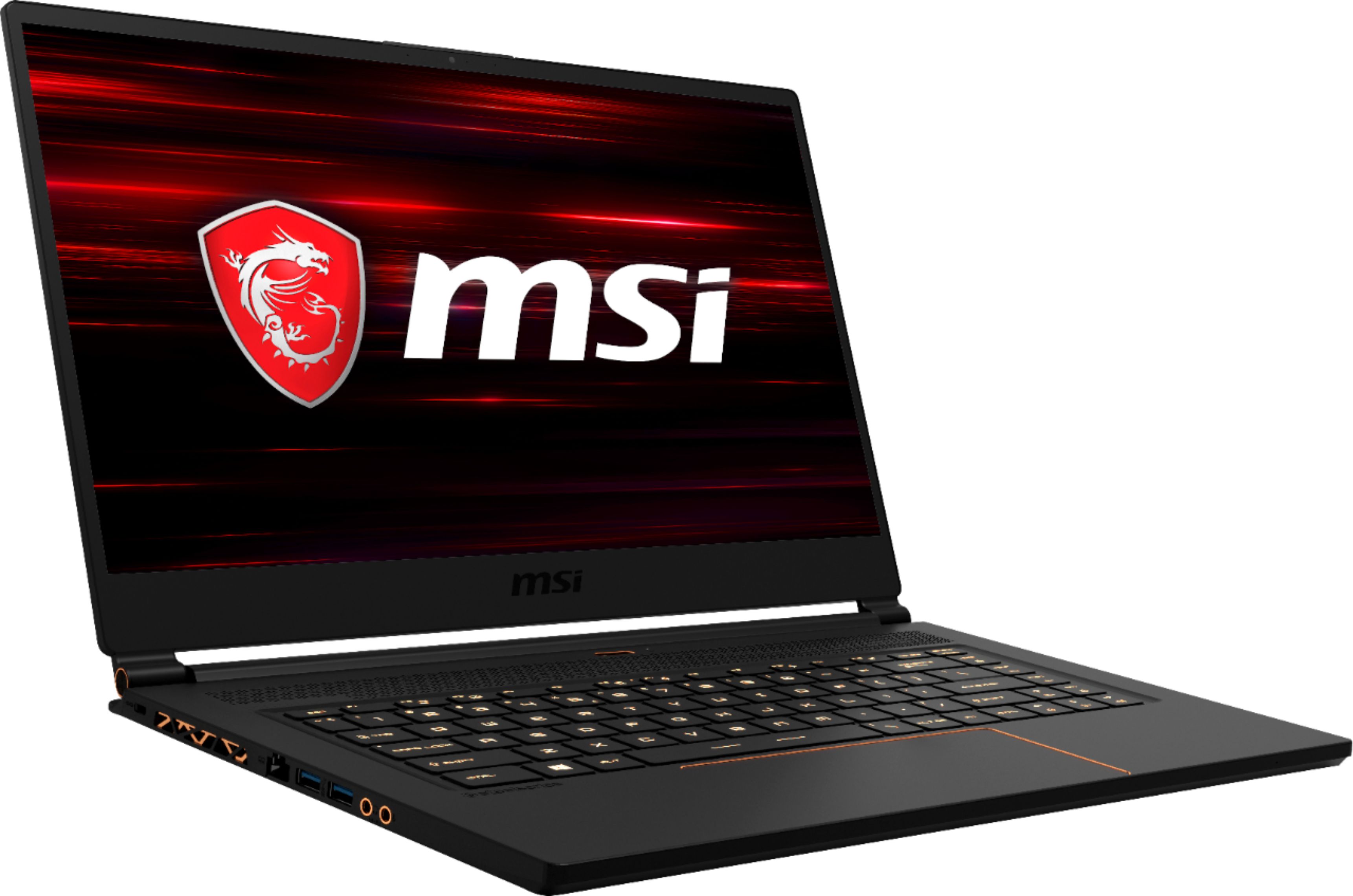
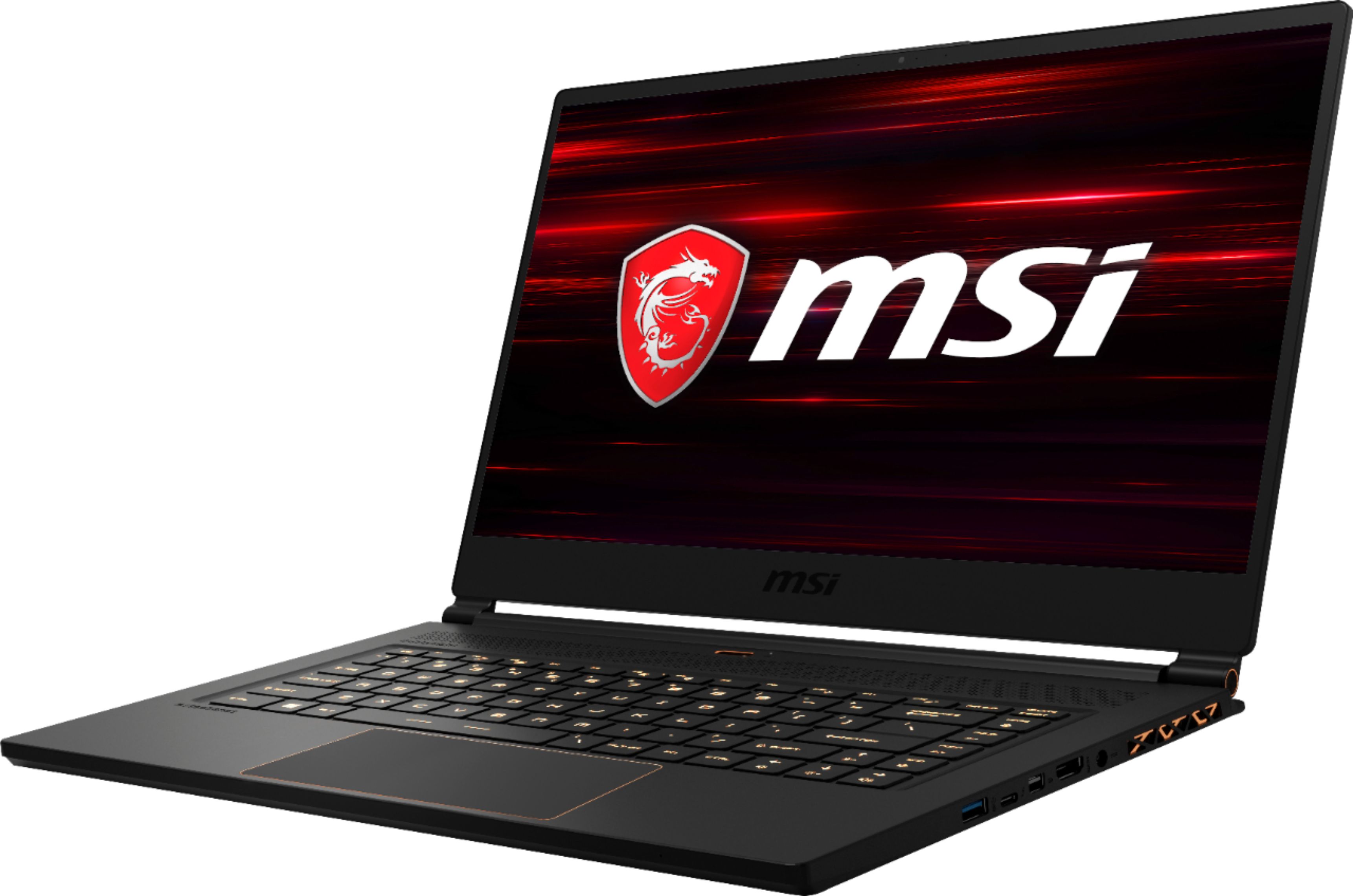
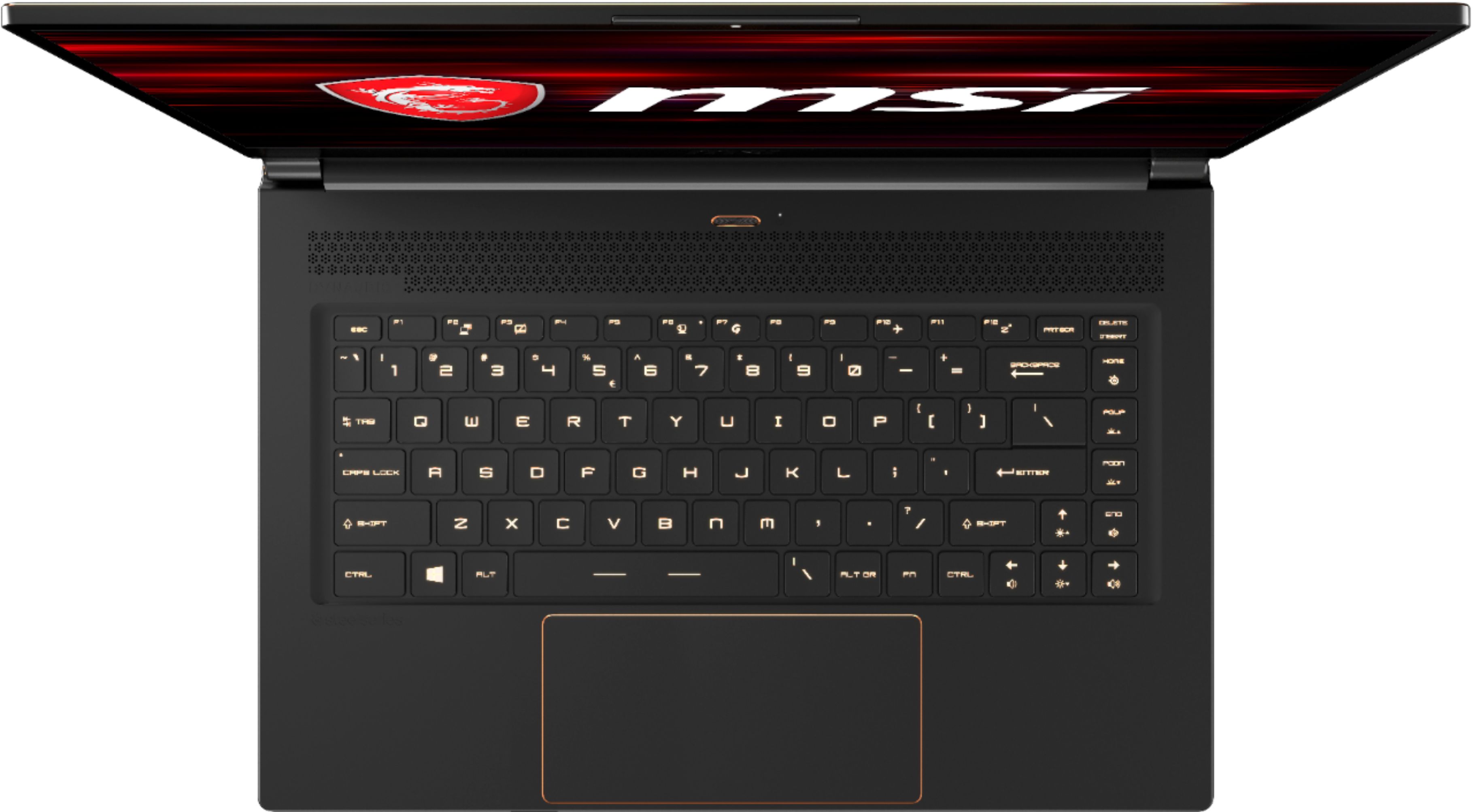
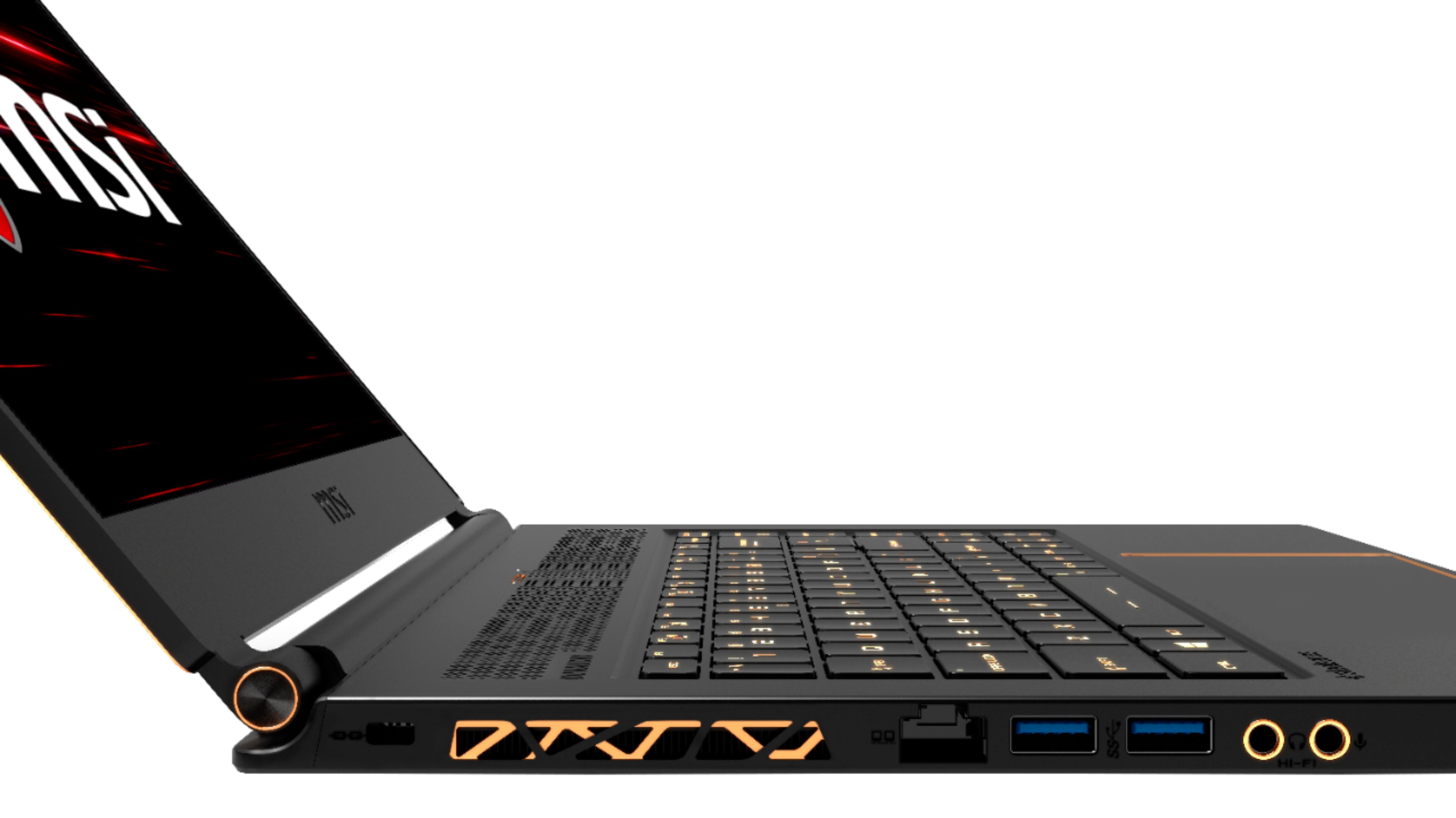
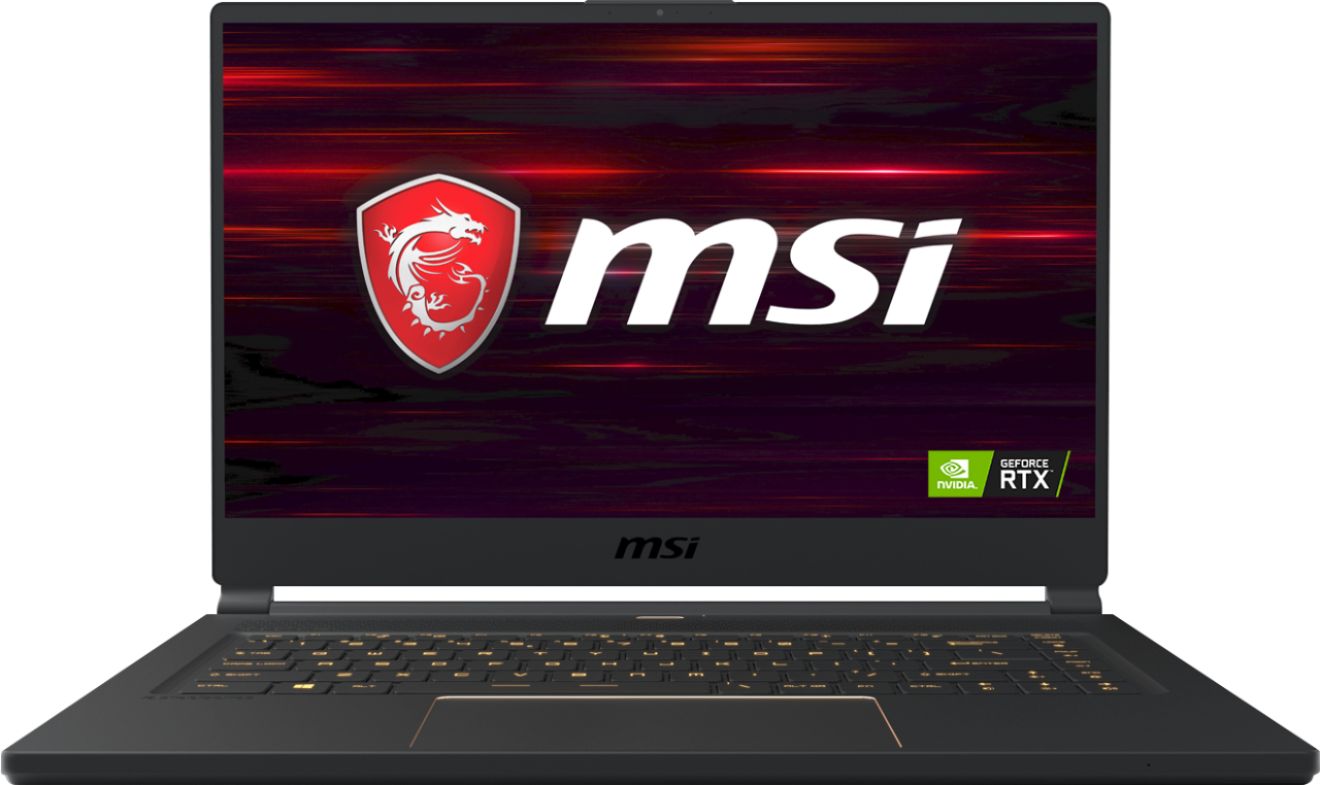
A:AnswerIt's a little hard to tell from MSI's multitude of model numbers, but the dimensions of this computer (14.1" x 9.7" x 0.7") matches up with their Stealth Thin lineup (https://us.msi.com/Laptop/GS65-Stealth-Thin-Intel-8th-Gen/Specification).
The regular Stealth has dimensions of 15.1" x 10.2" x 0.7" (https://us.msi.com/Laptop/GS65-Stealth-9SX/Specification).
A:AnswerNot with mine. MSI did send me a cell phone holder after registration and offer some Intel software, that I suggest you do not install unless you like bloat ware.