A:AnswerYou can find and make your favorite recipes using step-by-step cooking instructions from your Google Assistant on the Nest Hub. Take a look at this link for more info on how to cook with your Google Assistant on your speaker or display: https://support.google.com/googlenest/answer/7309433
A:AnswerDirectly tell google that you only want the action on that specific device. I was tired of doing this so I just made a separate google account for each device, they are still under the same cloud under the wifi
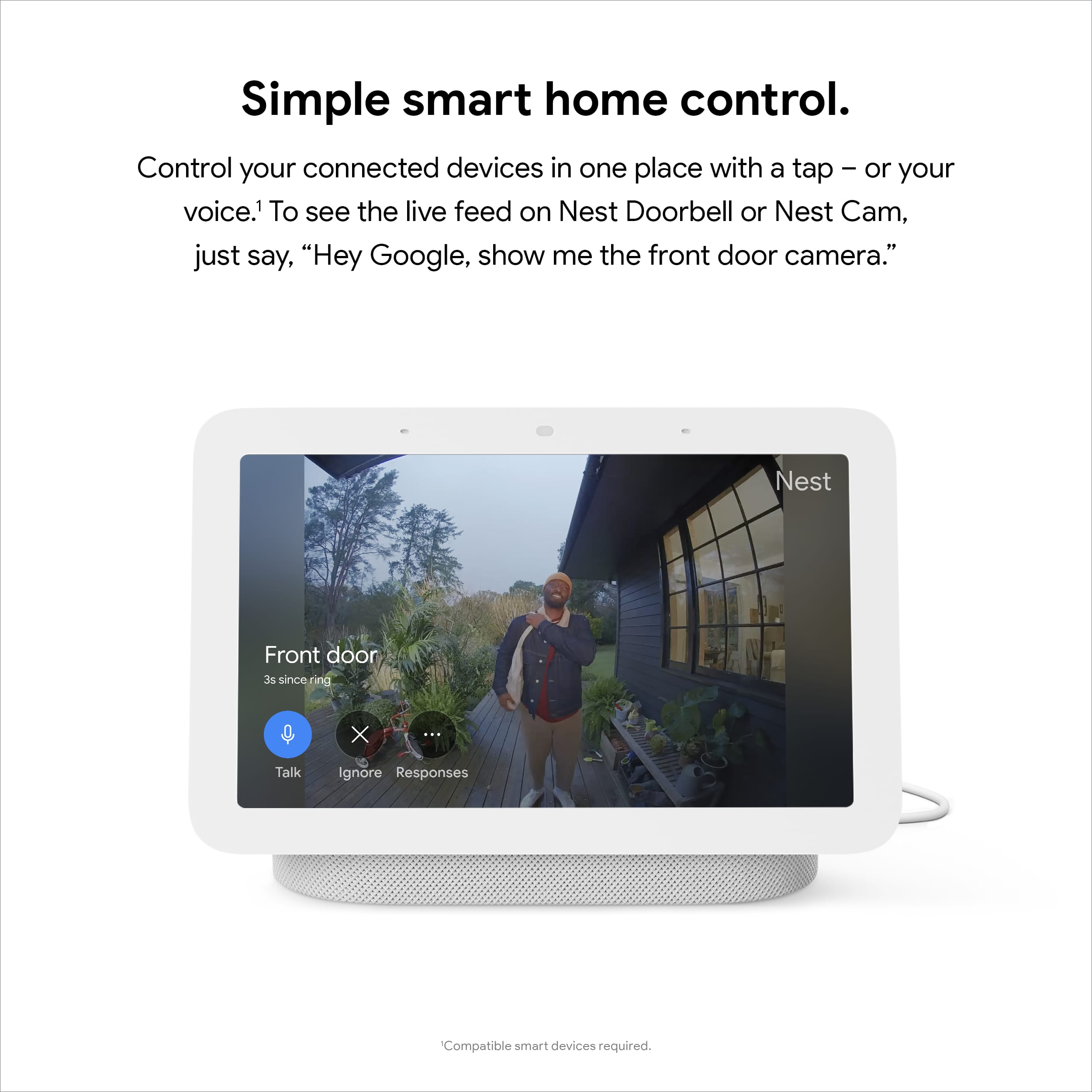
A:AnswerYes. You can stream Nest cameras using the Nest Hub. Take a look at this link for more details: https://support.google.com/googlenest/answer/9137164
A:AnswerYes. You can setup multiple Google Nest and Home speakers and displays and they're all compatible with each other. You can group any combination of Google Nest or Home speakers and displays and Chromecast devices together for synchronous music throughout the home. Check this link for more details: https://support.google.com/googlenest/answer/7174267
A:AnswerYou can get weather and forecast information using your Nest Hub. Check this link for more info: https://support.google.com/googlenest/answer/7072091
A:AnswerYou can turn off the microphone of other speakers or displays. Turning off microphone prevents it from listening or responding. Check this link for more info:
- Control Google Nest or Home devices by touch: https://support.google.com/googlenest/answer/7072889
For further assistance, you can contact our support team here anytime: https://support.google.com/googlenest/gethelp
A:AnswerYou can stream your security camera using your Nest Hub. Take a look at this link for more information: https://support.google.com/googlenest/answer/9137164
You may also contact our support team here for further assitance: https://support.google.com/googlenest/gethelp
A:AnswerSo it may not work in geographic areas not specifically set by Google, but as far as other languages, yes, you can set multiple. Ours talk/answer in English, Spanish, and Dutch!
A:AnswerYes. Your Google Home devices can announce when someone's at your door. Take a look at this helpful link you can check for more details: https://support.google.com/googlenest/answer/7672451
A:AnswerYes, you can make phone calls using 'Dual Calling', which is a standard feature of Google Home. You can also see the person you called if your device has a camera and the person on the other end of the call has Dual Calling and a camera on their device.