A:AnswerNo it will not work with ADT Blue, the device does not have any arms or legs, how could it work ? Check the Google website for compatible systems.
A:AnswerYes. You can link your TV with Nest Hub (2nd Gen) using a Chromecast device and control your TV. You can also make calls to friends, family, and businesses with your voice. There are 3 different ways you can make calls: Duo calling, Google-supported calls and Carrier calling.
To learn more, check out this help article on our support page: https://support.google.com/googlenest/answer/9849261
A:AnswerYou can set an alarm to wake you up using the Nest Hub. Take a look at this link to set and manage alarms and media alarms: https://support.google.com/googlenest/answer/7071598
Weather info can be displayed on the Nest Hub. You may check these links for more info:
- Photo frame on your Google Nest display: https://support.google.com/googlenest/answer/9136992
- Control your Google Nest display: https://support.google.com/googlenest/answer/9137285
- Google Nest display accessibility settings: https://support.google.com/googlenest/answer/9167457
A:AnswerDefinitely! With the Google Assistant integration, you can activate your Eufy security cameras and watch live by saying voice commands. Find out more information here: https://assistant.google.com/services/a/uid/00000040647b148c
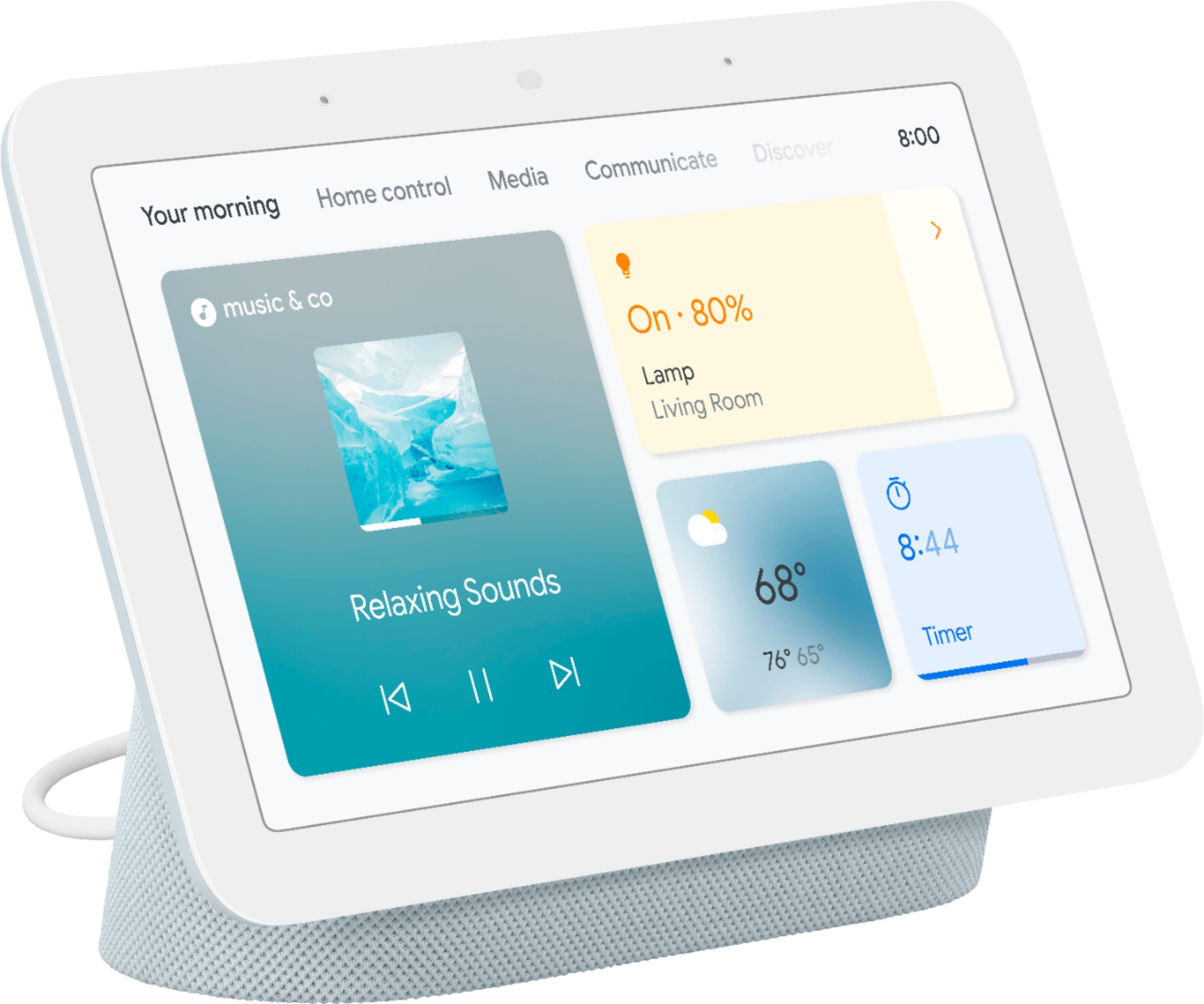
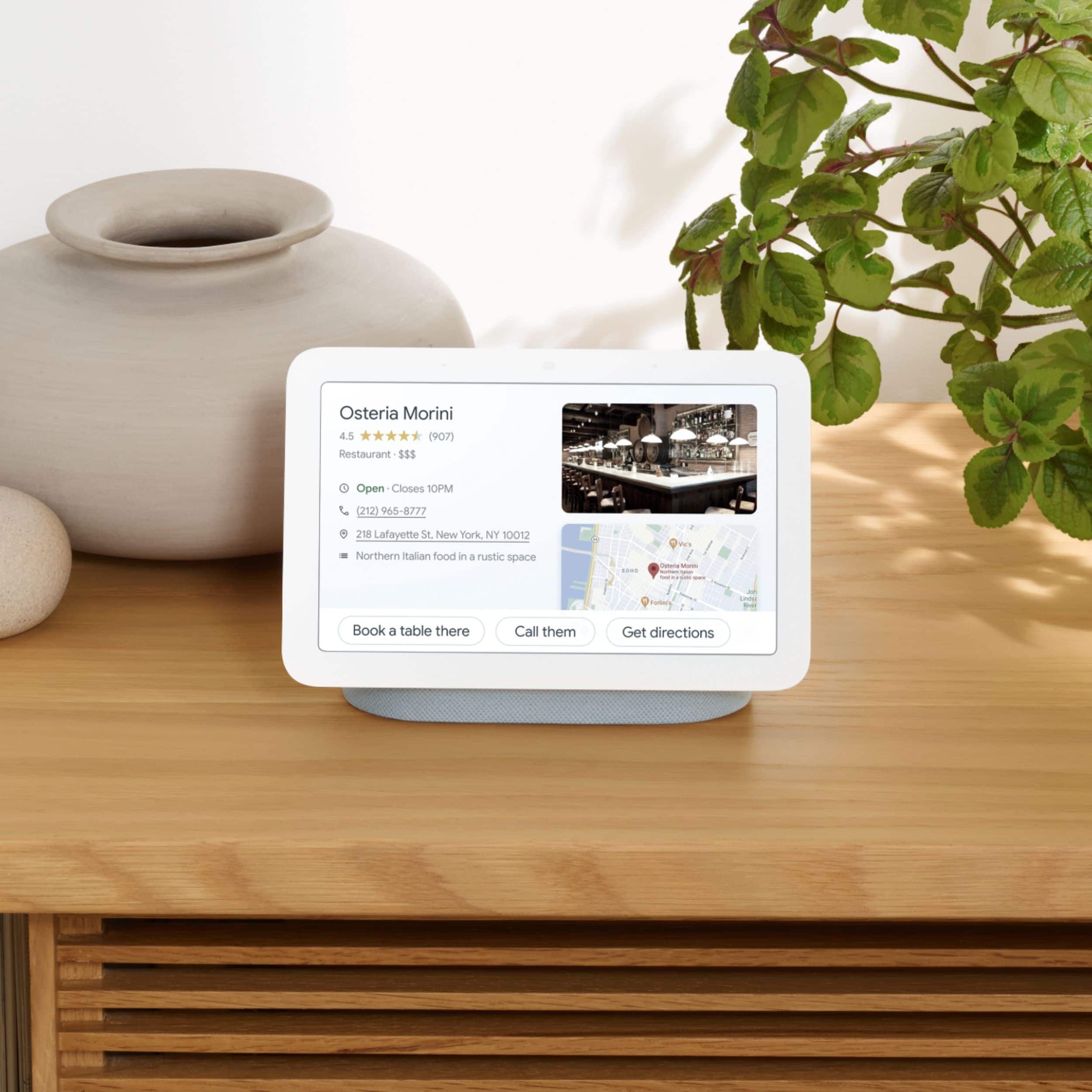
A:AnswerHi Rampart69, Nest Hub is a smart display with Google Assistant built-in. Take a look at the this link to explore what you can do with your Nest Hub: https://support.google.com/googlenest/answer/7130274
You can also check this link for the setup requirements and guide on how to setup: https://support.google.com/googlenest/answer/7029485
A:AnswerYes. However, you can't use Nest Hub directly with Z-wave products. You will need to have a Z-wave smart hub which communicates among all smart home products, your phone, router, and Google Home or Google Nest speakers and displays. We recommend contacting Z-wave support for more information.