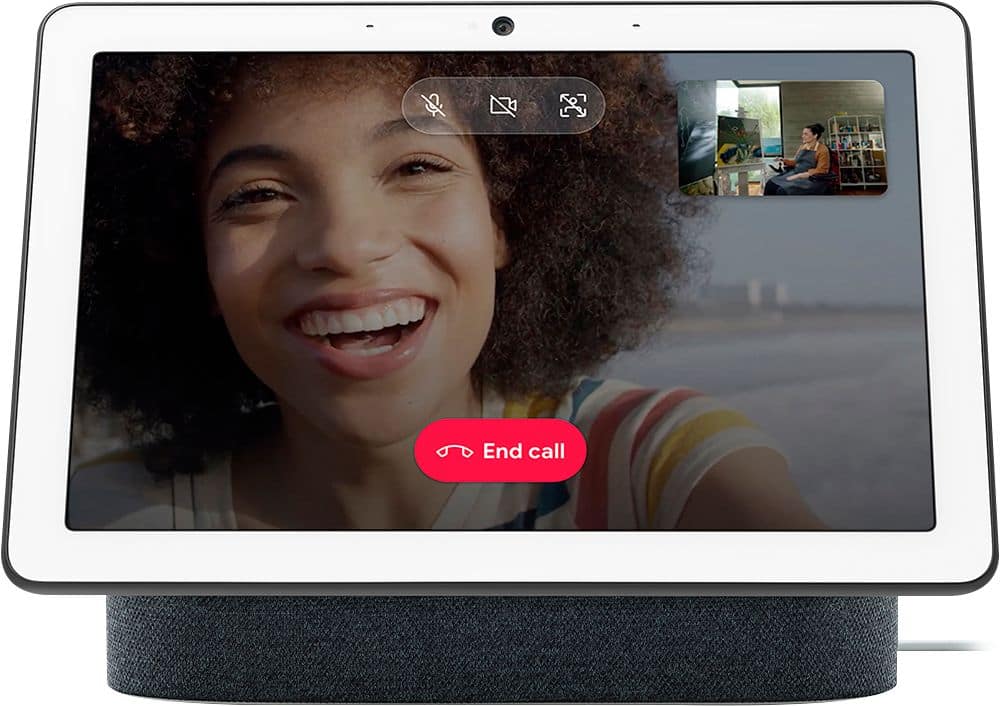
A:AnswerShe would need to have a phone number to be able to make calls on Nest Hub Max. Her phone number needs to be linked to the same Google Account used to set up Nest Hub Max. You can check this link for more information on how to make calls with Google Nest/Home speaker or display: https://support.google.com/googlenest/answer/9849261
A:AnswerHi zack,
Yes. You can search and get answers by asking your Google Nest Hub Max via voice command. Check this link to Explore what you can do with Google Nest devices: https://support.google.com/googlenest/answer/7130274
A:AnswerYeah, sure! You can add multiple Google Home and Nest speakers and displays in your home. You can either set it up on the same home structure or you can also create a different one. Take a look at this link for the set up guide and requirements: https://support.google.com/googlenest/answer/7029485
A:AnswerYes. You can stream your security camera using your Google Nest Hub Max and be able to view 1 camera feed at a time. Learn more about streaming your Nest camera on Nest Hub Max here: https://support.google.com/googlenest/answer/9137164
A:AnswerYes. You can easily view music, videos, podcasts, news recommendations, and your ongoing media activities on your Nest Hub Max by swiping the screen while it's in Ambient mode. Check out more information on controlling your Nest Hub Max here: https://support.google.com/googlenest/answer/9137285
A:AnswerYES - I use both my Google home hubs, the original and the max, to stream my Arlo cameras and Nest doorbell cameras. You will need to link your Arlo account to Google account, under home settings. You can display any camera you want, and can even use voice commands for this function. I hope this helps.
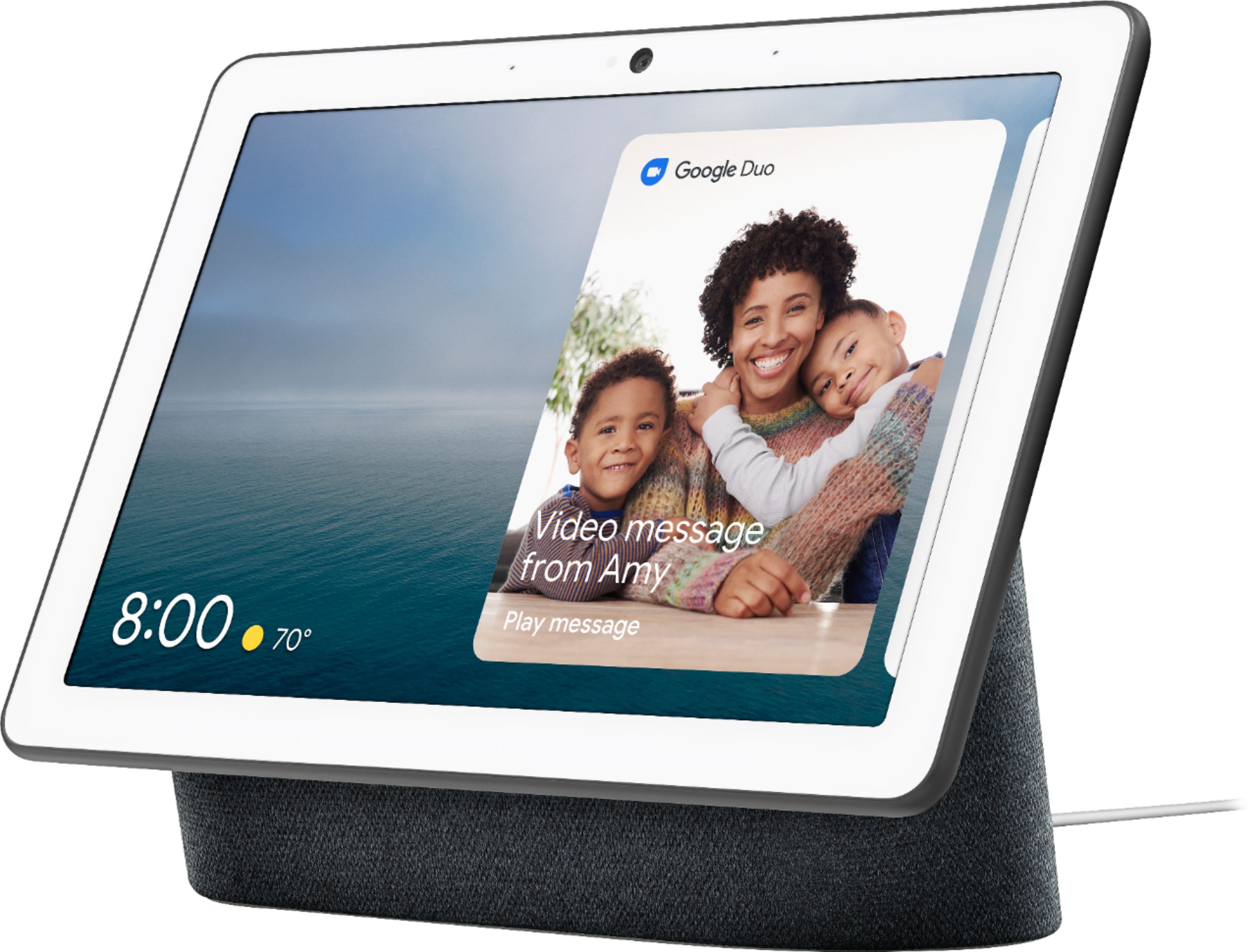
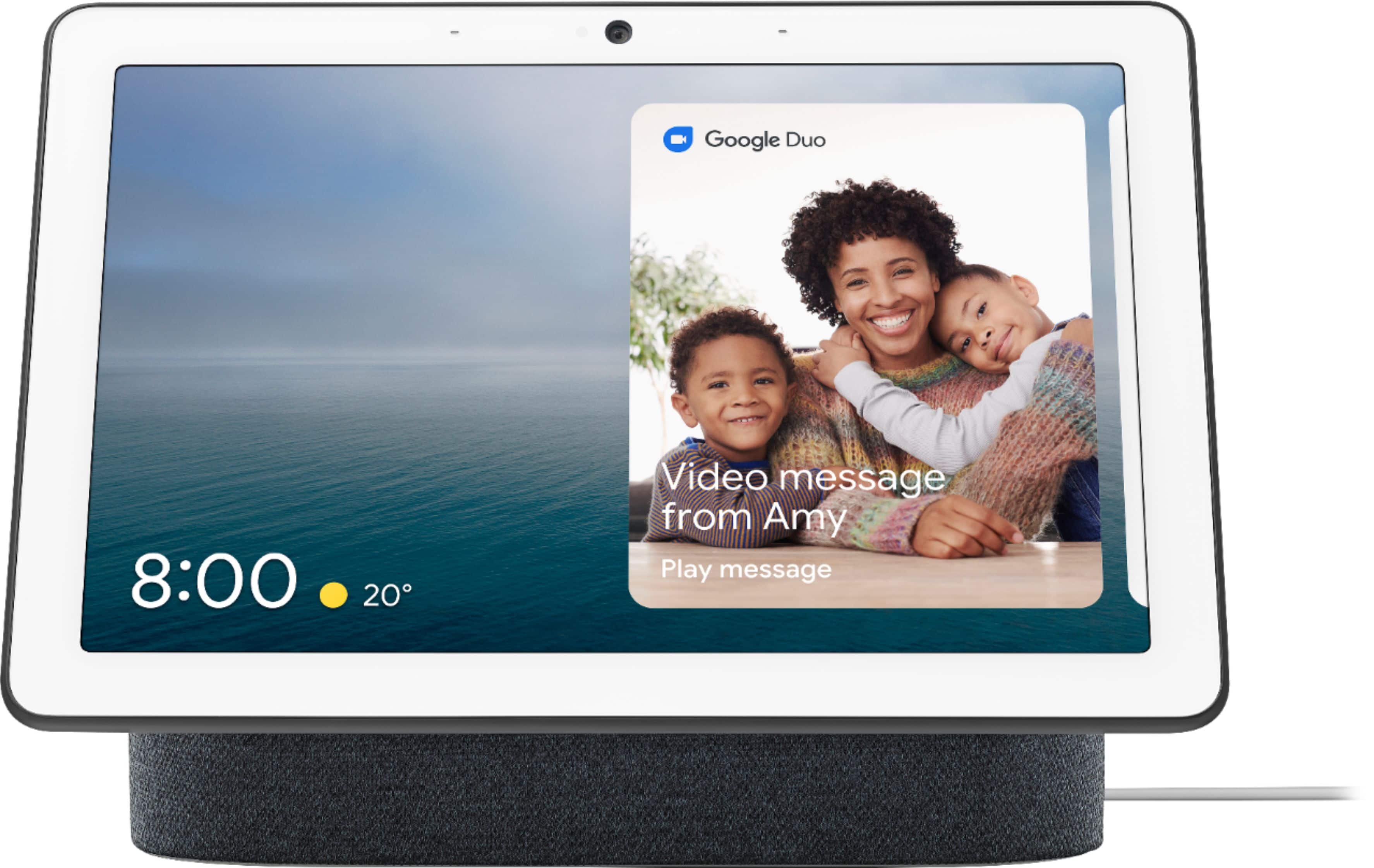
A:AnswerNo. Video calls via Whatsapp and Messenger are not supported with Nest Hub Max. However, you can make video calls with a Google Duo account on Nest Hub Max for free. Take a look at the following link for more details: https://support.google.com/googlenest/answer/9165631
A:AnswerYou can create an album in Google Photos and share it with your kids. Your kids can add photos to that album and you can select that album to show the photos on Nest Hub Max. Take a look at the following link to learn more about the Photo Frame feature: https://support.google.com/googlenest/answer/9136992
A:AnswerYou can either ask Google Assistant for a recipe or find a recipe on your phone or tablet. You can check the following for more details on how to cook with your Google Assistant on your speaker or display: https://support.google.com/googlenest/answer/7309433
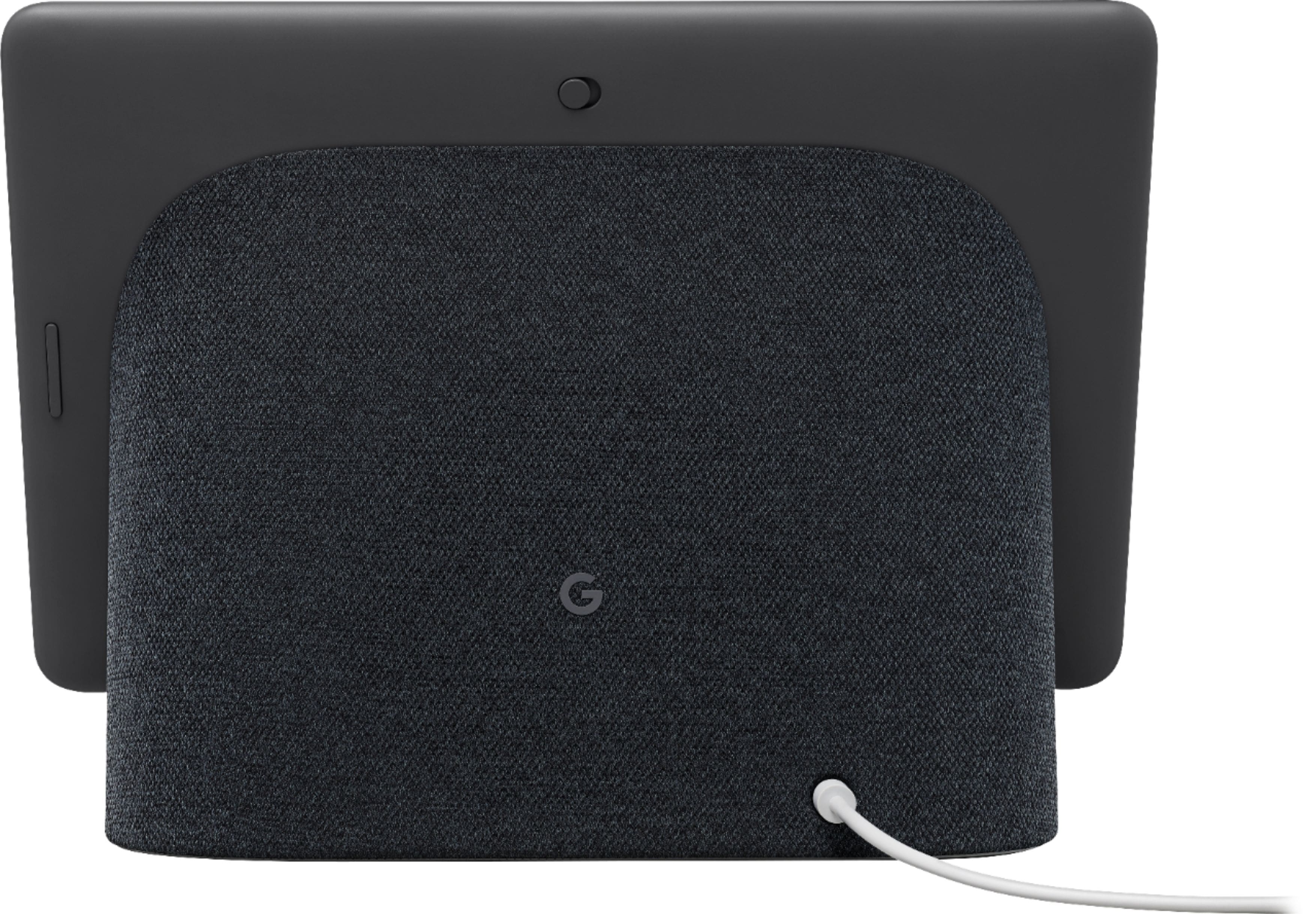
The Nest Hub Max camera is a built-in Nest Cam you can use to check in on your home when you're away with the live view functionality and alerts when activity is detected. If you have an active Nest Aware trial or subscription, you also get continuous video recording, intelligent alerts, and other advanced features. You can also view photos from Google Photos (US only). Check here for more details: https://support.google.com/googlenest/answer/7245296
A:AnswerThe Nest Hub Max has a larger display(7"x10") and has a 6.5-megapixel camera with 127-degree wide field of view and auto-framing which you can use for video calls. It also has a more robust stereo speaker system (2x 18mm 10W tweeters, 1x 75mm 30W woofer).
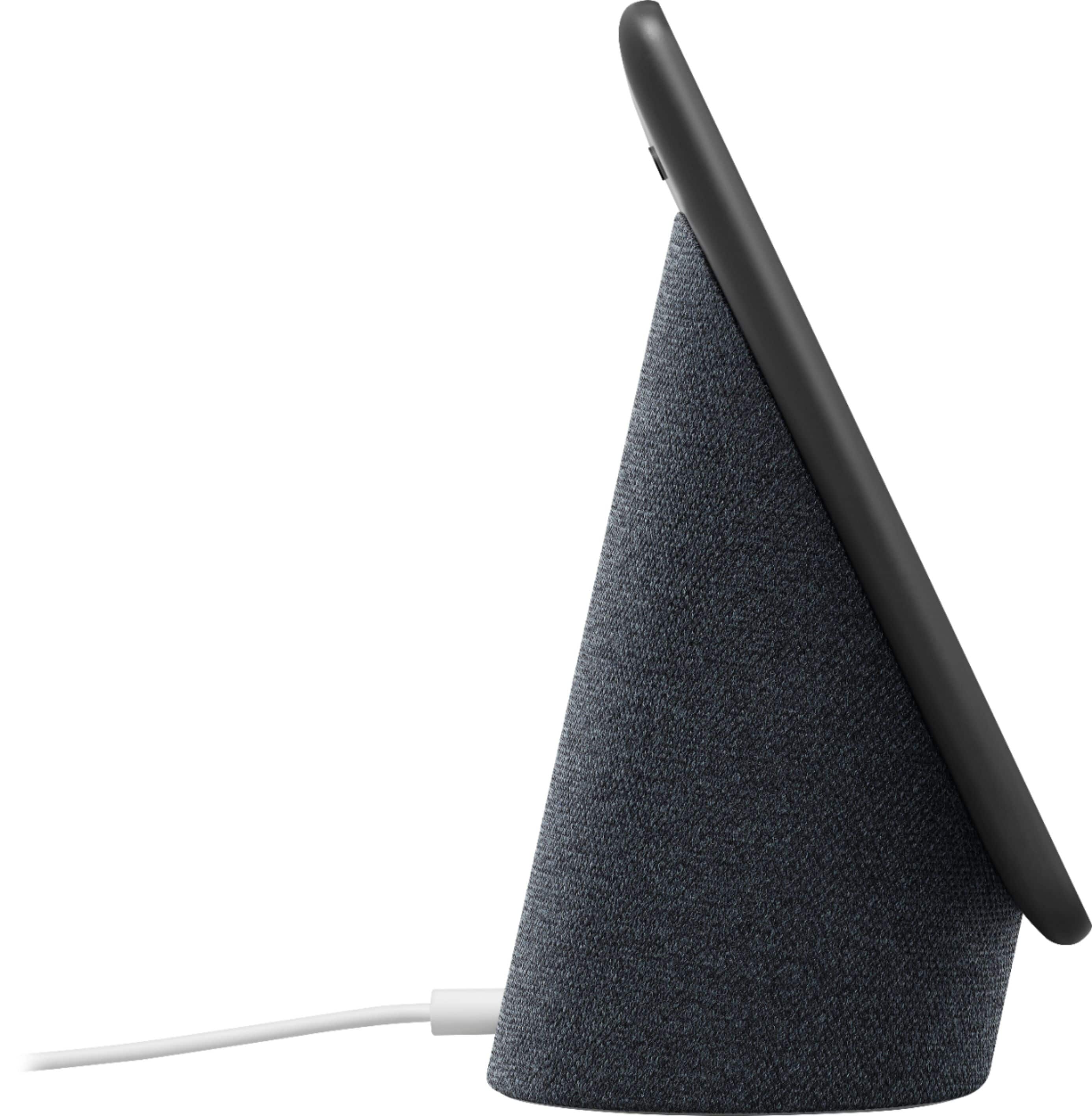
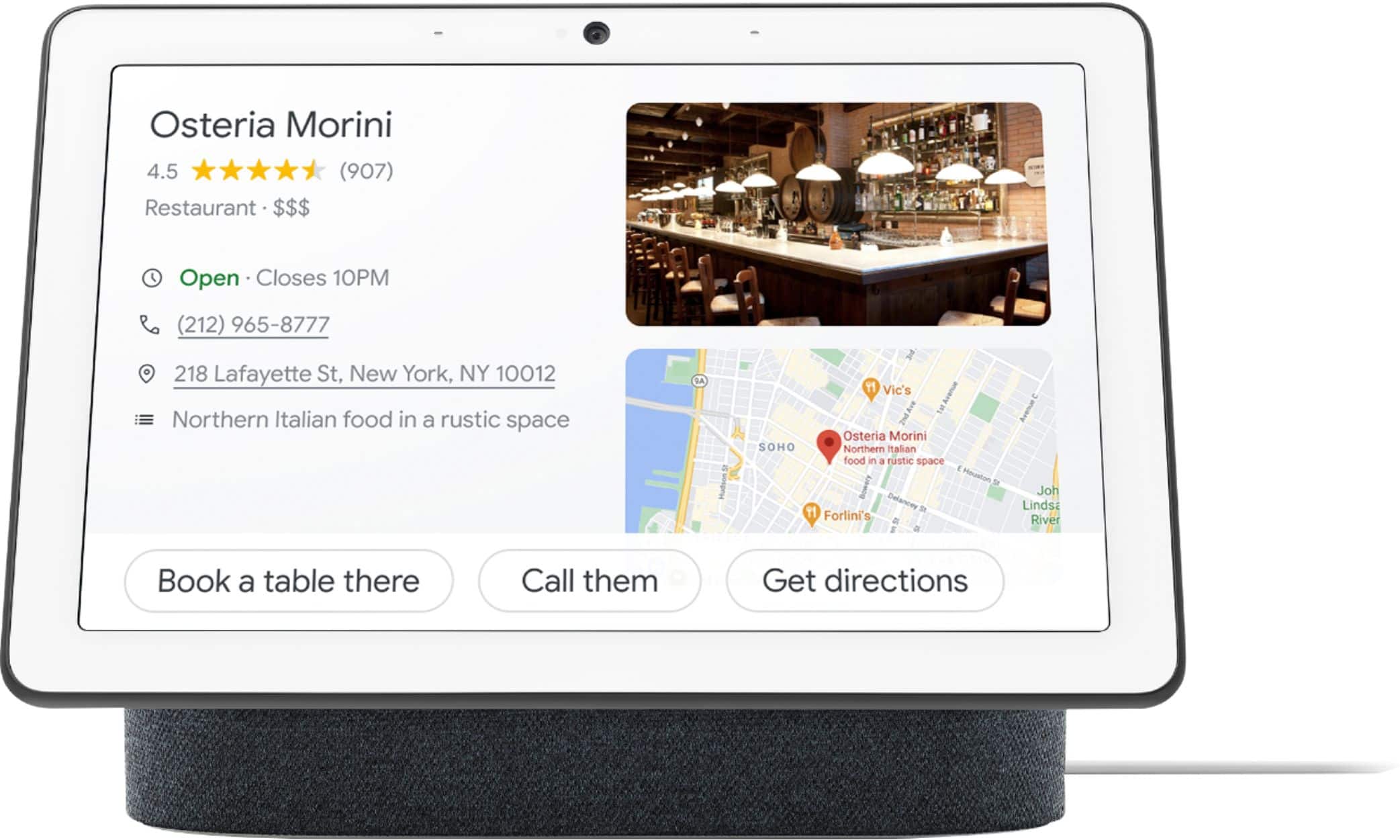
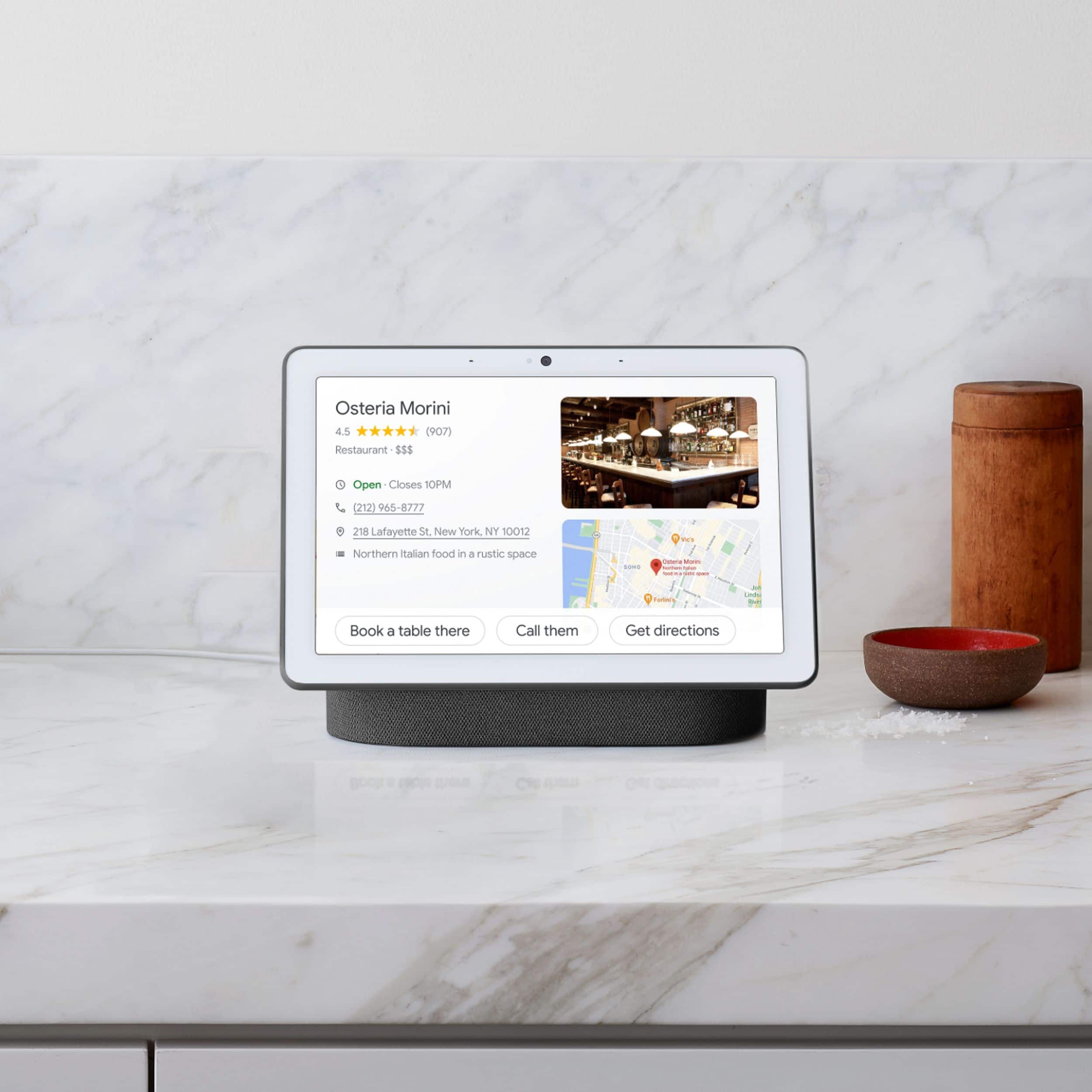
A:AnswerNest Hub Max is a smart display that lets you command the Google Assistant and watch your favorite movies on Netflix with its 10” HD touchscreen and listen to the hottest music using its stereo speaker system. It also has a built-in 6.5-megapixel camera with 127-degree wide field of view camera that lets you make video calls or watch your loved ones without missing those important moments when you're away using the Nest app. Learn more about Nest Hub Max here: https://support.google.com/googlenest/answer/9334359
A:AnswerIt doesn’t store music or apps. You download Google home and assistant apps to listen to music on it through YouTube, spotify and Google music, but it won’t actually hold mp3s.
A:AnswerHe will need to have a Google account and a secured Wi-Fi network to set up and use Nest Hub Max. Take a look at the following link to see the complete setup requirements and instructions: https://support.google.com/googlenest/answer/7029485
A:AnswerThanks for your interest. Unfortunately, we're unable to provide details on unannounced or unreleased products. You can take a look at the following link to stay up to date with current news, updates, and announcements: blog.google/products/google-nest
A:AnswerYes, your parents can easily use Nest Hub Max for Duo calling and for other features. The interface is designed to be elderly friendly. Take a look at the following link to know more about Nest Hub Max: https://support.google.com/googlenest/answer/9334359