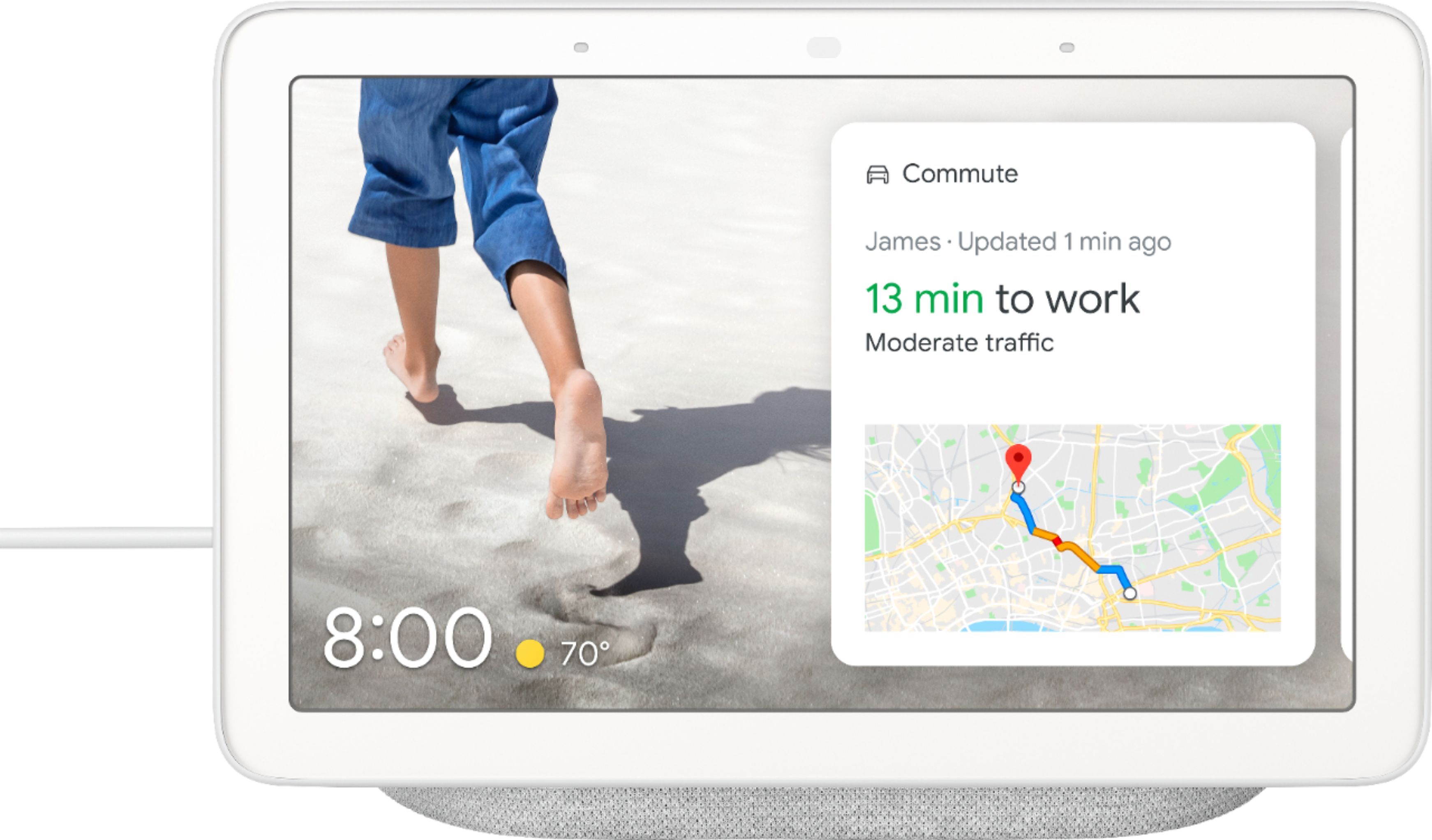
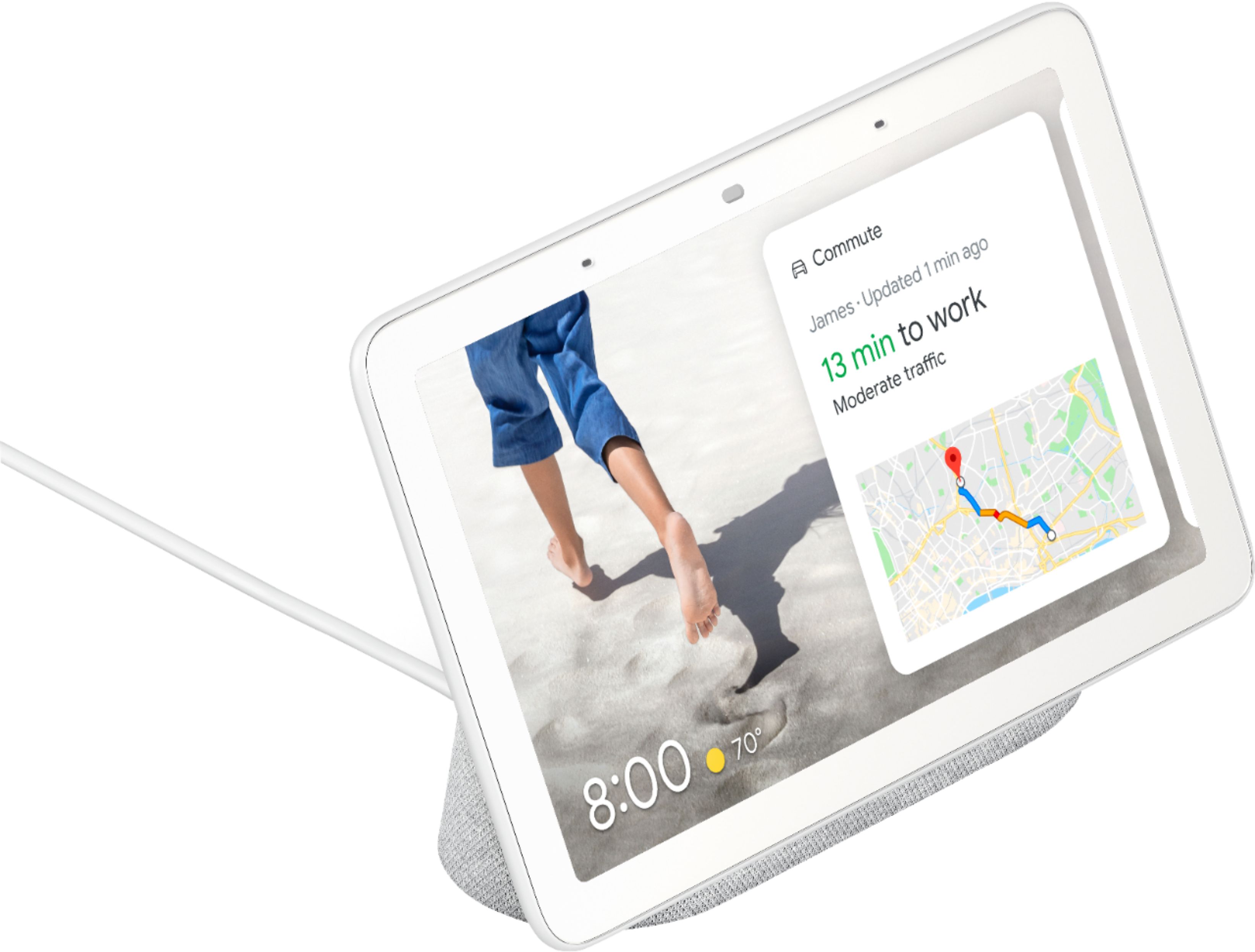
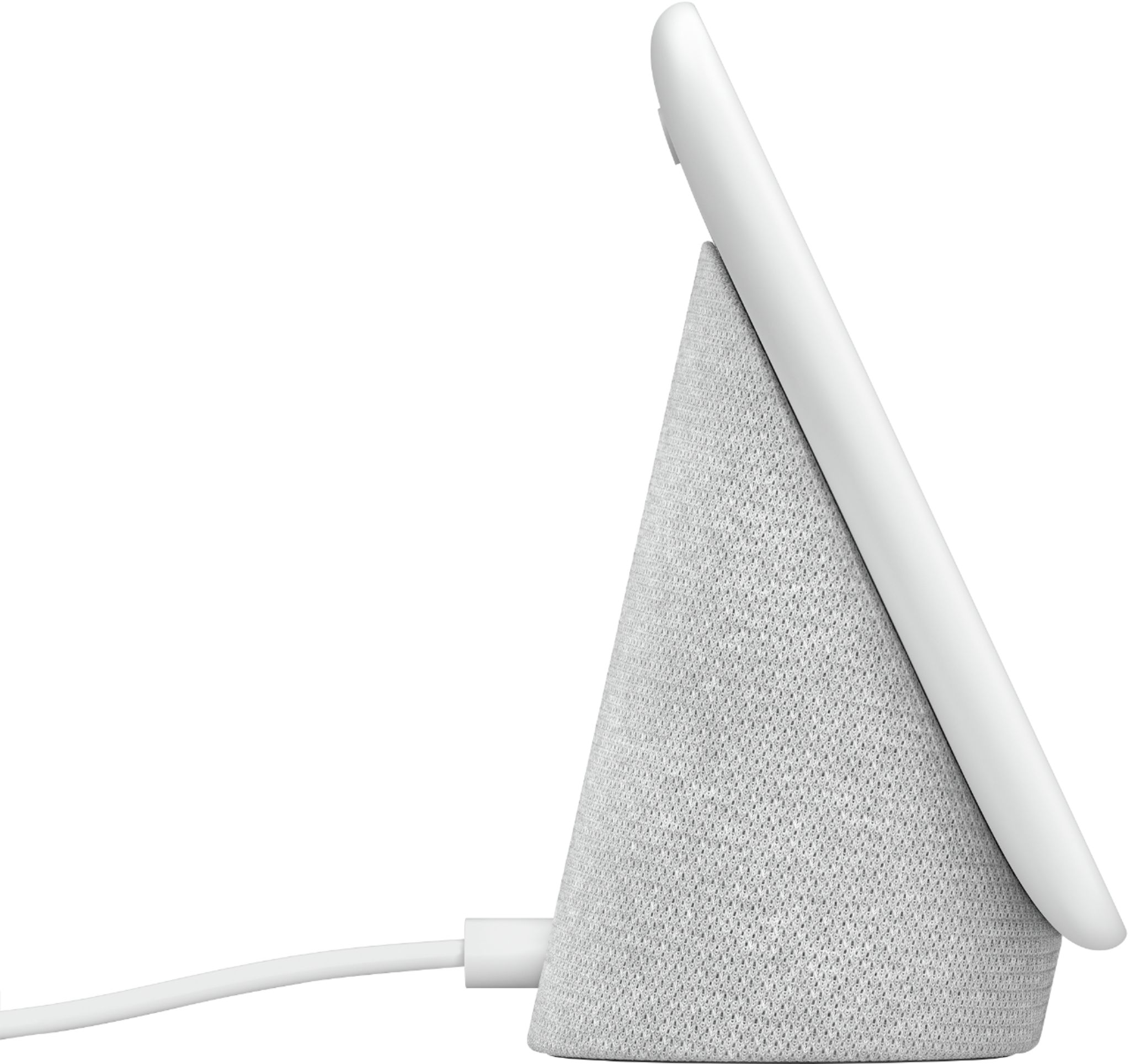
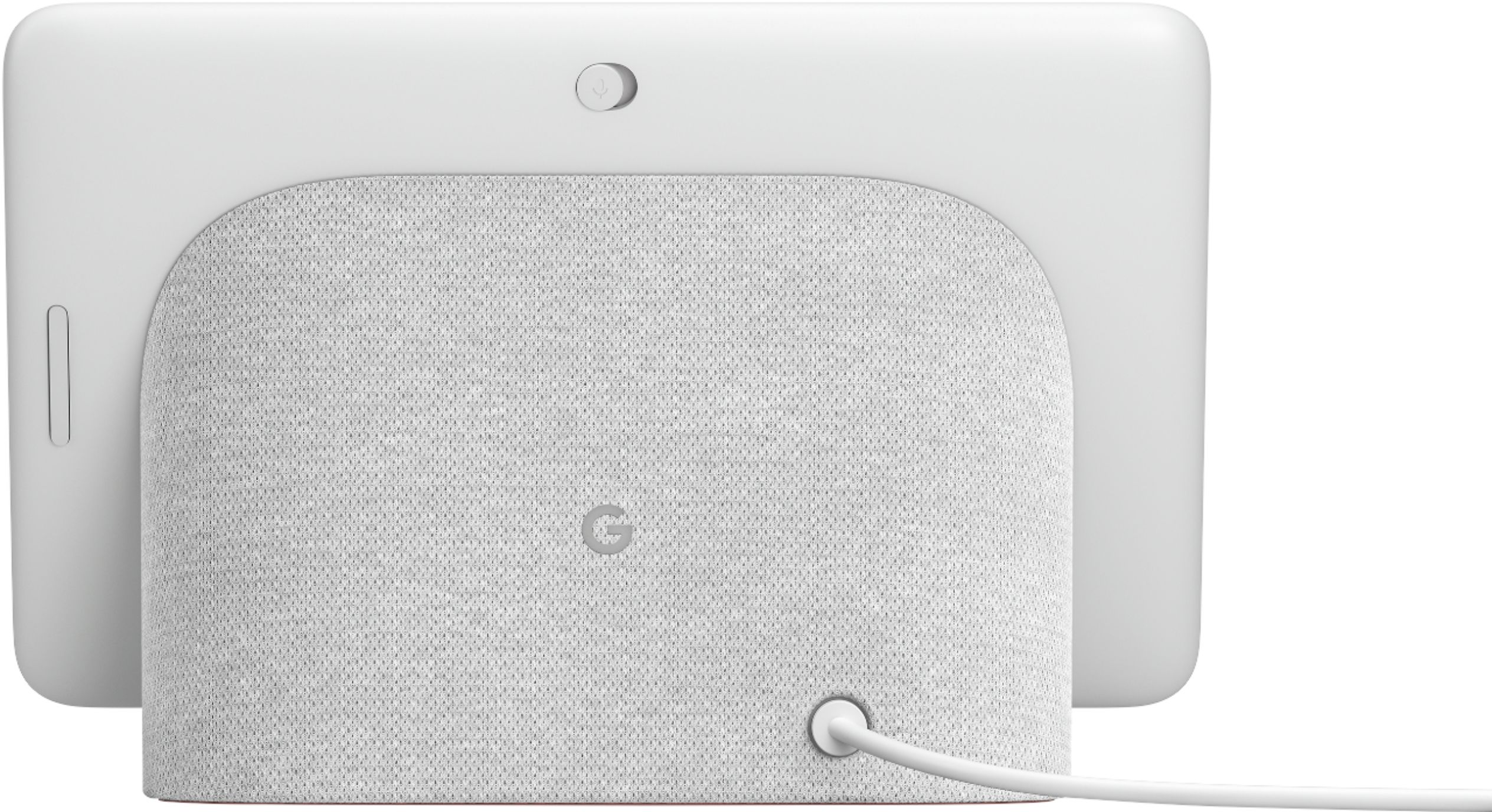
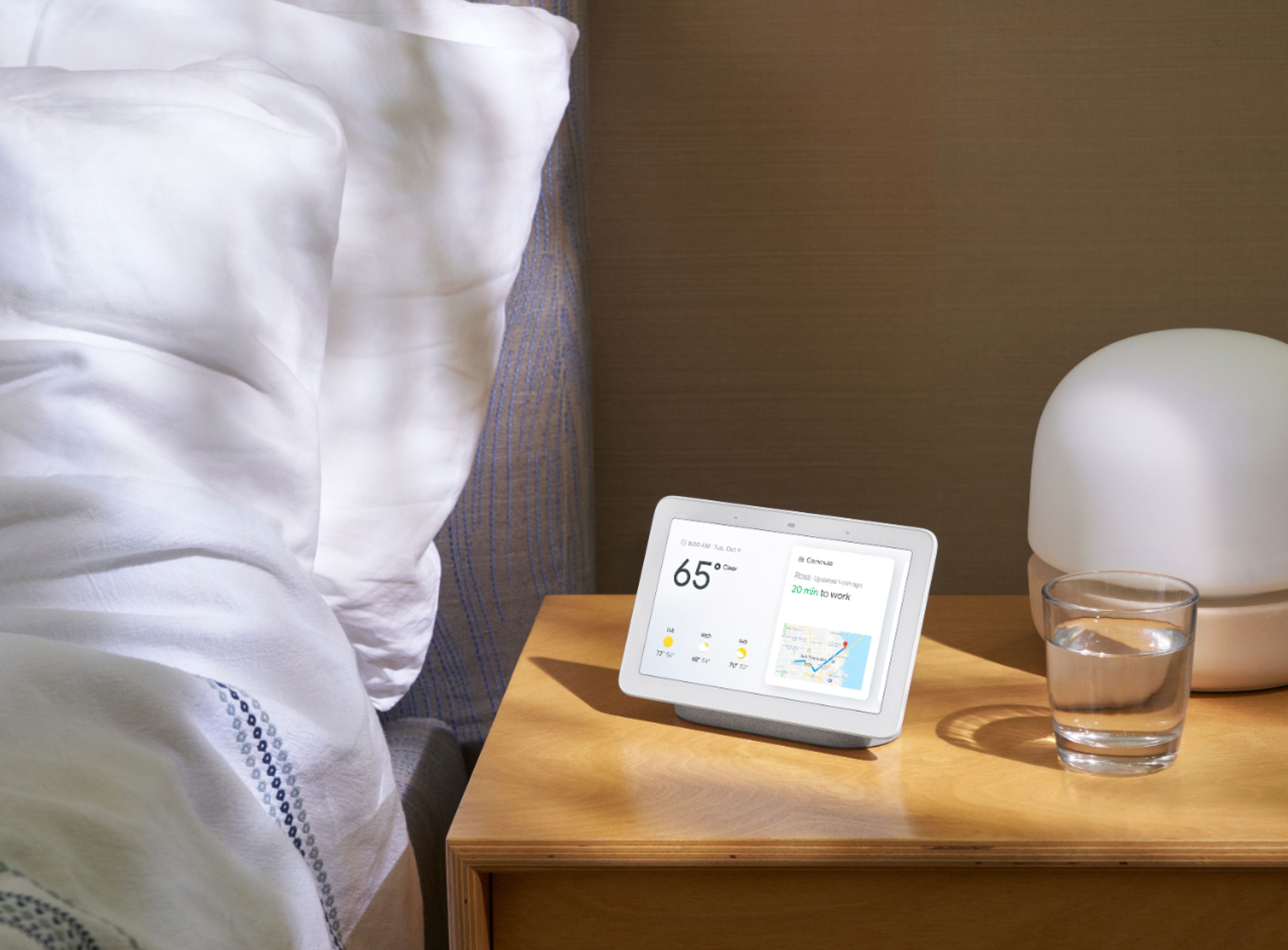
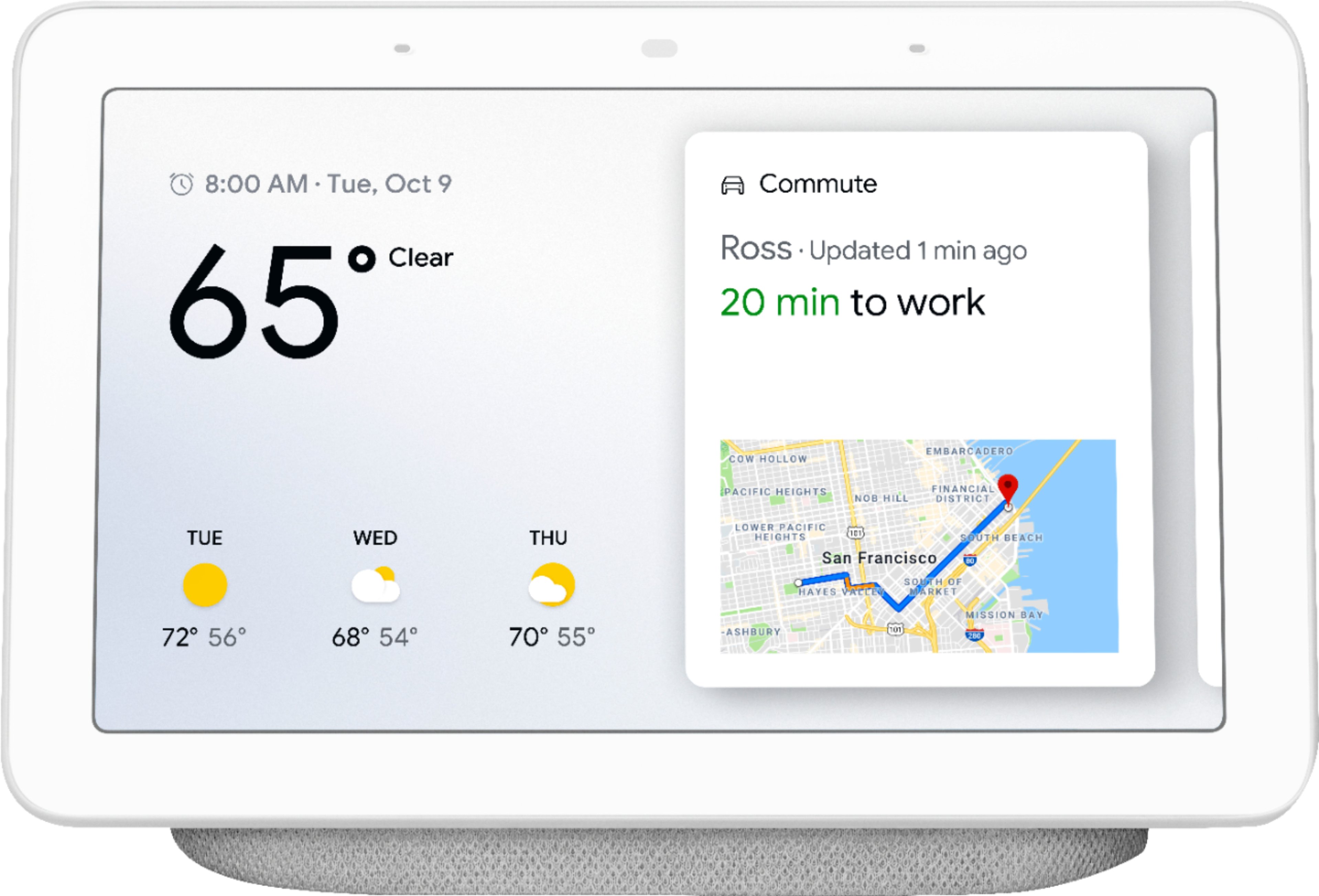
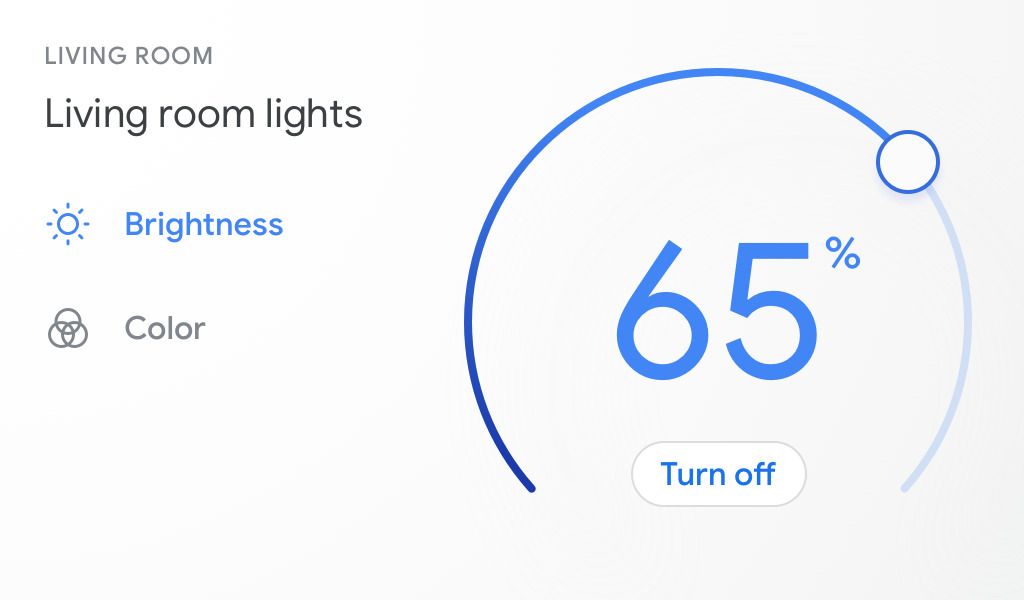
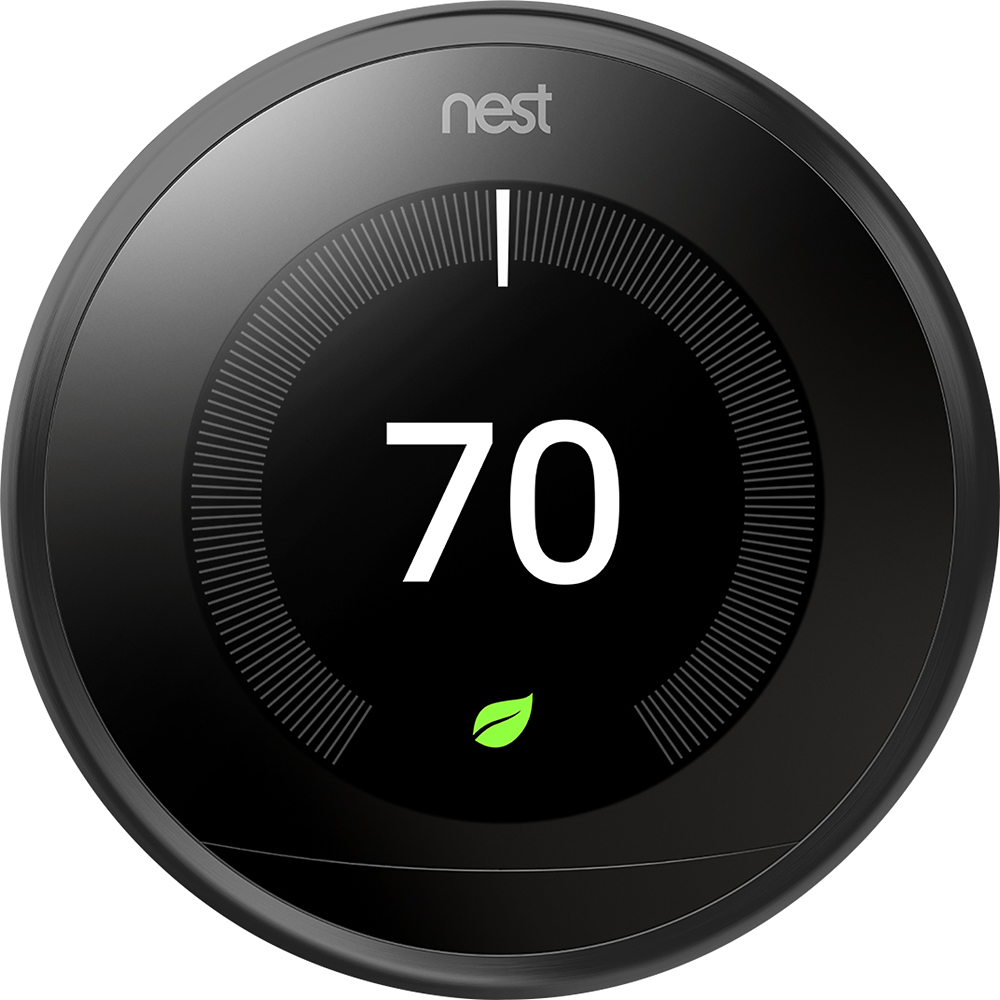
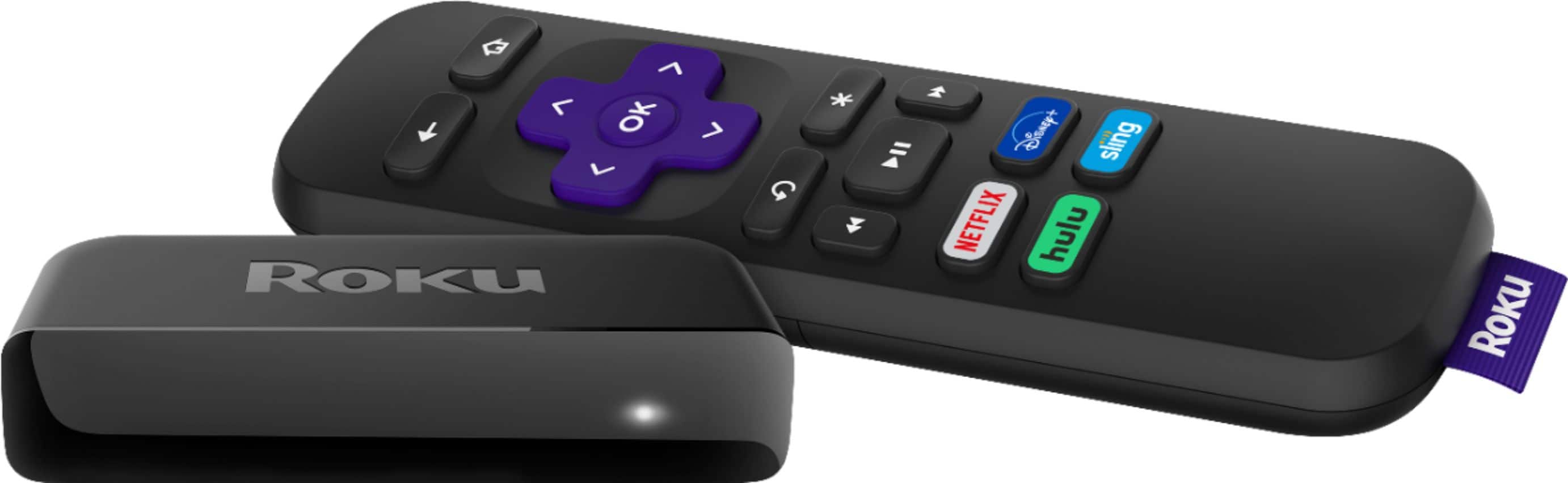
A:AnswerIt is absolutely a good complement for the Google Home Assistant! The mic is more responsive to my voice than using my phone. When I speak to it from anywhere in the kitchen or family room, it will interact with my smart devices. For example, If my Roku remote is not by me, I can just say "Hey Google pause the Roku" and it pauses. Also, I don't have to repeat myself when having the Google Home Hub turn on/off lights & outlets or control the Nest thermostats. The Google Home Hub's touchscreen controls for devices is another plus! Swiping down from the top of the display gives me quick access to the devices in the area where the Google Home Hub is located.
A:AnswerYes, you can listen to WCBS & WINS on a Google Nest Hub. Just ask "Hey google can you play WCBS radio station from New York" and it will do it.
A:AnswerUnfortunately, Nest Hub and other Google Home displays can't send or receive text messages. But, you can create a shared calendar on Google Home, create an event and have it displayed on Nest Hub, so that your father can see it. You can see the details in this article : https://support.google.com/families/answer/7157782
Moreover, we are always looking for ways to improve our products and services, and we want to let you know that we have taken your feedback.
A:AnswerYou need to first set up google voice with the account associatd with the hub...so imdave@gmail.com needs to have a google voice account, you'll need to pick a google issued number and add some money into the accout (this is important later on),,,I just added $10, it probably will never be used but it seems to enable certian additional functionality. Next you can associate your home or mobile phone number with the google number (i believe this is optional, I don't remember)
Now you should just be able to ask your Google Assistant via you Googel Hub or Mini...to call some one...it is NOT physically linked to _your_ land line nor does it use your cell phone...it is essentially a VoIP call over your Internet connection...you have several options, AFAIK, on making calls...I set this up for my Mom and I have the CallerID of her Google Voice phone number masquerade as her land line...so when she makes a call to me I don't see her Google Voice number I see her home number displayed...which is convenient for us...i.e. we don't have to remember or use her Google Voice number...on the flip side, if I do call her Google Voice number we have it set up so Google forwards the call to her land line...again, because it is convenient for us but I beleive you have other options because Google Voice is very flexible...HOWEVER...I have not checked if you can set it up so inbound calls ring on the hub...you may have to do additional research there...I will look into it next time I go to my mom's house...I hope this helps.
A:AnswerYou can set it up so when somebody rings the doorbell, it automatically tells you somebody is at the door and it shows you the image without you requesting it.
A:AnswerThis is a public forum where you posted your address. You should contact Best Buy customer service about your order. Also , delete your address.
A:AnswerOdds are, since Amazon own Ring, and there's now a divide between Google and Amazon (since they are directly competing in the Smart Home Space), it won't ever be compatible. You'd have to use Alexa devices to work seamlessly with your Ring devices and Nest with Google.