A:AnswerCorrect u can be specific to time and date u want code or codes to expire workes great good investment especially if have kid’s forgetting keys inside house
A:AnswerYou can assign a code for each family member or person that you want to have access. You can add and remove access at any time from your phone. Easy peasy!
A:AnswerYou can lock/unlock online/anywhere in the world If you use “ nest connect”.
Without nest connect you can’t operate online but still you can generate the digital lock code
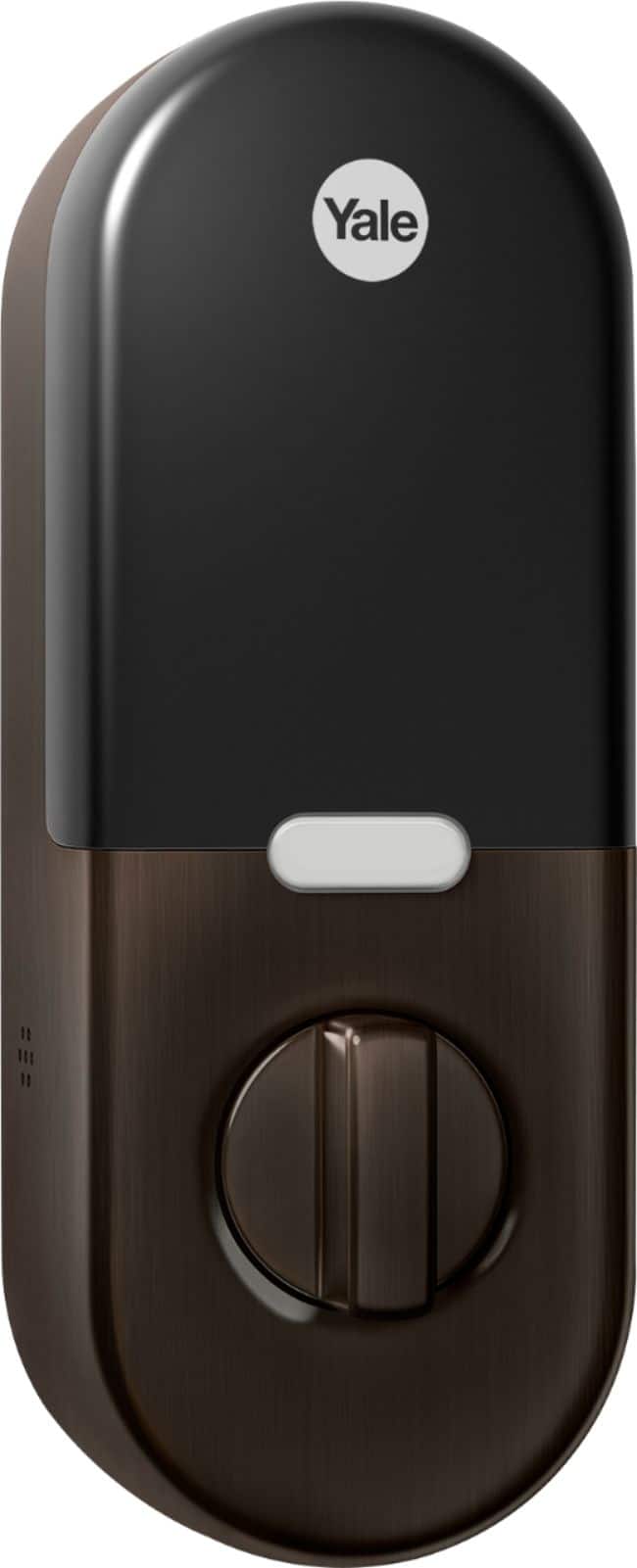
A:AnswerWe’re sorry to hear you ran into this issue. Even if the lock is offline, most passcodes will still work. So will the thumb turn inside your home. And when power is out, you can hold a 9 Volt battery on the contacts at the bottom of the lock that will temporarily charge the lock, so you can enter the passcode on the keypad to lock or unlock it.
Since the lock is offline, the first step is to make sure that your border router is within range (~50ft direct line of sight) of the Nest x Yale Lock and Wi-Fi router. This range could be shorter if there are potential sources of interference, either physical interference (thickness and type of walls, mirrors, windows, etc.) and competing signals (other wireless devices, baby monitors, microwaves, etc.). If Nest Connect is too far away from your lock, your lock will be offline in the app but Nest Connect will be online. If Nest Connect is too far away from your Wi-Fi router, both Nest Connect and your lock will be offline in the app.
For any other questions or concerns, please reach out to our support team here: https://support.google.com/googlenest/gethelp
A:AnswerThe Nest × Yale Lock doesn’t use a physical key. Keys are one of the weakest links in lock security. They can be easily lost or stolen. And as long someone has your key, they have access to your home. There’s no way to revoke their access aside from changing the lock. Keyed locks are also vulnerable to lockpicking. Since the Nest × Yale Lock is keyless, it can’t be picked. Meanwhile, you can visit this link to learn more about how to lock and unlock your Nest x Yale Lock: https://support.google.com/googlenest/answer/9218571
A:AnswerThe Nest × Yale Lock is not designed to be used on glass or sliding doors. It was also not designed to work with Mortise locks or multi-point locks. Learn about the Nest × Yale Lock using this link: https://support.google.com/googlenest/answer/9251009
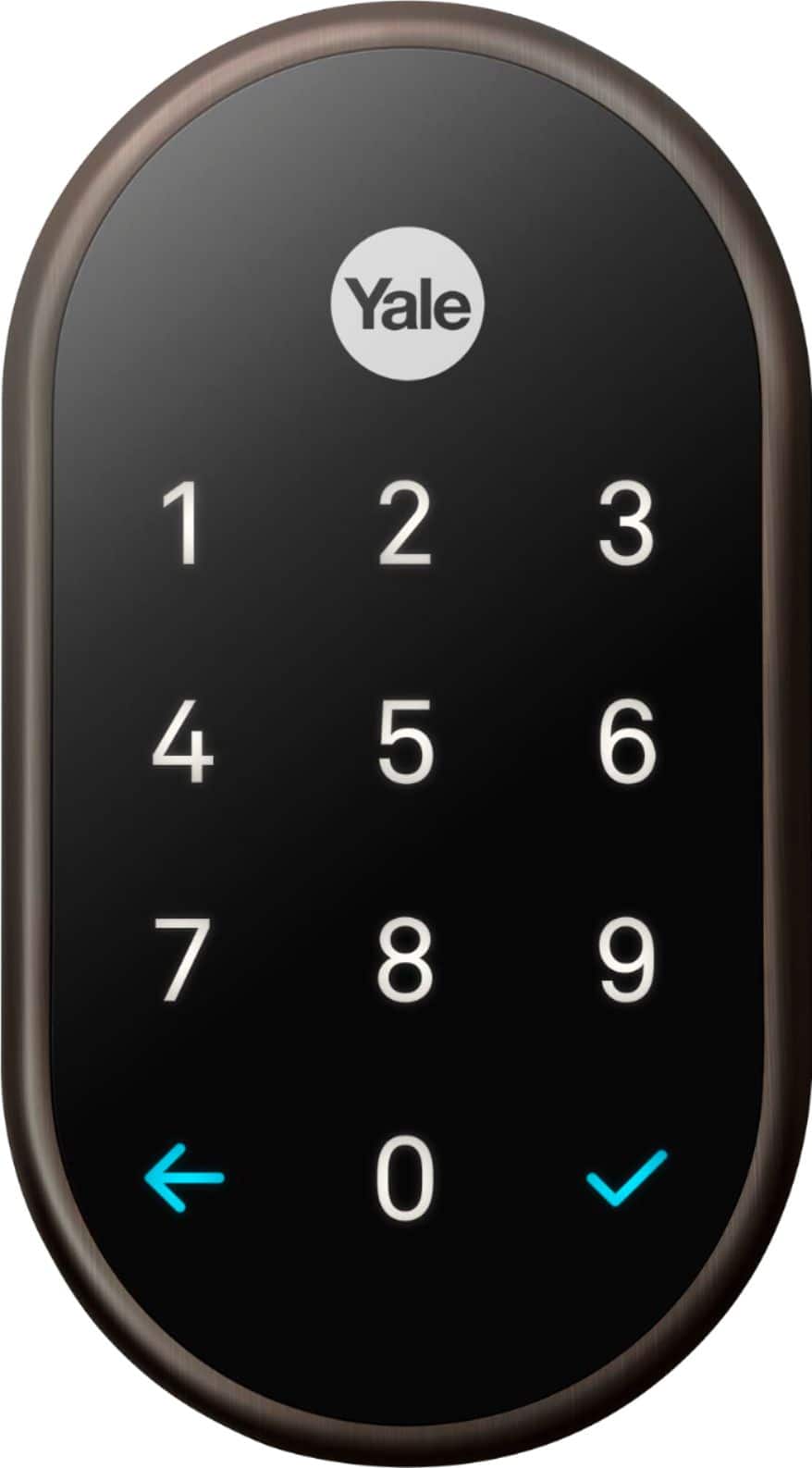
A:AnswerWe’re sorry to hear you came across this issue. You can use a 9 Volt battery so you can enter your passcode on the lock’s keypad to lock or unlock it. Hold a standard 9 Volt alkaline battery (the square kind) on the contacts at the bottom of the lock. If you don’t hear the lock speak, make sure the battery is firmly touching both lock contacts. Then press the Yale logo to wake up the lock if it doesn’t automatically wake up. Continue holding the battery on the contacts while you enter your passcode and then press the check icon.
You’re more than welcome to contact us here if additional help is needed: https://support.google.com/googlenest/gethelp
A:AnswerFor passcodes used to lock or unlock the Google Nest × Yale Lock, you can only have 20 passcodes (the owner plus 19 others) for each home in your account in the Nest app. Visit this link to learn more: https://support.google.com/googlenest/answer/9207205
A:AnswerYou will need a Nest Connect or Nest Guard in order to connect the Nest Yale x Lock to your Wi-Fi and the Nest app. Take a look at this link to see Nest × Yale Lock installation and setup: https://support.google.com/googlenest/answer/9210317
A:AnswerUnfortunately, the Nest x Yale lock doesn’t offer direct integration with Ring. We encourage you to contact the Ring support to inquire which smart locks are compatible with the Ring app.
A:AnswerYes, you can. By default, the Nest × Yale Lock will not automatically lock itself, but you can use the Nest app to set your lock to automatically lock itself. You can choose how long your lock should wait before automatically locking. For more information, check out this link: https://support.google.com/googlenest/answer/9218571