A:AnswerIf you’re referring to the Eero home wi-fi system, most home Wi-Fi networks and routers are compatible with Nest products. And to connect your lock to the Nest app and the internet, you just need a compatible phone or tablet and your Wi-Fi network password. Learn more about important things to know, and what you’ll need to get started, using this link: https://support.google.com/googlenest/answer/9210317
A:AnswerThe Nest × Yale Lock can replace most common deadbolt locks. Your door can be any width or height. Only the thickness and backset matter.
Thickness
The Nest × Yale Lock will fit several standard door thicknesses:
- 1 3/8 in (35 mm) thick
- 1 3/4 in (44 mm) thick
- Between 2 - 2 ¼ in (51 - 57 mm) thick
- The Nest × Yale Lock can be used with doors made of the following materials: wood, metal, or fiberglass.
Backset
- Backset refers to the distance between the edge of your door and the center of the hole for your deadbolt. If your deadbolt is more than 2-3/4 in (70 mm) away from the edge of your door, it’s not compatible. You can check the install guide for more information.
Install guide: https://nest.com/support/images/nest-yale-lock/installation-guide/nest-x-yale-lock-installation-manual-en-us.pdf
A:AnswerThis is a dead bolt so you wont have a handle to open or close the door but other than that it would work. Some smart locks that have handles would work.
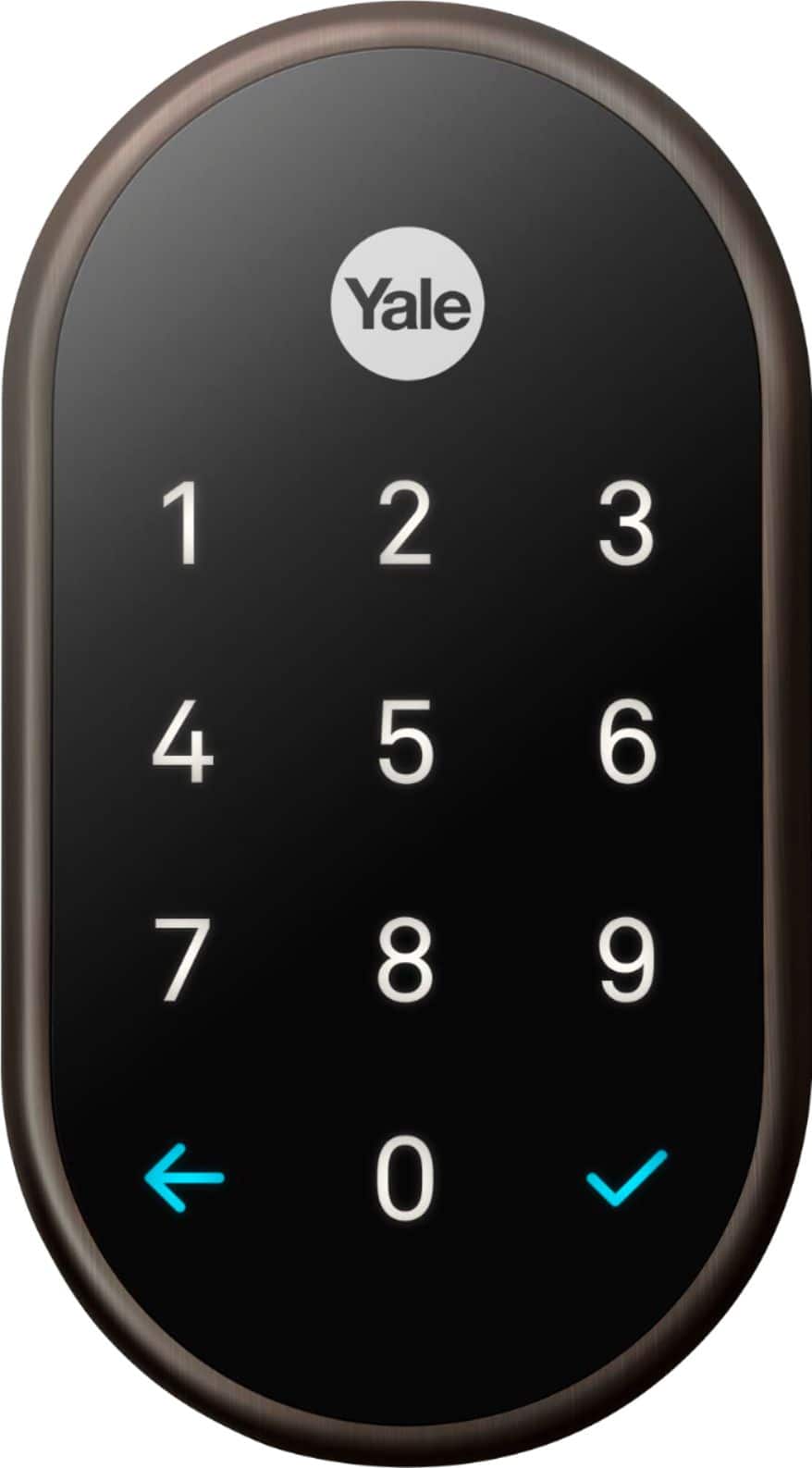
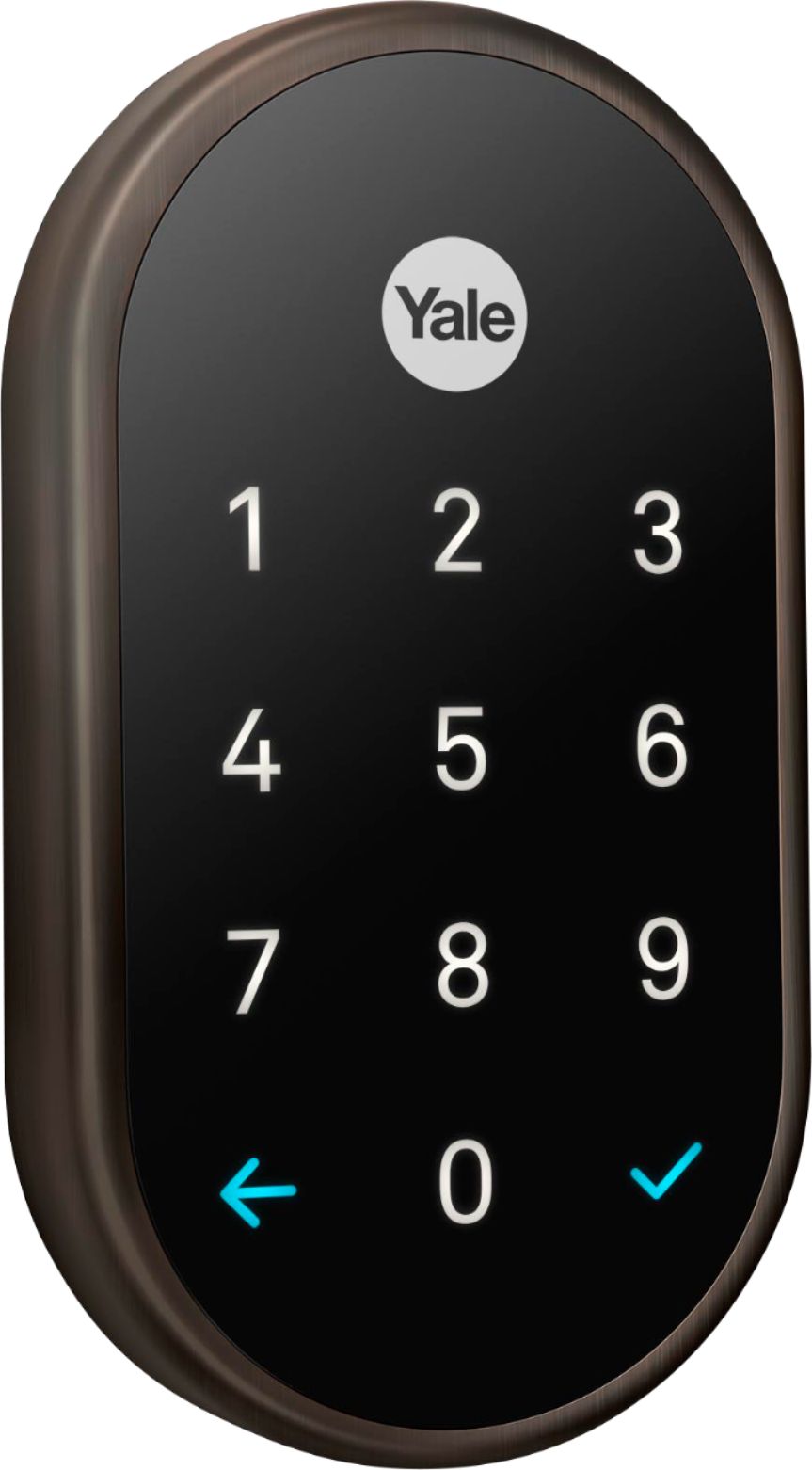
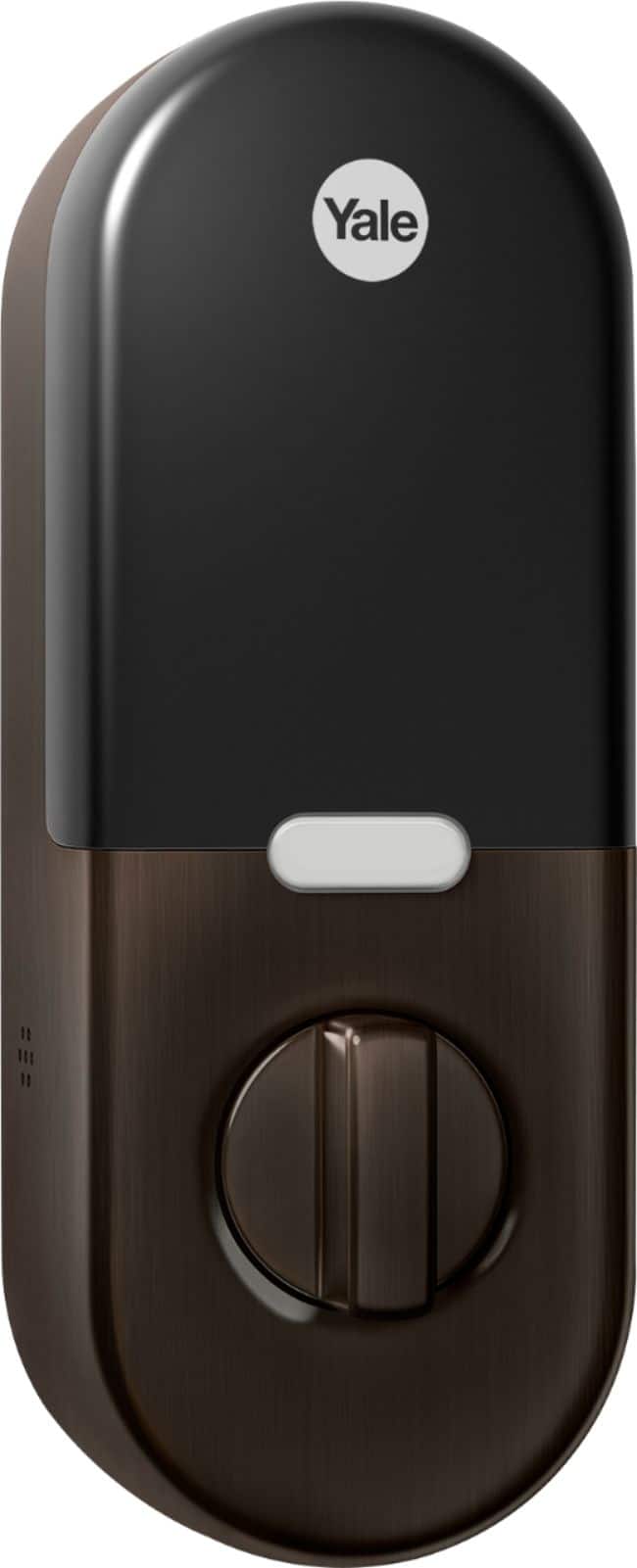
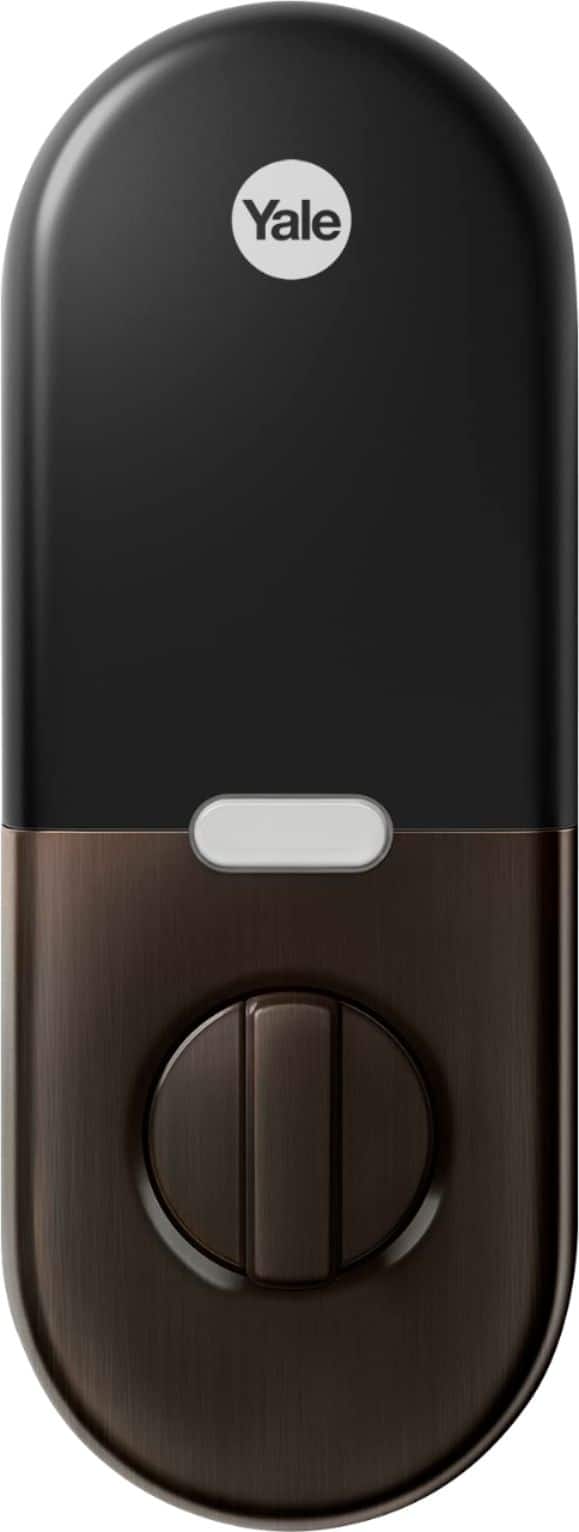
A:AnswerYou can use the lock’s keypad to lock or unlock your door from the outside with a passcode. If you’re inside the home, you can turn the thumb turn to lock and unlock your door like a traditional deadbolt lock. Keep in mind that without the Nest Connect, or if you don’t have the lock connected to the app, you won’t be able to manage and control your Nest x Yale Lock through the Nest app or Home app, change settings, nor get notifications.
A:AnswerThe Nest × Yale Lock is certified ANSI/BHMA A156.36, Grade 2. It was designed to work in outside temperatures as cold as –22°F and as hot as 140°F (–30° to 60°C), and with IP65 rating. The Nest × Yale Lock can withstand dust, rain, and snow.
Since the Nest × Yale Lock is mounted on your door, part of the lock will be inside your home, and part of the lock will be outside your home. These weather ratings refer to the portion of the lock outside your home.
A:AnswerWhile Matter supports both Wi-Fi and Thread for connecting devices, the Nest x Yale Lock’s Thread is based on earlier implementations and doesn't support features required for Matter.
A:AnswerThere is no fingerprint option to lock and unlock the Nest x Yale Lock. You can check this link to see different ways on how to lock and unlock the Nest × Yale Lock: https://support.google.com/googlenest/answer/9218571
A:AnswerThe Nest × Yale Lock will fit several standard door thicknesses such as: 1 3/8 in (35 mm) thick, 1 3/4 in (44 mm) thick and between 2 - 2 ¼ in (51 - 57 mm) thick. It can be used with doors made of wood, metal, or fiberglass.
If your deadbolt is more than 2-3/4 in (70 mm) away from the edge of your door, it’s not compatible. Take a look at this link for more info: https://support.google.com/googlenest/answer/9251009
A:AnswerI suppose you could install in reverse, but why would you? The manual door button lock is normally inside the house or you wouldn't need to lock your door in the first place.
A:AnswerThe battery in the Yale lock ultimately controls opening the lock. The code that you create for the lock stays in the memory of the lock and is not dependent on the Internet being up or down. If the internet is down, you will not be able to unlock the door remotely but you will always be able to unlock the door if you are in front of it and the batteries are working.
A:AnswerThe hole for the lock to go into has to be pretty deep. Open the door and lock the lock while door is open. Then push to close to closing it. You can then see how far the lock will have to go to work properly. You can also measure the lock will it is sticking open while the door is open the measure the depth of your hole as you likely need a deeper hole. Hope this helps.
A:AnswerNest x Yale Lock is designed to replace most common deadbolts. If your door has a thickness of 1 3/8 in, 1 3/4 in, or between 2 - 2 ¼ in, and the deadbolt is not more than 2-3/4 in away from the edge of your door, Nest x Yale Lock may work. Keep in mind that a Nest x Yale Lock requires a Nest Connect or a Nest Guard to establish connection with your Wi-Fi network. You can take a look at this support article for more details: https://support.google.com/googlenest/answer/9251009