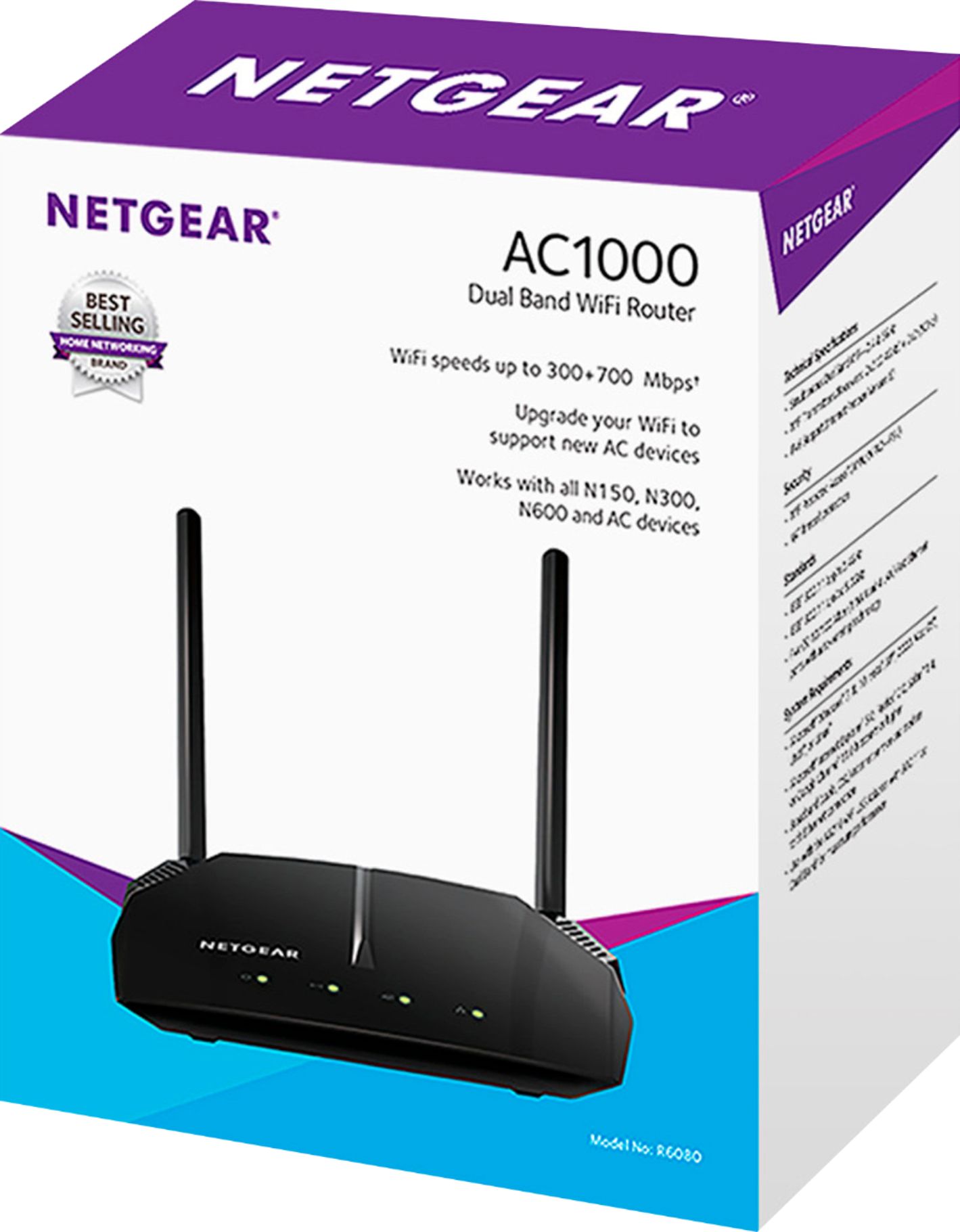
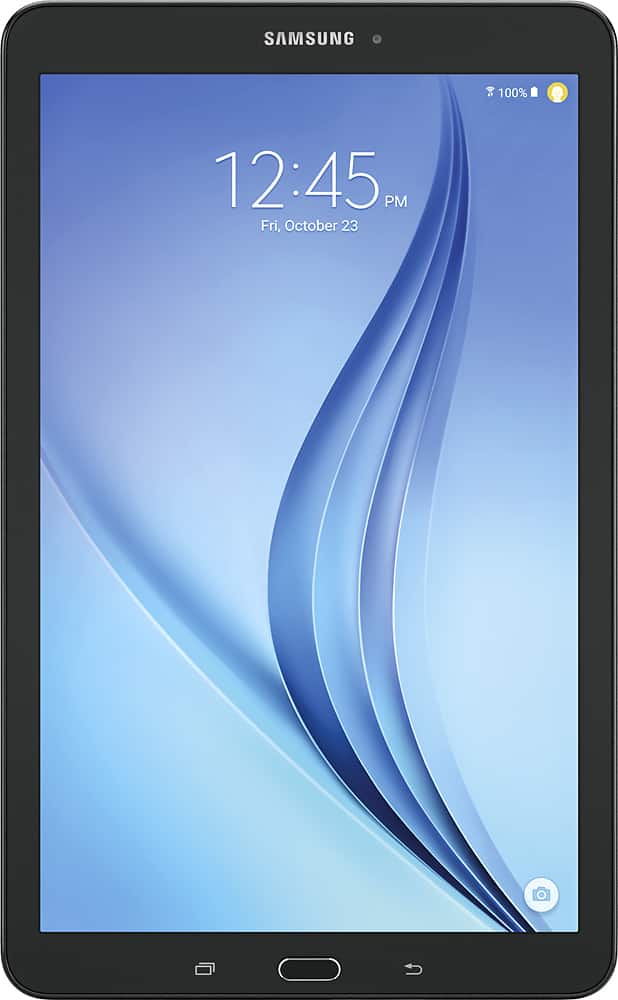
A:AnswerIt depends on what router you have now. If you only have a 10/100 router with a Wireless-b/g, then yes. But if you only have a 25Mbps service with AT&T, you won't see much of an improvement.
A:AnswerIt has to be connected to the modem. I have mine connected to modem via Ethernet cord and then another Ethernet cord connected from this router to my ps4
A:AnswerI have a C-1000 modem / router from Centurylink. It wouldn't support it. We added a Netgear router to it and it works fantastic. Had to replace my tablet too to be able to monitor from it.
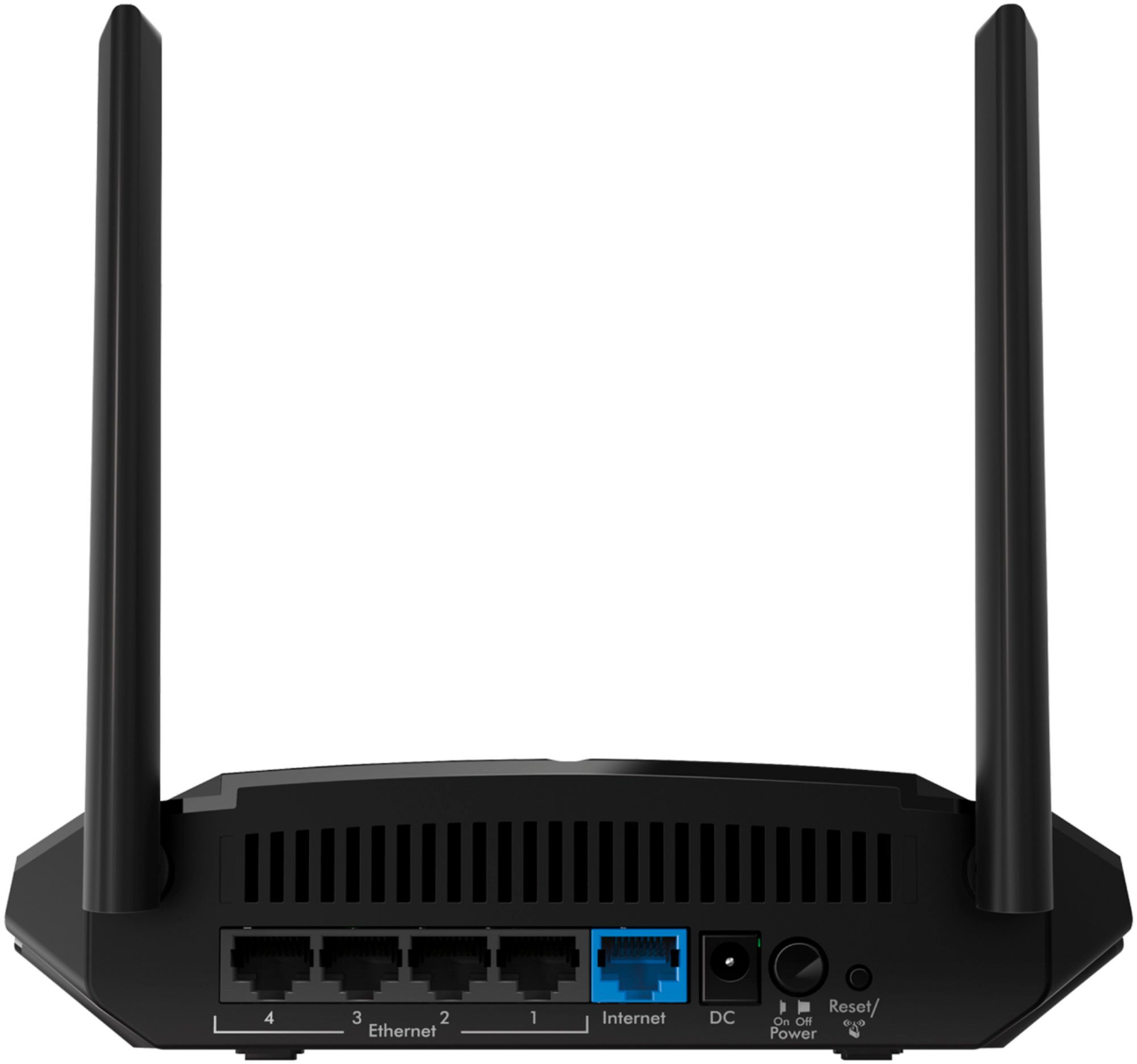
A:AnswerWiFi and cable are 2 entirely different things. You must pay an Internet Service Provider (ISP) for internet access, such as your local utility company or Verizon... And That source of ethernet into your house plugs into your router. The router then designates IP addresses for all devices on your network and transmits WiFi wirelessly and even has 4 LAN ports for hardwired connections.
So to answer your question; no, you do not have to have cable to have WiFi. In fact that is why so many Americans are "Cutting the Cord" and switching to Netflix, Prime Video, Hulu, Sling TV, etc. instead of paying for 350 channels and only watching 6 or 7 of them.
A:AnswerHello Sravan, Thank you for your question. We would recommend contacting Spectrum Internet support to see if our products are compatible and would work with their service.
Regards,
NETGEAR Team