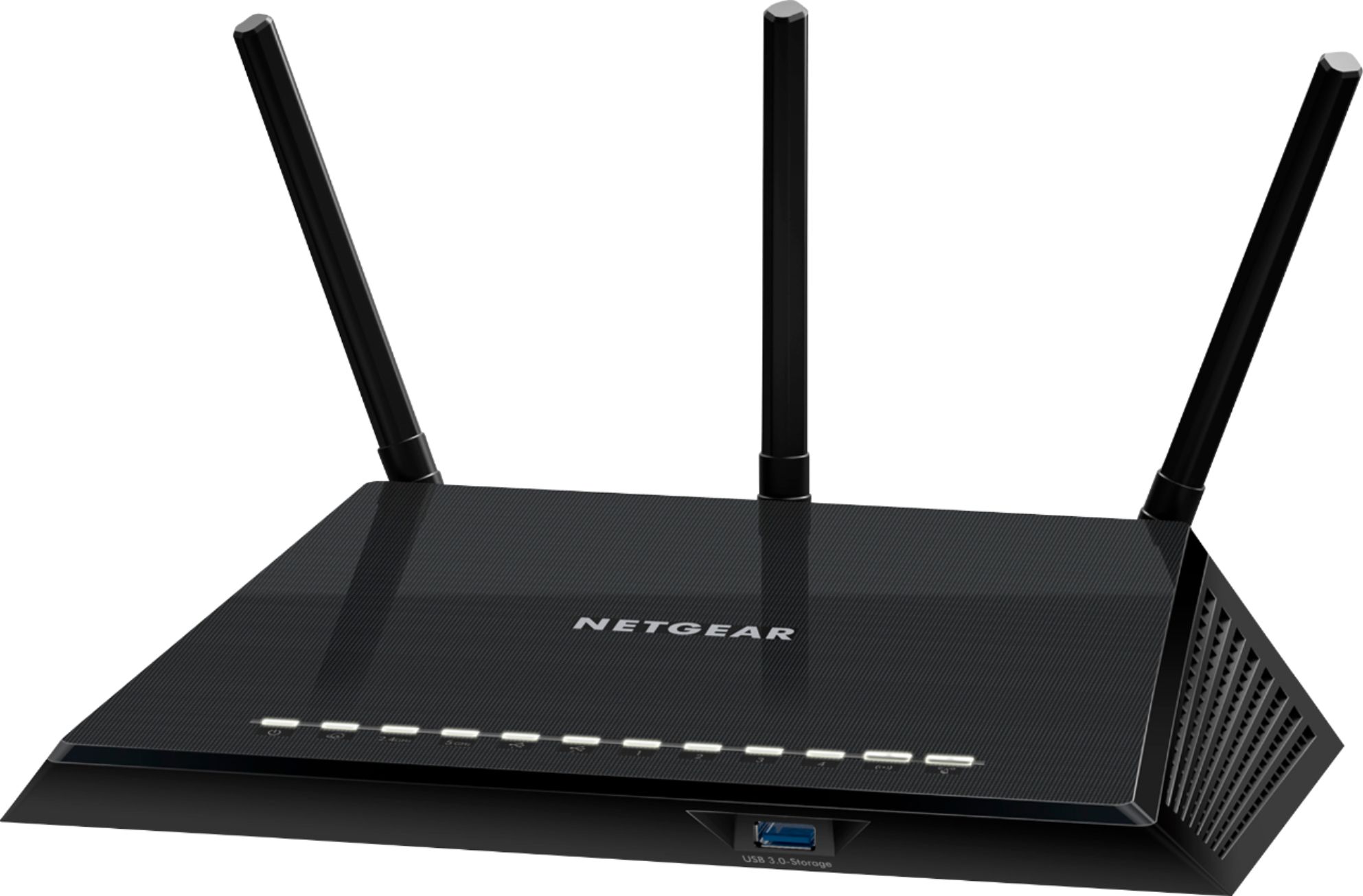
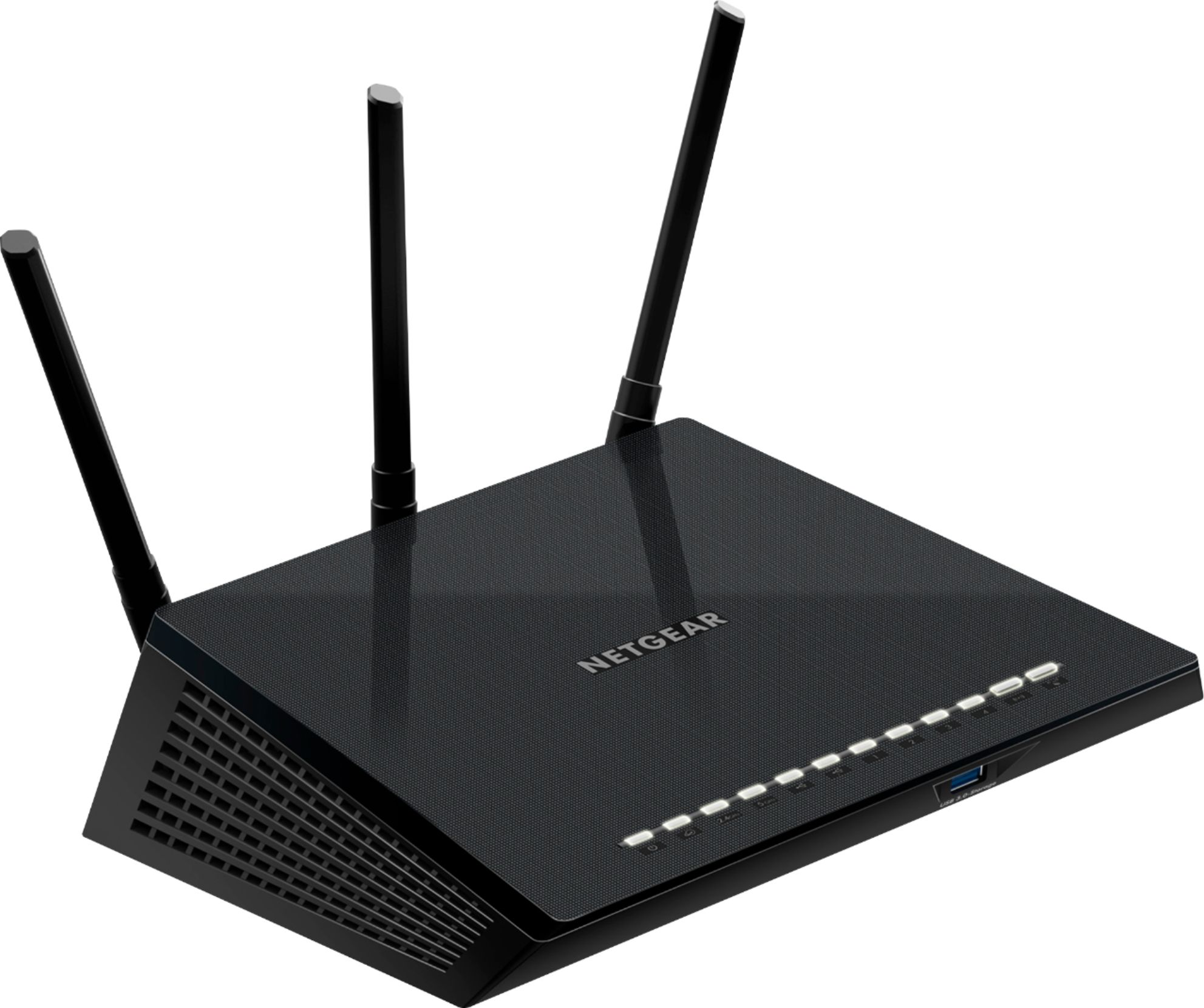
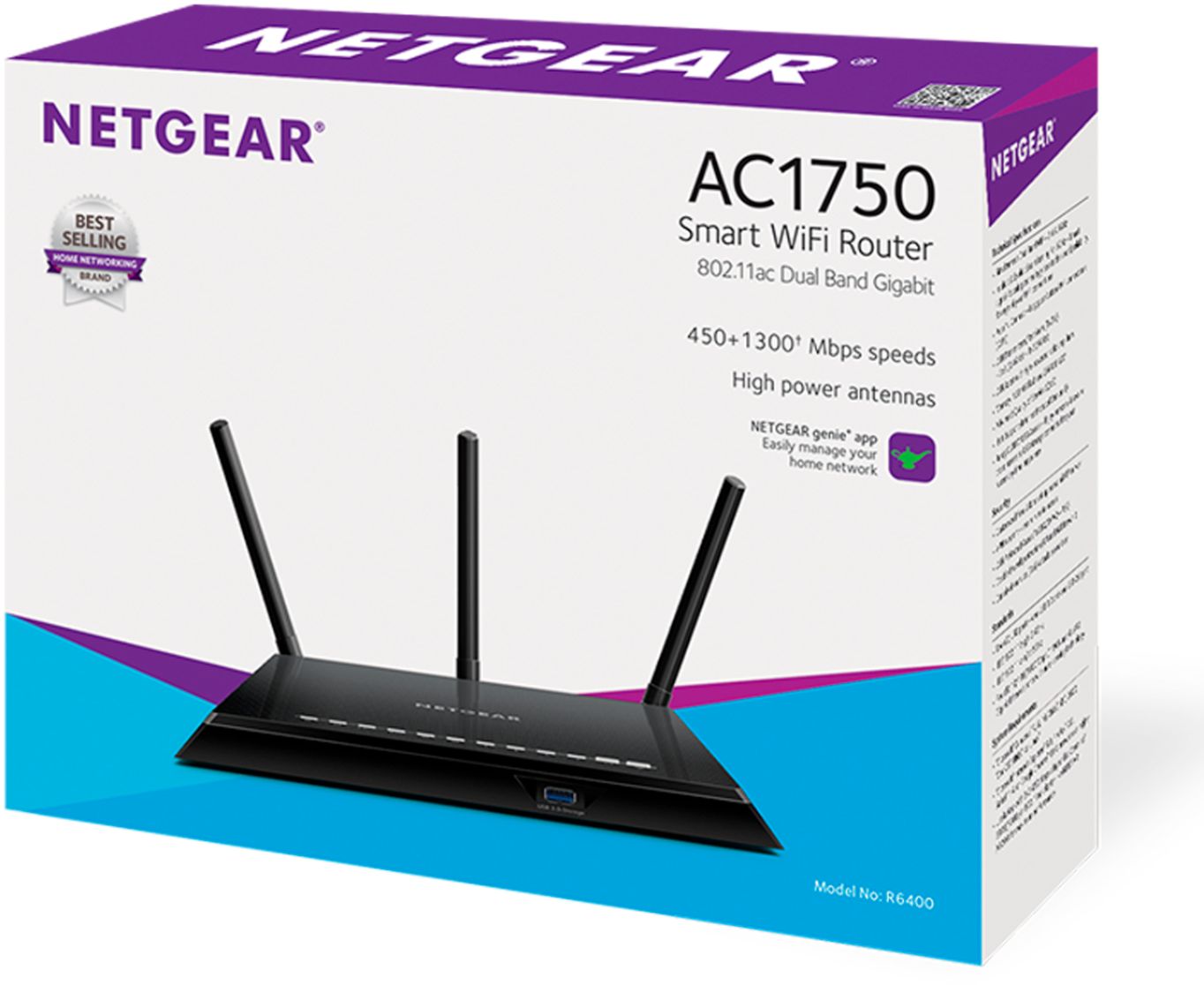
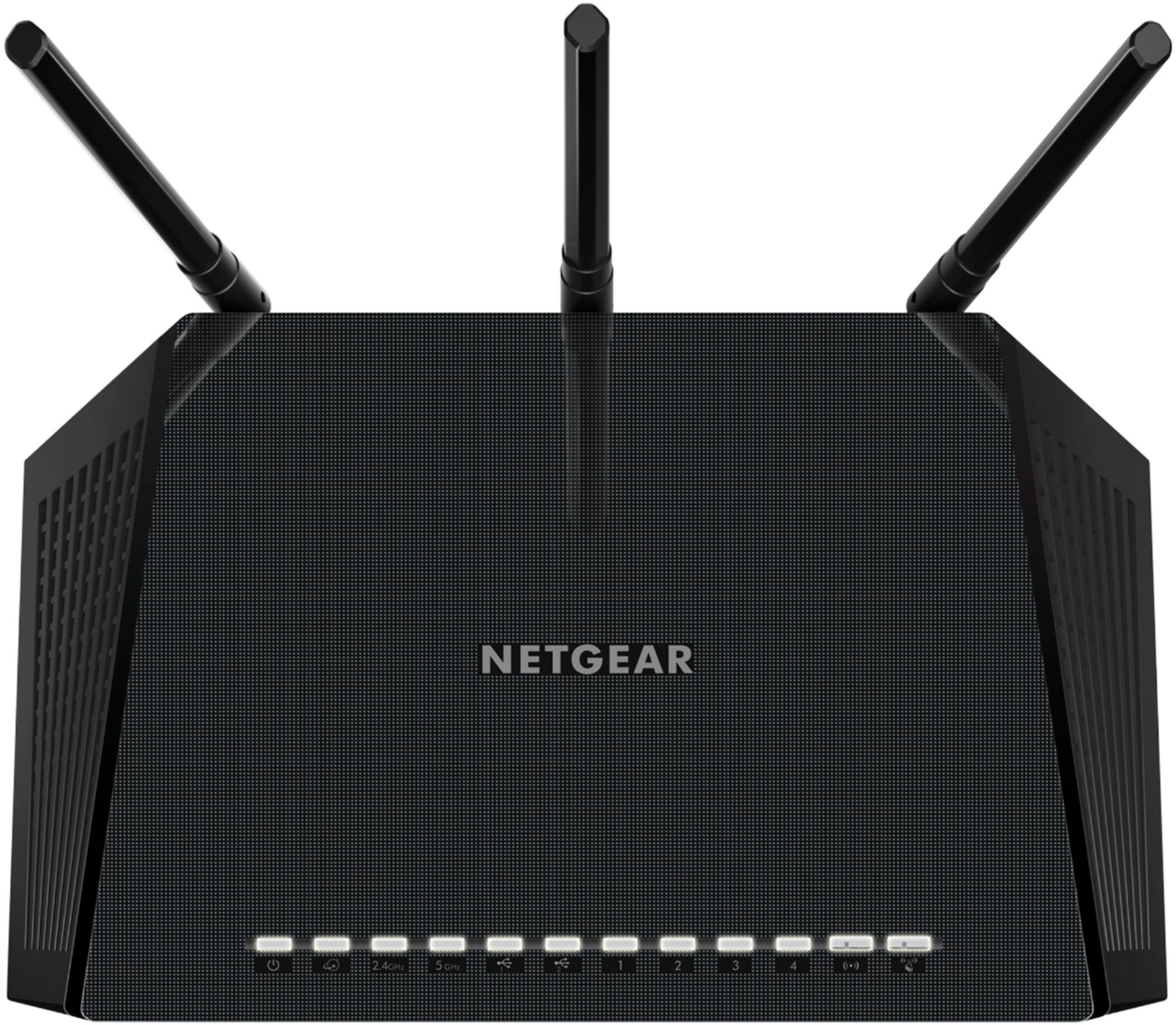
A:AnswerThis router does NOT support plugging a USB hotspot into it as WAN (Internet), however it can be configured as an access point to extend the wireless from a wireless hotspot, but it uses the wireless hotspot to deliver Internet and perform the routing. If you are trying to configure a secure network behind the hotspot, you can accomplish this by purchasing a less expensive wireless extender that has an ethernet port out like the Linksys RE6350 AC1200 Dual-Band WiFi Extender. You configure it to connect to the wireless hotspot and then you plug the Netgear AC1750 WAN port into the port on the Linksys R$6350, which is basically converting the wireless signal of the hotspot into a hard wired connection that the Netgear can communicate with.
Warning: I would not recommend this option long term because you will eat up your data on the hotspot, but it works in a pinch.
A:AnswerThis will broadcast wireless signal and you can communicate with anything else wireless or wired to it, however it needs to be connected to some ISP that provides Internet through it's WAN port.
A:AnswerAbsolutely. It can be used as a router providing a secure network BEHIND the AT&T (or Comcast or Sonic, etc) and it can also be configured as a wireless access point to extend the wireless signal of the AT&T wireless.
A:AnswerI haven't used it long enough to have a good opinion. But, if you're looking for easy install be prepared to not get one. There is no paperwork in the package to help with that. They want you to download an app to install, that's asumming you have a smartphone, and it didn't go as they said it would. I spent 2-3 hours fooling around with it as well as contacting customer service for help. I'm a fairly intelligent person and putting a one page instructions in the box to take me through installation would have made it a lot easier. For example, do this, if that doesn't work, do that. They have enough experience with call in's to know the typical issues people have. The decide costs a lot of money and it can't cost that much to take customer service to the next level by including install directions!
A:AnswerI bought a Netgear 1750 and was very confused as to the set up, the instructions included were vague at best.
After several frustrating attempts to get it to log on to my internet account I contacted a friend who works in the industry.
You have to download an APP for you phone and initialize the router after making an account with (Nighthawk). Did not like this invasion, but tried it.
After spending another frustrating session with the router with no success. I sent it back.
NO this is NOT a Plug-and Play router!
Hope this helps!
J.R.
A:AnswerThe router has fee Armor security protection update and bitdefender is available. Everything is controlled from your computer or cellphone using the Nighthawk app which can be downloaded from an App Store.