A:AnswerHad same problem- items being dropped from my router connection. I believe a new router will help. Buy one. If it doesn't work you'll know that's not the issue.
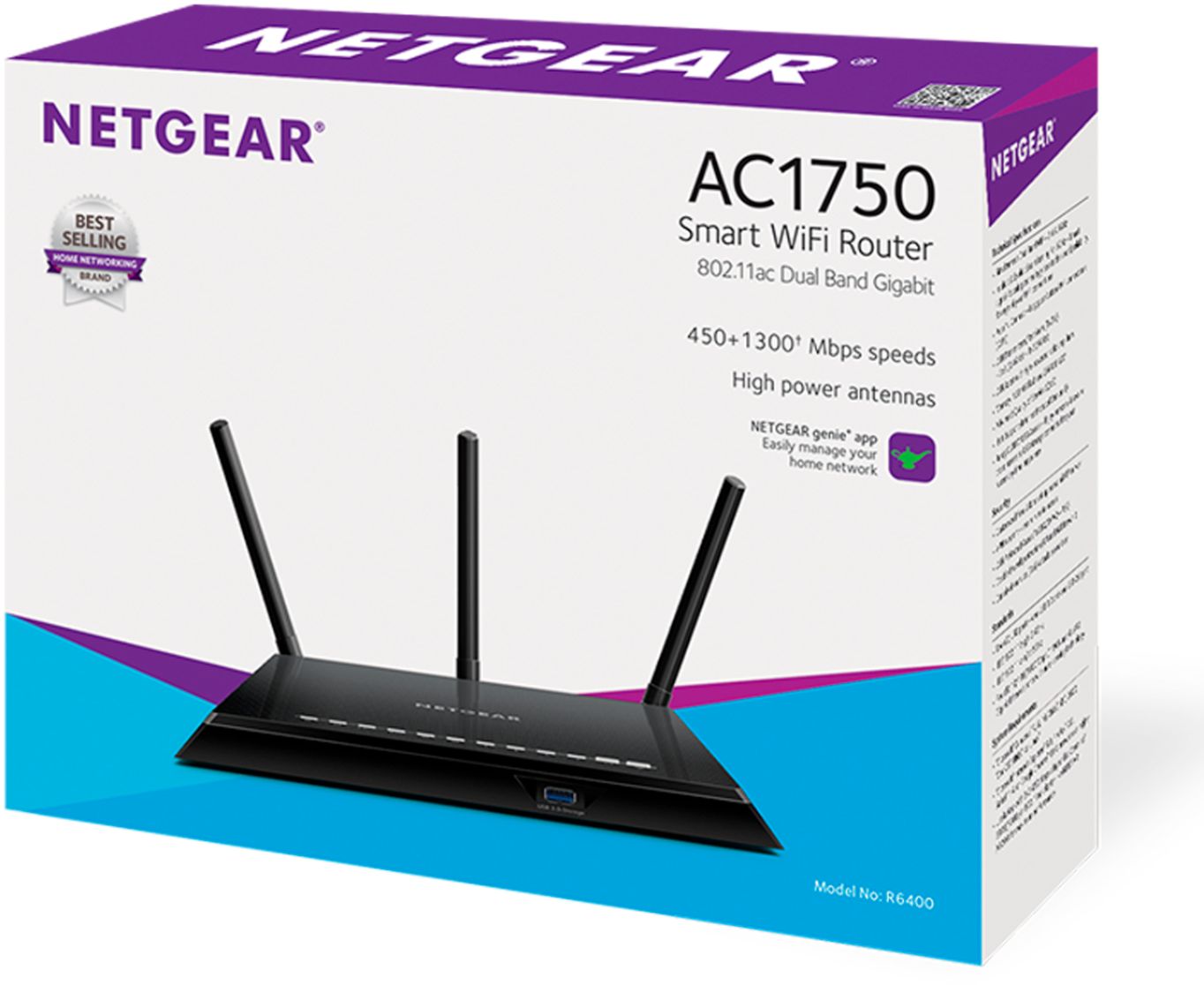
A:AnswerI have xfinity broadband and I'm getting 150mbps through Comcast. I setup this Netgear AC1750 WiFi router for my family home and it works fine. If youo're looking to buy this modem, you won't have any problems.
A:AnswerOnly concern with cable modems is the VOIP phone jack. We have an obsolete landline sort of phone which sends robocalls through every hour. Only some cable modems have that phone jack. I have used 4 different ones over the last 20 years or so. They all worked with no problem. I tend to favor Motorola, perhaps because the English instructions are clear and easy.
A:AnswerYes it will.
I have at&t and there are no issues.
Just plug into the router/modem combo they gave you , set it up , connect to the network you just made and wait about 5 to 10 minutes ...play with it after you connect. And then reset it.
You should connect automatically.
And. Ow instead of using your At&t modem router combo ... you can use the router to connect devices ( I would recommend adding your TV if you're streaming shows using an ether net cable for intense speeds!)
A:AnswerThis router can replace the fios if and only if you are receiving 1gig speed or more. anything slower and you will need to buy a modem/ router that accepts coaxial connection. This router only accepts Ethernet.
A:AnswerYou'll need either a DSL router, which you plug your phone line into, or a separate DSL modem, in which case you can use any WiFi router. Your ISP may provide a DSL modem, which will have a phone jack for the DSL input and one or more ethernet ports, which you'd plug a WiFi router into.
If you're not sure about all this, I'd go into your local BestBuy and ask there, I've had good luck with them.
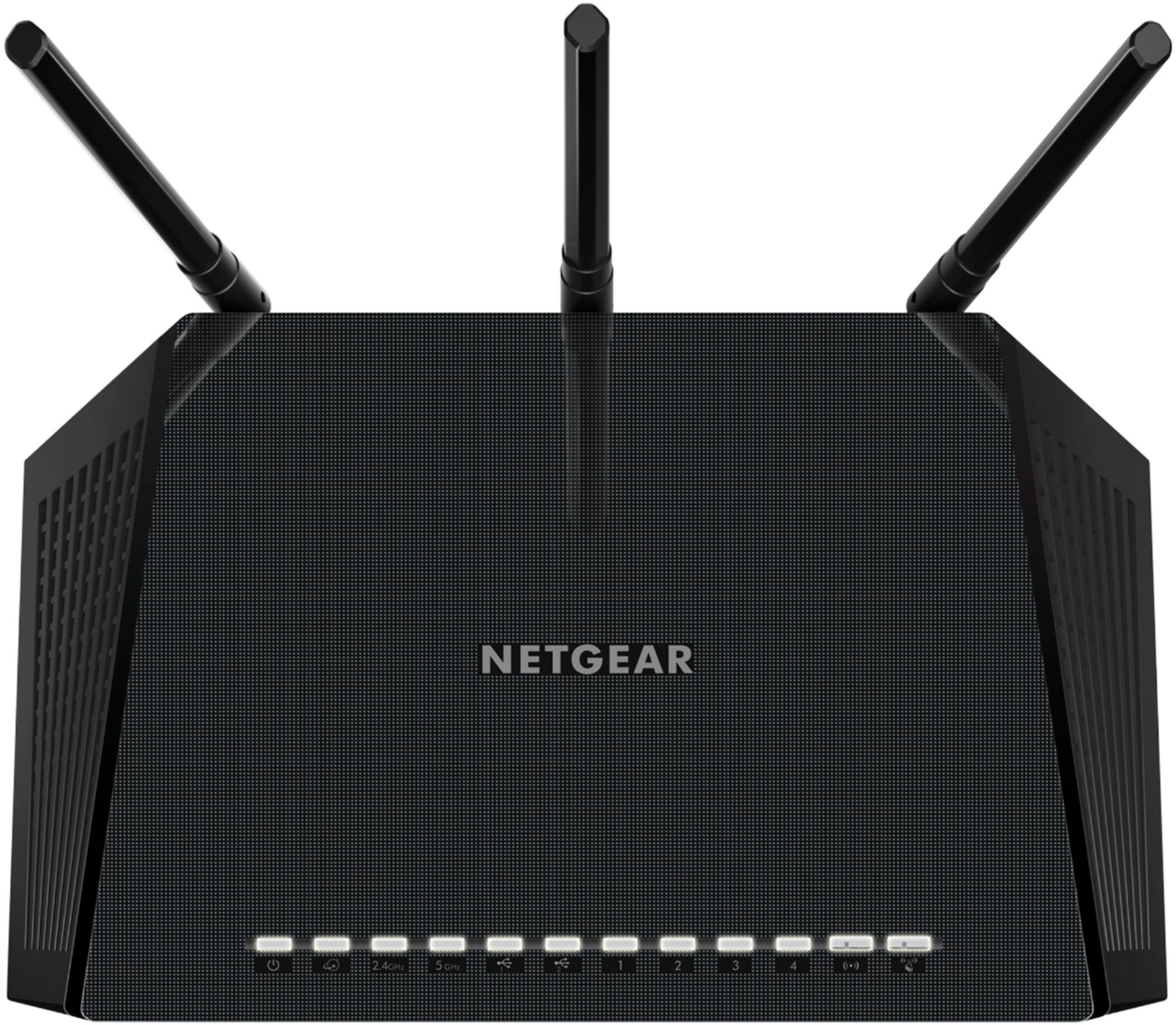
A:AnswerYes don’t hit buttons on the right side. They shut the router down. There are no indicators lights to let you know if the are on or off so press and walk away
A:Answerno idea everytime i tried to install it, it would not install with my computer, i got a friend who is tech savvy and he couldn't get it to go. it should have been a quick 5 min job it took us an hour and still do not have it hooked up.
A:AnswerThe router has almost nothing to do with internet. A router is a device that routes communication between computers and devices on your home network. It also allows communication from your device to your modem. The modem, either owned by you or rented from a internet service provider, is what accesses the internet.
A:AnswerAs long as your modem connects to this router with an ethernet cable then it's going to work with any internet providing, just try to not connect it to a modem that is a router modem combo as it duplicates half of what your unit already does.