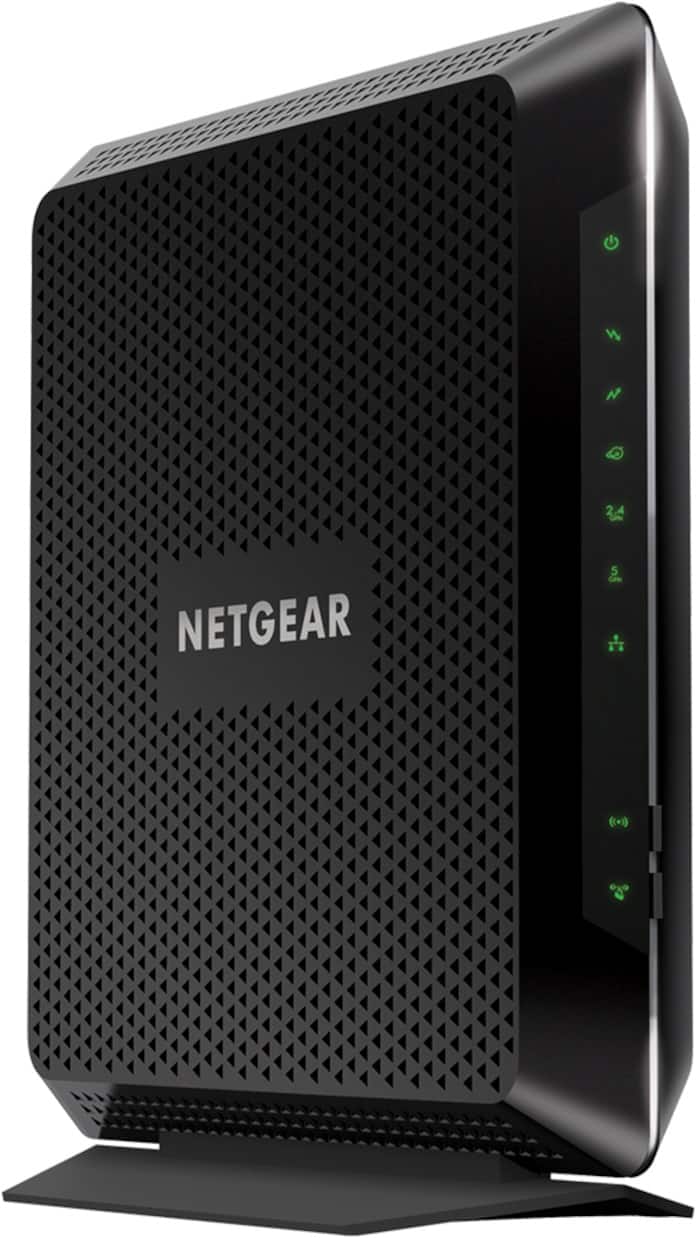
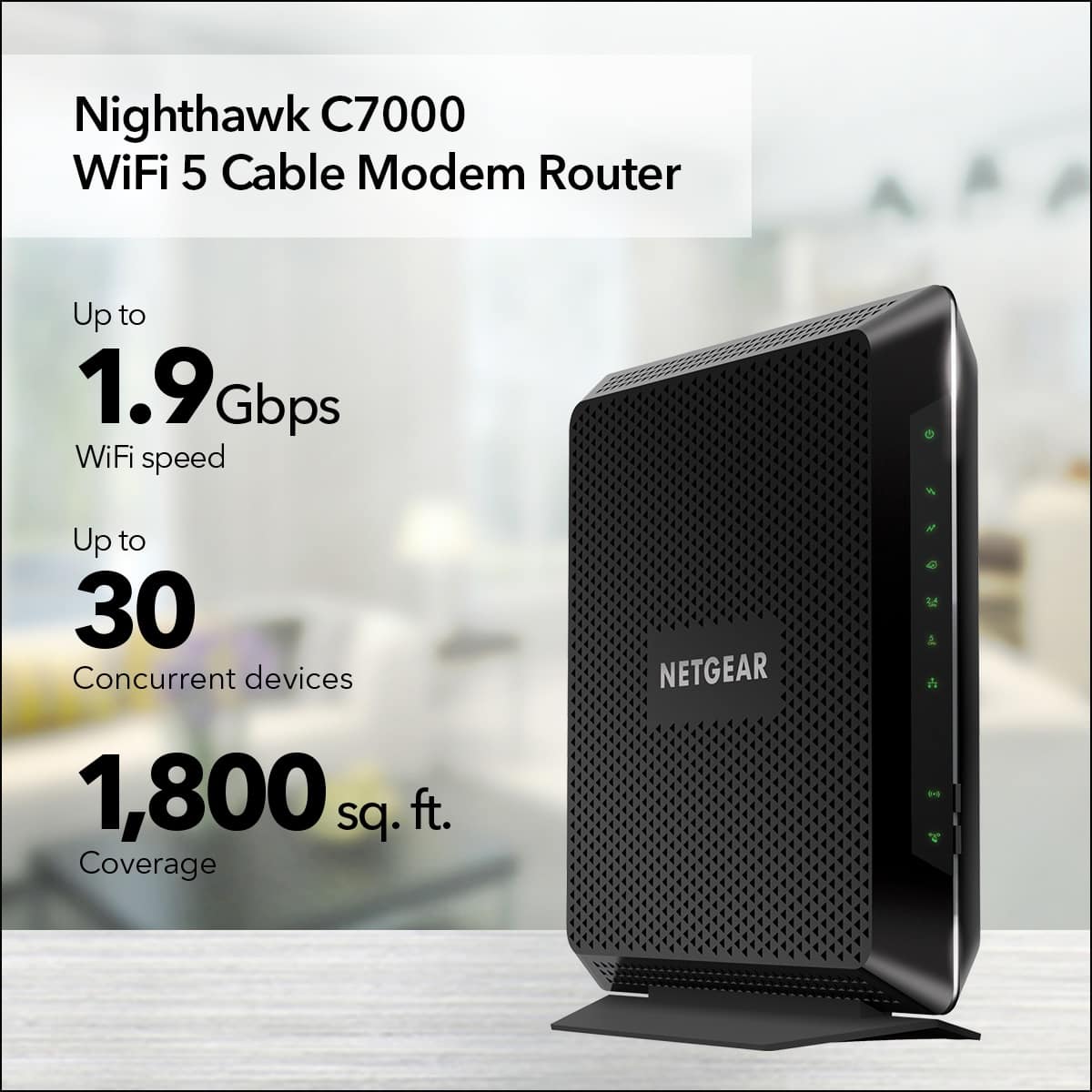
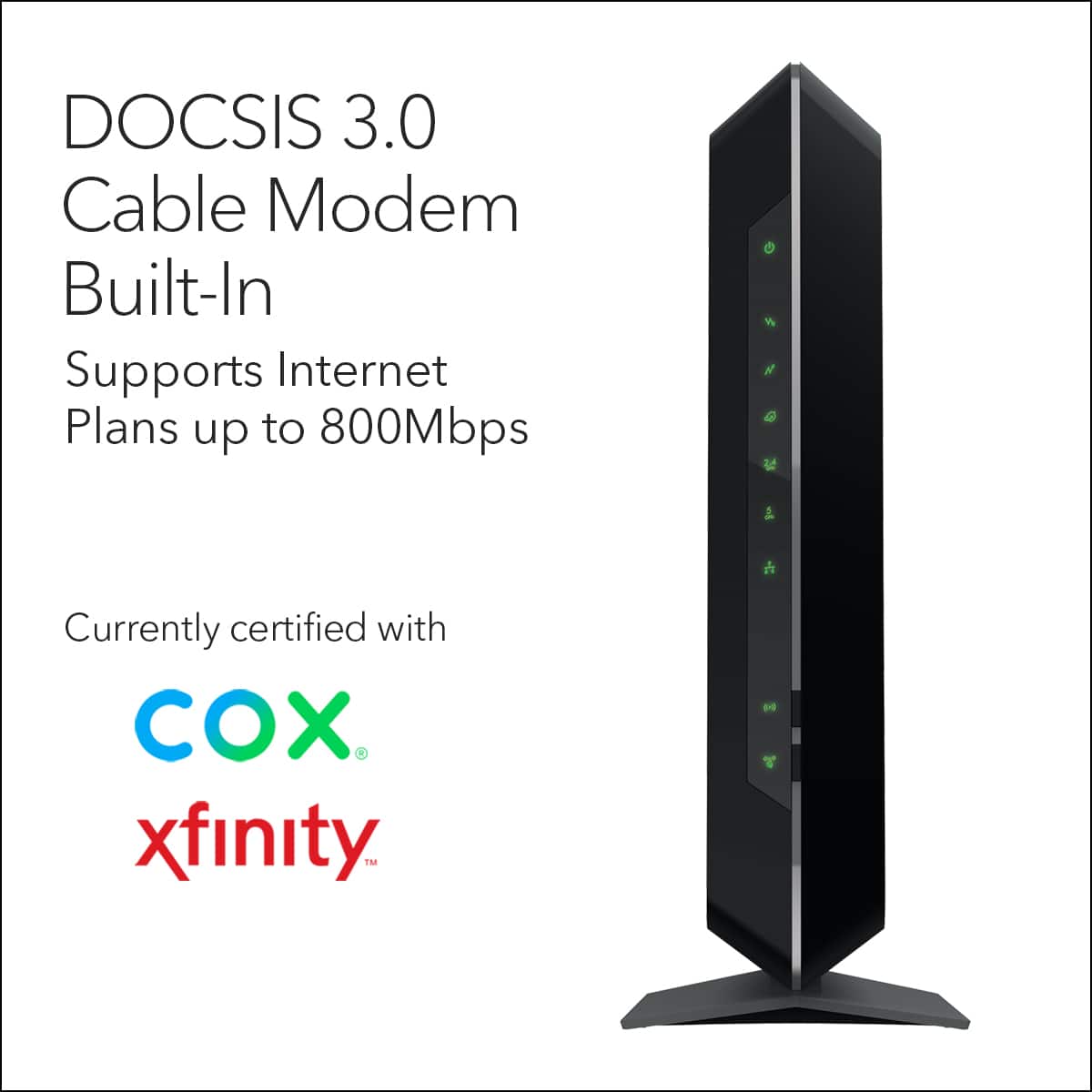
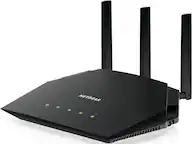
A:AnswerYes. I bought it to replace the router that I had been renting from Comcast/Xfinity. Only using the WiFi capabilities right now, but everything is working as well around the house as it did before.
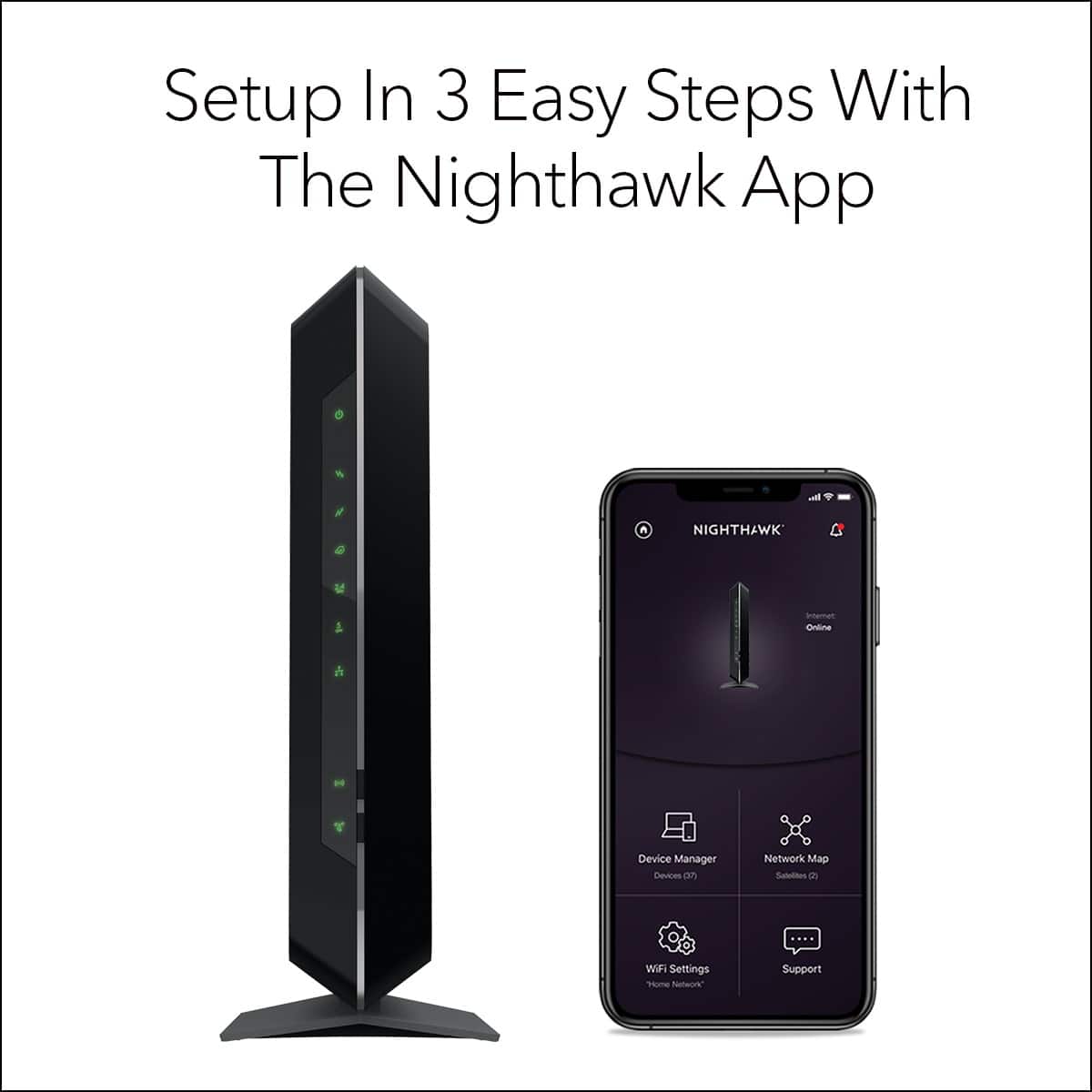
If replacing an existing one, you need to update the info on your system. Can be after you hook it up. They did it in the store when I returned my rented equipment. I think you can do it yourself on the app also?
A:AnswerI'm not sure what you mean by monitor but if you mean to set it up no you can use a web browser on a computer on your network. Go to routerlogin.net and the defaults are admin /password. You can set everything up from there
A:AnswerAs long as they use coax cable, it should be compatible. Though I am not familiar with that ISP so I don't know if they use that connection method.
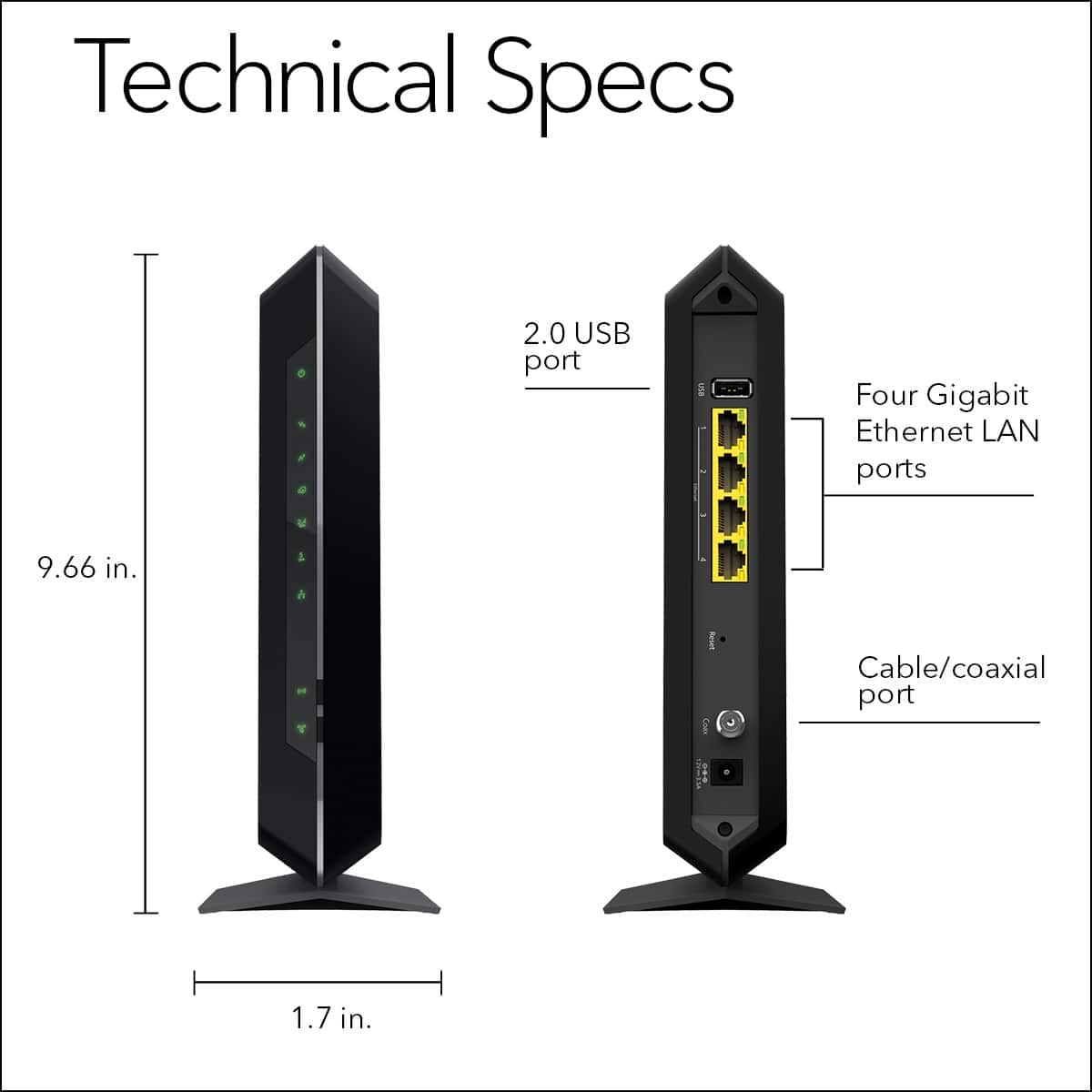
A:AnswerYou could run a long cat5/ethernet cable from the modem/router into the room you need a hardline going to. There are four ethernet outputs on the back of this modem/router.
A:AnswerAs long as the connection goes through a coax cable, it should be compatible. Though I am unfamiliar with that ISP, so there may be issues with setup.