A:AnswerGoogle is your friend!
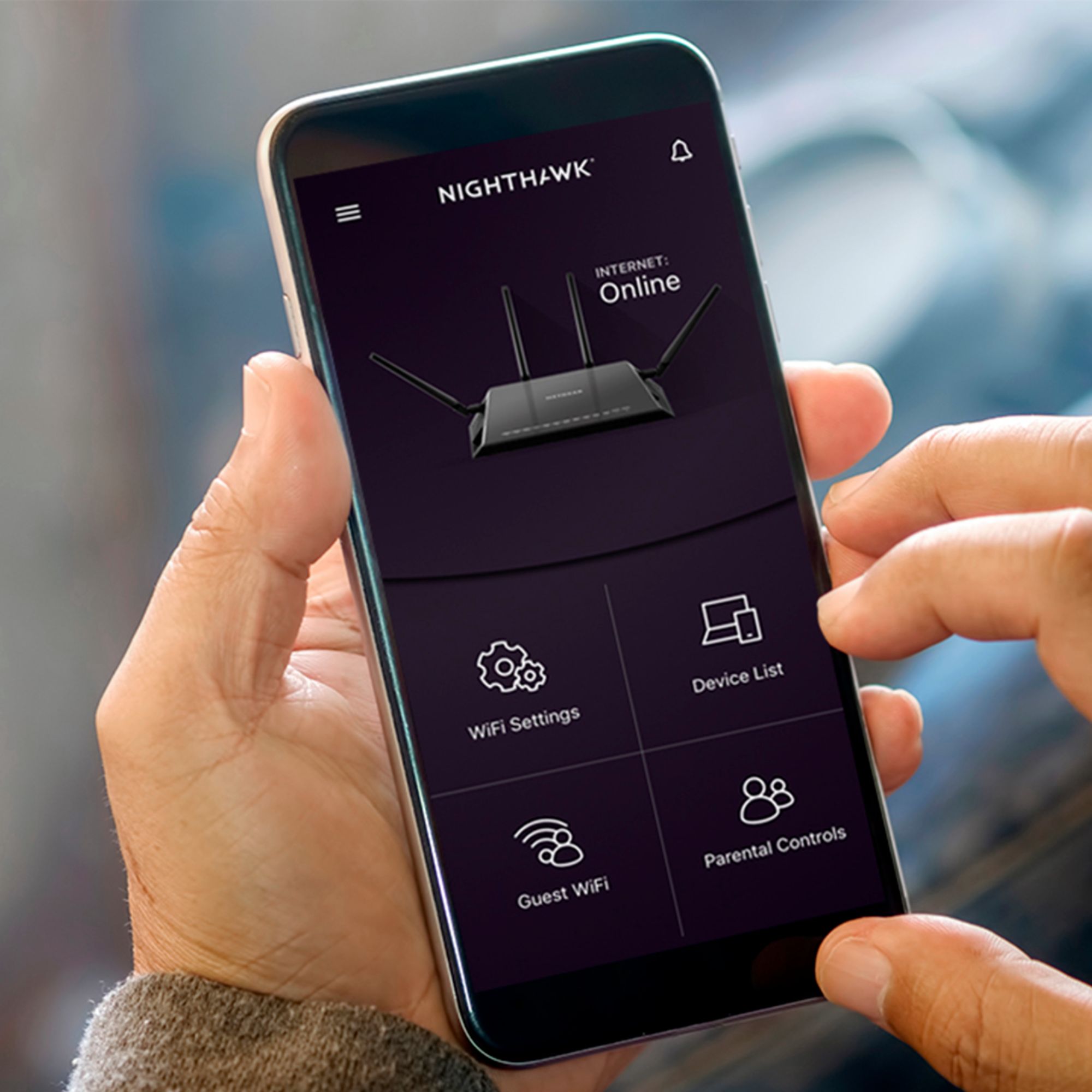
But basically, first you need to ask your internet provider to put your current modem/router/gateway into bridge mode. From there you can follow the instructions in the box, and the app is great for guiding you through the setup.
Pro tip: name the new WiFi network the same thing as your current one, and give it the same password too. That way as soon as you finish the basic setup of the new router, all of your devices will automatically connect. I could've saved so much time over the years if some random stranger on the internet had shared this little trick.
A:AnswerOk. So you have your Netgear R7000P, and you have what I'm assuming is your Spectrum modem/router combo (called a gateway). Have you called and asked Spectrum to put your gateway in into bridge mode? Regardless, I'm sure Spectrum will be much more helpful than anyone can here. They'll know more about your setup and they can talk to you in real time. I honestly don't even know exactly what your question is, and I mean no offense here, but it's basically a statement of "This thing isn't working, what do I do now?"
A:AnswerIt does work with xfinity, infact, i am with Xfinity and using netgear. this device pretty much works with every service provider that i know of.
A:AnswerOpen the box and read the instructions. If that doesn't do it for ya, you can always refer to Netgear's support website, then fire up Google and read through some threads on forums, or even go back into the store you bought it from and ask someone. I think they even have a service where you can pay the geek squad to set it up for you. Heck, I'll do it for $20!
A:AnswerCorrect. I recently upgraded my internet from Comcast (cable) to Ziply (fiber) and was able to eliminate the cable modem. As long as the fiber is coming into the house using an ethernet (network) cable, you have no need for the modem.
A:AnswerOnly the wifi, I’ve seen no option to turn off the hardwire. If you pay for their Circle features then you could turn on/off on a schedule based on mac address. I liked all the features of Circle, but the new Mac randomization features coming out in most mobile devices makes it mostly unusable. Unless you turn off that feature in your devices, but doing that makes you more vulnerable to threats when connecting to Wifi outside of your house.